Categories:
Aura File Manager activation
Guidelines for the activation and deactivation of the Aura File Manager module
Related documents
📃Aura File Manager description
Prerequirements
-
This step must be only executed if the environment counts on a channel of
whatsapptype (WhatsApp channel). -
It must be executed once, when setting up each channel. Afterwards, the configuration must just be reviewed.
Steps for File Manager enabling
In order to enable Aura File Manager component to deploy it in environment, follow these steps:
-
Add to the environment config file the following command:
file_manager_enabled: true -
Only for ES environments, it is also required to set the lines below, as the Whatsapp channel is already configured to accept this configuration in the environment config file:
clients: wa: file_attachments: enabled: true -
If the clients structure already exists in the config file, merge this configuration with the current one:
-
WhatsApp channels need to have enabled attachments:
{
    name: 'nameOfChannel',
    requestOptions: {
        fileAttachments: {
            enabled: true
        }
    }
}
Find here detailed information regarding the
requestOptionsmodel within Aura channel model, that includes the configuration of the allowed files.
-
-
In order to process the files, aura-bot must set the Aura File Manager API URL in the environment variable AURA_FILE_ENDPOINT.
-
On the other hand, the variables of the File Manager must be configured.
-
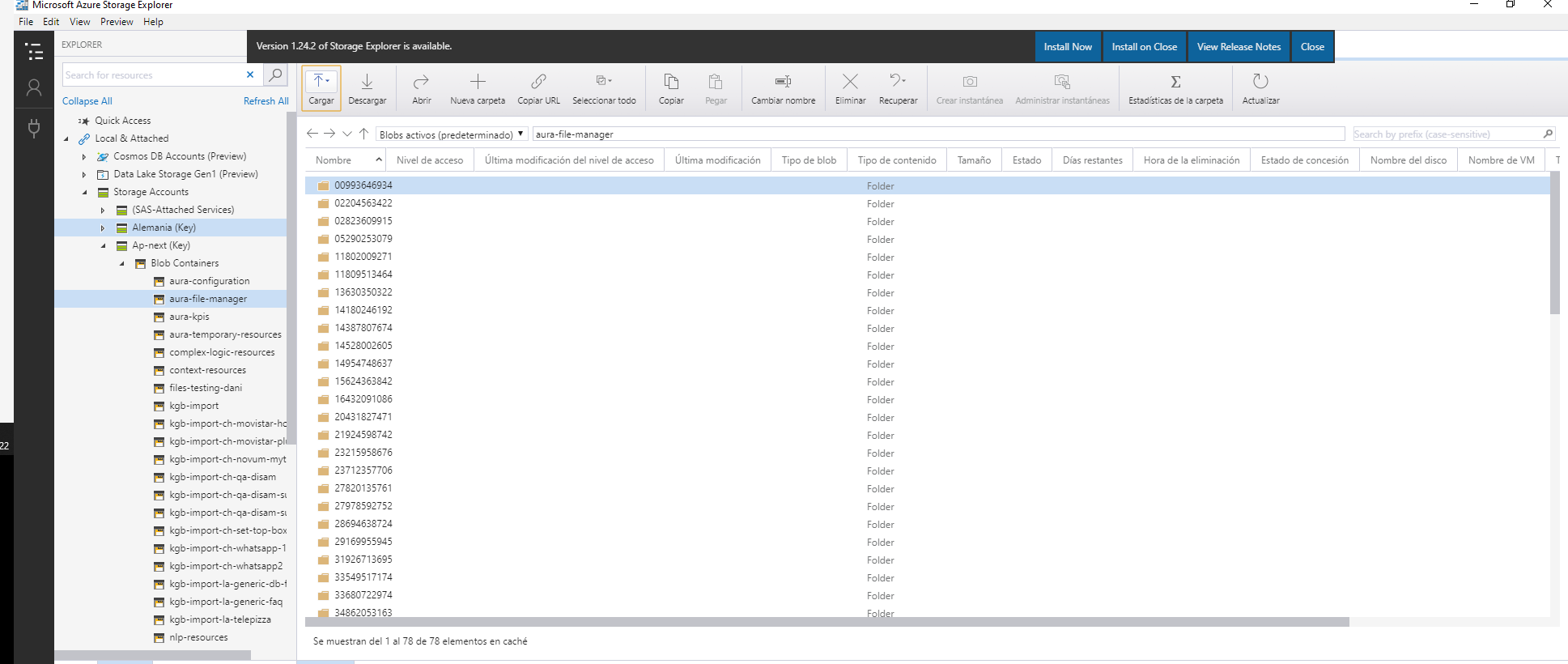
It is also needed to configure a container in Azure Storage with Automatic removal files.