Categories:
Design preset configuration: Generative
Guidelines for configuring a preset for the ATRIA Generative AI capability
ATRIA use cases constructors
Introduction
A simple ATRIA Generative experience performs a basic interaction with a Large Language Model (LLM), generating content from an input user’s query based on predefined instructions (prompts), and including control stages to ensure reliable and appropriate responses.
The first task in the process involves defining the configuration for your preset, that entails selecting the specific parameters tailored to your use case.
These parameters are defined in the aura-configuration-api API swagger » PresetConfiguration
The preset configuration parameters have been divided into two categories:
- Basic configuration: Selection of the most relevant ones from the use case constructors point of view.
- Advanced configuration: Other preset parameters that can also be configured but require greater technical expertise.
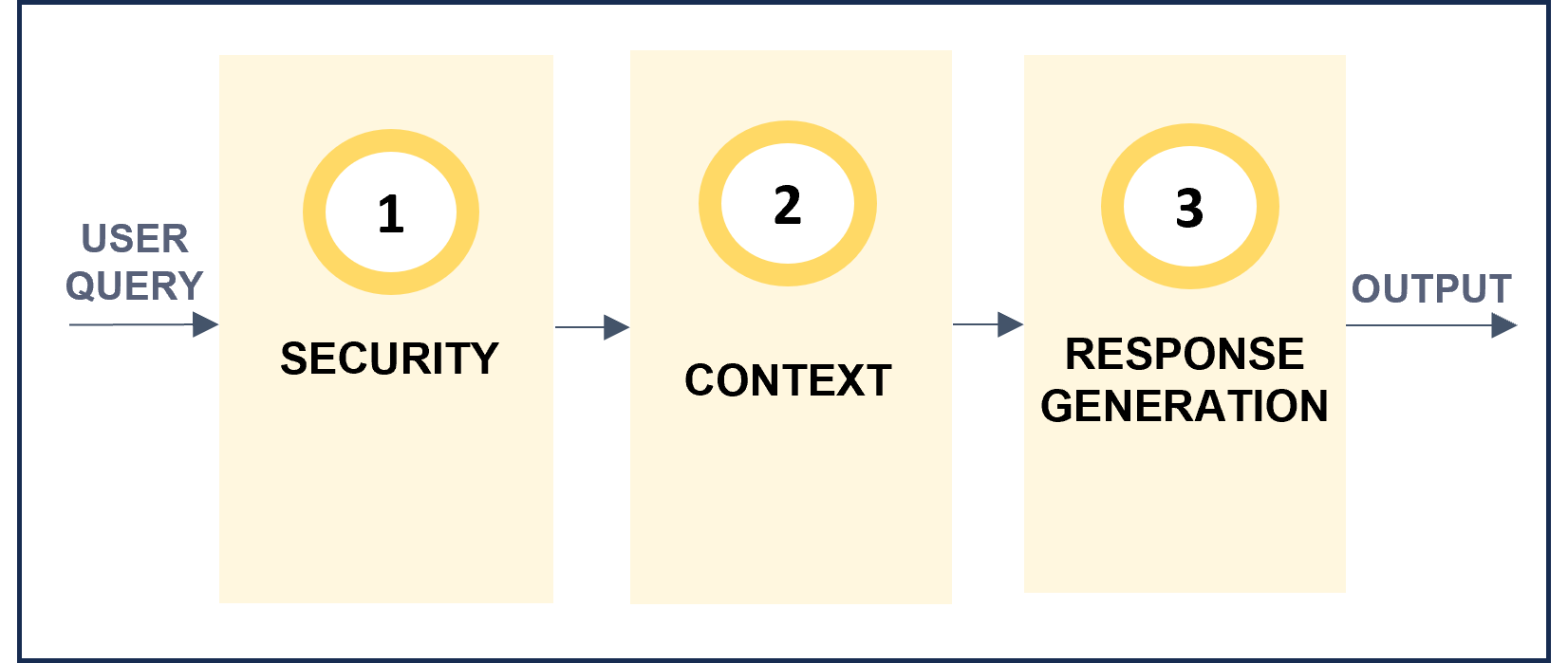
From all the available preset parameters, some of them are general ones and others are specific for each step of the predefined Generative pipeline, which is schematically shown below.
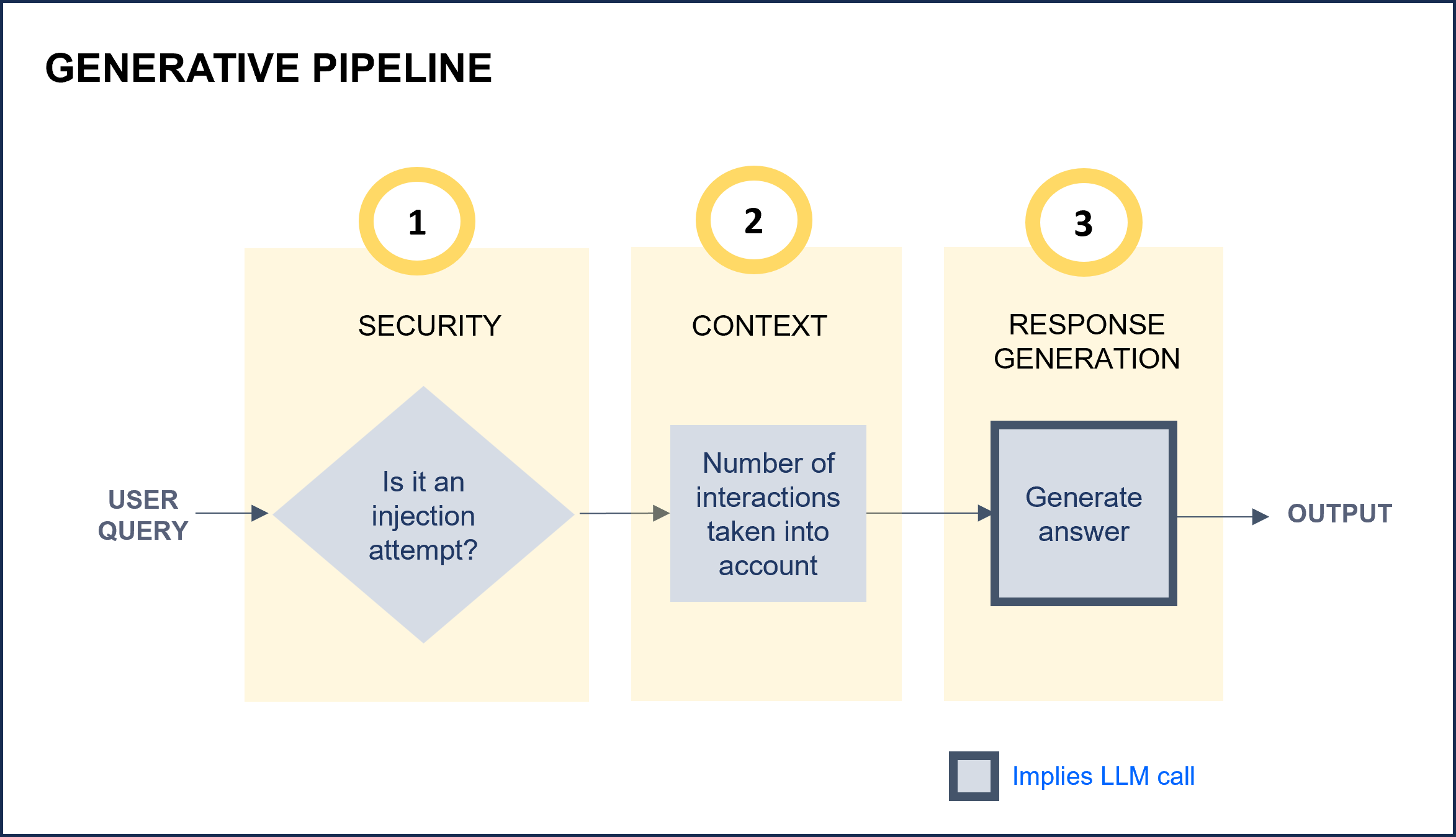
ATRIA Generative pipeline
a. Define the basic configuration for your preset
1. Select a preset template for Generative
For this purpose, two options can be used:
1.1. Create a preset from scratch
If you want to create a preset from scratch, use the template below.
This preset JSON file is intended to serve as a base template on which you can make your modifications.
Remember that this preset template only included basic configuration parameters for use cases constructors.
Access the Generative preset JSON file
{
    "id": "e27ca464-488a-435d-a508-da8a262d905f",
    "name": "openai",
    "description": "openai model",
    "group": "simple_ai",
    "session": {
        "window": 0
    },
    "generative": {
        "model": {
            "id": "gpt-4o-mini",
            "parameters": {
                "max_tokens": 1024,
                "response_format": {
                    "type": "json_object"
                    },
                "temperature": 0.2,
                "top_p": 0.9
                }
               },
        "injectionMaxLength": 1000,
        "prompts": {
            "template": "{MSG}",
            "preamble": {
                "text": "Speak as if you were {name}",
                "args": {
                        "name": "a pirate"
                        }
             },
            "examples":[
                "Hello, comrades"
                "Hoist the sails"
                       ],
            "promptMaxLength": 10000,
            "promptRegexClean": "[#\\n\"]+",
            }
        }
      }
1.2. Use available presets as templates
If you want to use an existing ATRIA preset and update specific parameters on it or use it as a reference to create a new one, you can access the list of the presets available in your environment: Calls to API: Get info about the available presets or applications
2. General parameters
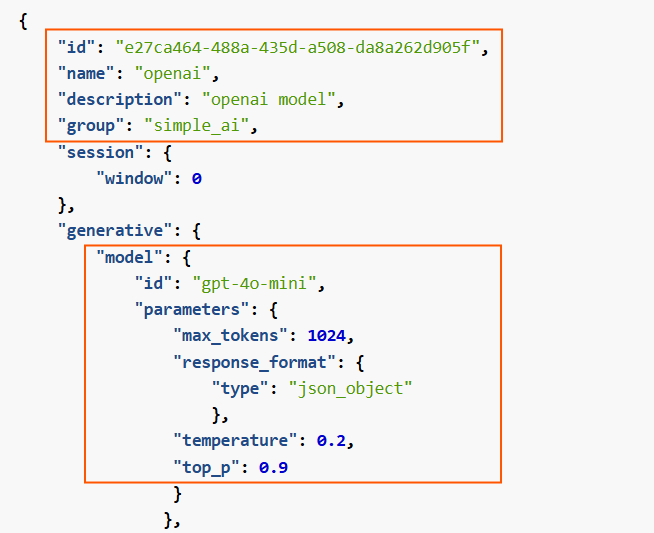
Configure key general parameters of the Generative experience.
id: Mandatory. Unique preset identifier in UUID format.name: Mandatory. Preset Name.description: Optional. Description of the preset functionality.group: Mandatory. This parameter is used to group requests regarding the AI technologies used to generate KPIs. Value:simple_ai.modeland associated parameters: Model to be used in the LLM call of the experience.- The following options are available: Models by default.
- In addition, it is possible to include other model relevant parameters. Specifically,
response_format, that allows selecting the format of the response, is interesting.
Related parameters in preset
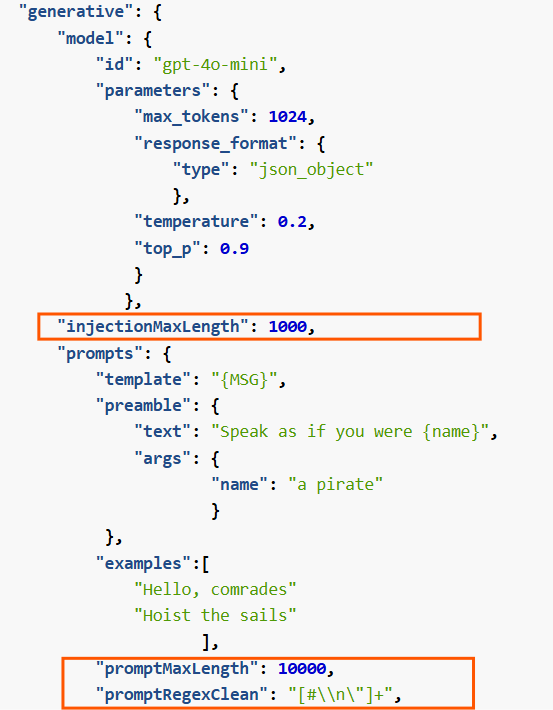
3. Security
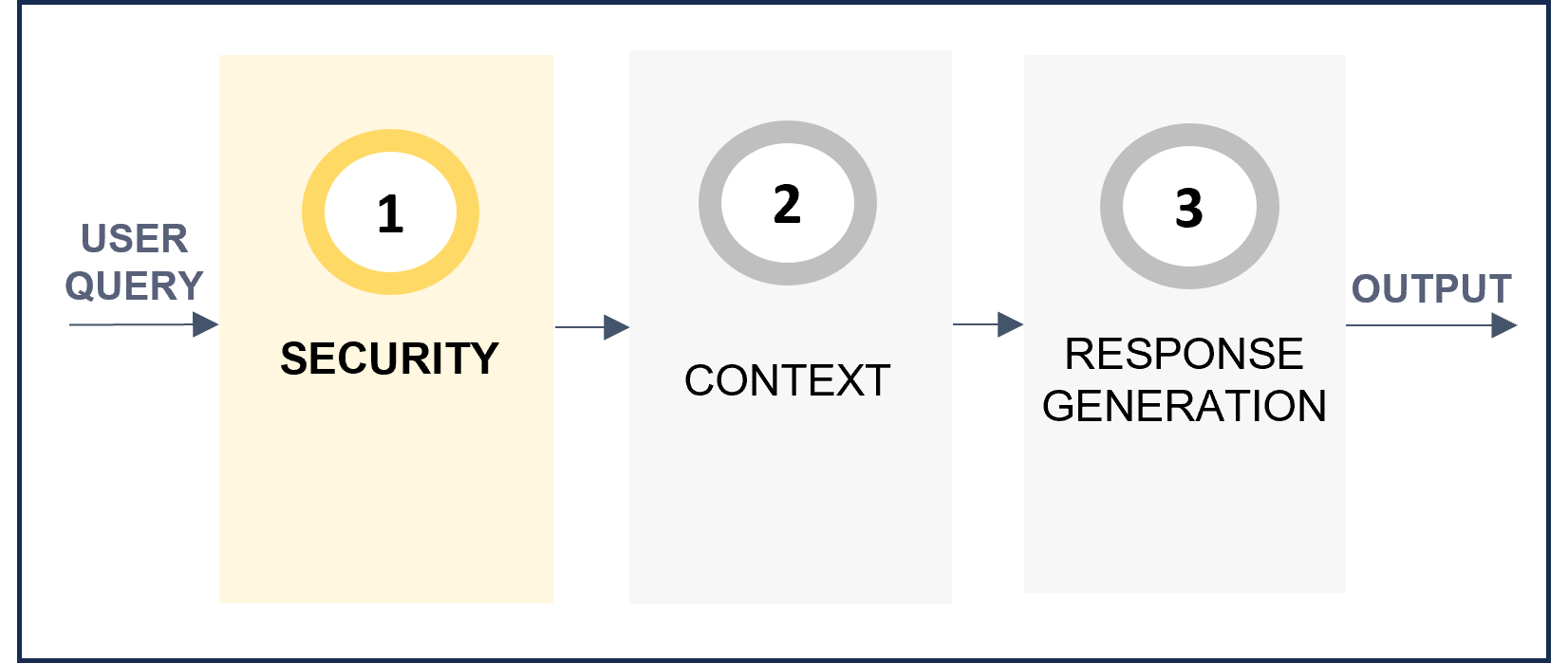
Improve security and prevent prompt injection.
injectionMaxLength: Optional. Maximum length of the input request. If longer, an error is provided and the request does not enter the following stage.promptMaxLength: Optional. Maximum length of the completed prompt. Used to avoid calling LLMS with wrong prompts. If the prompt length exceeds the set value, the prompt will be truncated and the LLM will only use the truncated prompt to generate the response.promptRegexClean: Optional. Regex pattern to clean the query before sending it to the model. This is useful to remove unwanted characters or patterns from the query. Type: number.
Related parameters in preset
4. Context
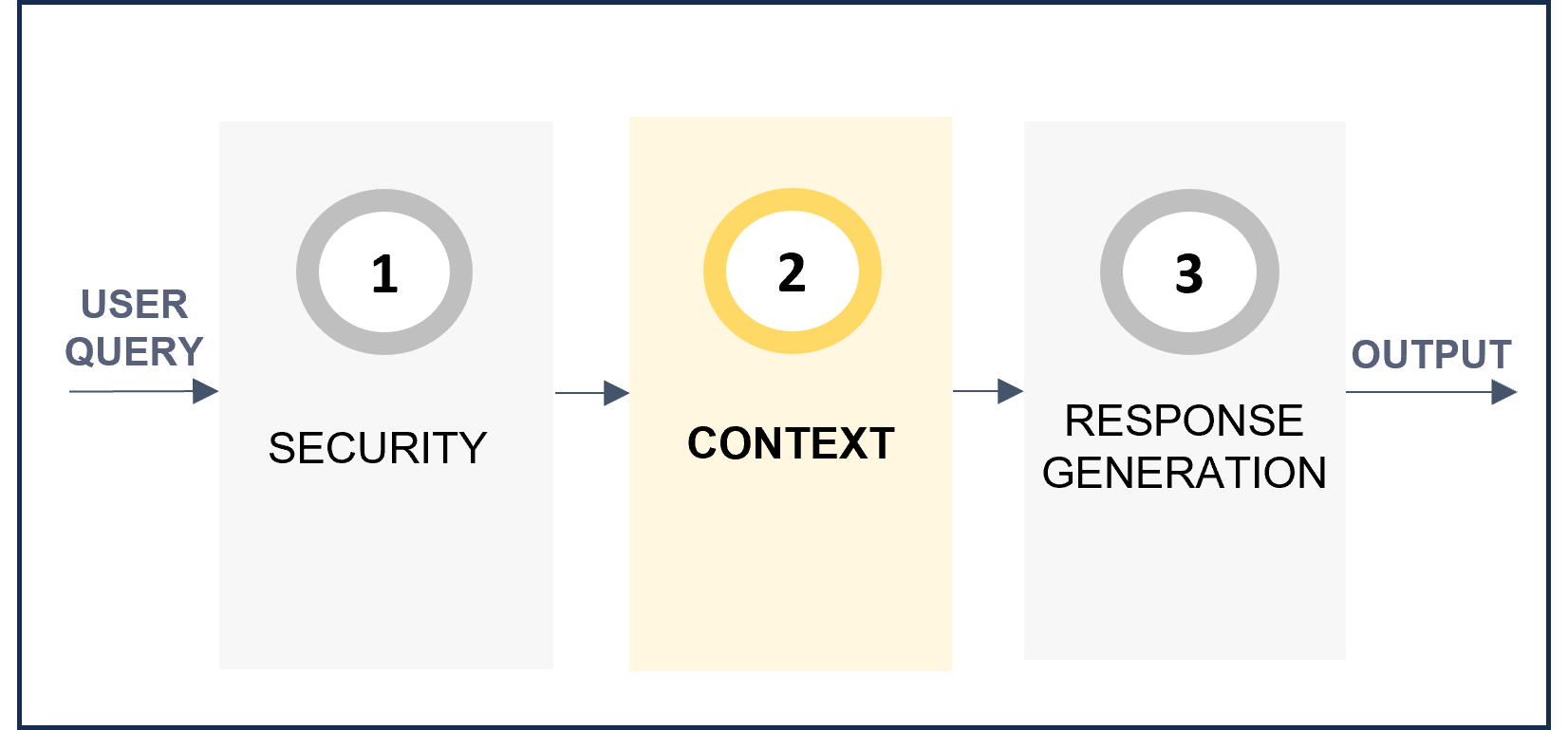
Enrich the response including information from past interactions.
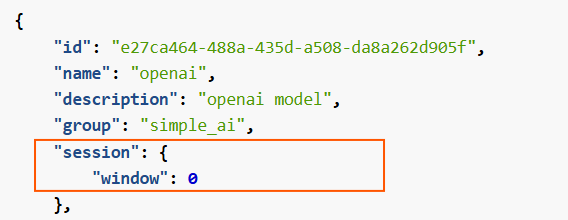
window: Number of previous interactions from the same session that the model will take into account to generate the response.
Related parameters in preset
5. Response generation
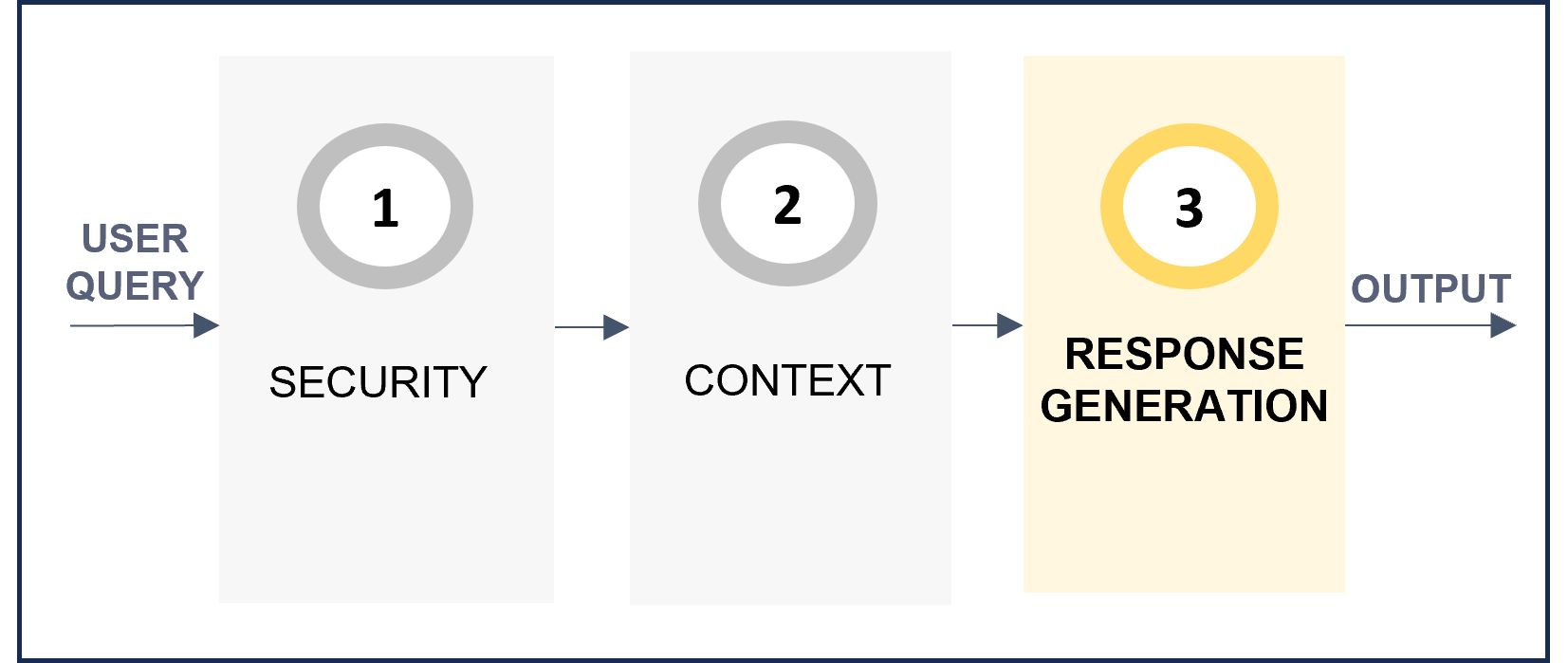
Define the prompt with instructions to be used by the AI model for the generation of the response.
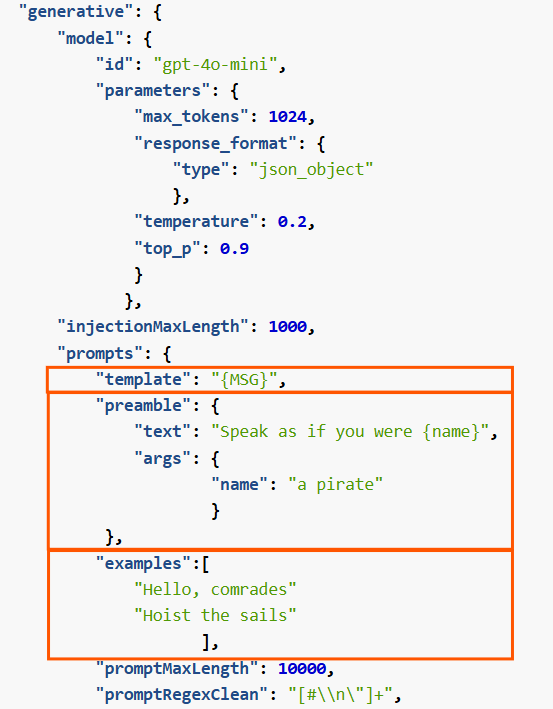
template: Optional. Template that includes the user’s input. It must include {MSG} for the user’s utterance.preamble: Optional. Instructions that the model must follow for the use case.
-text: Specific instructions sent to the language model. It can include variables as placeholders ({}).
-args: Specific values for the placeholders defined in the text.examples: Optional. Examples to enrich the prompt.
Related parameters in preset
Check the document Best practices for prompts generation that includes practical guidelines for creating a prompt in ATRIA
b. Define advanced configuration for your preset
In addition to the basic parameters for use cases constructors, presets also include other advanced fields that can also be configured but require greater technical expertise.
Discover them here: Create and configure a preset.