Guidelines for managing Aura Virtual Assistant and ATRIA
Scope: Practical guidelines for the customization, development, operation and monitoring of Aura Virtual Assistant and ATRIA.
Specific guidelines for use cases development are included in the section Experiences Builder.
1.1 - Dependencies update in Prince 10.0.0 release
Dependencies update in Prince 10.0.0 release
These documents include all the updates in components that have been carried out for the release Prince 10.0.0, along with the corresponding migration or adaptation tasks that should be executed by the OBs Teams.
Index
Python repositories migration for PyUtils, Aura NLP, Aura Complex Logic Framework plugin packages and ATRIA repositories.
Migration of Python repositories from Python 3.9 to Python 3.13 version for PyUtils, Aura NLP, Aura Complex Logic Framework plugin packages and ATRIA repositories
Introduction
This document describes the migration process of Python repositories from Python 3.9 to Python 3.13 1 for PyUtils, Aura NLP, Aura Complex Logic Framework plugin packages, ATRIA and other productive Python repositories that has taken place in Prince 10.0.0 release.
This migration is required due to the end of life of Python 3.9, set in October 2025.
PyUtils migration
PyUtils contains multiple repositories that have been migrated to Python 3.13 version by Aura Global NLP Team.
The use of these libraries is the same as before the migration, but OBs constructors must test the use cases to ensure that everything is working correctly.
NLP packages migration
The Aura Global NLP team has migrated the Python repositories to Python 3.13 version and has generated the different NLP packages for the OBs.
Two branches will live together:
release/7.0: Compatible branch with Python 3.9 version. If the deployed OB release is previous to Prince 10.0.0.
release/8.0: Compatible branch with Python 3.13 version. After Prince 10.0.0 release delivery.
The release/8.0 branch will be launched together with Prince 10.0.0 delivery. However, release/7.0 will remain active until the OB deploys Prince in production environment and even after that, for any issue or hotfix required.
The repositories of NLP training has a JenkinsFile 2 that defines the pipeline in Jenkins for the continuous integration of the repositories. For release/7.0 branch, the JenkinsFile of Aura NLP repositories will be configured for working with Python 3.9 version in the pipelines defines in Jenkins, to allow OBs to continue creating NLP packages, until they deploy this new release.
When deploying Prince release and changing from release/7.0 to release/8.0, both branches must be synchronized to preserve all modifications made in the older one.
Constructors should not do any change, as no trainings with the QnA and LUIS stages should exist (these stages are deprecated and must have already been replaced by the OpenAIEmbeddings and CLU stages respectively).
With the NLP packages provided by Aura Global NLP team, the OB constructors must test and validate that all the use cases are working correctly.
QnA and LUIS recognizers deprecation
The QnA and LUIS recognizers are deprecated and have been replaced by the OpenAIEmbeddings and CLU recognizers respectively in all trainings.
NLP Resources
The repositories resources listed below, which are the ones in production environment, have been migrated:
AP
resources_pizza
resources_ap-demo
resources_cr
ES
resources_tiempo
resources_real-academia-historia
resources_core-dialogs
resources_bingo
resources_movistar-shop
resources_movistar-gaming
resources_es-nov
resources_memory
resources_leia
resources_eset
resources_chester
resources_mis-tokens
resources_movistar-cloud
resources_estadio-infinito
resources_es
BR
resources_br-b2c
resources_br-b2b
resources_br
resources_br-rh
resources_br-rcs
resources_br-stb
resources_br-easy
resources_br-app
resources_br-wa
resources_br-nov
Migration process for CLF plugins
The Aura Global NLP team and constructors have carried out the following steps for the migration of CLF plugins:
Aura Global NLP team:
Updated in requirements.txt the packages to the versions generated for Prince release.
Updated tools and scripts to work with the Prince release.
These repositories work the same way as the NLP training repositories: a release/7.0 branch has been launched before the Prince release to make changes in previous versions. For Prince release, a release/8.0 branch is available.
Updated JenkinsFile:
The JenkinsFile is set for versions previous to Prince release (release/7.0).
In Prince release, there is no need to update JenkinsFile as it is already configured in master.
Constructors:
Reviewed the Python changelog for Python 3.13 version.
Executed tests with the new version of Python and its libraries.
Executed plugins and tested the locally.
Adapted code.
Generated a new version of the plugin package of the constructors and propagated to the corresponding environment.
Tested plugins in the environments.
Currently, there are no constructors outside the global team. For this reason, the Aura Global NLP team will be responsible for the migration of the CLF Plugins.
CLF plugins repository list
Below, the list of migrated CLF plugins repositories is included:
aura_clf_video
Migration process for ATRIA
The ATRIA repositories have been migrated to Python 3.13 by Aura Global Team.
The configuration inside ATRIA repositories must be the same as before migration, but constructors must test the use cases to ensure that everything is working correctly.
Information about the migration process for any productive repositories of Python language
Get sure that any productive repository that is not currently being used has been migrated from Python 3.9 to 3.13 version before being put into production.
Python 3.13 is the latest version of Python Programming Language at this moment. Cognitive components are being migrated to this version. ↩︎
JenkinsFile defines the pipeline in Jenkins for the continuous integration of the repositories. ↩︎
1.1.2 - Nodejs-related dependencies update
Nodejs-related dependencies update in Prince release
Modifications in Aura components associated to the update of Nodejs in release Prince 10.0.0 that must be carried out by the OBs when deploying this version
Introduction
The following dependencies of Aura Nodejs components have been updated in Prince 10.0.0 release.
This affects aura-bot and, consequently, implies that different tasks must be done by the OBs in order to make their dialogs compatible with these modifications.
Changes in the rest of components do not affect neither the constructors nor the deployment itself.
This version should be updated to 2024-11-15-preview for all environments before this date by the GES Team.
The update of the CLU API version enables the copy of CLU projects in cache. This leads to more efficient processes: reuse of CLU trainings with no need for retraining, reduced deployment times, hot swapping processes, etc.
On the other hand, this update does not impact in the use of Aura NLP.
Steps to update CLU API version
To update the version of the CLU API, follow the steps below:
Prerequisite:
A kubeconfig of the environment must be previously configured.
Requisites for the proper operation of Nodoubt 9.11.0 release
aura-databricks-jobs configuration
Manual removal of files from Microsoft Storage account
A pre-requisite in Nodoubt release is required for the component aura-databricks-jobs:
The Operations Teams must eliminate manually the files configured in the common storage of the Microsoft Storage account defined in the aura-databricks-jobs environment variableAURA_MICROSOFT_AZURE_STORAGE_COMMON_ACCOUNT. These files are not needed anymore, but remain when a new release is installed.
The files need to be deleted from two locations:
/sizeReportDefault.json
avro/sizeReportDefault.json
1.4 - Workaround for Metallica 9.9.0 release
Workaround for Metallica 9.9.0 release
Description of the workaround required for Metallica release, that implies the restart of ATRIA components
Required ATRIA components restart
In Metallica release, for environments that can be suspended and set up again (DEV and PRE environments), it is required to restart two ATRIA components: atria-model-gateway and atria-rag-server.
For this purpose, follow these guidelines:
First, get sure that aura-configuration-api is up and running
Connect to Azure common account with the credentials of the Azure common account and KPI blob container.
Remove the file schemas/aura-avro-adapter.json.
When aura-kpis-uploader is run, a new json file will be generated, with the updated configuration.
1.6 - Update Imagine Dragons 9.5.0 base configuration
Update Imagine Dragons 9.5.0 base configuration
Guidelines to update Imagine Dragons base configuration:
Update scopes configuration for aura-bot and aura-billingKernel clients, and use them in Databricks executions
Update aura-gateway-api environment variables to control how KPI entities are written
Prerequisites
In the corresponding Kernel deployment, all Aura datasets are published and the corresponding scopes are configured to aura-bot and aura-billing clients.
A kubeconfig of the Aura environment must be configured.
Substitute <YOUR_ENV> with the corresponding environment: es-pre, es-pro, br-pre, de-pre, de-int, etc.
The installation output file (output_install/<YOUR_ENV>_info.json) to get:
The KPI blob container name:
Substitute <AURA_KPI_CONTAINER> with the obtained value.
This step can be executed at any time, because it is a performance improvement and will be the default configuration in the following release.
But it should be applied as a workaround if the aura-gateway-api starts failing and returns responses with 503 or 502 statuses, meaning that the KPI writing processes are consuming all the server resources.
Connect to the environment using your kubeconfig.
Read the name of the container where the KPI entities files are being written.
Edit the config-map of aura-gateway-api to update the variables.
kubectl -n <YOUR_ENV> edit cm aura-gateway-api -o
...
Substitute or add the following environment variables.
If an environment variable is not in the config map, it means that the used value is the default one.
Please refer to the aura-gateway-api environment variables documentation for further information.
Review the following variables in your environment profile:
fourth_platform:client_id:"aura-bot"# Aura 4P app client idclient_secret:!vault |$ANSIBLE_VAULT;1.1;AES256<THE_SECRET_FOR_AURA_BOT_IN_KERNEL>apigw_url:"https://api.<KERNEL_DEPLOYMENT>.baikalplatform.com"# must be filled with the right value. Usually https://api.{{environment_profile}}-{{environment_type}}.baikalplatform.com
For example, in Germany, for WhatsappSim Kernel, the URL should be:
For aura-kpis-uploader, assure that AURA_MICROSOFT_AZURE_STORAGE_CONTAINER_DESTINATION and AURA_MICROSOFT_AZURE_STORAGE_ACCESS_KEY_DESTINATION belong to the corresponding Kernel deployment.
Execute deploy_core to assure that the configuration is applied everywhere.
Configure Databricks deployment to be compatible with Confidential Computing
Follow these guidelines:
Delete existing workspace
If you have already deployed Databricks using deploy_common phase, the first step is to delete the current workspace before redeploying it with the correct configuration for Confidential Computing.
Go to the Azure dashboard and navigate to the resource group where your Databricks workspace is located (usually the common resource group used in the initial deployment).
Select the Databricks workspace resource and delete it.
Set up the environment for Confidential Computing
Once the workspace is deleted, you need to adjust the configuration variables to make the new deployment compatible with Confidential Computing. Add the following variables to the environment configuration:
databricks_enhanced_security_compliance: Set to false to avoid additional security compliance configurations that are not needed in this context, and to remove the ability to use confidential type machines.
databricks.cluster.node_type_id: This is configured, for example, as “Standard_DC8as_v5”, which is a Confidential Computing node type in Azure.
Deploying the workspace with the new configuration
To deploy Databricks, we need to re-run the deploy_common phase with the new configuration.
Once the deployment is complete, the Databricks workspace will be configured to use Confidential Computing nodes.
To configure the Databricks job we must run again the deploy_core.
2 - Work with Kernel
Work with Kernel
Guidelines that include different tasks required for working with Kernel
General guidelines for the execution over Kernel of tasks required for Aura features
Introduction
Certain Aura features requires the execution of preliminary tasks over Kernel to access its integrated resources and capabilities, such as APIs, datasets, etc.
The following sections outline the tasks that are common to all Aura features. Additionally, each of them will have their own specific requirements.
If not, ask the Kernel Team to publish the datasets in Kernel productive environment with the latest version.
3. Create a Kernel application
Accessing Kernel data requires the previous generation of an application (Kernel client), which must be configured with permissions to access specific datasets.
For certain Aura features, a specific Kernel application must be created from scratch. Other ones require the use of already existing Kernel applications, such as aura-bot-[environment], that must be specifically configured for this feature (Step 4).
Ask the Kernel Team to create a new application with a specific name (id) in Kernel for your intended environment.
Once the app is created, two parameters will be provided for securely accessing:
client_id: unique identifier of the consuming app acting as Kernel API client.
client_secret: password.
4. Assign purpose/scopes to the application
Only in the case of data that contain personal information (PI-scopes), it is necessary to create a purpose in Kernel, that defines the reason for accessing information-related data.
In this scenario, ask the Kernel Team to generate a purpose for the new application or the existing one required by the Aura feature.
Ask the Kernel Team to generate the scopes required for the Aura feature, that define the access level to datasets (writing/reading permissions to/from Kernel datasets).
Take into account the following considerations:
If a purpose is required, the scopes must be associated to it.
There are global admin scopes that are always mandatory for every app in order to write/read datasets:
admin:datasets:read
data:read
data:write
Additionally, each Aura feature requires its specific scopes.
The version number is not needed in the scopes.
Guidelines for Kernel configuration in specific Aura features
List of published guidelines that include specific Kernel configuration:
Guidelines for the enabling and disabling of Kernel datasets upload in non-productive environments.
Introduction
After the deployment of Aura in any environment, all its components will generate KPI entities files that will be uploaded into Kernel in CSV or Avro format, as datasets. These procedures increment the cost, both in Aura and in Kernel instances:
More consumption of Azure Storage
More time of execution of the Databricks cluster of Aura
Need for more storage in Kernel, both in Azure for the CSVs and for Avro datasets
Moreover, the data generated in these environments is almost never analyzed nor used.
Because of this, the proposal is to disable the uploading and to minimize the storage of these files, to minimize the costs, once the sanity test set was executed and the process has been validated.
If, eventually, there is a need to test the process again or to upload some data to validate algorithms or to use the Aura billing module, everything can be enabled again.
Prerequisites
A kubeconfig of the Aura environment must be configured.
az client installed in your PC.
Credentials to access the Azure subscription.
Substitute <YOUR-ENV> with the corresponding pre-production environment: es-pre, es-cert, br-pre, de-pre, de-int, etc.
The installation output file (output_install/<YOUR_ENV>_info.json) to get:
The token and the URL of the Databricks cluster.
Substitute <DATABRICKS_TOKEN> with Databricks cluster token.
Substitute <DATABRICKS_URL> with the domain of the Databricks cluster URL.
The job_id of the databricks job in charge of uploading the datasets to Kernel
Substitute <DATABRICKS_JOB_ID> with the job_id.
The Azure Storage account name and the blob container where the KPI entities files are stored.
Substitute <AZURE_COMMON_STORAGE> with STORAGE_ACCOUNT_NAME and <KPI_BLOB_CONTAINER_NAME> with its value.
Request a new accessToken from Direct Line to access Aura
These steps must be executed before starting the user conversation with Aura. The token to access Direct Line must be requested to Aura because one of the admin secrets of the bot Direct Line configuration is used to generate the tokens.
@startuml
    title: Request a DirectLine accessToken for AuraGroot
    participant Channel #bdf492
    participant DirectLine #FFCC99
    participant DirectLineWebsocket #FFCC99
    participant AuthenticationApi #FFFF99

    Channel -> AuthenticationApi: POST /aura-services/v1/token/wss
    AuthenticationApi -> DirectLine: POST /token
    DirectLine -> AuthenticationApi: 201 Created {token}
    AuthenticationApi -> Channel: 201 Created {token}
    Channel -> DirectLine: Open WebSocket
    Channel -> DirectLine: Start sending user requests
    Channel -> DirectLineWebSocket: Start getting Aura responses
@enduml
New Direct Line message from anonymous users
An anonymous user is the one that has never been authenticated via Kernel and her authentication session has not been stored in aura-authentication-api.
@startuml

title: Basic flow for DirectLine anonymous users


    actor User
    participant Channel #bdf492
    participant DirectLine #FFCC99
    participant DirectLineWebsocket #FFCC99
    participant AuthenticationApi #FFFF99
    participant AuraGroot #76bbe7
    participant AuraBot #41a0f9

    Channel -> DirectLineWebsocket: Open WebSocket
    User -> Channel: Send [message]
    Note over Channel,DirectLine: The previously created token of DirectLine must be sent in the Authorization header as Bearer token.
    Channel -> DirectLine: Send {activity[message]}
    DirectLine -> AuraGroot: Send {activity[message]}
    AuraGroot -> DirectLine: 200 OK
    note right of AuraGroot: KPI entities are stored during Middlewares execution in local memory.\nEvery 2 minutes and before closing a POD, they are written in Azure Storage.
    AuraGroot -> AuraGroot: Middlewares
    AuraGroot -> AuraGroot: Recognizers (GetSkillByChannel)
    AuraGroot -> AuraBot: Send {activity[message]}
    Note over AuraGroot,AuraBot: There are two different conversations: one between the channel and AuraGroot and another one between AuraGroot and the skill.
    AuraBot -> AuraGroot: 200 OK
    AuraBot -> AuthenticationApi: GET AuraId
    AuthenticationApi -> AuraBot: 404 Not found (Anonymous)
    AuraBot -> AuraBot: Middlewares
    note right of AuraBot: KPI entities are stored during Middlewares execution in local memory.\nEvery 2 minutes and before closing a POD, they are written in Azure Storage.
    AuraBot -> AuraBot: Recognizers
    AuraBot -> AuraBot: Main Dialog
    AuraBot -> AuraBot: Execute Specific functional Dialog
    AuraBot -> AuraGroot: Send {responseActivity}
    AuraGroot -> AuraBot: 200 OK
    AuraGroot -> DirectLine: Send {responseActivity}
    DirectLine -> AuraGroot: 200 OK
    Channel -> DirectLineWebsocket: Read {responseActivity}
    Channel -> User: Show {responseActivity}
@enduml
@startuml

title: Basic flow for DirectLine authenticated users

    actor User
    participant Channel #bdf492
    participant DirectLine #FFCC99
    participant DirectLineWebsocket #FFCC99
    participant AuthenticationApi #FFFF99
    participant AuraGroot #76bbe7
    participant AuraBot #41a0f9
    participant KernelAuthServer #99FFFF
    participant KernelUserProfileApi #99FFFF

    Channel -> DirectLineWebsocket: Open WebSocket
    User -> Channel: Send [message]
    Note over Channel,DirectLine: The previously created token of DirectLine must be sent in the Authorization header as Bearer token.
    Channel -> DirectLine: Send {activity[message]}
    DirectLine -> AuraGroot: Send {activity[message]}
    AuraGroot -> DirectLine: 200 OK
    Note right of AuraGroot: KPI entities are stored during Middlewares execution in local memory.\nEvery 2 minutes and before closing a POD, they are written in Azure Storage.
    AuraGroot -> AuraGroot: Middlewares
    AuraGroot -> AuraGroot: Recognizers (GetSkillByChannel)
    AuraGroot -> AuraBot: Send {activity[message]}
    Note over AuraGroot,AuraBot: There are two different conversations: one between the channel\nand AuraGroot and another one between AuraGroot and the skill.
    AuraBot -> AuraGroot: 200 OK
    opt user is not in cache
        AuraBot -> AuthenticationApi: GET AuraId
        AuthenticationApi -> AuraBot: 200 OK {userData}
        AuraBot -> KernelAuthServer: POST /token
        Note over AuraBot,KernelAuthServer: Here, a 3legged accessToken is requested
        KernelAuthServer -> AuraBot: {token}
        AuraBot -> KernelAuthServer: getIntrospect(token)
        opt channel allows UserProfile
            AuraBot -> KernelUserProfileApi: getUserProfile(userId)
            KernelUserProfileApi -> AuraBot: UserProfile
        end
        AuraBot -> AuraBot: store user in cache: userData, userProfile, valid scopes and purposes
    end
    AuraBot -> AuraBot: Middlewares
    Note right of AuraBot: KPI entities are stored during Middlewares execution in local memory.\nEvery 2 minutes and before closing a POD, they are written in Azure Storage.
    AuraBot -> AuraBot: Recognizers
    AuraBot -> AuraBot: Main Dialog
    AuraBot -> AuraBot: ValidateAuthenticationForDialog
    AuraBot -> AuraBot: Execute Specific functional Dialog
    AuraBot -> AuraGroot: Send {responseActivity}
    AuraGroot -> AuraBot: 200 OK
    AuraGroot -> DirectLine: Send {responseActivity}
    DirectLine -> AuraGroot: 200 OK
    Channel -> DirectLineWebsocket: Read {responseActivity}
    Channel -> User: Show {responseActivity}
@enduml
3.1.2 - User authentication flowcharts
User authentication
Basic flows for users authentication in Aura
Non-integrated channels
For this kind of channels, the users always start as authenticated. The channel is responsible for authenticating the user in the OB and Kernel and for generating the auraId needed to prepare a valid request to Aura.
⚠️ The request from Channel to IDP is not fully explained in the diagram. Follow Kernel documentation for a deep dive on how it works.
@startuml
title: Users authentication flow for non-integrated channels

    participant Channel #bdf492
    participant AuthenticationApi #FFFF99
    participant IdP #99FFFF
    participant KernelAuthServer #99FFFF
    participant KernelAuraServicesApi #99FFFF

    Channel -> IdP: POST /authorize
    IdP -> Channel: 200 OK {UserAuthenticationContext}
    Channel -> KernelAuthServer: POST /token
    Note over Channel,KernelAuthServer: Here a 3-legged accessToken is requested
    KernelAuthServer -> Channel: {token}
    Channel -> KernelAuraServicesApi: GET /users/aura-id
    KernelAuraServicesApi -> AuthenticationApi: GET /aura-services/v1/users/aura-id
    AuthenticationApi -> KernelAuraServicesApi: 200 OK {AuraUser}
    KernelAuraServicesApi -> Channel: 200 OK {AuraUser}
    Note over KernelAuraServicesApi,Channel: AuraUser contains the auraId needed to fulfil the requests to Aura.
@enduml
Integrated or federated channels
For this kind of channels, the users always start as anonymous and they can consume some generic questions use cases, those that do not need knowing who the user is to be resolved, such as FAQs or small talk use cases.
Once the user requests one use case that needs knowing her identity, then the authentication flow is launched by a dialog available in aura-bot. The auraId, in this case, is decided by the channel. Usually, its own user identifier is used. For instance, in the case of WhatsApp or Facebook, their own users identifier are received and used as auraId.
This diagram substitutes the Specific functional Dialog step in the diagram New Direct Line message from anonymous user, assuming that the user has requested an authenticated use case. Not all the steps of this diagram have been included again in the sake of clarity of the diagram.
User authentication by redirection
Find further details about how this mechanism works in Kernelhere.
@startuml
title: Users authentication flow for integrated channels with URL redirection

    participant AuthenticationApi #FFFF99
    participant AuraGroot #76bbe7
    participant AuraBot #41a0f9
    participant AuraBridge #1add4d
    participant IdP #99FFFF
    participant KernelAuthServer #99FFFF
    participant KernelUserProfileApi #99FFFF

    AuraBot -> AuraBot: Executing a user message that raises a dialog that needs authentication
    AuraBot -> AuraBot: Main Dialog
    AuraBot -> AuraBot: ValidateAuthenticationForDialog
    AuraBot -> AuraBot: AuthenticationDialog
    AuraBot -> IdP: OPEN in webserver /authorize?state&redirectUri
    Note over AuraBot,IdP: At this moment, a web page with the login form is open
    IdP -> KernelAuthServer: Authentication status
    Note over KernelAuthServer,AuthenticationApi: In Aura, the redirectUri points to our AuthenticationApi
    KernelAuthServer -> AuthenticationApi: POST /aura-services/v1/users/auraid/integrated?code&state
    AuthenticationApi -> AuthenticationApi: validate(state)
    AuthenticationApi -> KernelAuthServer: POST /token {code}
    KernelAuthServer -> AuthenticationApi: 200 OK {token}
    AuthenticationApi -> KernelAuthServer: POST /introspect {token}
    KernelAuthServer -> AuthenticationApi: 200 OK {plainToken}
    AuthenticationApi -> AuthenticationApi: store(AuraUser)
    AuthenticationApi -> KernelAuthServer: 200 OK
    AuthenticationApi -> AuraBridge: sendAsyncCallback(AuraUser)
    AuraBridge -> AuraGroot: Send {UserCreatedActivity}
    AuraBridge -> AuthenticationApi: 200 OK
    AuraGroot -> AuraGroot: Middlewares
    AuraGroot -> AuraGroot: Recognizers (GetSkillByChannel)
    AuraGroot -> AuraBot: Send {UserCreatedActivity}
    AuraBot -> AuraGroot: 200 OK
    AuraBot -> AuraBot: Middlewares
    Note right of AuraBot: KPI entities are stored during Middlewares execution in local memory.\nEvery 2 minutes and before closing a POD, they are written in Azure Storage.
    AuraBot -> AuraBot: Recognizers
    AuraBot -> AuraBot: Main Dialog
    AuraBot -> AuraBot: ValidateAuthenticationForDialog
    AuraBot -> AuraBot: Execute Specific functional Dialog
    AuraBot -> AuraGroot: Send {responseActivity}
    AuraGroot -> AuraBot: 200 OK
Key operational flowcharts for different types of use cases such as TV, generic questions, etc.
Message generic questions use case
Generic questions use cases are based on frequently asked questions (FAQs).
These experiences are valid for anonymous users, so the example is provided with an anonymous user, but are also valid for authenticated users, in this case, when entering aura-bot the authentication steps should be executed.
Please, refer to Direct Line basic flows for authenticated users to check the differences. The example is provided using Direct Line, but it is also available for the rest of types of channels: WhatsApp or Auraline.
@startuml
title: User message that is recognized as a FAQ
    actor User
    participant Channel #bdf492
    participant DirectLine #FFCC99
    participant DirectLineWebsocket #FFCC99
    participant AuthenticationApi #FFFF99
    participant AuraGroot #76bbe7
    participant AuraBot #41a0f9

    Channel -> DirectLineWebsocket: Open WebSocket
    User -> Channel: Send [Phrase that starts FAQ dialog]
    Channel -> DirectLine: Send {activity[Phrase that starts FAQ dialog]}
    DirectLine -> AuraGroot: Send {activity[Phrase that starts FAQ dialog]}
    AuraGroot -> DirectLine: 200 OK
    AuraGroot -> AuraGroot: Middlewares
    AuraGroot -> AuraGroot: Recognizers (GetSkillByChannel)
    AuraGroot -> AuraBot: Send {activity[Phrase that starts FAQ dialog]}
    AuraBot -> AuraGroot: 200 OK
    AuraBot -> AuthenticationApi: GET AuraId
    AuthenticationApi -> AuraBot: 404 Not found (Anonymous)
    AuraBot -> AuraBot: Middlewares
    AuraBot -> AuraBot: Recognizers
    AuraBot -> AuraBot: Main Dialog
    AuraBot -> AuraBot: Execute FAQ dialog
    AuraBot -> AuraBot: filterFaqWithContext(faq, user, channelData.contextFilters)
    AuraBot -> AuraGroot: Send {faqResponse}
    AuraGroot -> AuraBot: 200 OK
    AuraGroot -> DirectLine: Send {faqResponse}
    DirectLine -> AuraGroot: 200 OK
    Channel -> DirectLineWebsocket: Read {faqResponse}
    Channel -> User: Show {faqResponse}
@enduml
User message that leads to a dialog that needs an asynchronous API request to be resolved
The example is provided using WhatsApp, which is currently the only channel able to handle incoming files.
@startuml
title: Use case expecting files from the user
    actor User
    participant WhatsApp #f6b5ff
    participant AuthenticationApi #FFFF99
    participant AuraGroot #76bbe7
    participant AuraBot #41a0f9
    participant AuraBridge #1add4d
    participant AuraBridgeOutbound #1add4d
    participant KernelWhatsAppApi #99FFFF
    participant FileManager #fae193
    participant AzureStorage #dedddb

    User -> WhatsApp: Request [message]
    WhatsApp -> KernelWhatsAppApi: Request [message]
    KernelWhatsAppApi -> AuraBridge: Request [message]
    AuraBridge -> KernelWhatsAppApi: 200 OK
    AuraBridge -> AuraGroot: Request [message]
    AuraGroot -> AuraBridge: 200 OK
    AuraGroot -> AuthenticationApi: GET AuraId
    AuthenticationApi -> AuraGroot: 200 OK {UserData}
    AuraGroot -> AuraGroot: GetSkillByChannel
    AuraGroot -> AuraBot: Request [message]
    AuraBot -> AuraGroot: 200 OK
    AuraBot -> AuraBot: See Basic WhatsApp flow for authenticated users
    AuraBot -> AuraBot: Recognizers
    AuraBot -> AuraBot: Main Dialog
    AuraBot -> AuraBot: Execute dialog that requests a file from the user
    AuraBot -> AuraBot: The dialog inits bypass
    AuraBot -> AuraGroot: Send [Provide a file]
    AuraGroot -> AuraBot: 200 OK
    AuraGroot -> AuraBridgeOutbound: Response to [Provide a file]
    AuraBridgeOutbound -> AuraGroot: 200 OK
    AuraBridgeOutbound -> KernelWhatsAppApi: Response to [Provide a file]
    KernelWhatsAppApi -> AuraBridgeOutbound: 200 OK
    KernelWhatsAppApi -> WhatsApp: Response to [Provide a file]
    WhatsApp -> User: Show [Provide a file]
    User -> WhatsApp: Send [requested file]
    WhatsApp -> KernelWhatsAppApi: Request [requested file]
    KernelWhatsAppApi -> AuraBridge: Request [requested file]
    AuraBridge -> KernelWhatsAppApi: 200 OK
    AuraBridge -> AuraGroot: Request [requested file]
    Note over AuraBridge,AuraGroot: file is sent as an Attachment to the bot
    AuraGroot -> AuraBridge: 200 OK
    AuraGroot -> AuraGroot: GetSkillByChannel
    AuraGroot -> AuraBot: Request [activity[attachment[file]]]
    AuraBot -> AuraGroot: 200 OK
    AuraBot -> AuraBot: See Basic WhatsApp flow for authenticated users
    AuraBot -> AuraBot: Middleware that handles file attachments
    AuraBot -> AuraBot: check that a dialog was waiting for a file
    AuraBot -> FileManager: POST manage(file)
    FileManager -> AuraBot: 200 OK
    FileManager -> KernelWhatsAppApi: GET /media/file
    Note right of FileManager: In fact, file is passed by streaming from WhatsApp media API to Azure Storage
    KernelWhatsAppApi -> FileManager: 200 OK {fileStream}
    FileManager -> FileManager: validate(file)
    FileManager -> AzureStorage: POST upload(file)
    AzureStorage -> FileManager: 201 Created
    FileManager -> AuraBridge: POST async-callback/notifications with file validation data
    Note over FileManager,AuraBridge: FileManager response contains the file validation\nand the local Azure Storage URL where the file can be obtained.
    AuraBridge -> FileManager: 200 OK
    AuraBridge -> AuraGroot: Send [payload with file validation data]
    AuraGroot -> AuraBridge: 200 OK
    AuraGroot -> AuraBot: Send [payload with file validation data]
    AuraBot -> AuraGroot: 200 OK
    AuraBot -> AuraBot: Back to the dialog that waits for a file
    AuraBot -> AuraBot: Process [payload with file validation data]
    AuraBot -> AuraGroot: Send [file response]
    AuraGroot -> AuraBot: 200 OK
    AuraGroot -> AuraBridgeOutbound: Response to [file response]
    AuraBridgeOutbound -> AuraGroot: 200 OK
    AuraBridgeOutbound -> KernelWhatsAppApi: Response to [file response]
    KernelWhatsAppApi -> AuraBridgeOutbound: 200 OK
    KernelWhatsAppApi -> WhatsApp: Response to [file response]
    WhatsApp -> User: Show response to [file response]
@enduml
TV use cases
Currently, TV use cases are only available for authenticated users.
TV use case for channels with integration with channelData v3
Operational flow for TV use cases in channels integrated with channelData v3.
@startuml
title: TV use case for channelData V3
    actor User
    participant Channel #bdf492
    participant DirectLine #FFCC99
    participant DirectLineWebsocket #FFCC99
    participant AuthenticationApi #FFFF99
    participant AuraGroot #76bbe7
    participant AuraBot #41a0f9
    participant ComplexLogicApi #CCCCFF
    participant KernelVideoContentsApi #99FFFF

    Channel -> DirectLineWebsocket: Open WebSocket
    User -> Channel: Send [I want to see an action movie]
    Channel -> DirectLine: Send {activity[I want to see an action movie]}
    DirectLine -> AuraGroot: Send {activity[I want to see an action movie]}
    AuraGroot -> DirectLine: 200 OK
    AuraGroot -> AuraGroot: Middlewares
    AuraGroot -> AuraGroot: Recognizers (GetSkillByChannel)
    AuraGroot -> AuraBot: Send {activity[I want to see an action movie]}
    AuraBot -> AuraGroot: 200 OK
    AuraBot -> AuraBot: Basic DirectLine flow for authenticated users
    AuraBot -> AuraBot: Middlewares
    AuraBot -> AuraBot: Recognizers intent.tv.search
    AuraBot -> AuraBot: Main Dialog
    AuraBot -> AuraBot: Execute intent.tv.search Dialog
    AuraBot -> ComplexLogicApi: POST tv/query {intent: intent.tv.search, entities: movie, action}
    ComplexLogicApi -> KernelVideoContentsApi: GET /videocontents filter by user context and entities
    KernelVideoContentsApi -> ComplexLogicApi: 200 OK [{videoContent}]
    ComplexLogicApi -> AuraBot: 200 OK [{videoContent}]
    AuraBot -> AuraGroot: Send [{videoContent}]
    AuraGroot -> AuraBot: 200 OK
    AuraGroot -> DirectLine: Send [{videoContent}]
    DirectLine -> AuraGroot: 200 OK
    Channel -> DirectLineWebsocket: Read [{videoContent}]
    Channel -> User: Show [{videoContent}]
@enduml
TV use case for channels with integration with channelData v1
Operational flow for TV use cases in channels integrated with channelData v1.
This scenario is only available in Spain.
@startuml
title: TV use case for channelData V1
    actor User
    participant Channel #bdf492
    participant DirectLine #FFCC99
    participant DirectLineWebsocket #FFCC99
    participant AuthenticationApi #FFFF99
    participant AuraGroot #76bbe7
    participant AuraBot #41a0f9
    participant MovistarResolutionApi #CCCCFF
    participant KernelLegacyVideoApi #99FFFF

    Channel -> DirectLineWebsocket: Open WebSocket
    User -> Channel: Send [I want to see an action movie]
    Channel -> DirectLine: Send {activity[I want to see an action movie]}
    DirectLine -> AuraGroot: Send >{activity[I want to see an action movie]}
    AuraGroot -> DirectLine: 200 OK
    AuraGroot -> AuraGroot: Middlewares
    AuraGroot -> AuraGroot: Recognizers (GetSkillByChannel)
    AuraGroot -> AuraBot: Send {activity[I want to see an action movie]}
    AuraBot -> AuraGroot: 200 OK
    AuraBot -> AuraBot: Basic DirectLine flow for authenticated users
    AuraBot -> AuraBot: Middlewares
    AuraBot -> AuraBot: Recognizers intent.tv.search
    AuraBot -> AuraBot: Main Dialog
    AuraBot -> AuraBot: Execute intent.tv.search Dialog
    AuraBot -> MovistarResolutionApi: POST tv/query {intent: intent.tv.search, entities: movie, action}
    MovistarResolutionApi -> KernelLegacyVideoApi: GET /video filter by user context and entities
    KernelLegacyVideoApi -> MovistarResolutionApi: 200 OK [{videoContent}]
    MovistarResolutionApi -> AuraBot: 200 OK {[{videoContent}], [{suggestion}]}
    AuraBot -> AuraGroot: Send {[{videoContent}], [{suggestion}]}
    AuraGroot -> AuraBot: 200 OK
    AuraGroot -> DirectLine: Send {[{videoContent}], [{suggestion}]}
    DirectLine -> AuraGroot: 200 OK
    Channel -> DirectLineWebsocket: Read {[{videoContent}], [{suggestion}]}
    Channel -> User: Show {[{videoContent}], [{suggestion}]}
@enduml
3.1.4 - WhatsApp flowchart
WhatsApp flowchart
Key flowcharts for WhatsApp channel: basic, login and logout flows
WhatsApp basic flowchart
Flows for new messages from anonymous and authenticated users in the WhatsApp channel.
New WhatsApp message from anonymous user
@startuml
title: Basic flow for WhatsApp anonymous users
    actor User
    participant WhatsApp #f6b5ff
    participant KernelWhatsAppApi #99FFFF
    participant AuraBridge #1add4d
    participant AuraGroot #76bbe7
    participant AuthenticationApi #FFFF99
    participant AuraBot #41a0f9
    participant TACApi #66B2FF
    participant AuraBridgeOutbound #1add4d

    User -> WhatsApp: Request [message]
    WhatsApp -> KernelWhatsAppApi: Request [message]
    KernelWhatsAppApi -> AuraBridge: Request [message]
    AuraBridge -> KernelWhatsAppApi: 200 OK
    AuraBridge -> AuraGroot: Request [message]
    Note over AuraBridge,AuraGroot: WhatsApp channels use channelData V2 between AuraBridge and AuraGroot
    AuraGroot -> AuraBridge: 200 OK
    AuraGroot -> AuraGroot: GetSkillByChannel
    AuraGroot -> AuraBot: Request [message]
    AuraBot -> AuraGroot: 200 OK
    AuraBot -> AuthenticationApi: GET auraId
    AuthenticationApi -> AuraBot: 404 Not Found (Anonymous user)
    Note left of TACApi: See Terms and Conditions flow
    AuraBot -> TACApi: Check terms and conditions
    TACApi -> AuraBot: 200 OK
    AuraBot -> AuraBot: Recognizers
    AuraBot -> AuraBot: Main Dialog
    AuraBot -> AuraBot: Execute Specific functional Dialog
    AuraBot -> AuraGroot: Response to [message]
    AuraGroot -> AuraBot: 200 OK
    AuraGroot -> AuraBridgeOutbound: Response to [message]
    AuraBridgeOutbound -> AuraGroot: 200 OK
    AuraBridgeOutbound -> KernelWhatsAppApi: Response to [message]
    KernelWhatsAppApi -> AuraBridgeOutbound: 200 OK
    KernelWhatsAppApi -> WhatsApp: Response to [message]
    WhatsApp -> User: Show response to [message]
@enduml
New WhatsApp message from authenticated user
@startuml
title: Basic flow for WhatsApp authenticated users
    actor User
    participant WhatsApp #f6b5ff
    participant KernelWhatsAppApi #99FFFF
    participant AuraBridge #1add4d
    participant AuraGroot #76bbe7
    participant AuthenticationApi #FFFF99
    participant AuraBot #41a0f9
    participant TACApi #66B2FF
    participant KernelAuthServer #99FFFF
    participant KernelUserProfileApi #99FFFF
    participant AuraBridgeOutbound #1add4d

    User -> WhatsApp: Request [message]
    WhatsApp -> KernelWhatsAppApi: Request [message]
    KernelWhatsAppApi -> AuraBridge: Request [message]
    AuraBridge -> KernelWhatsAppApi: 200 OK
    AuraBridge -> AuraGroot: Request [message]
    Note over AuraBridge,AuraGroot: WhatsApp channels use channelData V2 between AuraBridge and AuraGroot
    AuraGroot -> AuraBridge: 200 OK
    AuraGroot -> AuraGroot: GetSkillByChannel
    AuraGroot -> AuraBot: Request [message]
    AuraBot -> AuraGroot: 200 OK
    AuraBot -> AuraBot: GET userCache(auraId)
    opt User is not in cache
        AuraBot -> AuthenticationApi: GET AuraId
        AuthenticationApi -> AuraBot: 200 OK {userData}
        AuraBot -> KernelAuthServer: POST /token
        Note over AuraBot,KernelAuthServer: Here, a 3legged accessToken is requested
        KernelAuthServer -> AuraBot: {token}
        AuraBot -> KernelAuthServer: getIntrospect(token)
        opt channel allows UserProfile
            AuraBot -> KernelUserProfileApi: getUserProfile(userId)
            KernelUserProfileApi -> AuraBot: UserProfile
        end
        AuraBot -> AuraBot: store user in cache: userData, userProfile, valid scopes and purposes
    end
    Note left of TACApi: See Terms and Conditions flow
    AuraBot -> TACApi: Check terms and conditions
    TACApi -> AuraBot: 200 OK
    AuraBot -> AuraBot: Recognizers
    AuraBot -> AuraBot: Main Dialog
    AuraBot -> AuraBot: Execute Specific functional Dialog
    AuraBot -> AuraGroot: Response to [message]
    AuraGroot -> AuraBot: 200 OK
    AuraGroot -> AuraBridgeOutbound: Response to [message]
    AuraBridgeOutbound -> AuraGroot: 200 OK
    AuraBridgeOutbound -> KernelWhatsAppApi: Response to [message]
    KernelWhatsAppApi -> AuraBridgeOutbound: 200 OK
    KernelWhatsAppApi -> WhatsApp: Response to [message]
    WhatsApp -> User: Show response to [message]
@enduml
Terms & Conditions flowchart
@startuml

title: Acceptance of terms and conditions flow
    actor User
    participant WhatsApp #f6b5ff
    participant KernelWhatsAppApi #99FFFF
    participant AuraBridge #1add4d
    participant AuraGroot #76bbe7
    participant AuthenticationApi #FFFF99
    participant AuraBot #41a0f9
    participant TACApi #66B2FF
    participant KernelAuthServer #99FFFF
    participant KernelUserProfileApi #99FFFF
    participant AuraBridgeOutbound #1add4d

    User -> WhatsApp: Request [message]
    WhatsApp -> KernelWhatsAppApi: Request [message]
    KernelWhatsAppApi -> AuraBridge: Request [message]
    AuraBridge -> KernelWhatsAppApi: 200 OK
    AuraBridge -> AuraGroot: Request [message]
    AuraGroot -> AuraBridge: 200 OK
    AuraGroot -> AuraGroot: GetSkillByChannel
    AuraGroot -> AuraBot: Request [message]
    AuraBot -> AuraGroot: 200 OK
    AuraBot -> AuraBot: GET userCache(auraId)
    alt User already accepted authenticated T&C or Channel doesn't have terms and conditions config
        AuraBot -> TACApi: GET termsAndConDitions(auraId)
        TACApi -> AuraBot: 200 OK
        Note left of AuraBot: See WhatSApp basic flow
        AuraBot -> AuraBot: Recognizers
        AuraBot -> AuraBot: Main Dialog
        AuraBot -> AuraBot: Execute Specific functional Dialog
        AuraBot -> AuraGroot: Response to [message]
        AuraGroot -> AuraBot: 200 OK
        AuraGroot -> AuraBridgeOutbound: Response to [message]
        AuraBridgeOutbound -> AuraGroot: 200 OK
        AuraBridgeOutbound -> KernelWhatsAppApi: Response to [message]
        KernelWhatsAppApi -> AuraBridgeOutbound: 200 OK
        KernelWhatsAppApi -> WhatsApp: Response to [message]
        WhatsApp -> User: Show response to [message]
    else User needs to accept authenticated T&C
        AuraBot -> TACApi: GET termsAndConditions(auraId)
        TACApi -> AuraBot: 404 Not found
        AuraBot -> AuraBot: executes terms and conditions dialog
        AuraBot -> AuraGroot: Send [onboarding messages]
        AuraGroot -> AuraBot: 200 OK
        AuraGroot -> AuraBridgeOutbound: Send [onboarding messages]
        AuraBridgeOutbound -> AuraGroot: 200 OK
        AuraBridgeOutbound -> KernelWhatsAppApi: Send [onboarding messages]
        KernelWhatsAppApi -> AuraBridgeOutbound: 200 OK
        KernelWhatsAppApi -> WhatsApp: Send [onboarding messages]
        WhatsApp -> User: Show [onboarding messages]
    end
@enduml
@startuml
title: WhatsApp authentication flow via phone OTP (LoA2)
    actor User
    participant WhatsApp #f6b5ff
    participant KernelWhatsAppApi #99FFFF
    participant AuraBridge #1add4d
    participant AuraGroot #76bbe7
    participant AuthenticationApi #FFFF99
    participant AuraBot #41a0f9
    participant TACApi #66B2FF
    participant KernelAuthServer #99FFFF
    participant KernelUserProfileApi #99FFFF
    participant AuraBridgeOutbound #1add4d

    User -> WhatsApp: I want to log in
    WhatsApp -> KernelWhatsAppApi: I want to log in
    KernelWhatsAppApi -> AuraBridge: I want to log in
    AuraBridge -> KernelWhatsAppApi: 200 OK
    AuraBridge -> AuraGroot: I want to log in
    AuraGroot -> AuraBridge: 200 OK
    AuraGroot -> AuraGroot: GetSkillByChannel
    AuraGroot -> AuraBot: Request [message]
    AuraBot -> AuraGroot: 200 OK
    note left of AuraGroot: See basic WhatsApp flow for anonymous users
    AuraBot -> AuraBot: basic whatsapp flow for anonymous user
    AuraBot -> AuraBot: Dialog needs auth and user is anonymous. Redirect to WhatsApp login dialog, step 1
    AuraBot -> AuraGroot: Send [Please, enter your phone number]
    AuraGroot -> AuraBot: 200 OK
    AuraGroot -> AuraBridgeOutbound: Send [Please, enter your phone number]
    AuraBridgeOutbound -> KernelWhatsAppApi: Send [Please, enter your phone number]
    KernelWhatsAppApi -> AuraBridgeOutbound: 200 OK
    KernelWhatsAppApi -> WhatsApp: Send [Please, enter your phone number]
    WhatsApp -> User: Send [Please, enter your phone number]
    User -> WhatsApp: phoneNumber
    WhatsApp -> KernelWhatsAppApi: phoneNumber
    KernelWhatsAppApi -> AuraBridge: phoneNumber
    AuraBridge -> KernelWhatsAppApi: 200 OK
    AuraBridge -> AuraGroot: phoneNumber
    AuraGroot -> AuraBridge: 200 OK
    AuraGroot -> AuraBot: phoneNumber
    AuraBot -> AuraGroot: 200 OK
    AuraBot -> AuraBot: Execute step 2 of WhatsApp login dialog
    AuraBot -> KernelWhatsAppApi: POST sendSMSOTPCode(phoneNumber)
    KernelWhatsAppApi -> AuraBot: 200 OK
    KernelWhatsAppApi -> User: [SMS] Your verification code is XXXX
    AuraBot -> AuraGroot: Send [Please, enter your phone number]
    AuraGroot -> AuraBot: 200 OK
    AuraGroot -> AuraBridgeOutbound: Send [Please, enter your phone number]
    AuraBridgeOutbound -> KernelWhatsAppApi: Send [Please, enter your phone number]
    KernelWhatsAppApi -> AuraBridgeOutbound: 200 OK
    KernelWhatsAppApi -> WhatsApp: Send [Please, enter your phone number]
    WhatsApp -> User: Send [Please, enter the verification code]
    User -> WhatsApp: XXXX
    WhatsApp -> KernelWhatsAppApi: XXXX
    KernelWhatsAppApi -> AuraBridge: XXXX
    AuraBridge -> KernelWhatsAppApi: 200 OK
    AuraBridge -> AuraGroot: XXXX
    AuraGroot -> AuraBridge: 200 OK
    AuraGroot -> AuraBot: XXXX
    AuraBot -> AuraGroot: 200 OK
    AuraBot -> AuraBot: Execute step 3 of WhatsApp login dialog
    AuraBot -> KernelWhatsAppApi: POST validateCode(phoneNumber, code)
    KernelWhatsAppApi -> AuraBot: 200 OK {authenticationContext}
    AuraBot -> AuthenticationApi: POST /users/auraId {authenticationContext}
    AuthenticationApi -> AuraBot: 201 Created
    alt  User has already accepted authenticated Terms and Conditions
        AuraBot -> TACApi: GET termsAndConditions(auraId)
        TACApi -> AuraBot: 200 OK
        AuraBot -> AuraGroot: Send [Great! you are now signed in]
        AuraGroot -> AuraBot: 200 OK
        AuraGroot -> AuraBridgeOutbound: Send [Great! you are now signed in]
        AuraBridgeOutbound -> AuraGroot: 200 OK
        AuraBridgeOutbound -> KernelWhatsAppApi: Send [Great! you are now signed in]
        KernelWhatsAppApi -> AuraBridgeOutbound: 200 OK
        KernelWhatsAppApi -> WhatsApp: Send [Great! you are now signed in]
        WhatsApp -> User: Show [Great! you are now signed in]
    else User needs to accept authenticated T&C
        AuraBot -> TACApi: GET termsAndConditions(auraId)
        TACApi -> AuraBot: 404 Not found
        AuraBot -> AuraGroot: Send [Great! you are now signed in]
        AuraGroot -> AuraBot: 200 OK
        AuraGroot -> AuraBridgeOutbound: Send [Great! you are now signed in]
        AuraBridgeOutbound -> AuraGroot: 200 OK
        AuraBridgeOutbound -> KernelWhatsAppApi: Send [Great! you are now signed in]
        KernelWhatsAppApi -> AuraBridgeOutbound: 200 OK
        KernelWhatsAppApi -> WhatsApp: Send [Great! you are now signed in]
        WhatsApp -> User: Show [Great! you are now signed in]
        AuraBridgeOutbound -> AuraGroot: intent.onboarding.terms-and-conditions from redirect intent configured for the channel
        AuraGroot -> AuraBridgeOutbound: 200 OK
        AuraGroot -> AuraBot: intent.onboarding.terms-and-conditions from redirect intent configured for the channel
        AuraBot -> AuraGroot: 200 OK
        AuraBot -> AuraBot: GET userCache(auraId)
        opt User is not in cache
            AuraBot -> AuthenticationApi: GET AuraId
            AuthenticationApi -> AuraBot: 200 OK {userData}
            AuraBot -> KernelAuthServer: POST /token
            Note over AuraBot,KernelAuthServer: Here, a 3legged accessToken is requested
            KernelAuthServer -> AuraBot: {token}
            AuraBot -> KernelAuthServer: getIntrospect(token)
            opt channel allows UserProfile
                AuraBot -> KernelUserProfileApi: getUserProfile(userId)
                KernelUserProfileApi -> AuraBot: UserProfile
            end
            AuraBot -> AuraBot: store user in cache: userData, userProfile, valid scopes and purposes
        end
        AuraBot -> AuraBot: executes Terms and Conditions dialog
        AuraBot -> AuraGroot: Send [onboarding messages]
        AuraGroot -> AuraBot: 200 OK
        AuraGroot -> AuraBridgeOutbound: Send [onboarding messages]
        AuraBridgeOutbound -> AuraGroot: 200 OK
        AuraBridgeOutbound -> KernelWhatsAppApi: Send [onboarding messages]
        KernelWhatsAppApi -> AuraBridgeOutbound: 200 OK
        KernelWhatsAppApi -> WhatsApp:  Send [onboarding messages]
        WhatsApp -> User: Show [onboarding messages]
    else Channel doesn't have terms and conditions config
        AuraBot -> AuraGroot: Send [Great! you are now signed in]
        AuraGroot -> AuraBot: 200 OK
        AuraGroot -> AuraBridgeOutbound: Send [Great! you are now signed in]
        AuraBridgeOutbound -> AuraGroot: 200 OK
        AuraBridgeOutbound -> KernelWhatsAppApi: Send [Great! you are now signed in]
        KernelWhatsAppApi -> AuraBridgeOutbound: 200 OK
        KernelWhatsAppApi -> WhatsApp: Send [Great! you are now signed in]
        WhatsApp -> User: Show [Great! you are now signed in]
    end
@enduml
WhatsApp logout
Operational flow based on the whatsapp-logout global dialog.
@startuml
title: WhatsApp logout flow
    actor User
    participant WhatsApp #f6b5ff
    participant KernelWhatsAppApi #99FFFF
    participant AuraBridge #1add4d
    participant AuraGroot #76bbe7
    participant AuthenticationApi #FFFF99
    participant AuraBot #41a0f9
    participant KernelAuthServer #99FFFF
    participant KernelUserProfileApi #99FFFF
    participant AuraBridgeOutbound #1add4d

    User -> WhatsApp: I want to logout
    WhatsApp -> KernelWhatsAppApi: I want to logout
    KernelWhatsAppApi -> AuraBridge: I want to logout
    AuraBridge -> KernelWhatsAppApi: 200 OK
    AuraBridge -> AuraGroot: I want to logout
    AuraGroot -> AuraBridge: 200 OK
    AuraGroot -> AuraBot: I want to logout
    AuraBot -> AuraGroot: 200 OK
    AuraBot -> AuraBot: Basic whatsapp flow for authenticated users
    AuraBot -> AuthenticationApi: DELETE /users/auraId
    AuthenticationApi -> AuraBot: 204 NO_CONTENT
    AuraBot -> KernelWhatsAppApi: DELETE /sessions/authorizationId
    KernelWhatsAppApi -> AuraBot: 204 NO_CONTENT
    AuraBot -> AuraGroot: Send [You're successfully logged out, discover what can be done with Aura]
    AuraGroot -> AuraBot: 200 OK
    AuraGroot -> AuraBridgeOutbound: Send [You're successfully logged out, discover what can be done with Aura]
    AuraBridgeOutbound -> AuraGroot: 200 OK
    AuraBridgeOutbound -> KernelWhatsAppApi: Send [You're successfully logged out, discover what can be done with Aura]
    KernelWhatsAppApi -> AuraBridgeOutbound: 200 OK
    KernelWhatsAppApi -> WhatsApp: Send [You're successfully logged out, discover what can be done with Aura]
    WhatsApp -> User: Show [You're successfully logged out, discover what can be done with Aura]
@enduml
3.1.5 - Auraline flowcharts
Auraline flowcharts
Basic flowcharts for Auraline channels message flow.
Auraline basic flowcharts
Auraline channel handled by an external skill
This flowchart shows the interaction of anonymous users requesting a use case handled by an external skill.
@startuml
title: Auraline anonymous user using external skill
    actor User
    participant Channel #bdf492
    participant AuraBridge #1add4d
    participant AuraGroot #76bbe7
    participant ExternalSkill #B266FF
    participant AuraBridgeOutbound #1add4d

    User -> Channel: Request [message]
    Channel -> AuraBridge: Request [message]
    AuraBridge -> Channel: 200 OK
    AuraBridge -> AuraGroot: Request [message]
    Note over AuraBridge,AuraGroot: Auraline  channels use channelData V3 between AuraBridge and AuraGroot
    AuraGroot -> AuraBridge: 200 OK
    AuraGroot -> AuraGroot: GetSkillByChannel
    AuraGroot -> ExternalSkill: Request [message]
    ExternalSkill -> AuraGroot: 200 OK
    ExternalSkill -> ExternalSkill: Process [message]
    ExternalSkill -> AuraGroot: Send [response]
    AuraGroot -> ExternalSkill: 200 OK
    AuraGroot -> AuraBridgeOutbound: Send [response]
    AuraBridgeOutbound -> AuraGroot: 200 OK
    AuraBridgeOutbound -> Channel: Send [response]
    Channel -> User: Show [response]
    alt Channel should use status endpoint to inform Aura whether or not the sent activities are shown to the user
        Channel -> AuraBridge: Send [status]
        AuraBridge -> Channel: 200 OK
        AuraBridge -> AuraBridge: log status
    end
@enduml
3.2 - Hot swapping in Aura
Hot swapping in Aura
Description of Aura processes that can be executed without service outage
Introduction
The objective of the current documents is to describe the available actions that can be carried out over Aura through hot swapping processes, that is, without interrupting its operation. These actions include the update, insertion or removal of specific components or resources. The modifications resulting from these processes can be available immediately without the need to wait for the deployment of a subsequent Aura Platform release.
Despite the previous definition, performing a specific hot swapping process within a component can impact other components. In such cases, it becomes necessary to either restart the affected component or carry out a particular action to mitigate any potential issues or conflicts.
Available hot swapping processes and associated impact
The following table illustrates the available hot swapping processes against key Aura components, the impact of the process over each of them and the consequent actions that must be executed afterwards.
Each hot swapping process in the table is fully described in the document Hot swapping processes.
NO: The change does not apply to the component, unless a condition is met
Restart: the component will be restarted automatically by the config-watcher. The restart is executed pod by pod, with no impact to final users
Reload: the component is not restarted, but its configuration will be reloaded automatically by the config-watcher.
aura-configuration-updater: The hot swapping process must be executed using aura-configuration-updater.
Make-up: the make-up of the component is executed during the deploy phase: both with deploy-core and deploy-local. Take into account that aura-configuration-updater is included into the deploy_local process
DeployLocal: the component is automatically restarted after the execution of its make-up
Force: a restart of the component must be executed manually
If locales belong to aura-groot, aura-authentication-api, aura-bridge, aura-bridge-outbound:
Hot swapping is done through the guidelines Manage locales in Aura.
By doing so, the update of locales will be available without the need to wait for the next Aura Platform release.
When developing a use case over Aura NLP, the understanding model including the trainings and test set files must be deployed.
If OBs are interested in the update of an NLP package through a hot swapping process, the local DevOps Team can execute two different procedures, which are equivalent in terms of outcome and impact on the system. Therefore, OBs have the freedom to choose whichever process they prefer.
Certain modifications in TV use cases (channels mapping, specific experiences, etc.) can be executed through a hot swapping process. They correspond to experiences that are managed by the User_helper component and, specifically, by the M+ Resolution module, that resolves TV use cases calling different APIs.
If OBs are interested in the update of a TV use case through a hot swapping process, the local DevOps Team can execute two different procedures, which are equivalent in terms of outcome and impact on the system. Therefore, OBs have the freedom to choose whichever process they prefer.
The hot swapping processes that can be executed in the framework of skills management are included in the document Hot swapping processes in Aura distributed architecture and include adding a new skill to aura-root, modifying it or deleting an existing one.
The execution of changes in the configuration of applications, the components in charge of the communitation of a channel, service or skill with aura-gateway-api for the connection with an external service, can be done through a hot swapping process using the aura-configuration-api component.
This process is fully described in the document Hot swapping processes in Aura Applications Configurations.
The deployment of a new local dialog over a specific Aura Platform release can be done through a hot swapping process, following the guidelines Local modules deployment.
Due to the continuous evolution of the Aura Platform, it is possible that the indexes definitions of the different components need to be reviewed and updated. This process can be done through a make-up process.
If required, the update of these indexes can be done through a hot swapping process, uploading a new index definition file to Azure Blob Storage, in the container aura-configuration/AURA-VERSION and then executing the make-up process of the corresponding component.
Follow the guidelines Manage MongoDB Indexes to understand how to define a new index file.
The current section describes the make-up processes that take place within Aura
Introduction
Make-up is a set of operations to prepare an environment once a module has been deployed, but before it starts. There is a different make-up job per module, that executes the operations needed before the module starts. The operations that a make-up process can perform are the following, although not all modules have to perform all these tasks.
The current document includes general definitions needed to understand this process.
The make-up specific processes for each module are specified in its corresponding document:
It relies on a versioned index configuration file to apply the indexes. Only those indexes whose version has not been applied before will be applied. The configuration file can be loaded from a remote repository. By default, all components with MongoDB access have one index configuration file.
There is a tool within each module called makeup-cli to run the make-up process as a stand-alone task.
Prepare Locale Resources
This process is responsible for collecting all the language resources and uploading them to a remote repository, so that they can be changed on the fly if necessary.
If external libraries have been loaded, this process unifies the language resources.
See Locale Manager Documentation.
Set Environment Variables
This process is executed when the module loads external libraries that contain its own environment variables, unifying all these environment variables in a single file.
Prepare Remote Channel Config
It is responsible for unifying the different configurations assigned by each external library to the channels.
Process Resources
This process manages the different resources of each external library and promotes them so that they are accessible when the main program is running.
3.3.1 - Aura Bot make-up
Aura Bot make-up process
The current section describes the make-up processes that take place within Aura Bot
Introduction
The make-up process in aura-bot runs by using the following command: npm run makeup
All the processes that are executed during the aura-bot make-up are detailed in the following sections.
Environments variables for Aura Bot make-up
Mandatory variables
Name
AURA_MICROSOFT_AZURE_STORAGE_ACCOUNT
AURA_MICROSOFT_AZURE_STORAGE_ACCESS_KEY
AURA_DEFAULT_LOCALE
AURA_STATIC_RESOURCE_ENDPOINT
AURA_STATIC_RESOURCE_SAS_TOKEN
AURA_VERSION
Optional variables
These optional variables, together with their default values, are shown below. However, it can use some other optional variables, which can be checked out in the aura-bot make-up script in Github.
Name
Default value
AURA_MAKEUP_FILES_ORIGIN
blob
AURA_MAKEUP_FILES_DESTINATION
blob
AURA_AUTHORIZATION_HEADER
AURA_RESOURCES_PREFIX
’libraries'
AURA_SERVICE_ENVIRONMENT
AURA_MAKEUP_MODE
‘full’
AURA_CHANNELS_CONFIGURATION_API_ENDPOINT
AURA_CONFIGURATION_CONTAINER
‘aura-configuration’
AURA_CHANNELS_CONFIGURATION_API_ENDPOINT
AURA_CHANNELS_CONFIGURATION_BLOB
‘bot-response.json’
AURA_DIALOG_CONFIG_FILENAME
‘merged-dialog-config.json’
AURA_LOCAL_RESOURCES_PATH
’local-resources'
AURA_LOCAL_RESOURCES_PORT
3000
Load External Libraries
In this process, which is fully automated, the instance will be made-up, joining general configuration and i18n with library-specific ones.
The external libraries loaded by aura-bot are the different dialogs assigned to the use cases. This list of libraries is listed in the plugin-config.json file.
The make-up process is in charge of loading all these libraries and unifying the different resources they contain. Each environment contains the libraries associated with the required use cases.
Manage MongoDB Indexes
The indexes configuration file is in /settings/makeup/aura-bot-mongodb-indexes.json.
Once the make-up is executed, this file will be uploaded to the assigned repository [AURA-STORAGE]/aura-configuration/[AURA_VERSION]/aura-bot-mongodb-indexes.json. If this remote file exists, it has priority over the local file.
This configuration is assigned in the make-up process by means of the following model:
Each library may contain a settings/locale folder, with one or more i18n locale files (settings/locale/<lang>.json).
These locale files will be merged by language (in case of conflict, the latest loaded library overrides the previous one), and then merged with global locale files in aura-bot/locale/<lang>.json, taking precedence the global version in case of conflict.
All keys are sorted in resulting JSON files, to increase the readability.
For these local files to be merged, it is required to expose them in the locale property when registering the plugin. This will be done within the file index.ts, as shown in the following example:
The language resources in aura-bot are located in /locale/:
 de-de.json
 en-gb.json
 es-es.json
 pt-br.json
When starting aura-bot, these files are loaded remotely from [AURA-STORAGE]/static-resources/[AURA_VERSION]/locale/.
In the make-up process, the language resources of each loaded external library are merged into one file per language and then uploaded to Azure Storage using uploadFile method.
File example:
{"common:common.error.main":["Aura no está disponible en estos momentos. Por favor, inténtalo un poco más tarde"],"common:common.goodbyes.main":["¡Hasta la vista!","¡Hasta pronto! Espero haber podido ayudarte"],"common:common.greetings.main":["Hola, buenas","Hola, estoy aquí para ayudarte"]}
Note that all the keys should start with the name of the library followed by a colon (":"). In the bot, this library name will be appended automatically, so only the last part of the key must be used in the dialogs.
Set Environment Variables
Each library may contain .env files within the folder settings or settings/{DEV|PRE|PRO} (some vars could have a specific value per environment).
If the AURA_SERVICE_ENVIRONMENT environment variable is set, the settings/.env file will be merged with settings/<AURA_SERVICE_ENVIRONMENT>/.env (taking precedence the env-specific values in case of conflict).
Every file is optional. After that, the resulting .env file from each library will be merged together and written down in aura-bot/.env.libraries. Note that this file has the lowest precedence when loading environmental variables in aura-bot.
Multiline values are escaped in order to allow the dotenv library to successfully read the values, even though it is recommended not using them.
For these .env files to be merged, it is required to expose them in the env property when registering the plugin. This will be done within the file index.ts, as shown in the following example:
All the environment variables of each external library are merged together with the aura-bot environment variables and assigned as environment variables to the container or containers that will be in charge of raising their corresponding Pods in Kubernetes.
Each library may contain dialog-config.json files or dialog-config.<AURA_BOT_DEFAULT_LOCALE>.json files.
The AURA_DEFAULT_LOCALE environment variable is required while AURA_SERVICE_ENVIRONMENT is optional. If AURA_SERVICE_ENVIRONMENT is set, these 4 files will be fetched and configuration is merged (the highest in the list means more priority in case of conflict):
In case AURA_SERVICE_ENVIRONMENT is not set, only #3 and #4 files are fetched and merged.
After that, the resulting dialog config from each library will be merged together. Then, the config is added to every channel in the config file pointed out by AURA_CHANNEL_CONFIGURATION_ENDPOINT (except the dialogs containing an only_in string array property, that are not added to channels not present in that property) replacing dialog_libraries from each channel. Then the resulting file is uploaded to Azure, replacing the previous one.
For these files to be merged, it is required to expose them in the config property when registering the plugin. This will be done within the file index.ts, as shown in the following example:
In some cases, the dialog configuration can differ among channels for the same country. In these cases, the onlyIn property must be used in the dialog-config.<AURA_DEFAULT_LOCALE>.json file:
This configuration file is built by merge each channel configuration from each external library and uploaded to [AURA-STORAGE]/aura-configuration/bot-response.json using uploadStringAsBlob and/or (according to AURA_MAKEUP_FILES_DESTINATION) uploading channel information in aura-configuration-api.
bot-response.json (partial)
[{"channel_id":"45494a5b-835a-4fff-a813-b3d2be529dbe","fpa_auth_purposes":"customer-self-service detect-abnormal-usage device-recommendations-v3 sim-upgrade-suggestion aura-read-insight-events identify-customer bolt-on-suggestion","fpa_auth_scopes":"device-catalog:devices-read device-stock:stock-read","name":"novum-mytelco","nlp":{"enabled":true,"enabled":true}},"prefix":"nov","dialogLibraries":[{"name":"generic","dialogs":[{"id":"get-generic","triggerConditions":[{"intent":"intent.greetings"}]}]},{"name":"bill","dialogs":[{"id":"balance-check","suggestions":true,"authorization":{"purposes":"customer-self-service","scopes":"mobile-balance-read"},"triggerConditions":[{"intent":"intent.balance.check","contextFilters":[{"name":"Anonymous redirect to linking","type":"type","conditions":"/type eq 'anonymous'","true":{"name":"Anonymous redirect to linking","breakDialogExecution":true,"breakFilterEval":true,"redirectToIntent":"intent.account.linking","suggestions":false}},{"name":"user_type_multimsisdn_not_allowed","type":"user_type_filter","conditions":"/type eq 'multimsisdn'","true":{"name":"user_type_not_allowed_action_true","breakDialogExecution":true,"breakFilterEval":true,"resource":"context-filter:multimsisdn-users-intent-not-allowed.text","suggestions":false}},...
Process Resources
Each library may contain a resources folder with images or any other binary files. If present, those files are uploaded to Azure container pointed by AURA_SERVICE_ENVIRONMENT env var, within libraries/<library> virtual path.
This uploading process could last longer than the other make-up steps, so the process could throw errors after showing that the make-up process is finished (with pending uploading processes).
The following snippet shows how to use those files within the dialogs (it will take AURA_STATIC_RESOURCE_ENDPOINT and AURA_STATIC_RESOURCE_SAS_TOKEN env vars from the environment):
If we need to retrieve an image with specific device resolution as coming in the imageSettings resolution field of activity channelData, we should use getImageUrl method as follows:
In libraries, the resources path must be exposed in the resources property when registering the plugin. This will be done within the file index.ts, as shown in the following example:
In the aura-bot make-up process the resources of each external library are uploaded to Azure Storage so that they can be later consumed by them. Remote path: [AURA-STORAGE]/static-resources/libraries/[LIBRARY_NAME].
3.3.2 - Aura bridge make-up
Aura Bridge make-up process
The current section describes the make-up processes that take place within Aura Bridge
In this task, the make-up is responsible for creating the necessary indexes in the MongoDB database. These indexes will only be created if the AURA_MAKEUP_MODE variable is configured to “full”.
The indexes configuration file is in /settings/makeup/aura-bridge-mongodb-indexes.json. An example of this file is shown below.
Once the make-up is executed, this file will be uploaded to the assigned repository [AURA-STORAGE]/aura-configuration/[AURA_VERSION]/aura-bridge-mongodb-indexes.json. If this remote file exists, it has priority over the local file.
This configuration is assigned in the make-up process by means of the following model:
This task will only be created if the AURA_MAKEUP_MODE variable is configured to full.
The language resources in aura-bridge are located in /locale/:
 en-gb.json
 es-es.json
When starting an aura-bridge, these files are loaded remotely from [AURA-STORAGE]/static-resources/aura-bridge/[AURA_VERSION]/locale/.
In the make-up process, the language resources are uploaded to Azure Storage.
Prepare unified swagger
aura-bridge is composed of a set of plugins in which each one is responsible for a single task. Processor or API plugins can have a swagger that defines the complete definition of the service.
In this task, the make-up process is responsible for unifying all these swaggers defined in each plugin in a single and unified swagger. This swagger is used by the oastool in the server’s start-up phase.
To create this unified swagger, the make-up process uses a swagger-core.yaml file that defines the base of the final swagger file.
The process for the creation of this unified swagger is as follows:
The swagger-core.yaml file is used as a base.
Each swagger.yaml file of each plugin is merged with the swagger-core.yaml:
Fields 'components.schemas', 'components.securitySchemes' and 'paths' are merged using Object.assign.
Field 'tags' is added using Array.push.
graph LR
    subgraph Unified swagger from plugins and swagger-core.yaml
      A[swagger-core.yaml] --> Z[swagger.yaml]
      B[swagger.yaml -> admin-plugin] --> Z[swagger.yaml]
      C[swagger.yaml -> whatsapp-incoming-processor] --> Z[swagger.yaml]
      D[swagger.yaml -> genesys-directline-processor] --> Z[swagger.yaml]
    end
It is important to know that entities with the same name defined in different plugins will be overwritten and the last processing will be used during the Swagger unification process (as in paths and securityschemes).
3.3.3 - Authentication server make-up
Aura authentication server make-up process
The current section describes the make-up processes that take place within Aura authentication server
Manage MongoDB Indexes
The indexes configuration file is in /settings/makeup/aura-authentication-mongodb-indexes.json.
Once the make-up is executed, this file will be uploaded to the assigned repository [AURA-STORAGE]/aura-configuration/[AURA_VERSION]/aura-authentication-mongodb-indexes.json. If this remote file exists, it has priority over the local file.
This configuration is assigned in the make-up process by means of the following model:
The language resources in Aura Authentication Service are located in /locale/:
de-de.json
en-gb.json
es-es.json
When starting an Aura Authentication Service, these files are loaded remotely from [AURA-STORAGE]/static-resources/authentication/locale/[AURA_VERSION]/.
In the make-up process, the language resources are uploaded to Azure Storage.
Process Resources
In the make-up process of Aura Authentication Service, the resources are loaded from /settings/resources/ and upload to [AURA-STORAGE]/static-resources/authentication/resources/[AURA_VERSION]/.
3.3.4 - Make-up index manager
Make-up index manager
Make-up Index Manager allows managing the indexes of a MongoDB database
Introduction
The Make-up Index Manager is an utility for the management of indexes of a MongoDB database. This configuration can be loaded remotely.
The configuration file structure to manage the files.
mongodbConfiguration
any
MongoDB config (*)
replaceLocalWithRemote
boolean
If true and if a remote file exist, this replaces the local one.
uploadFromLocalToRemote
boolean
If true and if a remote file does not exist, it uploads the local one.
ignoreDownloadErrors
boolean
If true, if any file cannot be downloaded, it stops the process and returns an error.
ignoreUploadErrors
boolean
If true, if any file cannot be uploaded, it stops the process and returns an error.
auraVersion
string
Aura version, used to store the remote file in a folder with this value. Optional.
dataBaseSuffix
string
Used to rename the MongoDB with a suffix of Aura Environment. Example: for the value “ap-current”, the aura-bot database will be “aura-bot-ap-current”. There is an environment variable AURA_ENVIRONMENT_NAME in aura-bot to get this value. Optional.
(*) The MongoDB configuration has not got a model defined yet. This is the used by MongoDB Index Manager:
When an index configuration file is applied, the affected database generates or updates a collection called aura-control-version. In this collection, the history of index application and the last version applied are stored. This is to avoid generating indexes that have already been created.
If we want to force the generation of an index for a specific version, we can indicate it in the forceToVersion field of the configuration file. For example, if we are in version 1 and we want to generate a new index to the collection without modifying this version, we must force to the version previous to the one that currently has the database.
Example:
The database has the version 1 and we need apply a index with this version: we need to force it.
Rollbacks are possible with the MongoDB Index Manager. A rollback forces MongoDB to generate the indexes on one or more other databases exactly as they are described in the configuration file, regardless of the version number.
In order to perform a rollback, it is necessary to have a configuration file. This configuration file can be generated manually or via the Mongo Index Manager Client.
First of all, the indexes will be removed and then will be regenerated as described in the configuration file.
Mongo Index Manager Cli
This utility allows us to perform index management operations of a MongoDB database. You can also generate the index configuration file of one or several MongoDB databases.
Command Line
node .\lib\mongo-index-manager-cli.js <options>
Options
-f, –fileIndex: Input or output file with the Index Configuration File path.
-a, –appName: Suffix for the databases. Example: “ap-current”. Optional.
-r, –rollback: Generates an exact index structure to the configuration file regardless of versions. Optional.
-d, –deleteOnly: Only delete all indexes. Optional
The aim of this document is both general and specific processes to describe how locales are handled by Aura Bot services
Introduction
Locales in Aura refer to specific content for an OB and a language, in which any special variant preference that an OB wants to see in its user interface is included.
Localization is an important aspect of internationalization and localization (i18n) for the adaptation of internationalized software for a specific region or language by translating text and adding locale-specific components.
The current section includes key documents to manage locales in Aura:
The aim of this document is to describe how locales are handled by Aura Bot services for the following components: aura-groot, aura-authentication-api, aura-bridge, aura-bridge-outbound.
The objective of the current document is to describe the hot swapping process to update POEditor texts in Aura without service outage, both for global and local use cases. Hereinafter, we will refer it as hot swapping process.
For each type of use cases, the process uses different projects and has a different scope, as shown in the following table.
Global use cases
Local use cases
- Aura POEditor global project (owned by Aura Global Team)
- Aura POEditor local project (owned by L-CDO Team)
- Scope: edition of texts
- Scope: edition of texts and definition of resources
In both cases, the texts correspond to PRE and PRO resources in POEditor.
Follow the orderly guidelines in the succeeding sections:
⚠️ If you have local use cases, you must carry out the process included in this document for update POEditor texts each time a new version of your local use cases is deployed.
Previous steps
Previous steps include the management of POEditor itself for the edition of texts and, depending on the use case type, the generation of resources. These tasks are fully defined in the corresponding documents:
Once the texts have been modified in POEditor, it is necessary to have a Read-only API Token in order to import them into aura-bot.
Global Use Cases: developers should request the read-only API Token to the APE Team.
Local Use Cases: developers should request the read-only API Token to the local responsible of POEditor project.
The reading token is obtained from the POEditor website, where the OB edits the texts.
Figure 1. Add readonly API token
Figure 2. API access
Importing locale files with aura-locale-importer tool
We recommend using aura-locale-importer tool, a utility developed by Aura Global Team that allows to handle the importation and exportation of locale files with POEditor.
Install aura-locale-importer tool:
1.1. Log in NPM to download the private NPM package dependencies. You can log in with user/password or using the token:
User/password -> npm login
Token -> Add the token to your environment variables on your machine. Follow the guidelines for mac/linux.
1.2. Install the npm application globally in the host. You can use two equivalent commands for installing the latest available version: npm install –g @telefonica/aura-locale-importer
or npm i @telefonica/aura-locale-importer -g
Copy in a local directory the file containing the locale resources to be updated (JSON file from aura-bot/locale/ directory). If there is no file, the aura-locale-importer tool will generate one.
-l <language-country>: country translation e.g., es-es, de-de, en-gb. If this field is empty, the system will import every translation file.
-j <POEditor project>: POEditor project to be used:
For global use cases: aura-bot project (global project)
For local use cases: name of the OB’s local project
-b <my-library>: specific libraries to be uploaded in the hot swapping process. For
example: fill this parameter with authentication for aura-authentication-api, or fill it with bridge for aura-bridge.
-d <local-directory>: local directory where result files will be imported.
-f: this parameter forces the files overwriting.
-m library: it indicates the way of working. For the current release, it must be library.
This command lists the content of the locale folder in Aura Bot project.
$ ls .locale
The output will be:
de-de.json
Locale files uploading
This process requires certain previous steps, as all the resources and texts (from the bot core, global use cases or local use cases) must be merged together during the make-up process.
Access the Azure blob container static-resources in your intended environment, where the JSON file with your resources and texts is. This file will be in the following paths, depending on the component:
For aura-authentication-api: static-resources/authentication/locale/<aura-version>/<language-country>.json
For aura-bridge: static-resources/aura-bridge/locale/<aura-version>/<language-country>.json
It is recommended to use Azure Storage Explorer in order to easily access this file.
Figure 3. Updating locale files to Azure
Download this file for its edition.
Add the new content from the imported locale files to the downloaded files or replace the specific content.
For example, you can add a new resource from the imported file (Section 4.3.) to the end of the file downloaded from Azure (Step 1). Or you could replace one of the texts appearing in the downloaded file (Step 1) with one of the new texts shown in the imported file.
Validate the JSON format through the online tool JSONLint.
Upload again the JSON file into the corresponding Azure blob container (depending on the component, the locale file must be in a different container as explained in step 1).
Depending on the component, the files should be loaded into a different folder.
In case the folder in that path does not exist, please create it manually.
⚠️ It is recommended to make a backup copy before overwriting.
If you want to keep previous versions of the JSON files as a backup during testing, you must remove the JSON extension from the file name to prevent these files from also being imported into Aura. For example:
❌ <language-country>.json.backup
✔️ <language-country>.backup
This assures that only one JSON file is present for each language.
Make modifications available
Check LocaleManager configuration
Check the configuration of the component to be updated, aura-authentication-api or aura-bridge, following LocaleManager configuration, for instance: $ kubectl –n <aura-ns> edit cm <authentication-api|aura-bridge>
⚠️ Firstly, read the document connecting to Kubernetes to know how to operate with Kubernetes in your environment.
Where:
<aura-ns> is aura namespace, with the following format: aura-<OB>-<environment>
The specific value for <aura-ns> is an output for the installation process and can be found in the path _output_install/*info.json, in the field services_namespace.
This will open a text editor (such as vi) showing the whole config map of the specified pod.
The servers aura-authentication-api and aura-bridge count on a series of environment variables that manage the process. Developers should check several items, shown in the following screenshots for both servers.
You have the right Aura version: variable AURA_VERSION.
Verify the values for the Azure Storage account: variable AURA_MICROSOFT_AZURE_STORAGE_ACCOUNT.
Figure 4. Check LocaleManager configuration
The definition of these variables is shown below:
AURA_VERSION: string with the semantic versioning of Aura to be read from the remote blob container. By default, it takes the version packaged originally in the docker image (7.0.0. in the case of Heroes). It is required to put a correct value, to be sure that the container is loading the correct set of files.
AURA_MICROSOFT_AZURE_STORAGE_ACCOUNT: string with the name of the Azure Storage account related to the given aura deployment.
Restart the corresponding pod/pods
For the Kubernetes version 1.15 onwards, the following command must be launched for restarting the corresponding pod/pods.
If developers have modified the locale file for aura-bridge, they will need to restart aura-bridge pods.
The same applies for changes made in aura-authentication-api, its pod should only be restarted in case you modified the locale file in the folder for this component.
The aim of this document is to describe how to manage locales to include canonical phrases in intents
Introduction
Intents must have a canonical phrase to be able to disambiguate among them.
For this purpose, it is required to include canonical phrases for CLU intents in POEditor, within a section named “intent” and upload them to aura-bot deployment.
Two scenarios can arise here, distinguishing between global use cases and local ones.
Global use cases
a. Generate the locales in POEditor:
Access the POEditor global project.
Look for the specific resource of the global use case intent, that will have the format: intent:[intent_name].
Edit the text of the specific resource for the global intent including the canonical phrase for this intent.
b. Upload the locales to aura-bot deployment
The “intent” section of the global POEditor project is imported into the bot deployment by the global library: telefonica/aura-bot-library-disambiguation
If the intent is handled by a global dialog, it must be added in the locale-changes file to be deployed after every local deployment. It must also be notified to the Global Team to add it to the global POEditor, so it can be included in the succeeding aura-bot release.
Local use cases
For local use cases (intents handled by a local dialog), OBs should include resources for the all the intents’ canonical phrases. Aura Global recommends to use local POEditor, although this is not mandatory. The main request for those local resources is to be included in the library in a format compatible with the bot, as explained below.
a. Generate the locales in POEditor:
Access the POEditor local project
Create the specific resource with the mandatory format: intent:[intent_name].
For example, intent:intent.billing.check
Edit the text of the resource with the canonical phrase for this intent
b. Upload the locales to aura-bot deployment
To deploy these resources in the environment, it is required to upload them only from a library. Therefore, the ideal process would be either to use a library that is always deployed in the environment or to create an ad-hoc library to manage common processes and load into this library the section “intent” of the local POEditor project.
3.5 - Change the environment encryption key
Change the environment encryption key
Description of the process to change the encryption key without service loss
Introduction
This document describes how to change the encryption key of the Aura environments without service loss. The encryption key in Aura has three main usages:
Generation and validation of the service APIKeys.
Encryption of the secrets stored in the channels configuration settings.
Encryption of temporary params shared with other systems to validate an incoming request. For instance, when authenticating a user using the “Redirect authentication” of Kernel IdP, to be able to validate the incoming request with the user data in the authentication callback, via the state field, which is encrypted by Aura Bot and sent as query param to the authentication callback of Aura.
The mechanism proposed allows to validate APIKeys encrypted with several keys, whilst the servers use just the active encryption key for the rest of the functionalities.
Further information regarding how to configure the new encryption in the installer can be found in the deployment documentation.
Requirements
Docker and python3 installed in your local machine
Also Nodejs20 if want to try the snippet to generate the encryption keys.
Access to the Aura installer
Access to the config.yml of your environment
Procedure
⚠️ It is important to do this change only during the installation of a new release of Aura, to avoid problems in the encryption of the channels collection and to let the installer generate automatically all the internal APIKeys.
Generate a 32 character encryption key. The length is mandatory because of the encryption algorithm being used. The following snippet contains an example of how to generate it using Nodejs:
Now, the installer can be launched. The default encryption key is going to be new-encryptionkey.
The installer will generate all the internally used APIKeys, such as the one provided in the configuration of the services stored in the environment variable as AURA_AUTHORIZATION_HEADER.
Generate the new APIKeys for all the consumers of Aura’s APIs, using the tool of the installer to do it, following the instructions in generate APIKey section,
the APIKeys are going to be created directly with the default one.
The APIKeys to be created depend on the environment, but take into account the following notes to update them all:
The APIKey is used by all the channels accessing Aura via DirectLine, a new one per channel should be generated.
The APIKey is used in the following webhooks or Aura APIs configured in Telefónica Kernel:
WhatsApp webhooks
Deployment of aura-services API
Deployment of aura-aiservices API
Once all the channels and Kernel configurations are changed to use the brand-new APIKeys, the environment configuration can be changed to count only with the default one.
To do the change from release to release, at least the encryption key of the latest deployment and the new one should be configured.
3.6 - Generate an APIKey in Aura
Generate an APIKey in Aura
Methods for the generation of an APIKey in Aura
Introduction
All Aura’s public APIs are protected using an APIKey.
The generation of an APIKey can be done using two alternative processes:
Generate an APIKey from Aura installer aurak8s
Follow the instructions in the document Create Aura APIKeys
Generate an APIKey using the aura-api-key-generator utility
aura-api-key-generator is an Aura utility that generates encrypted APIKeys with a JSON model that will be used to validate the access to Aura’s public APIs.
It is executed with the configuration of the chosen environment. This utility must be executed by the Operations Team and the generated APIKey must only be shared with the team involved in the integration of the corresponding API client.
The guidelines are included in the following sections.
Generate an APIKey using the aura-api-key-generator utility
These guidelines correspond to the process that uses the aura-api-key-generator utility as a Docker image.
Prerequisites
Docker 23.0.5 or higher
Access to auraregistry.azurecr.io private docker registry.
The ENCRYPTION_KEY of the environment where the APIKey will be used:
kubectl installed in your local host.
curl installed in your local host.
jq installed in your local host.
To obtain the ENCRYPTION_KEY, just execute the following command:
# substitute {{aura-environment}} with the environment you're configuringexportAURA_ENVIRONMENT={{aura-environment}}$ kubectl -n $AURA_ENVIRONMENT get secret aura-bot -o json | jq -r ".data.AURA_ENCRYPTION_KEY|@base64d"YOUR-ENCRYPTION-KEY
Run the tool
Download the Docker image and run the tool by executing the following command:
# Substitute {{aura-encryption-key}} with the ENCRYPTION_KEY obtained in the previous step$ docker run -e AURA_ENCRYPTION_KEY={{aura-encryption-key}} auraregistry.azurecr.io/aura/aura-api-key-generator:1.0.0 -v 8.3.0 -s aura-services -a kernel -m rw
Usage
> @telefonica/aura-api-key-generator@1.0.0 start
> node lib/index.js --help
process.env.CONFIG_FILE (undefined) not found or not configured, using only process.env
Usage: index -s aura-services:token -e pre -a kernel -v 8.3.0 -m rw
Utility to generate API Key to access the APIs of Aura. Version: 1.0.0.
Options:
-V, --version Output the version number
-i, --identifier [identifier] Unique identifier of the APIKey. Format UUID. If not provided, it will be autogenerated
-s, --scope [scope] Comma-separated list of strings containing the API path where this APIKey will be used. Possible values: "aura-services", "aura-services:users,aura-services:token", "aura-services:whatsapp", etc. (By default: "aura-services") -e, --enviroment <enviroment> Environment where the APIKey will be used. Possible values: dev, stg, pre, pro (Choices: "dev", "stg", "pre", "pro". By default: "pro") -a, --authorised <client> Name of the client that will use the APIKey. Usually one of kernel, novum, mh, mp, stb, la, etc. (By default: "kernel") -v, --aura-version <auraVersion> Minimum Aura Platform version to use this APIKey. It should contain the full version of Aura. Example: 8.3.0 (default: "8.3.0") -m, --mode <mode> Type of access to the API. Possible values: r, w, rw (Choices: "r", "w", "rw". By default: "r") -h, --help Display helpforcommand
Scope
All public Aura’s APIs are in the aura-services scope, so any APIKey generated with this scope will have access to all Aura’s APIs. But the idea is to use always the minimum scope valid for the specific usage of the client.
For example:
For those clients that are Aura channels and need to get a Direct Line token from Aura, the scope must be aura-services:token.
To configure the WhatsApp webhooks of aura-bridge in Kernel, the scope must be aura-services:whatsapp.
To configure the access from Kernel to aura-services API, the scope must be aura-services:users.
To configure the access from Kernel to aura-gateway-api in aura-services API, the scope must be aura-ai-services:messaging:write or aura-ai-services:nlp-messaging:write.
Environment
As the specific environment is configured via the ENCRYPTION_KEY, the environment parameter is only used to generate the APIKey with the correct environment name.
The environment name is used to validate the APIKey when it is used to access an API. It only contains the type of the environment: dev, stg, pre or pro.
Authorized
It should contain a human-readable name of the client that will use the APIKey. The usual values are: kernel, novum, mh, mp, stb, la, metaverse.
API Version
It contains the major version of the Aura API that the APIKey will be used.
For example, if the APIKey will be used to access the aura-services API, the API version must be 1. It must be coherent with the version of the API published in Aura’s API documentation.
Mode
It indicates the type of access to the API:
r: read-only access, it allows to access the API to execute GET operations.
w: write-only access, it allows to access the API to execute POST, PUT and DELETE operations.
rw: read-write access, it allows to access the API to execute GET, POST, PUT and DELETE operations.
3.7 - Migrate Aura Groot context database (Dire Straits)
Migrate Aura Groot context (Dire Straits)
Guidelines for the migration of aura-groot database context schema from releases previous to Dire Straits to Dorian release onwards. Additionally, the rollback procedure is included.
Prerequisites
Mandatory requisite: A valid kubeconfig for the environment must be available.
Recommendation: Create a snapshot/backup of the current DB data.
Process for context DB migration
Access MongoDB console
To access and open MongoDB console we can use the kubectl command below to export the intended environment, with MongoDB adminuser password. Use the right environment and database name in the commands.
$ exportATLAS_DEPLOYMENT_NAME=aura-br-pro-70 # Get from kubectl get -n aura-system atlasdeployments.atlas.mongodb.com$ exportATLAS_DATABASE_NAME=aura-groot-br-pro # Set with the correct DB of your deployment$ exportMONGODB_USER=$(kubectl get -n aura-system atlasdatabaseusers.atlas.mongodb.com mongodb-adminuser-password -o jsonpath='{.spec.username}')$ exportMONGODB_PASSWORD=$(kubectl get -n aura-system secret mongodb-adminuser-password -o go-template='{{ .data.password | base64decode }}')$ exportMONGODB_URI="$(kubectl get -n aura-system atlasdeployments.atlas.mongodb.com $ATLAS_DEPLOYMENT_NAME -o jsonpath='{.status.connectionStrings.standardSrv}'|sed "s|srv://|srv://$MONGODB_USER:$MONGODB_PASSWORD@|g")/${ATLAS_DATABASE_NAME}"$ kubectl -n aura-system run fix-script -i -q --rm --restart=Never --image=mongo:latest --command mongosh ${MONGODB_URI}
Guidelines for the elimination of expired Aura users, in order to minimize the number of documents in aura-users database. This will make data migration lighter.
Prerequirements
This step must be executed if the number of documents in the aura-users database is too large and there are a lot of expired users, i.e., users that accessed more than 6 months ago and did not come back to Aura for a time.
It must be executed on a weekly or monthly basis to avoid long executions. The frequency will depend on the amount of data in your database and how long it takes to remove the expired data.
A valid kubeconfig for the environment must be available
A valid token to be able to pull images from aura docker registry: auraregistry.azurecr.io must be available
Get the variables to access the database:
# substitute {{aura-environment with the environment you're configuring }}exportAURA_ENVIRONMENT={{aura-environment}}$ kubectl -n $AURA_ENVIRONMENT get cm authentication-api -o json | jq -r ".data.AURA_MONGODB_URI"{{mongo_uri}}$ kubectl -n $AURA_ENVIRONMENT get cm authentication-api -o json | jq -r ".data.AURA_MONGODB_USERNAME"{{mongo_user}}$ kubectl -n $AURA_ENVIRONMENT get secret authentication-api -o json | jq -r ".data.AURA_MONGODB_PASSWORD|@base64d"{{mongo_pass}}$ kubectl -n $AURA_ENVIRONMENT get cm authentication-api -o json | jq -r ".data.AURA_MONGODB_USER_DB"{{mongo_users_db}}
Process for expired users elimination
Access MongoDB console
This access depends on the deployment configuration:
If the environment database runs in an on-premise MongoDB server, set up the corresponding port-forward to the primary node of the replicaset:
# Review carefully the mongodb pod you're connecting to, it MUST be the primary of the replica set# Review your local port carefully, to set a free one$ kubeclt -n aura-system port-forward mongodb-0 27017:27017
# Set the proper mongo_uri to access via the port-forwarded connection$ mongo_uri=mongodb://localhost:27017
If the environment database runs in Atlas, just connect to the {{mongo_uri}}, read from the environment configuration.
In the end, just open the MongoDB console:
$ mongo -u {{mongo_user}} -p {{mongo_pass}}{{mongo_uri}}> use {{mongo_users_db}}
Check the number of expired users
Check how many users are expired in the database (Older than 180 days or without lastAccess field)
⚠️ If Movistar Plus is a valid channel in your deployment, then its users must not be considered in the query, because they are created from a backend and are assumed to be created beforehand.
The script iterates over all the users in the database, deleting those whose lastAccess is older than 180 days or without lastAccess field (meaning that they come from an old version of Aura where this field does not exist).
It will create some output files with the deleted users that can be used with mongoimport command to restore the deleted users, if needed. The output files with the deleted users will be split in files of 500Mb size each.
If the environment uses MongoDB on premise:
Use with port-forwarding to the primary node of the cluster in the same host where the command is running:
# complete the {{mongodb_uri}} with the user and password of the database. You should obtain something like:# mongodb_full_uri = mongodb://{{mongo_user}}:{{mongo_pass}}@{{mongodb_hosts_path}}$ docker run -it --net=host -e MONGODB_USERS_DATABASE={{mongo_users_db}} -e MONGODB_URI={{mongodb_full_uri}} -v $(pwd)/output:/opt/cleaner/output auraregistry.azurecr.io/aura-tools/database-cleaner
3.9 - Aura Continuous Integration
Aura Continuous Integration
Find in this section key information related to Aura’s Continuous Integration system
Introduction
Aura uses Jenkins as CI orchestrator, mainly by the use of Jenkinsfiles with some internally developed libraries.
Prerequirement: administrative access to Github repository and to dcip are must.
In the Github web of your repository, go to Settings and to Webhooks, as can be seen in the following picture:
Click on Add webhook, the following window will be shown:
Fill the URL of the webhook and its content type format
Choose Let me select indivial events and select only Pull requests. Remember to uncheck Pushes that’s checkec by default.
Set the webhook as Active and click on the Add webhook button to save the configuration.
Jenkins jobs
ℹ️ Prerequirement: administrative access to dcip is a must.
First thing is to create a new set of Jenkins jobs for your brand new respository, so from the main aura
Jenkins page, you should run _component-setup job.
Choose Build with parameters and fill the data of your repository in this case aura-bot-platform.
Remember to use ssh as repository URL.
This job will generate a new set of jobs specific for the current repository and with its very same name.
Generate a dedicated slave to run these jobs
Add a Dockerfile to the root of your repository (follow the one in aura-bot-platform). In this case, a new slave definition is needed to run the jobs with a node10 docker container.
To build it, just build the job _docker-slave-setup with parameters:
This will generate automatically the job _docker-slave-builder that will process, configure and publish a docker image based on the provided Dockerfile. Slaves using this image will be available under the label repository-name, in this case: aura-bot-platform.
Build PR job
This is one of the automatically jobs generated by the _component-setup job. It will run whenever a Pull Request is requested in the repository, if it counts on the corresponding webhook.
The basic configuration provided automatically is OK, but in Aura we should apply a couple of changes to handle it properly:
Check Restrict where this project can be run and write the just created aura-bot-platform labeled slaves.
To access github, select the already available credentials (usually contint (contint user for GITHub/PDIHub)).
A couple of environment variables should be configured:
NPM_TOKEN: it should be added in “Build Environment” section, binding a secret text, with the specific credential.
DOCKER_HOST: it should be added in “Build Environment” section, binding a secret text, with the specific credential.
The next step is to include execution of the existing delivery/pipelines/pr.sh script during the building phase of the job.
In Build section, just add an Execute shell step with the following content, depending on the project, further variables should be needed:
#!/bin/bash
set -e
exportDOCKER_HOST=${DOCKER_HOST_VM}git remote set-url origin git@github.com:Telefonica/aura-bot-platform.git
delivery/pipelines/pr.sh
3.9.2 - Jenkins pipelines definition
Jenkins pipelines definition
Understand how the Continuous Integration system works in Aura system in detail
Introduction
During the refactor phase, the way to declare the configuration of the different repositories has been redefined by trying to simplify the delivery/pipelines/Jenkinsfile file statement.
The main objective of the refactor is “to simplify”. This is attempted to achieve as follows:
All repositories must execute the same stages (predefined).
Repositories with a specific language should execute the same tasks in stages.
Scripts to execute tasks should be common and defined in jenkins-libraries-aura repository to be reused.
General structure project
The files associated with the continuous integration system are found in the delivery folder, which has the following structure:
delivery/
├── docker # Folder to Dockerfile├── pipelines/Jenkinsfile.aura # Jenkinsfile└── scripts # Utility script for pipelines
Scripts added to the delivery/scripts folder should be specific tasks for this repository. Otherwise, the scripts should be in the resources/org/aura/script folder and that can be reused.
Add script to delivery/scripts only if it is completely necessary.
Jenkinsfile example
@Library(['aura'])_auraPipeline{language='node'}
The previous definition is sufficient for a nodeJS type repository to execute the default continuous integration tasks defined for an Aura nodejs project.
Definition of pipelines
Common libraries
Although it is possible to directly define the tasks to be executed with groovy here, there are a number of predefined scripts to run common tasks that can be used by including the aura and devops libraries:
@Library(['aura','devops'])_
Pipeline configuration
auraPipeline{slave,// Slave where pipeline will be executed. Default: 'aura-bot-platform-14'
nature,// Pipeline nature: Default: 'standard' (the refactor nature)
language,// Language used by the pipeline
artifacts,// List of artifacts that need to be generated.
stages,// List of stages. Default: default stages
modifiedStages,// List of modified stages.
options,// Pipeline options.
postJobs// Post execution jobs.
}
slave property
Slave property indicates the slave where Jenkins stages will be executed.
If a slave is not specified explicitly, aura-bot-platform-14 will be finally used.
nature property
The nature property indicates the definition of pipeline that will be executed on the list defined in ‘jenkins-libraries-aura’ project.
The simplification in the definition of pipelines has reduced the list to a single generic pipeline defined as standard.
It is still possible to execute existing pipelines, previous to refactor. Simply, the value of nature should indicate the pipeline to be executed.
This is deprecated in favor of the new standard pipeline.
language property
The language property helps the standard pipeline to execute the appropriate tasks depending on the language of the repository itself.
The system is prepared to handle repositories whose source code is written in a single main language.
artifacts property
List of artifacts that will be generated.
stages property
Although the standard pipeline defines a series of default stages depending on the type of ‘push’ that is done on the repository, this field allows you to define the stages manually.
modifiedStages property
In some cases, it is necessary to modify the configuration of some default stage in standard pipeline, without defining all the stages again (as we would do on the stages property).
For example, we can modify the test stage for the ‘pr’ type:
Upload generated artifacts from ‘artifacts’ directory
boolean
false
postJobs property
Jenkins jobs that will be executed once the current job ends.
Defining artifacts
The artifacts are components that we can generate during the execution of the pipeline. All artifacts must extend from the Artifact class and depending on its type will generate one component or another.
Currently, there are only two types of components (although it can grow in the future): AuraComponent and AuraLibrary.
AuraComponent
A type component AuraComponent is used to generate a Docker image with the following configuration options:
Option
Description
type
Default
name
Component name
String
version
Version for the docker image
String
envVersionVar
Environment version variable (as AURA_BOT_VERSION)
A type component AuraLibrary is used in repositories containing several libraries (multi-repository). In this way, it is possible to execute the pipeline for each of the libraries defined in the list of components.
If a multi-repository follows the structure of adding each library within the “packages” directory, the stages in standard pipeline are able to automatically get the library list, so in most cases it is not necessary to define configuration by hand.
In case you need to define the library list, the following options are available:
Although the standard pipeline supplies the previous list of stages by default, it is possible to define stages manually, indicating in the repository that stages will be executed for each type.
There are two different ways to do this:
Modify or add stages on the standard pipeline. For this you must use the modifiedStages property. If a stage is defined with the name of an existing one, it is becoming overwritten. In case the added stage has a name different from the existing default stage, the new stage will be added in the execution.
Refine completely the list of stages to be executed. As indicated above in the options, the stages property allows you to define the list of stages that will be executed.
Example to execute only the test stage in the ‘pr’ type:
Each Stage executes a series of task based on the value of the language property.
Node
Stage
Description
checkSkip*
Perform a check to know if it can do skip of the build.
decrypt*
Decrypt files that need it.
initialization
Gets versions for AuraComponent type artifacts.
build
Run node/build.sh script for all Library type components (the scripts can get libraries automatically).
test
Run node/test.sh script for all Library type components (the scripts can get libraries automatically). After execution, reports are generated for: Test, Coverage and LiNT.
versioning
Run node/versioning.sh script for all Library type components (the scripts can get libraries automatically).
publish
If the onlyPack option is added, the npmPack.sh script will be executed. Otherwise, the publish.sh script will be executed.
promote*
For each AuraComponent type artifact performs a docker tag and push command
deploy*
For each AuraComponent type artifact performs a deployment for the component
The value * at the end of stage’s name indicates that it is a default stage and it has not been modified for the node language.
Scripts used in the execution process for the node language:
node
├── build.sh # Execute "npm install".├── npmPack.sh # Execute "npm install", "npm pack" and move the generated packages to the _artifacts_ folder.├── publish.sh # Check if it is not published and runs "npm install" and "npm publish".├── test.sh # Execute "npm run coverage-jenkins" and "npm run lint-jenkins".└── versioning.sh # Detects changes in the library to increase version (only if publishConfig exists in package.json)
3.9.3 - Repositories configuration file
Repositories configuration file: aura-config.json
The purpose of the aura-config.json file is to provide a description of the repository to make it easier for releases and CI flows to manage each repository
Description
The aura-config.json configuration file can be created at the root of each Aura project to specify configuration that can be used to automate tasks.
Structure
Sections
{"release":{// Release information
},"docs":{// Information associated with documentation (for example aura-docs)
}}
Fields
Field
Type
Description
name
string
Library or package name
description
string
Library or package description
multiRepository
boolean
In deployment tasks, it is used to know if the project contains other projects (packages)
release.name
string
Current release name . It can be used by projects like aura-release-manager to increase versions automatically
release.version
string
Current release version. It follows the https://semver standard and it can be used by aura-release-manager and jenkins to increase versions automatically
Fields in bold are required
Visual example
{"name":"aura-bot-libraries","description":"aura-bot-libraries contains all global libraries required in aura-bot.","multiRepository":true,"release":{"name":"tasos","version":"4.0.0"}}
Interfaces
AuraConfig
/**
* @interface AuraConfig
* @description Interface to aura-config.json file
*/exportinterfaceAuraConfig{/**
* Library or package name
*/name: string;/**
* Library or package description
*/description: string;/**
* In deployment tasks, it is used to know if the project contains other projects (packages)
*/multiRepository?: boolean;/**
* Release information
*/release?: AuraConfigRelease;}
AuraConfigRelease
/**
* @interface AuraConfigRelease
*/exportinterfaceAuraConfigRelease{/**
* Contains the current release name . It can be used by projects like aura-release-manager
* to increase versions automatically
*/name: string;/**
* Contains the current release version. It follows the https://semver standard and it can be used by
* aura-release-manager and jenkins to increase versions automatically
*/version: string;}
event-watcher is a deployment responsible for the automatic update of the Keyvault Atlas key when it is rotated and a new version is created in the secret handled by the Atlas operator to keep it updated.
The event-watcher is running in aura-system namespace. This component watches for the events published into a Microsoft Storage account queue and updates the key in the secret handled by the Atlas operator to keep it updated.
This new configuration will create a new Event Grid System Topic resource in the common resource group.
3.11 - Use config-watcher
Use Config-watcher
Description and use of the config-watcher component
Config-watcher functionality
config-watcher is a deployment, continuously running in a persistent execution.
The objective of the config-watcher is to ensure that deployments are up to date with the most recent configuration adjustments.
To do this, this component gets the configuration from aura-configuration-api endpoints, configmaps or Azure Storage blobs and compares it with certain metadata added to the deployments/pods.
If the configuration is not synchronized, config-watcher will restart or call the endpoint of the pod to refresh its already loaded configuration.
4 - Install and configure in Aura Virtual Assistant
Install and configure in Aura Virtual Assistant
Install components in Aura Virtual Assistant, customize your system once deployed through the activation/deactivation of features and adapt the configuration to your requirements
Introduction
Once Aura Virtual Assistant is deployed, OBs can adapt their system to their specific requirements and users need in terms of components, types of clients, demanded experiences, etc. Tasks in this section can be organized in four groups:
Installation of components in Aura Virtual Assistant
ℹ️ First time using Aura Bot? Go ahead with this section.
aura-bot architecture is a modular one and has been designed in order to fulfil an essential requisite of configurability and extensibility for Aura deployment if a customized Aura behavior is needed.
This section is mainly intended to developers interested in the installation and configuration of aura-bot.
Create a bot service
⚠️ This task must be carried out only once by an aura-bot developer
Developers can install aura-bot following two different approaches:
Aura minibot
Aura minibot is a tool intended for testing purposes in local environment. It is highly recommended to use Aura minibot to get familiar with aura-bot when developing simple use cases.
Learn how to install and work with Aura minibot.
Full Aura Bot
If you want to install locally a fully functional working instance of aura-bot, go to the full Aura Bot section.
Configure Aura Bot
How to start a basic Aura Bot configuration
We recommend to use Kubernetes for the management of the environment variables required for the bot configuration.
Developers can use the process explained below:
Access with kubeconfig
The jq JSON processor can be used to decode all the private variables (developers should install it and get sure it is added to the OS PATH).
Set the KUBECONFIG file (provided by DevOps) through the following command:
export KUBECONFIG=<name of the file provided>
To check all the available environments, use:
kubectl get ns
Download all the environment variables and join them in a unique file:
Point AURA_CHANNELS_CONFIGURATION_API_ENDPOINT to previously forwarded service: http://localhost:8999/aura-services/v2/configuration.
Highly Recommended: if using Visual Studio Code, you could add these objects to your launch.json file to be able to run the make-up process in debug mode and change certain variables without directly modifying aura-configuration-api channels information and/or (according to AURA_MAKEUP_FILES_DESTINATION variable) the bot-response.json file.
[{"type":"node","request":"launch","name":"name of the script","program":"${workspaceFolder}/lib/index.js","console":"integratedTerminal","outFiles":["${workspaceFolder}/lib/**/*.js"],"env":{"CONFIG_FILE":"your .env file path","AURA_MICROSOFT_APP_ID":"YOUR ID","AURA_MICROSOFT_APP_PASSWORD":"YOURPASS","AURA_LOGGING_FORMAT":"dev","AURA_LOGGING_LEVEL":"DEBUG"}},{"type":"node","request":"launch","name":"makeup","program":"${workspaceFolder}/lib/make/makeup-cli.js","outFiles":["${workspaceFolder}/lib/**/*.js"],"env":{"CONFIG_FILE":"your .env file path","AURA_LOGGING_FORMAT":"dev","AURA_LOGGING_LEVEL":"DEBUG","AURA_MAKEUP_MODE":"local"},"console":"integratedTerminal"}]
In case the adjustment of the value for certain variables is required, modify directly the file launch.json, as explained before.
Example of environment configuration
As an example, the main configuration file (.env.PRO) can be defined as follows:
In case aura-bot is started using the following command: CONFIG_FILE=./env/.env.PRO AURA_DEFAULT_LOCALE=es-es npm start
Then, the aura-bot instance would use the following configuration variables and values:
AURA_DEFAULT_LOCALE would take the value es-es since it is set as an environment variable and has the highest priority.
AURA_SERVER_PORT would take the value 8080 since it is set in the main configuration file, and not as an environment variable.
AURA_LOGGING_LEVEL would take the value INFO since it is set in the configuration schema definition and nowhere else (default value).
4.2 - Install full Aura Bot
Install full Aura Bot
Guidelines for the installation and configuration of full Aura Bot
Introduction to full Aura Bot
This document details the steps to locally deploy a fully functional working aura-bot instance. By fully functional working instance, we mean a bot interacting with the Aura Cognitive services as well as with the Kernel APIs deployed as part of the desired environment the local aura-bot instance should interact with.
Install Aura Bot
ℹ️ This is a general process suitable for every developer and environment.
The general process for the installation of an aura-bot instance is explained below.
Clone the repository for the intended release branch, i.e., for Killers release: git clone https://github.com/Telefonica/aura-bot-platform.git --branch release/killers
Get into the local repository root directory: $ cd aura-bot-platform
Log in NPM to be able to download the private NPM package dependencies (request the token from the Aura Platform Team (APE) to properly log in).
You can login with user/password or using the token:
User/password -> npm login
Token -> Add the token to the environment variables on your machine. Follow the guidelines for mac/linux.
If required, install the existing local use cases (packaged as .tgz files)
There are two options:
a. Add the library .tgz file to the file plugin-config.json (placed in the aura-bot-platform Github repository).
Note that manual addition of libraries to plugin-config.json file requires manual installation too: npm install <library>
b. Use the automatic script: npm run import-libraries
This process will install any .tgz in aura-bot-platform/local_modules folder.
The previous command will add the library in package.json and plugin-config.json files and will install them into the project.
If a further configuration of the library is required (for example, disabling some dialogs), this must be done manually by editing plugin-config.json available at the root of the aura-bot-platform folder.
Practical example for working with full Aura Bot
The current section includes a practical example of the process for a specific environment (for example, applied to MacOS, Visual Studio, access to the kubernetes cluster, etc.). Therefore, the steps explained below may slightly differ from the general guidelines, but provide a useful practical approach for developers.
Dependencies
The following tools and artifacts are needed:
NodeJS version 14
You can download it here and install it via package manager.
ngrok
The executable binary can be downloaded for several systems in ngrok. Alternatively, ngrok can be installed via the NPM package, once NodeJS is installed, with the following command:
npm install -g ngrok
Personal Kubernetes configuration file
Your local DevOps or Development Team will provide you with it. In this case, this file looks like this (the certificate and key data have been modified for security reasons):
A bot service deployed in the Microsoft Azure portal (https://portal.azure.com) enabling the Direct Line channel to be able to interact with the bot from any client using Direct Line.
Visual Studio Code (https://code.visualstudio.com) to be able to debug the running instance of the Aura Bot locally.
Procedure for working with full Aura Bot
To install a working fully operational local instance of aura-bot, follow the steps below:
Local deployment of the aura-bot instance for your Aura Platform release. Check the example below for Jimi Hendrix release (each line corresponds to a command to be executed):
    git clone https://github.com/Telefonica/aura-bot-platform.git --branch release/jimihendrix

    cd aura-bot-platform

    npm install
Kubernetes configuration: Consider including the next environment variable export in your local terminal starting up configuration file to avoid running the following command each time. Obviously, a correct path to the personal Kubernetes configuration file mentioned as a dependency in the previous dependencies section should be used in the following command.
exportKUBECONFIG=~/kubernetes-config.yaml
Get the list of available Kubernetes namespaces:
kubectl get ns
Get the configuration for the Kubernetes namespace of interest (contact your local DevOps team to figure it out).
In our case, since we are deploying a local release of the aura-bot instance, the aura-ap-next should be used as the namespace (the configuration will be stored in a file named aura-bot.ap-next.env):
(kubectl -n aura-ap-next get cm aura-bot -o json | jq -r ".data|to_entries|map(\"\(.key)=\(.value|tostring)\")|.[]"; kubectl -n aura-ap-next get secret aura-bot -o json | jq -r ".data|to_entries|map(\"\(.key)=\(.value|tostring|@base64d)\")|.[]") > aura-bot.ap-next.env
Work with Visual Studio Code:
Open the previous aura-bot-platform directory (see step 1) in Visual Studio Code.
Open the internal Visual Studio Code terminal (CONTROL + ` in Windows).
Place the aura-bot.ap-next.env file (see step 4) in the .vscode/.env/ subfolder inside the aura-bot folder. Create the needed directories if not already created.
Include the following launch configuration in the .vscode/launch.json file inside the aura-bot-platform repository (create the needed directories if not already created) to be able to start the aura-bot instance from inside Visual Studio Code.
Please, set the AURA_MICROSOFT_APP_ID as well as the AURA_MICROSOFT_APP_PASSWORD configuration variables to the appropriate values obtained when creating the bot service in the Microsoft Azure portal (see the dependency number 4 included in the previous dependencies section):
{// Use IntelliSense to learn about possible attributes.
// Hover to view descriptions of existing attributes.
// For more information, visit: https://go.microsoft.com/fwlink/?linkid=830387
"version":"0.2.0","configurations":[{"type":"node","request":"launch","name":"aura-bot.ap-next.env","program":"${workspaceFolder}/lib/index.js","console":"integratedTerminal","outFiles":["${workspaceFolder}/lib/**/*.js"],"env":{"CONFIG_FILE":".vscode/.env/aura-bot.ap-next.env","AURA_MICROSOFT_APP_ID":"8d72c407-XXXX-4b50-a076-76XXXX5437e4","AURA_MICROSOFT_APP_PASSWORD":"password","AURA_LOGGING_FORMAT":"dev","AURA_LOGGING_LEVEL":"DEBUG"}}]}
In the aura-bot.ap-next.env file:
Set the values of the configuration variables named AURA_DEFAULT_LOCALE and AURA_DEFAULT_TIME_ZONE to the desired values according to the appropriate language and time zone. For example, for Spain these values are:
Substitute the Mongo connection URI configuration variable (named AURA_MONGODB_URI) located in the .vscode/.env/aura-bot.ap-next.env configuration file to the next value:
AURA_MONGODB_URI=mongodb://localhost:27017
Port forwards the local URI to the real one running the following command in an internal Visual Studio Code terminal using the following command:
This makes your bot use the Mongo database in your development environment, if you are not using Atlas.
Provide access to the Aura Cognitive Services:
Substitute the Aura Cognitive URI configuration variable (named AURA_COGNITIVE_ENDPOINT) located in the .vscode/.env/aura-bot.ap-next.env configuration file to the next value:
Provide external access to the locally deployed release of the aura-bot instance:
Start ngrok in an internal Visual Studio Code terminal using the following command:
ngrok http 8080
Set the new HTTPS URL provided by ngrok in the configuration of the bot service available in the Microsoft Azure portal (see the dependency number 4 included in the dependencies section). The messaging connection endpoint should have a value similar to: https://55a1d84f.ngrok.io/api/messages
The locally deployed release of the aura-bot instance is ready to be started. Click on the “Play” icon in Visual Studio Code to run the launch configuration named aura-bot.ap-next.env.
Interact with the locally deployed Aura release of the aura-bot instance:
11.1. Get a DirectLine token running the following command (instead of the included one, use the secret for the Direct Line channel of the bot service available in the Microsoft Azure portal (see the dependency number 4 included in the dependencies section):
11.3. Send a message to the bot using the conversation obtained in the previous step and any of the tokens obtained in step 11.1 or 11.2 (you should use a valid user Aura id set in the from.id property, request it from your local QA or DevOps team):
To get the message sent by the aura-bot instance, run the following command to get the activities sent in the conversation (use the same conversation started in step 11.2 and any of the tokens obtained in step 11.1.
curl --location --request GET 'https://directline.botframework.com/v3/directline/conversations/AUR2oOohW9Z64MtvuQyoFO-a/activities'\
--header 'Authorization: Bearer ew0KICAiYWxnIjogIlJTMjU2IiwNCiAgImtpZCI6ICJBT08tZXhGd2puR3lDTEJhOTgwVkxOME1tUTgiLA0KICAieDV0IjogIkFPTy1leEZ3am5HeUNMQmE5ODBWTE4wTW1ROCIsDQogICJ0eXAiOiAiSldUIg0KfQ.ew0KICAiYm90IjogImF1cmEtYm90LWd01234ZGVsdmFsbGUiLA0KICAic2l0ZSI6ICI1NUZ1dmdMOHNvSSIsDQogICJjb252IjogIkFVUjJvT29oVzlaNjRNdHZ1UXlvRk8tYSIsDQogICJuYmYiOiAxNTg4NzYyMjQwLA0KICAiZXhwIjogMTU4ODc2NTg0MCwNCiAgImlzcyI6ICJodHRwczovL2RpcmVjdGxpbmUuYm90ZnJhbWV3XXXXLmNvbS8iLA0KICAiYXVkIjogImh0dHBzOi8vZGlyZWN0bGluZS5ib3RmcmFtZXdvcmsuY29tLyINCn0.pps98q5aYO2T4S7XwdIBudCzZB1T31HlwJ51tbEMcGGJrcHRI-hXnZskjHlcXIzBJiABeYiZSncqyWsNRWSmoVQ3iIYTrBiJM6y1EYn2qDJO4JYjZI5IZeFnp3GieB3eMP-HsW1DixK2p_C2DwxZy5pDc3nveclejI7SeUpl6m4frzNDPfqv7UoEW6aMthnT64JWhzncfF3y3_X-6J5v5RhTPW0OJEXpEuZ94AkhwHLfjLKzyewMwk0NzyAwmnCSZ0p6XyJjx9lA1FByHMRP0OLwcrfE8l_N_eXwUZuSY10gqRl5Tmm-D9p869mooA_0DuJYZUhgH_0D_4yg8PFjtg
'
ℹ️ Instead of using HTTP requests, another possibility is to use the Web Sockets URL obtained in step 11.2 (see the streamUrl property obtained in the response) using a Web Sockets client such as the Smart Web Sockets extension for Google Chrome.
Notice the Aura Cognitive services recognized the “Hola” text message sent to the bot as a greeting and it responded with a greeting message (“Hola, buenas”).
You could set a breakpoint in any part of the code (for example, in the greetings dialog) to debug it.
4.3 - Keda configuration
Keda configuration
Guidelines for the configuration of Keda, used for the autoscaling of pods
Introduction
Keda is a Kubernetes-based event-driven autoscaler. It allows configuring different types of scaling per pod, that can be determined depending on the needs of each application running on the pod.
Keda is installed in Aura by default and the autoscaling of the pods will be managed by Keda scaled objects.
To access all the Kubernetes elements handled by Keda, scaledObjects, run the following command in your cluster:
$kubectlgetscaledObject
When Keda is available, instead of modifying the HPA configuration of each deployment, the scalation of each app is handled by Keda. In this scenario, and in order to modify it, update the deployment scaledObject settings: edit it and modify maxReplicaCount or minReplicaCount, as needed.
$kubectleditscaledObject<deployment-name>
Here is an example of a component (aura-bridge) which scalation is based on Prometheus metrics (in this case, the number of incoming requests) and how to modify it:
$kubectleditscaledObjectaura-bridge
Here, an example of a component (aura-gateway-api) which scalation is based on CPU metrics and how to modify it:
$kubectleditscaledObjectapi-gw
Here, an example of a component (aura-bridge-outbound) which scalation is based on the scalation of another component (Kubernetes-workload) and how to modify it:
$kubectleditscaledObjectaura-bridge-outbound
4.4 - Activate features
Activate features in Aura
Guidelines for the activation / deactivation of different features in Aura
Introduction
In order to customize your Aura system and adapt it to your requirements, it is possible to activate or deactivate certain features listed below:
Guidelines for the activation and deactivation of direct handover-genesys feature in Aura
Prerequirements
This step must be only executed if the environment counts on a channel which integration with the customer center system in done via an aura-bot dialog and only if the customer center system is Genesys.
It must be executed only once, when setting up the dialog. Afterwards, the configuration must just be reviewed.
Moreover, the following pre-requirements must be met:
A kubeconfig of the Aura environment to be configured is available.
Request to Genesys team the data to access the service:
The URL of Genesys service endpoint. For instance, in PRE environment in Spain is: https://www.movistar.es/atcliente/Chat_PRE/ReActivo
This endpoint must use basic HTTP authorization, so please, request also the credentials to access it.
There is an URL where the genesys callback of aura-bridge will be listening to once activated.
Usually, something like:
https://{{aura-services-domain}}.auracognitive.com/aura-services/v1/genesys/messages?apikey={{api_key}}
Where:
{{aura-services-domain}} should svc-[country]-[environment], for instance svc-es-pre
{{api_key}} is a specific APIKey created for genesys to access this endpoint.
Send the aura-bridge Genesys callback to Genesys team, so it can be configured as callback to send the push notifications. They have to update the callback related to GCTI_GMS_PushProvider: Aura to this URL.
There is a Kernel environment to which Aura environment is connected. Recommended:
kubectl installed in your local host.
curl installed in your local host.
jq installed in your local host.
Enabling Genesys controller in Aura bridge
Ensure that all Genesys necessary plugins are set in aura-bridge plugin configuration file:
Once the configuration is applied, validate that the Genesys controller is working properly:
# substitute <aura-services-domain> with the domain of your environment, usually something like svc-es-pro# substitute <api-key> with an apikey generated# generate a valid UUID as correlator# substitute {{correlator}} with the generated UUIDexportCORRELATOR={{correlator}}$ curl -i -X POST -H 'Content-Type: application/json' -H 'x-correlator: $CORRELATOR''https://<aura-services-domain>.auracognitive.com/aura-services/v1/whatsapp/messages?apikey=<api-key>'
It should return a response with a 401 statusCode.
If the endpoint is not configured, it should return a 404.
Enabling Genesys use case in Aura Bot
Set the following environment variables in the aura-bot section of your Aura installer configuration, as explained in the document Aura installer aurak8s.
aura_bot:config:HANDOVER_CLIENT_BASE_PATH_URL:'<genesys-api-endpoint>'# URL to access genesys systemHANDOVER_CLIENT_BASIC_AUTH_NAME:'<aura-user-name>'# user for the basic authorization of genesys endpointHANDOVER_CLIENT_BASIC_AUTH_PASSWORD:'<aura-user-secret>'# password for the basic authorization of genesys endpointHANDOVER_CHAT_SERVICE_NAME:'XXXX'# base chat name configured in genesys, by default, request-whatsapp-aura`HANDOVER_CHECK_STATUS_CHAT_SERVICE_NAME:'XXX'#chat service to validate communication, by default request-whatsapp-testauraHANDOVER_USERDATA_GCTI_GMS_NODEGROUP:'XXX'# in genesys PRE environments GMS_Cluster, in pro TELF_GMS_ClusterHANDOVER_ALWAYS_USE_REMOTE_CACHE:false# cache to get the bypass data. By default, false.
Review the plugins-config.json file to set the proper libraries configuration. This file can be found in this path of Aura installer, where you have to choose the country for your installation: br, de, es, uk: deploy/files/containers/bot/plugin-config-[country].json
If the handover library is configured but the genesys use case is disabled, the file would contain the following lines:
To enable the use case, just remove all those lines and add the following one:
"@telefonica/aura-bot-handover-library",
If handover library was not previously configured in your environment, just add the last line. This enables all the dialogs within the handover library.
First, run again the deploy_local command, once the configuration changes and plugins file modifications are done.
Then, run deploy_core including -t aura-bridge parameter to deploy config changes to aura-bridge
If the environment is not using local use cases, just run deploy_core including -t aura-bridge aura-bot parameter to deploy config changes to aura-bridge and aura-bot components.
4.4.2 - Aura File Manager activation
Aura File Manager activation
Guidelines for the activation and deactivation of the Aura File Manager module
This step must be only executed if the environment counts on a channel of whatsapp type (WhatsApp channel).
It must be executed once, when setting up each channel. Afterwards, the configuration must just be reviewed.
Steps for File Manager enabling
In order to enable Aura File Manager component to deploy it in environment, follow these steps:
Add to the environment config file the following command:
file_manager_enabled:true
Only for ES environments, it is also required to set the lines below, as the Whatsapp channel is already configured to accept this configuration in the environment config file:
clients:wa:file_attachments:enabled:true
If the clients structure already exists in the config file, merge this configuration with the current one:
WhatsApp channels need to have enabled attachments:
It is also needed to configure a container in Azure Storage with Automatic removal files.
4.4.3 - Enable corporate anonymous users check
Enable corporate anonymous users check
Guidelines for the activation and deactivation of corporate anonymous users check, both general steps and specific ones for the use case under development
Prerequirements
Request to Kernel and OB Operations Teams to provide a purpose for aura-bot client in Kernel that provides access to UserProfile API via client credentials flow. It should be something like aura-bot-search-customer-purpose.
Request to Kernel to update the aura-bot client in Kernel to include the new purpose in client credentials flow. For instance:
Activate the validation in the corresponding channels. These channels must support anonymous users and the identifier coming from the channel must be a phonenumber, WhatsApp based channels, for instance. Add the following settings to your channel configuration:
aura-bot libraries and dialogs authorization fields: scopes and purposes.
Channels scopes and purposes to be requested when generating a Kernel access_token.
POEditor resources, to include new ones or update those already existing.
Aura configuration updater can work in two modes:
Included during the local-deploy procedure: all configuration changes defined will be applied after the aura-bot make-up job before rebooting the instances.
Local dry-run: where the script generates the files according to the changes requested in legacy format, so they can be reviewed before uploading them to the Azure Storage and being applied to aura-bot.
AURA_VERSION: Mandatory. `String`. Aura version.
AURA_AUTHORIZATION_HEADER: Optional. `String`. Mandatory only if _aura-configuration-api_ is used.
AURA_MAKEUP_FILES_ORIGIN: Mandatory. `String` Default 'blob'. Possible values: ['config-server', 'blob']. Source from where the channel information will be obtained.
AURA_MAKEUP_FILES_DESTINATION: Mandatory. `String` Default 'blob'. Possible values: ['config-server', 'blob', 'all']. Destination where modifications to channel information will be saved.
AURA_MICROSOFT_AZURE_STORAGE_ACCESS_KEY. Mandatory. `String`. Storage access key.
AURA_MICROSOFT_AZURE_STORAGE_ACCOUNT. Mandatory. `String`. Storage account name.
AURA_LOGGING_LEVEL. Optional. `String` Default 'DEBUG'. Loggin level.
AURA_LOGGING_FORMAT. Optional. `String` Default 'DEV'. Loggin format.
CONFIG_FILE. Optional. `String`, File with environment variables
AURA_CHANNELS_CONFIGURATION_API_ENDPOINT. Optional. `String`. _aura-configuration-api_ url.
AURA_CHANNELS_CONFIGURATION_BLOB. Optional. `String` Default 'bot-response.json'. Name of blob of to configuration.
AURA_UPDATE_CONF_CHANNELS_CONFIGURATION_CHANGES_BLOB. Optional. `String` Default 'changes-bot-response.json'. Name of blob with changes to apply in bot configuration file.
AURA_UPDATE_CONF_CHANNELS_CONFIGURATION_CHANGES_PATH. Optional. `String` Default 'changes'. Path for file with changes to apply in bot configuration file.
AURA_CONFIGURATION_CONTAINER. Optional. `String` Default 'aura-configuration'. Name of configuration container.
AURA_UPDATE_CONF_LOCALE_CHANGES_PREFIX. Optional. `String` Default 'changes-locale-'. Prefix of files with changes to apply in locale files.
AURA_UPDATE_CONF_LOCALE_CHANGES_PATH. Optional. `String` Default 'changes'. Path for files wiht changes to apply in locale files.
AURA_UPDATE_CONF_LOCALE_PATH. Optional. `String` Default 'locale'. Path of locale files.
AURA_UPDATE_CONF_MODE_DRY_RUN. Optional. `boolean` Default 'false'. Flag to indicate whether or not updater is executed in dry-run mode.
AURA_UPDATE_CONF_MODE_DRY_RUN_PATH. Optional. `String` Default 'dry-run'. Output path for dry-run mode.
AURA_STATIC_CONTAINER. Optional. `String` Default 'static-resources'. Name of static container, container with locale files.
Prepare your CONFIG_FILE
Example to read and write using aura-configuration-api:
The AURA_CHANNELS_CONFIGURATION_API_ENDPOINT variable is needed to make changes in aura-configuration-api server.
Running on dry-run mode
To execute on dry_run mode, it is necessary to set the AURA_UPDATE_CONF_MODE_DRY_RUN variable to true.
By default, the files generated during the process will be saved on the dry-run folder. It is possible to change this location using the AURA_UPDATE_CONF_MODE_DRY_RUN_PATH variable.
The aura-configuration-updater script already allows you to run in dry-run mode:
npm run aura-configuration-updater
The result will be available in the dry-run folder (or the one defined in the AURA_UPDATE_CONF_MODE_DRY_RUN_PATH variable) in blob container.
Execution example
Add a file in aura-configuration/7.4.0/changes/changes-bot-response.json:
File changes bot configuration format (changes-bot-response.json)
It will be a JSON file with a version and an array of ‘channels’. Each element of this array is specified with the following properties:
Properties marked in bold are mandatory.
Properties marked in italics are optional.
channelId: Aura channel to which the changes apply.
fpaAuthPurposes: object with the information of the Kernel purposes to modify. It includes two fields, at least one of them is required:
add: space-separated text string for Kernel purposes that needs to be added to this channel.
delete: space-separated text string for Kernel purposes that needs to be deleted in this channel.
fpaAuthScopes: object with the information of the Kernel scopes to modify. It includes two fields, at least one of them is required:
add: space-separated text string with the Kernel scopes that need to be added to this channel.
delete: space-separated text string with the Kernel scopes that need to be deleted on this channel.
dialogLibraries: array with the changes on the dialog libraries (or plugins). ONLY the contextFilters that apply to each dialog on each channel are allowed to be modified. The format of each object in this array will be:
name: name of the library that has the dialog on which you want to apply the change.
authorization: object with the modifications in the Kernel purposes and scopes to perform for this library:
purposes: object with the information of the Kernel purposes to modify. It includes two fields, at least one of them is required:
add: space-separated text string for Kernel purposes that needs to be added to this channel.
delete: space-separated text string for Kernel purposes that needs to be deleted in this channel.
scope: object with the information of the Kernel scopes to modify. It includes two fields, at least one of them is required:
add: space-separated text string with the Kernel scopes that need to be added to this channel.
delete: space-separated text string with the Kernel scopes that need to be deleted on this channel.
dialogs: array of dialogs whose configuration is going to change within the library. Each object in this array will contain:
id: identifier of the dialog whose configuration you want to modify.
authorization: object with the modifications in the Kernel purposes and scopes to perform for this library:
purposes: object with the information of the Kernel purposes to modify. It includes two fields, at least one of them is required:
add: space-separated text string for Kernel purposes that needs to be added to this channel.
delete: space-separated text string for Kernel purposes that needs to be deleted in this channel.
scope: object with the information of the Kernel scopes to modify. It includes two fields, at least one of them is required:
add: space-separated text string with the Kernel scopes that need to be added to this channel.
delete: space-separated text string with the Kernel scopes that need to be deleted on this channel.
triggerConditions: array of dialog start conditions. Each object in this array will contain:
intent: intent that will launch the dialog.
settings: object with the dialog settings.
contextFilters: array with the user context validation and channel to launch the use case. This array will carry the FULL LIST of contextFilters from the dialog for the channel. The contextFilters array of each dialog will be populated with the information that comes in this file.
suggestions: boolean that determines if the main dialog will execute the suggestions dialog.
Running the Aura configuration updater script multiple times with the same changes-bot-response.json file will not cause data to be duplicated. The information in dialogLibraries field will be overridden and the list of purposes and scopes will be unique (no duplication).
Example of changes-bot-response.json file
{"version":"1.0","channels":[{"channelId":"45494a5b-835a-4fff-a813-b3d2be529dbe","fpaAuthPurposes":{"add":"mi-purpose","delete":"aura-technical-problems-purpose"},"fpaAuthScopes":{"add":"mi-scope"},"dialogLibraries":[{"name":"bill","authorization":{"scopes":{"add":"mi-lib-scope"}},"dialogs":[{"id":"balance-check","authorization":{"purposes":{"add":"aura-technical-problems-purpose","delete":"customer-self-service"},"scopes":{"delete":"mobile-balance-read"}},"triggerConditions":[{"intent":"intent.balance.check","contextFilters":[{"name":"Anonymous redirect to linking","type":"type","conditions":"/type eq 'anonymous'","true":{"name":"Anonymous redirect to linking","breakDialogExecution":true,"breakFilterEval":true,"redirectToIntent":"intent.account.linking"}}]}],"suggestions":false}]}]}]}
File changes locale format (changes-locale-es-es.json)
It is a JSON object with a version and the text resources that you want to change with the same format as the aura-bot, as it is obtained from PoEditor with aura-locale-importer.
If a text resource (common:common.error.main) already existed, it will be replaced by the one in the changelog.
If a text resource (my:mi.es-es.locale.uno) does not exist, it will be added to the locales file.
Example of changes-locale-es-es.json
{"version":"1.0","common:common.error.main":["Ein unerwarteter Fehler ist aufgetreten. Bitte versuche es erneut"],"common:common.goodbyes.main":["Bis bald und vielen Dank für den Chat. Ich hoffe, ich konnte dir weiterhelfen.","Bis bald und vielen Dank für den Chat. Ich hoffe, ich konnte dir weiterhelfen.","Bis bald und vielen Dank für den Chat. Ich hoffe, ich konnte dir weiterhelfen."],"mi:mi.es-es.locale.uno":["Mi locale uno","Mi locale 1","Mi locale primero"]}
4.6 - Migrate logs
Migrate logs procedure
Guidelines to migrate logs previous to Tequila Aura Platform release.
Prerequirements
Recommended:
kubectl installed in your local host.
curl installed in your local host.
jq installed in your local host.
Procedure
Get the credentials from the destination cluster
As we will use the common storage account created in releases after Tequila (included), we need to get its credentials of it from the new cluster, executing the following command:
kubectl -n aura-system get secret elasticsearch-es-secure-settings -o yaml
This will return a yaml with two keys with the credentials needed to access the storage account, as shown below:
Apply the manifest created in the previous step in the source cluster, executing the following command:
kubectl apply -f <manifest-file>
This will make an operator reconciliation needed, so the elastic-operator will restart the Elasticsearch cluster, so it has to wait until the whole cluster pods are restarted. We can check the reconciliation status checking the status field from the Elasticsearch object:
kubectl -n aura-system get elasticsearches.elasticsearch.k8s.elastic.co elasticsearch -o json |jq .status
Take the snapshot
After the previous step we have the source cluster ready to take the snapshot in the common storage account which is shared with the destination cluster. Now we can take the snapshot to restore it in the destination cluster later.
To do this we need to make a port-forward to the Elasticsearch pod/svc in the source cluster and, once we have the port-forward established, we can execute the following command to take the snapshot:
Once the snapshot is taken, we can restore it in the destination cluster. To do this, make a port-forward to the Elasticsearch pod/svc in the destination cluster and once the port-forward is established, execute the following command to put the repository in readwrite mode:
How channels should be integrated in the staging environments
How Aura environments should be configured to be used by channels
Introduction
Staging environments refers to Aura environments to be used by the channels to integrate their own releases with the succeeding release of Aura.
The following picture provides a diagram to show how Kernel and Aura environments are connected.
The current document contains the information needed by the channels, excepting the passwords, to access all Aura integration environments from Kernelglobal-int-current environment.
Read the document Configuration of Aura environmenta to know how Aura environments must be configured to be used by the channels that want to integrate their own releases with the next Aura release.
Integration of channels to access to Aura environments
Integration for channels in Spain
Aura environment name: es-stg
Direct Line token endpoint
The APIKey to access this environment will be shared by the Aura Global Delivery team, probably jointly with these instructions.
$ curl -X GET https://svc-es-stg.auracognitive.com/aura-services/v1/token/wss --header 'Authorization: APIKEY <YOUR-API-KEY>'
Kernel integration:
In order to connect from global-int-current to the corresponding aura-services API endpoint, each channel willing to connect to es-stg environment should request to the Kernel global-int-current support team to redirect their get-aura-id request to the aura-services endpoint of es-stg.
$ curl -X GET https://svc-br-stg.auracognitive.com/aura-services/v1/token/wss --header 'Authorization: APIKEY <YOUR-API-KEY>'
Kernel integration:
In order to connect from global-int-current to the corresponding aura-services API endpoint, each channel willing to connect to br-stg environment should request to the Kernel global-int-current support team to redirect their get-aura-id request to the aura-services endpoint of br-stg.
$ curl -X GET https://svc-uk-stg.auracognitive.com/aura-services/v1/token/wss --header 'Authorization: APIKEY <YOUR-API-KEY>'
Kernel integration:
In order to connect from global-int-current to the corresponding aura-services API endpoint, each channel willing to connect to uk-stg environment should request to the Kernel global-int-current support team to redirect their get-aura-id request to the aura-services endpoint of uk-stg.
$ curl -X GET https://svc-de-stg.auracognitive.com/aura-services/v1/token/wss --header 'Authorization: APIKEY <YOUR-API-KEY>'
Kernel integration:
In order to connect from Kernelglobal-int-current environment to the corresponding aura-services API endpoint, each channel willing to connect to de-stg environment should request to the Kernel global-int-current support team to redirect their get-aura-id request to the aura-services endpoint of de-stg.
Guidelines for developers willing to develop features over Aura Platform
Introduction
Aura is designed as a configurable Platform in which developers can build specific features both for customizing their Aura system or in order to contribute to Aura global code.
For this purpose, Aura Platform put at the OBs’ disposal tools, guidelines and rules that should be followed by the developers:
Use Aura utilities: specific procedures based on Microsoft Bot Framework 4 functionalities that ease the execution of different tasks in Aura.
Develop an Aura bridge plugin: guidelines for the generation of a new plugin and its activation/deactivation in aura-bridge
aura-bot-library-util utility contains different utility files for aura-bot libraries
Introduction
aura-bot-library-util utility is an NPM library with utility functions provided by the Aura Bot Global Team to make it easier the development of dialogs in aura-bot.
This library only contains utilities used in the dialogs, not needed by the bot itself.
To use it, just define the dependency with @telefonica/aura-bot-library-util in your package.json file. It is published as a private library in NPM, so request a valid NPM token to access it.
The utility files included in aura-bot-library-util utility are described in the following sections.
CurrencyUtils
aura-bot-library-util/currency-util.ts
getLocalizedCurrency
It returns money amounts formatted with country specific settings.
It returns converted internet data amount and unit from bytes quantity, following the country specific settings.
param
type
description
mandatory
content
TurnContext
Step context
yes
configuration
Configuration
Dialog config variables
yes
data
number
Data amount
yes
forcePoint
boolean
It indicates if the decimals will be separated by points
no
const[dataQt,dataUnit]=getDataAndUnit(context,config,1536)const[dataQt,dataUnit]=getDataAndUnit(context,config,1536,true)/*
* Result depending on AURA_DEFAULT_LOCALE env var
* pt-br - ['1,5', 'GB']
* en-gb - ['1.50', 'GB']
*/
LocaleUtils
aura-bot-library-util/locale-util.ts
getLiteral
This intermediate method generates a getText function ready to receive resources keys and sequential params.
param
type
description
mandatory
context
TurnContext
step context
yes
library
string
libraryName
no
/* If we need to convert only one text in function scope, we can use it as one line function */consttext: string=getLiteral(context,'services')('services.find.moreinfo',param1,param2);consttext: string=getLiteral(context)('services:services.find.moreinfo',param1,param2);/* When we need to convert several texts in function scope for the same library,
we can preassign result function to variable and proceed all along dialog step */constgetServicesText: Function=getLiteral(context,'services');consttext: string=getServicesText('services.find.moreinfo',param1,param2);/* if we need to convert several texts in function scope for several libraries */constgetText: Function=getLiteral(context);consttext: string=getText('services:services.find.moreinfo',param1,param2);consterrorText: string=getText('errors:error.notFound');
getTextByKeys
Factory function used mainly in graphs to retrieve converted text objects, avoiding redundancy.
Given an intent, it replaces the current dialog by the intent that matches with it. This method triggers the main dialog and keeps the context-filter functionality in the replaced one.
aura-minibot-service simplifies how aura-mini-bot and aura-mini-groot are generated.
Introduction
The aura-minibot-service utility contains the common elements needed by aura-bot and aura-groot to generate their mini versions: scripts, mock classes and templates, etc.
aura-movistar-libraries utility contains utilities to use with dialogs in Movistar channels
Introduction
aura-movistar-libraries utility is an NPM library that contains utility functions provided by Aura Global Team to be used with dialogs in Movistar channels:
To use it, just define the dependency with @telefonica/aura-movistar-libraries-utilities in your package.json. It is published as a private library in npm, so request a valid NPM token to access it.
models/intent-models
It contains all the necessary classes and interfaces for Movistar use cases. Some of these classes and interfaces are:
MovistarPlusResolution, MovistarStatus, SuggestionAction, etc.
utils/movistar-payload-utils
It contains the functions executed to fill the payload of the message depending on the settings/payloadType in the intent configuration.
The principal functions are: getPayloadDefault, getPayloadCommunications, getPayloadTV and getPayloadWifi.
utils/movistar-resolution-utils
It contains the function to make a query to the Movistar plus resolution API. This query returns a MovistarPlusResolution object that contains suggestions, actions, sound, payload, etc.
Object example returned by getMovistarPlusResolution with intent intent.common.greetings in the STB channel:
{"intent":"intent.common.greetings","entities":[],"resources":[{"type":"title","name":"tv.notUnderstand","params":{}}],"status":"ok","payload":{"type":"","data":{},"data_additional":{},"action":"NONE","status":{"code":"470","message":"Intent not Supported Error - General Code","info":{}}},"user_action":{},"suggestions":[{"intent":"intent.tv.display","entities":[{"entity":"Canal Cocina","type":"ent.audiovisual_channel","score":1,"canon":"Canal Cocina","label":""}],"resources":[{"type":"title","name":"tv.switchToChannel.suggestion.title","params":{"channels":"Canal Cocina"}},{"type":"button","name":"tv.switchToChannel.suggestion.button","params":{"channels":"Canal Cocina"}}]}/// More suggestions were returned but are ommited in this example object
],"sound":"none"}
utils/movistar-utils
A compendium of utilities which formats activity’s channelData to be compatible with Movistar channels.
The principal function of this file is getMovistarMessage. It returns a properly formed channelData message for the Movistar channels, depending on the input parameters and the settings field in the configuration of the intent. All other functions are auxiliary of this principal.
Example of object returned by getMovistarMessage with input params:
{"text":"Hola, buenas","channelData":{"intent":{"id":"intent.common.greetings","name":"intent.common.greetings","entities":[]},"content":{"text":"Hola, buenas","speak":"Hola, buenas","sound":"positive","actions":[]},"dialogContext":[{"text":"Quiero ver Canal Cocina","value":{"intent":"intent.tv.display","entities":[{"entity":"Canal Cocina","type":"ent.audiovisual_channel","score":1,"canon":"Canal Cocina","label":""}]}}/// More suggestions were returned but are ommited in this example object
],"customData":{"type":"common","action":"COMMON.GREETINGS","data":{},"data_additional":{},"status":{"code":"200","message":"Success - General Code","info":{}}},"fullScreen":false,"version":"1.0.0"},"inputHint":"acceptingInput","attachments":[{"contentType":"application/vnd.microsoft.card.hero","content":{"buttons":[{"type":"postBack","title":"Quiero ver Canal Cocina","value":{"name":"Quiero ver Canal Cocina","text":"Ver Canal Cocina","type":"suggestion","intent":"intent.tv.display","entities":[{"entity":"Canal Cocina","type":"ent.audiovisual_channel","score":1,"canon":"Canal Cocina","label":""}],"inputIntent":"intent.common.greetings","inputEntities":[]}}/// More suggestions were returned but are ommited in this example object
]},"name":"SUGGESTIONS"}]}
suggestionType
Formerly, there was a differentiation between channels based on their prefix. This implementation was quite strict and to parameterize this behavior a new configuration variable has been developed.
SuggestionType must be configured for channels Movistar-Plus, Set-on-Box and Set-on-Box-Haac and its value can be either actions or attachments describing where suggestions must be placed in activity’s channelData.
‘actions’: Movistar-Plus
‘attachment’: Set-on-Box, Set-on-Box-Haac
5.1.1.5 - Aura Bot Common library
Aura Bot Common library
Aura Bot common is a core library that contains utilities for the integration of different components with Aura
Introduction
Aura Bot common is a helper library published in NPM that includes useful utilities to handle conversations both in aura-bot and in the dialogs.
The Aura Bot common library holds models and utility code shared between aura-bot and the libraries. It contains two different types of methods: external and internal, which are described in the following sections.
Aura utils: generic tools to manage dialogs and prompts.
It gets a validator function that will be called each time the user responds to the prompt. In this function, it controls the number of retries to show the prompt.
If attempt is allowed, it is the recognizer that will let an attempt (when there are not results) or the dialog the will manage the result found.
If the retries exceed to maxRetries parameter, the control will be returned to dialog, managing results or not.
If an attempt is shown, the configured retryPrompt (or the same prompt as default) will be shown.
param
type
description
mandatory
maxRetries
number
Number of retries to show the prompt
yes
// Create a ChoicePrompt without retries
constmyPrompt=newChoicePrompt(ID_PROMPT,PromptUtils.getRetriesControl(0));
getRetriesValidatorAndOverwriteRecognizerResult
This validator function is similar to getRetriesValidator but also overwrites the recognizer result obtained by the prompt recognizer with a previous stored value.
This recognizer result value can be set with the function ContextUtils.setPromptRecognizedResult. By default, the result is: prompt-check-recognizer-middleware.
param
type
description
mandatory
maxRetries
number
Number of retries to show the prompt
yes
// Create a ChoicePrompt with 3 retries and use of ordinals control overwriting promptRecognizedResult with the value of aura-bot.
constmyPrompt=newChoicePrompt(ID_PROMPT,PromptUtils.getRetriesValidatorAndOverwriteRecognizerResult(3));
It contains different methods, described in the following sections.
getAsyncCallbackUrl
This method is used for use cases that use asynchronous APIs and have to send a callback URL. It builds the URL with the parameters expected by the end point of aura-bridge, which will be the one that receives the event.
This returns the URL to send as callback parameter.
It gets AppContext from client and returns an structure with certain information about the client such as: device, application, location, channel, etc.
It sets AppContext in channelData. In certain scenarios, it will be necessary to overwrite it to keep the track of changes that have occurred (e.g., in the applied contextFilters).
⚠️ In some cases, the recognition process has been altered to avoid the execution of other recognizers and the result might not be as expected.
param
type
description
mandatory
context
TurnContext
Context where the channel data will be taken from
yes
exportinterfaceRecognizerResult{/**
* Utterance sent to recognizer
*/readonlytext: string;/**
* If original text is changed by things like spelling, the altered version.
*/readonlyalteredText?: string;/**
* Intents recognized for the utterance.
*
* @remarks
* A map of intent names to an object with score is returned.
*/readonlyintents:{[name: string]:{score: number;};};/**
* (Optional) entities recognized.
*/readonlyentities?: any;/**
* (Optional) other properties
*/[propName: string]:any;}
It gets the recognizerResult from turnState to retrieve the value in the validator function.
This function is currently used in getRetriesValidatorAndOverwriteRecognizerResult function, used for overwrite the default recognizerResult with the result got in the prompt recognizer.
It saves the recognizerResult in the turnState to retrieve the value later in the validator function.
This function is currently used in the prompt recognizer where a custom recognizeChoices is performed (including number and ordinal recognition).
param
type
description
mandatory
context
TurnContext
Context where the channel data will be taken from
yes
promptRecognizedResult
PromptRecognizerResult
Result of prompt recognition
yes
Example of use:
constresult: PromptRecognizerResult<FoundChoice>={succeeded: false};if(matched.length>0){result.succeeded=true;result.value=matched[0].resolution;}// Save personalized recognizer result
ContextUtils.setPromptRecognizedResult(context,result);
existError
It checks if an error exist and returns a boolean. (Mainly, it is designed for middlewares)
param
type
description
mandatory
context
TurnContext
Context where the channel data will be taken from
yes
Example of use:
if(!ContextUtils.existError(context)){...}
setError
It sets an error without warning the user at that time, allowing the execution of remaining middlewares. (Mainly designed for middlewares)
2021-3-15 15:55:02 User:  Que ponen en la cuatro
2021-3-15 15:55:04 AURA:  Ok, estarei aqui sempre que você precisar.
2021-3-15 15:55:08 User:  Hola?
2021-3-15 15:55:09 AURA:  Ok, estarei aqui sempre que você precisar.
2021-3-15 15:55:15 User:  Bye
2021-3-15 15:55:16 AURA:  Ok, estarei aqui sempre que você precisar.
It saves the cached state object if it has been changed. If the force flag is passed in the cached state, the object will be saved regardless of whether it has been changed or not. If no object has been cached, an empty object will be created and then saved.
param
type
description
mandatory
context
TurnContext
Context for current turn of conversation with the user
yes
force
boolean
If true, the state will always be written, out regardless of its change state. By default, false.
It reads and caches the backing state object for a turn. Subsequent readings will return the cached object, unless the force flag is passed, in which the state object to be re-read will be forced.
param
type
description
mandatory
context
TurnContext
Context for current turn of conversation with the user
yes
force
boolean
If true, the cache will be bypassed and the state will always be read directly from storage. By default, false.
AI Service is an utility found in Aura Bot common library in charge of managing calls to external AI services.
Introduction
AI Service allows you to manage calls to external AI services through generative APIs. The service is responsible for abstracting the details of the API calls and providing a simple interface for recognizing intents using different recognizers.
Creating an instance of the service
To create an instance of the service, you need to provide a AiRecognizerServiceConfiguration object with the following parameters:
The recognize method allows you to recognize intents from a TurnContext using a specific intent configuration. The method takes the following parameters:
This method uses the generative API to send the message and receive the response. It also manages the session ID by storing it in the TurnContext for future requests.
Recognizing intents using triage. The recognizeUsingTriage method
The recognizeUsingTriage method allows you to recognize intents from a TurnContext using the triage recognizer. The method takes the following parameter:
The aura-channel-data-handler utility contains the necessary utilities to manage the content of []channelData](/docs/components/request-response-model/) for the input/output response to aura-bot.
These guidelines will allow you to get a copy of the project running on your local machine for development and testing purposes.
Run tests
This project uses Mocha for BBDD testing.
Unit tests
$ npm run test
Style tests
These tests perform the validation coding rules defined in Aura using the eslint tool.
You can validate the code using:
$ npm run lint
Coverage tests
You can run the coverage tests using:
$ npm run test
The threshold established to validate the coverage is as follows:
lines: 90%
functions: 90%
statements: 90%
branches: 70%
Use aura-channel-data-handler utility
Transform channelData from an old version to the latest version (normalized)
The mapper will try to obtain the correct mapper based on the version indicated in version field. If the request does not contain a version, it will try to map using version 1.0.0:
Continuing with the previous example, the channelData obtained from the normalization can also be used as a helper to perform predefined operations:
// You can get the original request (example v1)
...import{ChannelDataRequestHelper}from'@telefonica/telefonica/aura-channel-data-handler';...consthelper: ChannelDataRequestHelper=channelDataasunknownasChannelDataRequestHelper;constchannelDataOriginal=helper.getOriginalRequest();
For this component, SemVer is used for versioning.
Tests running
This project uses tslint to validate the coding style.
Unit tests
To execute the tests, use the following command:
$npmruntest
Coding style tests
These tests perform the validation coding rules defined in Aura using the tslint tool.
You can validate the code using:
$npmrunlint
Developer notes
The folder structure used for development is:
.├──__test__// Folder for test in jest
└──src// Shared code between APIs and modules.
├──handlers// Expressjs handlers folder
├──middlewares// Expressjs middlewares folder
├──models// Models
├──modules// Modules to be loaded by orchestrator
├──routes// Expressjs routes folder
└──utils// Common utilities
Handlers
validate-auth-apiKey: To get or create the correlator and validate the APIKey of the request.
validate-google-auth: To validate the Google x-goog-signature of the request.
Middlewares
error-handler: Global error handler.
incoming-request: To register metrics for incoming requests.
set-correlator: To get the correlator from several places.
set-not-cache: To set Cache-Control and ETag headers to prevent caching.
validate-apiKey: To get or create the correlator and validate the APIKey of the request.
validate-token: To validate the token.
Modules
async-hooks-blocking: To manage async hooks and capture stack traces.
configuration-manager: To manage config and load environment variables.
oas-manager: To register security handlers, for example openAPIBackend.
plugin-manager: To manage plugins to add different services.
prometheus-manager: To manage Prometheus metrics.
Routes
generic: To manage generic routes such us: healthz, favicon and shutdown.
metrics: To manage metrics routes.
Utils
aura-error-factory: Collection of functions to manage conversion errors.
oas-utils: Collection of functions to manage token, validation failures and error responses.
time-utils: Collection of functions to manage time.
token-validations: Collection of functions to validate tokens.
Plugins
dapr-pubsub-service: plugin which allows the interaction with the Dapr PubSub Service
5.1.2.2.1 - dapr-pubsub-service plugin
dapr-pubsub-service plugin
Description of the dapr-pubsub-service plugin
Introduction
The dapr-pubsub-service allows the interaction with the Dapr PubSub Service.
aura-configuration utility allows loading Aura configuration and using models related to channels
Introduction
aura-configuration utility is a library designed to load Aura configuration (channels, etc.) and use models (classes and interfaces) related to channels.
AuraCurrentChannelsConfiguration is a singleton class that contains some utils to obtain information about the channels.
This module is initialized at server start-up like other singleton modules. To use it, you should use the instance already created:
Contains the URL to access aura-configuration-api service
AURA_AUTHORIZATION_HEADER
Complete authorization header to be sent to aura-authentication-api, with the following format: APIKEY xxxxxx.
Aura Skill Configuration
AuraSkillConfiguration is a singleton class that contains some utils to obtain information about the skills.
This module is initialized at server start-up like other singleton modules. To use it, you should use the instance already created:
AuraApplicationConfiguration is a singleton class that contains some utils to obtain information about the applications.
This module is initialized at server start-up like other singleton modules. To use it, you should use the instance already created:
aura-crypto-adapter utility provide methods for encrypting and decrypting data.
Introduction
aura-crypto-adapter is a utility that provides methods for encrypting and decrypting data using a specified encryption algorithm and managing vectors associated with the encryption process. It also includes a method for generating checksums using different algorithms.
To encrypt information, call the encrypt method of the cryptoAdapter instance, passing the information and an optional key (if it is needed to use a different one than the given on configuration).
Checksum Verification: If you need to verify the integrity of the data, you can use the checksum method of the CryptoAdapter class. Store or transmit the checksumValue along with the encrypted data. When decrypting, calculate the checksum again and compare it with the stored value to ensure data integrity.
constchecksumValue=CryptoAdapter.checksum(data);
Run tests
You can validate run jest testing tools with the script:
$ npm run test
Linter
You can validate the code using the eslint tool with the script:
aura-locale-manager utility allows Aura Bot to manage text resources
Introduction
aura-locale-manager is a utility that allows aura-bot to manage text resources, that means, to use custom i18n per environment and channel.
This library provides two functionalities:
LocaleManager class to handle i18n texts resolution.
LocaleRemoteLoader class that runs before LocaleManager starts in order to get a fresh version of the locale files from the configured Azure Storage blob container. If an error occurs when uploading the remote files, the former set of locale files will be used.
ℹ️ This step is not required when developing a use case, as the locale manager instance is provided by aura-bot. Take it only for descriptive purposes.
A new instance can be created by calling getInstance() method, passing config object as parameter (mandatory in the first call). Subsequent calls to getInstance will return the same instance (singleton).
When creating the instance, the folder specified in the config var AURA_LOCALE_FOLDER is read and looks for JSON files. All those files are loaded once, during the start-up stage.
The environment can be specified in AURA_SERVICE_ENVIRONMENT config variable.
Use of aura-locale-manager utility
After getting the instance, translations can be got by using getText method (using the default locale specified in AURA_DEFAULT_LOCALE) or by using getTextByLocale (specifying the desired locale).
This method gathers the translation for the given term key, locale and user’s configuration. It allows getting the texts without a full AuraUser instance.
aura-orchestrator utility allows Aura Bot to manage text resources by environment and channel
Introduction
aura-orchestrator utility contains the orchestrator used in aura-bot and aura-bridge based on the strategy design pattern. It is based on @telefonica/event-bus dependency.
The orchestrator handles an array of classes (with certain required elements), that aura-bot may receive configuration if necessary. Modules are then initialized asynchronously. For example:
constorderedModules=[ModuleA,ModuleB,ModuleC];// Instantiate the Service App.
constappOrchestrator=newOrchestrator();// Add configuration, that will be required by almost all other modules
appOrchestrator.setConfigurationManager(Configuration);// Add the dependent modules in order.
appOrchestrator.addModules(sortedModules);// Initiate the App.
awaitappOrchestrator.init();
Creation of singleton modules
In order to develop a new singleton module that will be used by aura-bot both itself and during the plugins execution, developers should keep in mind the following issues:
All modules added to the orchestrator need and publish a static variable called instance, that will hold the singleton instance of that module.
Modules must have a public and static method init, that could be async or not, and that will create the singleton instance (and setting it to the instance variable). This method should only be called once by module or must throw an exception. It is only called by the orchestrator.
An example implementation is shown below:
exportclassClass1{publicstaticinstance: Class1;privateconstructor(){// Stuff here...
}publicstaticasyncinit(config: Configuration):Promise<Class1>{if(!Class1.instance){Class1.instance=newClass1();// More stuff here
returnClass1.instance;}else{thrownewError('An instance of Class1 already exists');}}}
5.1.2.9 - aura-storage-file-manager
aura-storage-file-manager utility
aura-storage-file-manager utility is in charge of uploading / downloading remote files
Introduction
aura-storage-file-manager is an utility to manage local and remote resources. At the moment, remote files are arranged using Azure Storage.
aura-validate-apikey utility is a singleton module prepared to be used with orchestrator.
(async()=>{try{// Sorted modules initialization
constsortedModules=[AuthenticationApiKey,...];// Instantiate the Service App.
constappOrchestrator=newOrchestrator();// Add configuration, that will be required by almost all other modules
appOrchestrator.setConfigurationManager(ConfigurationManager);// Add the dependent modules in order.
appOrchestrator.addModules(sortedModules);// Initiate the App.
awaitappOrchestrator.init();}catch(error){logger.error({error: error.message,msg:'Server cannot start',stck: error,corr: CorrelatorUtil.auraSystem});}})();
Use aura-validate-apikey utility
After initialising the AuthenticationApiKey instance (calling static init method once), the APIKey could be validated by different methods:
Middleware use
APIKey Authorization for the swagger tools middleware use. This function lets us send a callback when the validation has finished. (Not used yet).
Each externally available API endpoint in Aura is authenticated by an APIKey that should have been generated independently for each environment.
These APIKeys contain an encrypted data model that allows both checking that the key was encrypted with the environment ENCRYPTION_KEY and that it granted the access to the given API endpoint and method.
The APIKey model is described below:
Field
Type
Description
i
string
id autogenerated unique identifier (UUID) of the APIKey. Added to be able to invalidate individually one APIKey. ⚠️ Future use.
s
string
scope that will be accessible with this APIKey. Currently, it contains part of the path of the endpoint. - To access all endpoints of Aura Services, it contains aura-services. - To access only one of the endpoints, for instance, to access only /token in authentication-api, it should contain aura-services:token. To access /token and /ping, its content should be aura-services:token,ping. It is used in all modules.
a
string
authorized. It should contain the name of the client that is authorized by this APIKey: Kernel, Novum, etc. Currently, it is not checked, meaning that this field is not taken into account for accessing or not to an endpoint.
v
string
version. Version of Aura where it has been created. ⚠️ Future use, it will be used in case of changing the internal model.
e
string
environment where this APIKey applies. ⚠️ Future use. Currently, it is checked by having a different ENCRYPTION_KEY per environment.
m
string
mode. API access mode granted by this APIKey: r (read), w (write), rw (read and write).
t
Date
date of creation of the APIKey. Used to invalidate already created APIKeys.
c
string
checksum of the APIKey to validate that the APIKey is encrypted with the defined ENCRYPTION_KEY. It is used in all modules.
API Key validation is applied in:
aura-bot to validate requests coming from aura-bridge
aura-authentication-api
aura-bridge
channel-communications-manager
5.1.2.11 - aura-file-validator
aura-file-validator utility
aura-file-validator is an utility to validate files
Introduction
aura-file-validator is a small utility capable of validating files type and size.
aura-file-validator uses mmmagic library to determine the real mime type and extension of a file, reading its bytes. Once determined the type/mime type, it will be compared against a list of valid types.
File size validation
aura-file-validator reads file data length and check it. Three types of size validations are defined:
File is bigger than a given size.
File is smaller than a given size.
File size is between a minimum and maximum size.
File type and size validation
aura-file-validator checks file type.
If it passes the validation, then a size validation is done.
If the type is not supported, then size validation is not executed.
Complete file validation flowchart
graph LR
    A(start) --> B[Validate type]
    B --> C{Valid type?}
    C --> |Yes| D[Validate max size]
    C --> |No| G(Validation result)
    D --> E{Valid max size?}
    E --> |Yes| F(Validate min size)
    E --> |No| G
    F --> G
5.1.2.12 - aura-redis-handler
aura-redis-handler utility
aura-redis-handler utility suitable for the connection and use of Redis
Introduction
aura-redis-handler is a utility to connect and use methods from Redis.
constconfig={AURA_REDIS_MODE:'SINGLE',// SENTINEL, CLUSTER or SINGLE
AURA_REDIS_HOSTS:'localhost:6379,127.0.0.1:6379',// {host}:{port},{host}:{port} ... n
AURA_REDIS_PASSWORD:'',AURA_REDIS_DATABASE:'',AURA_REDIS_MAX_RECONNECT_RETRIES: 25,AURA_REDIS_MAX_RECONNECT_INTERVAL: 5000,// ms
AURA_REDIS_SENTINEL_INSTANCE_NAME:'',AURA_REDIS_USE_CONNECTION_POOL: true,AURA_REDIS_CONNECTION_POOL_MAX: 2,AURA_REDIS_CONNECTION_POOL_MIN: 100,};this.client=awaitRedisConnector.init(config);
Models
ZRangeWithScoresOptions
Property
Type
Description
BY
string
Option key
LIMIT
Object
Object with properties offset and count
Methods
zRangeWithScores
This method returns all the elements in the sorted set at key with a score between min and max. The elements are considered to be ordered from low to high scores.
This method returns all the elements in the sorted set at key with a score between min and max. Unlike the default ordering of sorted sets, for this command the elements are considered to be ordered from high to low scores.
This method inserts all the specified values at the head of the list stored at key. If key does not exist, it is created as an empty list before performing the push operations. When key holds a value that is not a list, an error is returned.
This method returns the specified elements of the list stored at key. The offsets from and to are zero-based indexes, with 0 being the first element of the list, 1 being the next element and so on.
This method adds the specified members to the set stored at key. Specified members that are already a member of this set are ignored. If key does not exist, a new set is created before adding the specified members.
This method returns the specified members from the set stored at key. Specified members that are not a member of this set are ignored. If key does not exist, it is treated as an empty set and this command returns 0.
When loading the modules in the app orchestrator (or any other method), the methods startMetricsTimer and kpiApiRequest could be overriden.
(both are optional).
// Initiate the App.
awaitappOrchestrator.init();// Sets required methods in HttpMonkeyPatcher
HttpMonkeyPatcher.instance.startMetricsTimer=startPrometheusTimer;HttpMonkeyPatcher.instance.kpiApiRequest=KpiHandler.instance.apiRequest.bind(KpiHandler.instance);
5.1.6 - aura-json-schema-generator
aura-json-schema-generator utility
aura-json-schema-generator utility is a tool to generate Typescript classes
Introduction
aura-json-schema-generator utility is a tool to generate Typescript classes from JSON schema file(s). It provides a command that generates Typescript interface files from one or more schema files.
The input file(s) is mandatory. The output directory is optional (./types by default). In it, a directory is created for every schema including the schema version, and inside that directory, another one is created with the schema name that will contain the typescript interfaces.
Installation
Although it is possible to install the package locally, it is recommended to install it globally, in order to allow the execution of the generator binary anywhere.
Once installed globally, a new command aura-json-schema-generator will be available in the PATH, so we can generate Typescript interface files from one or more schema files.
Run aura-json-schema-generator utility
aura-json-schema-generator
Two other names for this command are available: aura-jsg and aujsg
Arguments
There are two arguments that can be passed in the command line when running:
The first argument (mandatory) is the path of a JSON Schema file or a directory that contains JSON Schema files.
The second argument (optional) is the path where the Typescript files will be created. types is the default value. This information can be found when running the command without arguments:
This command will create the Typescript interfaces from a JSON Schema file named simple.json in the default output directory types within current directory:
$ aura-json-schema-generator ./simple.schema.json
DEBUG Reading json schema ./simple.schema.json
INFO Output path will be './types'INFO Writing ./types/1.0.0/simple/simple.d.ts
This command will create all the Typescript interfaces from channelData schemas in the directory resources/channel-data/3.0.0 in a specified output directory src/channel-data/:
$ aura-json-schema-generator resources/channel-data/3.0.0/ src/channel-data/
DEBUG Reading json schema ./resources/channel-data/3.0.0/request/channeldata-3.0.0-request.schema.json
DEBUG Reading json schema ./resources/channel-data/3.0.0/response/channeldata-3.0.0-response.schema.json
INFO Output path will be './src/channel-data'INFO Writing ./src/channel-data/3.0.0/request/request-channel-data.d.ts
INFO Writing ./src/channel-data/3.0.0/response/response-channel-data.d.ts
The following example shows the execution of the aura-json-schema-generator in the happening of an error in any of the provided schemas. As can be seen, an error is shown indicating both the file that contains the error and thus cannot be processed and the specific error or errors in the schema.
In this case, the error is in the file request/channeldata-3.0.0-request-wrong.schema.json and the problems are that neither ApplicationWrong nor AuraCommandWrong cannot be found, so the schema for this file cannot be generated. The rest of the files in the folder resources/channel-data/3.0.0/ will be processed and their schemas will be generated correctly.
$ aura-json-schema-generator resources/channel-data/3.0.0/ src/channel-data/
DEBUG Reading json schema ./resources/channel-data/3.0.0/request/channeldata-3.0.0-request-wrong.schema.json
ERROR Object ApplicationWrong not found
ERROR Object AuraCommandWrong not found
ERROR Error reading file ./channel-data/3.0.0/request/channeldata-3.0.0-request-wrong.schema.json
DEBUG Reading json schema ./channel-data/3.0.0/response/channeldata-3.0.0-response.schema.json
INFO Output path will be './src/channel-data'INFO Writing ./src/channel-data/3.0.0/response/response-channel-data.d.ts
aura-types-from-swagger-generator
Two other names for this command are available: aura-tfsg and autfsg
Arguments
There are three arguments that can be passed in the command line when running:
The first argument (mandatory) is the path of a JSON/YAML Schema file or a directory that contain JSON/YAML Schema files.
The second argument (optional) is the path where the Typescript files will be created. types is the default value.
The third argument (optional) is an array of strings with options:
–unique-file: Create all the models data in a single file by swagger.
–unify-enumerated: Unify the generated enums.
–particularize-enumerated: Particularize the generated enums.
This command will create the typescript interfaces, enums and types from a Swagger file named swagger.json in the default output directory types within current directory:
{..."Payload":{"description":"Channel data payload information","title":"Payload","type":"object","additionalProperties":false,"properties":{"bridge":{"$ref":"#/definitions/channel-data/Bridge","description":"Information sent from the bridge","title":"bridge"},"handover":{"$ref":"#/definitions/channel-data/Handover","description":"Information sent from Handover","title":"handover"},"event":{"$ref":"#/definitions/channel-data/PayloadEvent","description":"Information sent as an event","title":"event"}},"required":["bridge"]},...}
The outcome of the execution of the previous command will generate:
The input JSON schema (in the example, aura-models/resources/channel-data/payload.schema.json)
A markdown output file, in the example: payload-types.md:
### Payload
Channel data payload information
| Property | Type | Description |
| --------------- | ------------ | -------------------------------------------------- |
| **bridge** | Bridge | Information sent from the bridge |
| *handover* | Handover | Information sent from Handover |
| *event* | PayloadEvent | Information sent as an event |
Components
Enums
Particularize Enumerated
For this flow, enums are generated as follows:
Enums are generated from the properties of models that have the isEnumerated and enums flags.
Enums are generated from types, checking if it is a type with an array, a type with different types, etc.
The enums that are not being used are filtered out to avoid generating them.
oneOf
oneOf is a property used to indicate that a component can have one of the types it receives as options. For example:
file: Entity files will be stored locally on the current server instance. For development purposes.
blob: Entity files will be stored remotely on an Azure Blob Container with aura-storage-file-manageruploadLogs.
Configuration
These configuration variables MUST be set in the server using the library.
KPIs environment variables:
AURA_VERSION: mandatory, Aura release.
AURA_DEFAULT_LOCALE: mandatory, string with the default locale to be used in the server. It uses two letter codes both for country and culture, for example: es-es, en-gb.
AURA_DEFAULT_TIME_ZONE: mandatory, timezone where the service is running.
AURA_KPI_TO_DSV_CACHE_TTL: optional, number of milliseconds to cache existing requests to calculate their duration. By default, 1800.
AURA_KPI_TO_DSV_DELIMITER: optional, string with the delimiter to be used in KPIs entities files. By default, |.
AURA_KPI_TO_DSV_EXTENSION: optional, string with the extension to be used in KPIs entities files. By default, txt.
AURA_KPI_FILE_PREFIX: mandatory, string with the prefix used in the KPIs entities files of this service. Usually its format is component/prefix. For CSV files it is used as is, so files are stored in Azure Storage in that path, meaning a virtual folder named component and that the files will start by prefix. But for Avro files, the value of the variable is split into 2 by / and only the prefix part is used to name the files, that are store together with files generated by all components in the same virtual folder.
AURA_KPI_STORE_MODE: optional, string to indicate what is the destination of the KPIs entities files. By default, blob.
If file, they will be stored locally on the instance, in the folder shown in KPI_TO_DSV_LOCAL_FILES_DIRECTORY. For development purposes.
If blob, they will be stored remotely on the Azure blob container shown in KPIS_STORE_CONTAINER. Mandatory in environments running on k8s.
AURA_KPI_TO_DSV_LOCAL_FILES_DIRECTORY: optional, string with the local directory to store KPIs entities files. By default, ./kpis-dsv. It MUST be the same than the one configured in KPIS_UPLOADER module. Only needed if AURA_KPI_STORE_MODE==file.
AURA_MICROSOFT_AZURE_STORAGE_ACCESS_KEY: optional, string with the Azure Storage Access Key to be able to write files in KPIS_STORE_CONTAINER. Only needed if AURA_KPI_STORE_MODE==blob.
AURA_MICROSOFT_AZURE_STORAGE_ACCOUNT: optional, string with the Azure Storage Account name to be able to write files in KPIS_STORE_CONTAINER. Only needed if AURA_KPI_STORE_MODE==blob.
AURA_KPIS_STORE_CONTAINER: optional, string with the name of the Azure Blob container to store KPIs entities files. By default, aura-kpis. It MUST be the same than the one configured in KPIS_UPLOADER module. Only needed if AURA_KPI_STORE_MODE==blob.
AURA_KPIS_BLOB_STORE_INTERVAL: optional, number with the time interval in milliseconds to upload asynchronously logs to the KPIS_STORE_CONTAINER. By default, 60000. Only needed if AURA_KPI_STORE_MODE==blob.
AURA_SOURCE_PATH_AVRO_ADAPTERS: optional, string containing the adapters to transform data, '/schemas/aura-csv-adapter.json' for CSV transform and '/schemas/aura-avro-adapter.json' to transform in CSV and AVRO. By default: '/schemas/aura-csv-adapter.json'.
Use aura-kpis utility
aura-kpis utility needs to add a dedicated events emitter that handles KPI events.
Initialize the specific KPI writer, based on your service configuration:
If the name of the environment variables of your service do not match with the library names, the configuration can be also be passed as an object of type KPIWriterConfiguration.
Depending on the value of AURA_KPI_STORE_MODE a different set of properties is validated.
In those meaningful steps, emit the corresponding event. The basic approach is to emit one event (KPIEmittersEvents.REQUEST_STARTED) when the request lands on the server and another when the response is returned (for instance, KPIEmittersEvents.KPIS_USER_REQUEST_FINISHED, in the case of a user request):
API entity filling: this case just needs a couple of events to handle incoming and outgoing steps.
KPIS_API_REQUEST_STARTED: event that shows that a new request to one external API is started. It adds to a cache a time mark, so the duration of the request can be calculated.
KPIS_API_REQUEST_FINISHED: last event of a new request to one external API has finished, emitted when the response is returned.
MESSAGE entity filling: this case just needs a couple of events to handle incoming and outgoing steps.
KPIS_MESSAGE_REQUEST_STARTED: event that shows that a new message goes in aura-bot. It adds a time mark to a cache, so the duration of the request can be calculated.
KPIS_MESSAGE_REQUEST_FINISHED: event to write the KPI of the given message being handled by aura-bot. It is emitted when a new message comes in and when its response is returned.
EXTENDED_MESSAGE entity filling: this case just needs a couple of events to handle incoming and outgoing steps.
KPIS_EXTENDED_MESSAGE_REQUEST_STARTED: event that shows that a new message enters aura-bot. It adds a time mark to a cache, so the duration of the request can be calculated. It is an extended logic made from MESSAGE entity.
KPIS_EXTENDED_MESSAGE_REQUEST_FINISHED: event to write the KPI of the given message being handled by aura-bot. It is emitted when a new message comes in and when its response is returned. It is an extended logic made from MESSAGE entity.
NOTIFICATION entity filling: this case just needs a couple of events to handle incoming and outgoing steps.
KPIS_NOTIFICATION_REQUEST_STARTED: event that shows that a new notification request has arrived. It adds a time mark to a cache, so the duration of the request can be calculated.
KPIS_NOTIFICATION_REQUEST_FINISHED: last event of a notification request, emitted when the response is returned in the corresponding controller.
RECOGNIZER entity filling: this case just needs a couple of events to handle incoming and outgoing steps.
KPIS_RECOGNIZER_REQUEST_STARTED: event that shows that a new recognizer request is started. It adds a time mark to a cache, so the duration of the request can be calculated.
KPIS_RECOGNIZER_REQUEST_FINISHED: last event of a recognizer request, emitted when the response is returned.
SUGGESTION entity filling: this case just needs a couple of events to handle incoming and outgoing steps.
KPIS_SUGGESTION_REQUEST_STARTED: event that shows that a suggestion is shown to the user or clicked by her. It adds a time mark to a cache, so the duration of the request can be calculated.
KPIS_SUGGESTION_REQUEST_FINISHED: last event of a suggestion shown to the user or clicked by her, emitted when the response is returned.
USER entity filling: This case needs partial events to assure that no value of the USER entity is missed, both in successful and error cases.
KPIS_REQUEST_STARTED: event that shows that a new request has arrived. It adds to a cache a time mark, so the duration of the request can be calculated.
KPIS_USER_REQUEST_FINISHED: last event of a user request, emitted when the response is returned in the corresponding controller.
KPIS_USER_CREATE_DB: partial user event, emitted when requesting the DB.
KPIS_USER_DELETE_DB: partial user event, emitted when the user is deleted from the DB.
KPIS_USER_FIND_DB: partial user event, emitted when the user is found in the DB.
KPIS_USER_CREATE_SERVICE: partial user event, emitted when returning from the user creation service.
KPIS_USER_LOGIN_SERVICE: partial user event, emitted when returning from the user login service.
KPIS_USER_DELETE_SERVICE: partial user event, emitted when returning from the user deletion service.
GATEWAY entity filling: this case just needs a couple of events to handle incoming and outgoing steps.
KPIS_GATEWAY_MESSAGE_REQUEST_STARTED event that shows that a new request enters aura-gateway-api. It adds a time mark to a cache, so the duration of the request can be calculated.
KPIS_GATEWAY_MESSAGE_REQUEST_FINISHED: event to write the KPI of the given request being handled by aura-gateway-api. It is emitted when its response is returned.
GROOT entity filling: this case just needs a couple of events to handle incoming and outgoing steps.
KPIS_GROOT_MESSAGE_REQUEST_STARTED: event that shows that a new message enters aura-groot. It adds a time mark to a cache, so the duration of the request can be calculated.
KPIS_GROOT_MESSAGE_REQUEST_FINISHED: event to write the KPI of the given message being handled by aura-groot. It is emitted when a new message comes in and when its response is returned.
5.1.8 - aura-behavior-manager
aura-behavior-manager utility
Guidelines for using aura-behavior-manager utility that allows modifying the behavior of Aura Bot or Aura Bridge in development environments without restarting them
Introduction
The main feature of the aura-behavior-manager is to be able to change the application (aura-bot or aura-bridge) behavior in development environments. All these changes can be made to the fly, without the need to restart the bot/bridge instance.
For this purpose, the aura-behavior-manager makes use of a series of commands linked to each of the previously configured behavior that can be sent to application in a specific format.
⚠️ WARNING
aura-behavior-manager must be exclusively used in development environments.
Do not use in production environments, as it disrupts Aura behavior and can lead to a faulty operation of the system.
As an example, aura-behavior-manager could change the value of an environment variable AURA_TERMS_AND_CONDITIONS_EXPIRATION:
To implement the aura-behavior-manager, you should make use of @telefonica/aura-behavior-manager library. This contains the following components:
BehaviorManager: Base class from which you must extend a specific BehaviorManager (Example: BotBehaviorManager, BridgeBehaviorManager).
BehaviorCommandControl: Responsible for the tasks associated with user commands.
BehaviorStubsHandler: It allows to register/modify/restore the modified methods in the code.
BehaviorCoreCommands: It contains the basic commands of the behavior manager.
RemotelyConfigurable: Utility that allows any class to read configuration from Azure using cron.
@startuml BehaviorManager class diagram
class RemotelyConfigurable {
storageCredentials
storageManager
containerName
sourceFilePath
cronExpression
cronTask
settings
status
lastUpdated
+start()
+stop()
+read()
}
class BehaviorManager {
name
commandPattern
behaviors
commandControl
stubsHandler
}
class BehaviorStubsHandler {
stubs
+start()
+restore()
+getStubs()
}
class BehaviorCommandControl {
component
commandPattern
+isCommand()
+getCommandList()
+execute()
}
class BehaviorProperty {
+setProperty()
+unsetProperty()
+getProperty()
+getDefaultProperty()
+getBehavior()
}
RemotelyConfigurable <|--down BehaviorManager
BehaviorManager *---right BehaviorCommandControl
BehaviorManager *---right BehaviorStubsHandler
BehaviorManager <|--down BehaviorProperty
BehaviorProperty <|--down BotBehaviorManager
BehaviorProperty <|--down BridgeBehaviorManager
@enduml
How that works?
In order to use the aura-behavior-manager, it must be loaded at the component start (aura-bot/aura-bridge).
Once it has started, it will load the list of behaviors (can be identified as plugins) that will allow certain actions to modify the behavior of the component. Examples of these behaviors can be: Property, Profile, etc. In the section Description of a Behavior, a behavior is described in detail.
When a message is received, the BehaviorCommandControl is responsible for detecting if it is a command. If so, it tries to execute the command associated with the behavior that defines it:
@startuml Behavior manager command control flow
start
#palegreen:message;
if (text message is command?) then (true)
#cyan:Execute command using "commandControl";
#cyan:Reply with command response;
end
endif
#palegreen:Process the message normally;
stop
@enduml
Description of a behavior
A behavior is the minimum unit that allows defining a change in the behavior of the system (aura-bot, aura-bridge).
Every behavior to be incorporated to aura-behavior-manager must implement the following interface:
/**
* @interface BehaviorComponent
*/exportinterfaceBehaviorComponent{getBehavior:()=>BehaviorComponentInformation;}/**
* @interface BehaviorComponentInformation
* Behavior information
*/exportinterfaceBehaviorComponentInformation{/**
* Behavior name.
*/name: string;/**
* Behavior description.
*/description?: string;/**
* Information with the piece of code used as a substitute for other functionality.
*/stub?: BehaviorStubInformation;/**
* Command information associated with this behavior.
*/commands: BehaviorCommand[];}
Therefore, a behavior has the following properties:
name (*): Behavior name.
description: Behavior description.
stub: As it is done in unit tests, it allows defining a code that will replace the original functionality in the code.
commands: List of commands to invoke the different functionalities that the behavior defines.
As an example, we will create a new HelloBehavior, which will respond with a simple ‘Hello’ in the command response:
exportclassHelloBehaviorimplementsBehaviorComponent{/**
* Get behavior (hello).
* @returns {BehaviorComponentInformation} Get behavior information
*/publicgetBehavior():BehaviorComponentInformation{return{name:'Hello',description:'Hello example behavior',// stub -> We don't need to "stub" any code for this example
commands:[{name:'get:hello',description:'Say hello',execute: this.getHello.bind(this)}]};}/**
* Say hello.
* @param {CommandControlOptions} options Options
*/privateasyncgetHello(options: CommandControlOptions){return'Hello';}}
In order to activate aura-behavior-manager in aura-bot, two environment variables must be configured with the following values:
AURA_SERVICE_ENVIRONMENT, with the value "DEV" and
DEV_AURA_BEHAVIOR_MANAGER_ACTIVE, with the value true.
With these two variables correctly configured, the BotBehaviorManager module will be added to the Orchestrator module list and a message will be shown in the startup process: ‘Behavior manager loaded’.
Defined behaviors
Below are the different behaviors defined in the Bot and the commands to be able to interact with them.
Those behaviors marked with ‘(*)’ are necessary for the BotBehaviorManager to work properly.
CommandBehavior (*)
It is the necessary behavior to be able to interact with the Bot’s behavior system, so without this behavior it will not be possible to send commands.
Stub:
Name
Stub destination
Description
Command control
beginDialogStep
Modify “beginDialogStep” function to detect and execute commands
Property behavior
It allows you to modify a list of environment variables without the need to restart the system. Currently, only the following list of variables have been enabled to be modified by the Behavior Manager:
AURA_ACCESS_TOKEN_EXPIRATION_MARGIN
AURA_MONGODB_BOT_COLLECTION_CONTEXT_INDEX_TTL
If you need to add new variables, you should use the ConfigurationManager.instance.get method on all sites where you can use that variable.
Stub:
Name
Stub destination
Description
Property
ConfigurationManager.get
Modify get function to change the value of a variable
Commands:
Name
Description
set:property
Set property
get:property
Get property
get:properties
Get properties. All properties configured by the user (conversationId)
get:defaultProperty
Get default environment property. The value of the current environment variable
get:defaultProperties
Get default environment properties. All current environment variables
Examples:
/bot:set:property AURA_MONGODB_BOT_COLLECTION_CONTEXT_INDEX_TTL 10# Set property value for conversationId/bot:get:property AURA_MONGODB_BOT_COLLECTION_CONTEXT_INDEX_TTL # Get property value for conversationId/bot:get:properties # All properties configured by the user/bot:get:defaultProperty AURA_MONGODB_BOT_COLLECTION_CONTEXT_INDEX_TTL # The value of the current environment variable/bot:get:defaultProperties # All current environment variables
Aura Bridge Behavior Manager
How to activate Aura Bridge Behavior Manager ?
In order to activate aura-behavior-manager in aura-bridge, two environment variables must be configured with the following values:
AURA_SERVICE_ENVIRONMENT, with the value "DEV" and
DEV_AURA_BEHAVIOR_MANAGER_ACTIVE, with the value true.
With these two variables correctly configured, the BridgeBehaviorManager module will be added to the Orchestrator module list and a message will be shown in the startup process: ‘Behavior manager loaded’.
Settings
Environment variables that can be configured to adapt the Behavior Manager:
Profile configuration file location for the behavior-manager
DEV_AURA_BEHAVIOR_SETTINGS_FILE_CRON_PATTERN
CRON expression associated with the reload time of the configuration file
Using the default value for DEV_AURA_BEHAVIOR_COMMAND_PATTERN allows you to run commands of the type:
/bridge:get:property DEV_AURA_BEHAVIOR_COMMAND_PATTERN
/bridge get property DEV_AURA_BEHAVIOR_COMMAND_PATTERN
/bridge unset proxies
The aura-behavior-manager allows to use a configuration file to manage profiles (currently disabled). This file is read at start-up and refreshed according to the variable settings DEV_AURA_BEHAVIOR_SETTINGS_FILE_CRON_PATTERN. The configuration file is stored in Azure Blob Storage. The path to this configuration file is built as follows:
A behavior allows defining a change in the behavior of the aura-bridge.
In order to allow an aura-bridge plugin to manage BridgeBehaviorManager commands, the interface BehaviorComponentInformation has been extended as follows:
This new pluginControllerStub field defines the decorator function for plugin controllers. The original function (endpoint controller defined in the swagger) will be passed as the last argument (the original parameter).
Enable a plugin to manage behavior commands
Only the Api or Processor (extends API type) plugins can manage Behavior Manager commands.
The only action by a plugin to enable Behavior Manager command controller is to complete the information from the behaviorController field defined in the PluginApi interface:
exportinterfacePluginApiextendsPlugin{/**
* If defined, the plugin can manage commands for the behavior manager.
* This only takes effect in development environments.
*/behaviorController?: BehaviorController;}exportinterfaceBehaviorController{/**
* Get request information.
*
* @param {express.Request} req Express request
* @returns {AuraBridgeRequestInfo} Request information
*/getRequestInformation(req: Request):AuraBridgeRequestInfo;/**
* Get text from input message.
*
* @param {express.Request} req Express request
* @returns {string} Text message
*/getTextFromMessage(req: Request):string;/**
* Send text message using client.
*
* @param {string} message Text message
* @param {express.Request} req Express request
* @param {AuraBridgeRequestInfo} requestInfo Request information
*/sendTextMessage?(message: string,req: Request,requestInfo: AuraBridgeRequestInfo):Promise<void>;}
The getRequestInformation and getTextFromMessage functions are required and necessary to be able to recognize and execute commands. The sendTextMessage function is optional and allows the user to receive feedback from the command execution.
Defined behaviors
Below are the different behaviors defined in aura-bridge and the commands to be able to interact with them.
Those behaviors marked with ‘(*)’ are necessary for the BridgeBehaviorManager to work properly.
CommandBehavior (*)
It is the necessary behavior to be able to interact with the aura-bridge behavior system, so without this behavior it will not be possible to send commands.
Plugin controller stub:
Name
Stub destination
Description
Command control
plugin controller
Modify plugin controller to detect and execute commands
This behavior will affect those plugins that define the behaviorController field in the API type plugin definition.
CommonBehavior (*)
It defines commands that are associated with BridgeBehaviorManager itself.
Commands:
Name
Description
get:conversationId
Get conversation id
get:all
Get all configuration associated with the current conversation
unset:all
Unset all cache information associated with the current conversation
PropertyBehavior
It manages information from the aura-bridge environment variables.
Currently, only the following list of variables have been enabled to be modified by the BridgeBehaviorManager:
AURA_BOT_APIKEY
AURA_BOT_ENDPOINT
AURA_BRIDGE_ENDPOINT
AURA_FP_WHATSAPP_ENDPOINT
AURA_BRIDGE_REQUEST_VERSION
If you need to add new variables, you should use the ConfigurationManager.instance.get method on all sites where you can use that variable.
Stub:
Name
Stub destination
Description
Property
ConfigurationManager.get
Modify get function to change the value of a variable
Commands:
Name
Description
set:property
Set property
get:property
Get property
get:properties
Get all the properties configured
get:defaultProperty
Get default environment property
unset:property
Unset property (If property name is not present, all will be deleted)
unset:allProperties
Unset all properties
How to redirect requests to your local Aura Bot
Set the property AURA_BOT_ENDPOINT with the next aura-bridge command and all requests in the conversation will be redirected to the local aura-bot. For example, at a local address using ngrok (https://1111-11-11-111-11.ngrok.io):
/bridge set property AURA_BOT_ENDPOINT "https://1111-11-11-111-11.ngrok.io/api/messages"
To see the answer, you need to modify the service URL of the activity with the aura-bridge enpoint of the environment.
ProxyBehavior
It allows redirecting requests made to aura-bridge to an alternative URL.
This redirection is based on the configuration of two parameters:
urlPath: String to match with the value of req.path in the original request.
endpointDestination: URL base where the petition will be redirected.
Plugin controller stub:
Name
Stub destination
Description
Bridge proxy
plugin controller
Modify plugin controller to perform a redirection of incoming request
This behavior will affect those plugins that define the behaviorController field in the API type plugin definition.
Commands:
Name
Description
set:proxy
Set new proxy. Params
get:proxy
Get proxy. Params [urlPath]
get:proxies
Get all proxies
unset:proxy
Remove proxy. Params
unset:proxies
Remove all proxies
PluginBehavior
It allows you to display information regarding the aura-bridge plugins.
Commands:
Name
Description
get:plugins
Get all loaded bridge plugins
get:stubPlugins
Get plugins with behavior manager active (can manage commands)
Use cases
How to redirect requests from WhatsApp to your local Aura bridge
Set proxy with the following aura-bridge command and all requests from WhatsApp (“whatsapp/messages”) in the conversation will be redirected to the local aura-bridge. For example, at a local address using ngrok (https://1111-11-11-111-11.ngrok.io):
/bridge set proxy "whatsapp/messages""https://1111-11-11-111-11.ngrok.io"
5.1.9 - aura-logging
aura-logging utility
aura-logging utility is used for controlling login in Aura
Introduction
aura-logging utility is a custom login tool across every Aura apps intended to prevent possible errors in execution time or unspecified login format.
The current logging format, including different fields and logging levels to be used across Aura components, is included in the Aura logging common format section.
emit function has been deprecated, please use logging method in future implementations:
{"time":"2019-04-05T11:51:09.325Z","lvl":"INFO","corr":"9c83c5d8-f3b5-4074-b475-28e2f528dd50","method":"GET","domain":"api.global-int.baikalplatform.com","path":"/userprofile/v3/users/123456677890","version ":"8.2.1","module ":"subscriptions-service","msg ":"User profile cannot be retrieved","origin":"10.0.0.1","drt ":45,"status":403,"error":"{\"code\":\"PERMISSION_DENIED\",\"message\":\"Client does not have sufficient permission\"}"}
Aura Bot
In aura-bot, the outgoing response message of the server should include these fields:
Field
Type
Format
Description
conversationId
string
string
Identifier of the conversation in DL
fromId
string
string
Identifier of the user in the channel
replyToId
string
string
Identifier of the message being answered
type
string
string
Type of the activity, in this version only message
locale
string
2 letters: lang-country
ISO culture code: en-gb, es-es, etc.
Aura NLP
In Aura NLP, the outgoing response message of the server should include these fields:
Field
Type
Format
Description
intent
string
intent.{name} or None
Intent resolved by Aura NLP server
domain
string
string
Domain to which the detected intent belongs
accuracy
float
Four decimals number, [0, 1]
Probability of returning the correct intent
Logging levels and usages
Level
Description
DEBUG
Log extra info and steps, for development purposes.
INFO
To follow the request with the most important steps and information
WARN
A non blocking error or special situation in the current request
ERROR
A blocking error in the current request
FATAL
A blocking error that avoids the normal behavior of the server, so it would be stopped.
Correlator policy
The correlator property in the log traces (corr) is mandatory in all levels but DEBUG, even though it is also highly recommended in that level.
We can use a correlator passed by in the original request (from other component), and we will use the same correlator in requests to other components (that allows them) in order to keep a cross-component correlator (the same correlator is used in the all the request-response flow, involving several APIs/servers/components).
If the correlator is not passed by the component creating the request, a new random correlator is generated at the beginning of the flow and is used from then on (even in requests to other components).
The correlator is used to relate all operations done in a request-response flow, that is all things done from the moment when the user starts the request untilaura-bot sends the last response (all operations logged must have the same corr).
There are a couple of exceptions to the last rule, as we are not able to get a correlator in all cases (some of them within a request-response flow, others outside it). Some special values are defined to know in which case the log trace is:
corr
Description
<uuid>
Normal case. The same correlator is used in all the request-response flow (passed in the original request, or random generated at the beginning).
no-correlator
The log trace does not have a correlator because it cannot have one (i.e., by technical limitations, such as HTTP request triggered by an event).
aura-system
The log trace is outside a request-response flow (such as server starting, server stopping, etc.)
null|undefined
These values are not permitted and are always considered a bug.
⚠️ Note: Do not abuse of the use of no-correlator, when the developer is lazy enough to get the current request-response correlator, and prefers to set no-correlator to avoid the bug detection when null or undefined. no-correlator means that it is impossible to get the correlator.
Standard logs
The log id must be:
The name of the class, if we are writing a class:
// to class AuraBridgeFlow
constlogger:AuraLog=newAuraLog('aura-bridge-flow');
The name of the file, if we are writing an utility file:
// to dialog whatsapp-utilities file
constlogger:AuraLog=newAuraLog('whatsapp-utilities');
The dialog identifier if we are writing a dialog:
// to dialog DisambiguationDialog
constlogger:AuraLog=newAuraLog(DisambiguationDialog.id);
Define the log outside the class to avoid attacks:
You can include an object as a string key to get more information about the case. In this scenario, avoid including very large objects to precent blocking the pods due to logs writing.
logger.info({msg:'Try to upload and validate attachments',fromId:from,auraId:auraUser.auraId,corr});
5.2 - Develop a bridge plugin
Develop a plugin and activate it in Aura Bridge
Guidelines for the generation of a new plugin and its activation/deactivation in Aura Bridge
Introduction
The process for the generation of a plugin and its activation or deletion in aura-bridge includes the following steps:
Execute the following command in the aura-bridge project path:
$ aucli bridge generate plugin
✔ Whats the origin of the process? (ex.: Directline, Whatsapp, ...)? · channel1
✔ Whats the destination of the process? (ex.: Directline, Whatsapp, ...)? · channel2
✔ The name of processor is correct? (y/N) · true
The following files will be generated in aura-bridge:
Add a swagger inside your plugin in the path: src/plugins/channel1-channel2-processor/swagger.yaml
openapi:3.0.0info:title:administration api to aura bridgedescription:Set of endpoints related to bridge administrationversion:1.0.0tags:- name:admindescription:Bridge administration pluginservers:- url:'http://localhost:8045'description:Local server- url:'https://svc-ap-current.auracognitive.com'description:ap-currentpaths:/aura-services/v1/testing/channel1:# include the path to the new pluginget:tags:- testing-channe1description:channel1 testing.operationId:getChannel1Messages# controller function name.x-router-controller:plugins# in path src/controllers/plugins.tsresponses:'200':description:OKheaders:{}'500':description:An internal server error has occurred.
Add a new function controller
Add all the controllers in the path:
src/controllers/plugins.ts
Every plugin to be loaded in aura-bridge must be defined in the plugin-config.json file.
⚠️ If this plugin has dependence with other plugins, they must also be added to the plugins list. If during the aura-bridge boot a plugin has a dependency with another not installed plugin, the bridge will fail in the boot process and will log an error indicating the lost dependency.
Add the plugin to the configuration file plugin-config.json (located at the root of the aura-bridge project):
To activate a new plugin during development, it is only necessary to add the plugin path in the plugin-config.json file:
["./lib/plugins/directline-service","./lib/plugins/directline-whatsapp-processor","./lib/plugins/whatsapp-incoming-processor","./lib/plugins/whatsapp-service",// New plugin location here.
]
⚠️ take into account the dependencies with other plugins, as explained in the previous section.
Activate a new plugin for production
To add a new plugin in production, it is necessary to define the list of plugins using the plugin-config.json key in the aura-bridgeConfigMap for deployment in Kubernetes.
Example of aura-bridgeConfigMap using a configuration file:
To remove a plugin, it is only necessary to delete the plugin path in the plugin-config.json file.
⚠️ In order to eliminate a plugin correctly, it is necessary to verify that no other plugins from those installed depends on the one we want to eliminate.
5.3 - Develop filters for Engine filter API
Develop a filter for Engine Filter API
Guidelines for the knowledge and generation of filters for Engine Filters API.
Introduction
A filter is a set of configurations and instructions that allow data to be grouped and queried in order to determine whether the flow of a use case should be changed at a given time. For example, if we have a use case that queries an LLM, we can create a filter to limit the use of these LLMs by user, or by channel at a given time.
For this documentation we are going to make a filter that limits the use of LLMs by user and use case, we will describe it later.
Engine Filter API
Anatomy of a filter
A filter is composed of a descriptive part, a configuration part, and an execution instruction part. Both parts are stored in JSON format. The service in charge of the storage is the Aura Configuration API. [TODO url]. The execution part is done by MongoDB instructions.
Descriptive Properties
Field name
Type
Required
Description
id
string
true
UUID that uniquely identifies a routing filter in Aura.
name
string
true
Name that uniquely identifies a routing filter in Aura.
description
string
false
Routing Filter description.
type
string
true
Contains the type of filter. Currently, there is only one type ‘userId’.
{"name":"preset-filter-stb-conversational-search","id":"4a879583-5f76-4e6b-87c1-6250e8743dda","description":"Limit the number of messages per user in a month for stb conversational search preset","type":"userId"....}
Configuration Properties
Field name
Type
Required
Description
entities
string[]
true
Contains at least one entity necessary to generate the data for the filter.
dataBase
object
true
Contains an object with the collections necessary to store and process data. See database object.
vars
object
true
Contains an object with the custom variables necessary for any phase of the filter. Encrypted field.
fields
object
true
Contains the field mapping for grouping and its relationship with the previously defined entities. Encrypted field.
sourceFilters
object
false
Contains an object to filter source data when loading from entity data. Encrypted field.
To see all the steps necessary to create and use the filter, let’s use the example we discussed in the introduction.
Let’s suppose that we need a filter so that the users have a limit of access to the LLM APIs per use case. We are going to set a limit of 150 interactions per month. And this filter should reset those results at the beginning of each month.
Create a filter. Steps
Filters use data generated for KPIs, so the most important thing before starting to define a filter, is to know which entity has all the necessary fields to be able to extract the necessary conditions for the filter. Note that currently only one Entity can be used per filter, in later versions this may change and support multiple entities.
For our example we will identify what data we need
Date of interaction
User identifier
Preset identifier
For our filter the only entity that contains all these data is GATEWAYMESSAGE
Iteration date -> MESSAGE_TM
User ID -> USER_ID
Preset identifier -> AURA_PRESET_NAME
The value of the preset to which we are going to add the filter will be: “ef3d0603-3fef-4109-a577-0ab92f9060df”.
Once the Entity has been identified we proceed to create the descriptive part of the filter.
"name":"preset-filter-for-users","id":"1a879583-5f76-4e6b-87c1-6250e874bbs","description":"Limit the number of messages per user in a month for LLM User Case","type":"userId"
As we have the entity we are going to use we set it:
We will set the limit to 150 and put it in a variable.
"vars":{"llm_execution_limit":150}
As the USER_ID field is optional, we will filter out those records that do not have USER_ID, i.e. USER_ID notEqual "".
This is done in the sourceFilters property. Although it is an array, it currently supports only one element. The available operators are: major, minor, equal and notEqual. SourceFilters also supports other data types for comparison, such as date or number. This is set with the cast: number|date property, otherwise the default is string.
We have already established all the values for the descriptive part and the configuration part, we must take into account that when we finish defining the execution part we will have to add some more data, such as indexes, if we want the filter execution to be done with the maximum performance.
Create Execution definition
Once a filter has been created, the KPI utilities will already know which entities have to send the Engine Filter API in order to process and group data and then validate the filters with them.
In our example, in order to group those data we need the dataFilterCollection collection that will contain the raw data extracted from the KPIs entity.
"forId": "USER_ID", -> itemId
"forMatchingField": "AURA_PRESET_NAME", -> fieldForMatch and valueForMatch
"forTime": "MESSAGE_TM" -> year, month, expires and seqId
In our example we have to look for those that have the valueForMatch equal to the one defined in fields MatchingValue and group the data by userId, month, year, counting the number of iterations, i.e. we are looking for something like this:
Before we start defining the execution properties, let’s explain the format in which they are defined.
JSON with PLACEHOLDERS
The JSON that compose the properties with execution parameters have placeholders to be able to inject variables and other values that have other properties.
Prefixes
vars: Refers to the properties defined inside the vars object. Example ````vars.llm_execution_limit``` in our example will have the value 150.
fields: Refers to the properties defined inside the fields object. Example: ````fields.MatchingValue```.
doc: It refers to the document returned by mongodb in the previous execution. It will only appear in the summary property since it is formed with the results of a previous query. Example: ````doc.itemId```. In order to use these properties they must be inside the $project property of the match property.
ctx: Contains variables that can be used to insert in execution properties, these are:
ctx.day: Today’s day.
ctx.month: Current month.
ctx.year: Current year.
ctx.lastSeqId: Last seqId processed to create summaries.
ctx.expiration: Expiration time of the data to be generated.
Data Types
number: Numeric, integer or float type. Example: {{ctx.month|number}}.
date: Date type. Example: {{var.EDate|date|date}}.
expires: Current date + placeholder value. Example: {{ctx.expires|expires}}.
string: String, if nothing is set it is the default string. Example: {{doc.itemId}} or {{doc.itemId|string}} .
lower: String in lowercase. Example: {{doc.itemId|lower}}.
upper: String in uppercase. Example: {{doc.itemId|upper}}.
trim: Removes whitespace from a string. Example: {{doc.itemId|trim}}.
Variables
- _DATE_NOW_: Contains the current date. Example: "updatedAt":"{{__DATE_NOW__}}".
Create execution properties: match, summary and summaryFilter
Once we have data in the raw data collection what we need is
1.- Get the data that has not been processed yet filtering by a certain condition and grouping them in this case by ItemId, month, year, and finally returning a data model to generate the summaries. This is achieved in the match property:
In our case this would be to select those elements that the field “AURA_PRESET_NAME” has the value “ef3d0603-3fef-4109-a577-0ab92f9060df” and whose seqId is greater than the last processed seqId.
The doc prefix refers to the result of the previous execution of match. Once the summary has been executed, we will already have in the dataSummaryCollection data to query if they comply or not with the filter.
3.- Obtain the data that meet the filter. summaryFilter
In this case it looks for records that comply with the current month and year and that exceed the limit configured in vars.llm_execution_limit. The filter engine API stores the elements that exceed the filter in a cache each time the dataSummaryCollection is updated.
Check filters
Filters can be queried via Configuration API calls: https://ENV.auracognitive.com/aura-services/v2/routing-filters/FILTER_ID/items/ITEM_ID, or within a context filter.
The target audience of the document are developers of global and local teams contributing to Aura Global repositories:
aura-bot developers
aura-bridge developers
aura-services-api developers
…
⚠️ This document assumes that the developers already have permissions to access Telefónica organization in Github.
Branches used by Aura
Aura uses 2 different types of branches:
Eternal or pseudo eternal branches
These are protected branches, that MUST be always deployable in a given environment.
Protected means:
Only code owners can push code to them
All changes MUST be pushed through a pull request, that MUST pass the continuous integration checks and count on, at least, 2 approval reviews of code owners.
These branches are:
master: it holds next release code. It MUST be deployable in the global development environments.
main/*: it holds the development of a unique User Story or set of User Stories.
release/*: it holds the given release code. It MUST be deployable in global development environments and also in PRE and PRO of the OBs involved in this release developments.
hotfix/*: it holds the resolution of an issue or set of issues happening in a pre or pro environment.
Temporary branches
As any change in eternal branches MUST be done though a Pull Request, it means that they must be done in a temporary or feature branch.
These branches are usually named after the type of change they are going to hold: feat/my-new-feature or fix/fixing-that.
This format is <type>/<description>[#issue_number] where:
type is one of feat, fix, chore and docs
description should be a short description, dash-separated words, of the change. If using Jira as issue manager, add the number of the issue being resolved after a #.
Process for generating a new branch
First of all, clone the repository and choose an eternal branch as base branch for your feature:
Split your changes in small tasks (max 1 day per task)
Use a feature (feat, fix, chore, …) branch per task
Do small commits with spotted functionality
Do small PRs with all the code of a given task
When asking a PR remember to include an explanation of the why, how, what has been done in the PR, in order to help reviewers to understand the change.
global, can be omitted, if affects all the packages or it’s a basic change.
the affected package in a multipackage repository.
the affected library, plugin or dialog in library repository.
if it affects a concrete feature in the repository: logging, kpis, authentication, etc.
it can also be omitted in global cases, in minor changes, etc.
Description: indicative sentence in lower case.
Body: only if description field is not enough to understand the changes
Folder layout
In general, all the repositories containing typescript code should have an src folder with all the typescript source files there, and those source files will be transpiled into javascript into folder lib.
Unit tests
Currently aura-bot team is moving to Jest as unittest runner, so a couple of versions of unittest can be found:
Projects running with mocha, such as aura-bot-platform.
Test files should be included in the same folder as the files to test, with a trailing .spec.ts in the file name (these files should be .npmignore, to avoid being in the final package).
Test assets required for tests (.json files, images, .env files, etc.) will be placed in a test folder (that should be .npmignore too), so they will be available for typescript/javascript files by getting the path ../test or similar.
Projects running with jest, such as aura-mocks-server.
There will be a specific folder called test, at the same level than src and that will hold all the unit tests following the same structure than src. As with mocha tests, they must be ignored in the production transpilation and the files published in npm.
More about src/ folder layout in aura-bot-platform can be found in this file.
5.4.1 - Access to Github repositories
Request access to Aura repositories in Github
Steps for L-CDO developers willing to access to aura-bot and aura-nlp Github repositories
How can L-CDO developers access to Github repositories?
All local CDO developers are enrolled into a specific team in Github for each country, which provides the access to the relevant Aura repositories in Github, such as https://github.com/Telefonica/aura-bot-libraries.
To gain access to your local CDO team in Github, you have to fulfill the following requirements:
Having a personal account in Github.
Two factor authentication (2FA) enabled for the account.
Your personal profile page in Github must fulfill the following requisites:
3.1. It must include a personal image, not an avatar, distinct from the one Github assigns by default.
3.2. It must include your name and surname.
3.3. It must include a “@telefonica.com” as the public personal email account associated to the Github profile.
ℹ️ Please, have a look at https://github.com/Korreca as an example of a valid personal profile page in Github.
Once the previous requirements have been successfully fulfilled, please send a message to the “[APE] AURA-LCDO-XY-GENERAL” chat in Microsoft Teams (where “XY” should be substituted by the 2 letters code associated to your country) requesting access to the Aura repositories in Github.
A member of the APE team will request your registration into the Telefónica organization in Github. Afterwards, you will receive an email message including your personal invitation to be registered in it.
Once you have been included in the Telefónica organization in Github, a member of the APE team will enroll yourself in the appropriate “Aura Development XY” (where “XY” should be substituted by the 2 letters code associated to your country) which will grant you access to all the relevant Aura repositories in Github.
5.4.2 - Contributing with code
How to write code in Aura Bot global repositories
Guidelines for developers willing to contribute to Aura Bot global repositories writing code
Introduction
The aim of this document is to establish common minimum rules to contribute in Aura Global repositories: code linting, used libraries and guidelines for working over main and master branches
Programming Languages
aura-bot code is written in typescript 4.3.4 that is a programming language developed by Microsoft on top of Nodejs. Currently we use node engine version 14 and npm version 6.
This means that we follow typescript rules of naming, but we have also added some extra ones, to unify our developments:
local variables: always in camelCase.
files: always in lower case letters, dash-separated.
classes: in PascalCase.
interfaces: in PascalCase, they do not start with I.
enums: named in PascalCase, each item also in PascalCase.
library or server names: always in lower case letters, dash-separated.
environment variables: in capital letters, underscore-separated.
functions: always in camelCase.
asynchronous programming: use await/async pattern when possible, avoid chains of promises.
adding a feature to an existing server: check the already existing instances of Singleton components and use them directly. Do not create a new instance, this will lead to an error during the start-up or in runtime.
All servers count on a ConfigurationManager where all its environment variables can be obtained.
Try to use the best programming pattern for each feature, applying always Single Responsibility Point defining small modules, functions or classes that do only one specific task. Find more references for programming patterns:
Database: mongodb, currently version 4.2 but moving in next releases to version 6.
UnitTest: we use mocha for already existing modules, but we are moving to jest, so all brand-new modules must use jest.
Mocks-Server: we have developed a mocks server (aura-mocks-server), that mimics the behavior of all external components (such as kernel, nlp, etc.). If something is missing, add it.
API definition:
We use API FIRST design. i.e. firstly we define the swagger of the API and then we build the routing of the API using the swagger directly from expressjs and express-openapi.
We use OpenApi v3 for swagger definition
We generate the client of the API and the related models automatically after a change in the swagger file.
Client package is published on the fly to the correspondant npm registry (github during the development phase and npm for master and release), so its code never exists in the server repository.
Models package is updated in the server repository, but just using the definitions in the swagger, no extra code should be written.
Swagger file must be called swagger.yml and must be created in the root of the server, at the same level of its package.json.
Each server that needs a client must have a client folder with just the package.json of the client, the rest of the code is autogenerated by aura’s CI system.
HTTP requests: we use superagent library to handle HTTP request, both in our generated API clients and in those done directly from the servers. Currently we use version 5.2.2, but we are moving to version 8 in following releases.
request and request-promise are strongly prohibited.
Work on a main branch
When you work on a main branch, the libraries are published on Github.
To install the dependencies of a package, you need the following steps:
Learn how to migrate a folder within a Git repository to another repository
Move files with history
This document explains how to migrate the history of the files to the new repository (that could or could not be desirable).
This process tells how to move a part of a repository (folder) to a new repository, maintaining the history of the files. A new fresh copy of the origin repository is required, as it will not be usable anymore.
These commands will prepare a repo with only the commits from a specific folder (removing anything else):
# Clone a fresh copy of origin repo and enter into itgit clone <giturl-repoA>
cd <repoA>
# Optional, to avoid pushing to the wrong remote repositorygit remote rm origin
# From the repo source, remove all the files and history outside the foldergit filter-branch --subdirectory-filter <folder-name> -- --all
Now, we can import in the new repository following these steps:
# Optional, clone a fresh copy of destination repo (or could use a previously existing one) and enter into itgit clone <giturl-repoB>
cd <repoB>
# Add a new remote pointing to local path with repo Agit remote add repoA <local-path-repoA>
# Pull from previous local repository the dialog files, branch master (replace if using a different one)git pull repoA master --allow-unrelated-histories
# Optional, create a new branch to merge intogit checkout -b <destination-branch>
# Remove local remote, not required anymoregit remote rm repoA
5.4.4 - Manage Jira
Guidelines for Jira management
Learn how to handle user stories and tasks in Jira
Analysis
Description
Tool
State
Create Analysis Task
JIRA
[X]
Create Analysis Documentation
Confluence
[X]
. . . Use cases
[X]
. . . Data model
[X]
. . . Component architecture
[X]
Create “doubt repository”
JIRA/Confluence
[X]
—
Have all doubts been resolved?
[X]
Has the result of the analysis been presented?
[X]
Have several alternatives been evaluated?
[X]
Has the chosen option been agreed upon?
[X]
Chosen solution meets the performance requirements?
[X]
Development
Description
Tool
State
Create branch “feat” for each task
GIT
[X]
Create unit tests
GIT
[X]
Create Documentation (README)
GIT
[X]
Add lint rules (standard)
GIT
[X]
Create jenkins tasks (if they don’t exist)
JENKINS
[X]
Check for missing jenkins tasks
JENKINS
[X]
—
Does the code pass all unit tests?
[X]
Do the unit tests cover 80% coverage?
[X]
Does the code comply with the lint rules?
[X]
Have the Jenkinsfile and pipelines been checked?
[X]
Is the README documentation up to date?
[X]
FAQs
What to do if you have to integrate with another development team?
If, for example, we are going to integrate something with the Cognitive Team, such as the new suggestions API, we will be talking to them integrated in the same team all the time.
But the moment we need them to pass us their swagger, whether their component is deployed or the update deployed, we will give them a task to do so.
How to upload the code to git?
To upload the code to git, Pull Request to master or release/* is performed depending on the moment.
We upload it when we have finished, with a disclaimer: if we are dependent on other teams that are going to call our API or use the modification for something, we will be especially careful and upload the changes when they are necessary and not to break their development.
Do I have to notify QA at the end of coding?
Yes, you have to notify them when a new feature or a fix is deployed in the corresponding environment.
If it is bug or complete US, passing them to resolved they are already warned, but I like more to give them a touch and tell them.
In addition to when we upload the code, I like to share the analysis and design pages with them, because the discussions are usually very productive.
Should we notify someone about the generated documentation?
We must notify María Eugenia, who is the documentary maker. The ideal is to leave indicated in each US/Bug which documentation has been modified with its development. María Eugenia takes the doc from aura-docs, from Confluence or from the corresponding repo and includes it in the product versions.
How do the tasks change states?
We must pass the US/bugs from “new” -> “in progress” -> “code review” -> “resolved”. Tasks in the “resolved” state go “closed” when QA validates them.
How do I change version of component or library?
We do this process with each release or phase change. The future is that everything is done automatically by Jenkins.
5.4.5 - Source Folder Layout
Source folder layout
Description of Aura Bot Platform src/ repository
Introduction
The repository aura-bot-platform has a folder layout inside src folder, to organize the code according to functionality groups.
In src root folder, only main files should be placed, such as index.ts, or main server file server.ts (app.ts in aura-bot).
src/ sub-folders
src/bots
Currently, only the file aura-bot.ts is included here, that is the main ActivityHandler (kind of replace of previous UniversalBot).
In a near future, more Bot Builder adapters could be located here.
src/config
In this folder, files that load configurations are included. These files are required in other places, such as channel configuration, env vars, etc.
src/db
In this folder, files that manage and connect to databases are located, such as MongoDB.
src/events
Files handling events (such as ModuleObserver subclasses) should be placed in this folder.
src/dialogs
This folder contains aura-bot main dialog and custom prompts, as use case dialogs will be located in libraries, loaded as dependencies.
src/make
In this folder, the code related with joining all the library-specific data with global ones is included, corresponding to the make-up process.
src/middlewares
This folder contains abstract middleware base classes, and specific middleware implementation (final classes).
Files located within this folder will have exported types and interfaces required in different parts of the code (types and interfaces required only within a file could be self-contained).
src/modules
This folder contains independent code blocks, that could be exported as a reusable packages if required in different components, such as cache manager, locale manager, etc.
src/plugin
This folder contains the modules in charge of loading plugins: charging dialogs, middlewares, delivery configuration for these components, etc.
src/routing
Here, code related with intent-to-dialog routing is located, as this is not part of Bot Builder anymore.
src/utils
This folder contains utility classes and methods that are not part or any other block. We should maintain this folder organized and tidy, to avoid lots of unspecific files.
5.5 - Upgrade Aura Bot
Upgrade Aura bot to node 18 and its dependencies
Guidelines for the upgrade of aura-bot to node 18 and the update of its major dependencies, in order to avoid end-of-life of current versions
Introduction
Current version of node being used is 14 LTS, that finished active support in October 2021 and security support in April 2023.
In order to avoid the inconveniences of working with an old version, without security updates, we will update to current latest LTS version 18, with active support until October 2023 and security support until April 2025.
Moreover, some major dependencies are also upgraded in order to keep the latest available versions, with new features and security updates.
:warning:
The upgrade of node and dependencies in aura-bot comes together with the migration to Bot Framework 4.19..
The latter implies that local use cases must be migrated to this new version to be operative. For this purpose, OBs must follow the guidelines Migrate use cases to Bot Framework 4.19.
Guidelines for upgrade
In this section, a list of mandatory and recommended changes will be explained, but consider applying them both, as it will prevent future incompatibilities.
Mandatory changes
Docker base
Docker base image was changed from node:14.17.1-alpine3.13 to node:18.16.0-alpine3.17, in bot Dockerfile and mini-bot Dockerfile.
If using a different container on deploys, it must be upgraded to node 18.
Internally, the jenkins slave was set to aura-node18-ubuntu22 on Jenkinsfile (only affects to the global team).
Node types update
Package with node types must be upgraded to version 18 in the package.json file:
{"@types/node":"^18.16.0"}
Upgrade Typescript
Typescript was upgraded in aura-bot to version 5, so it must be also upgraded in all packages and libraries. For this purpose, modify the typescript dependency in the required package.json files:
{"typescript":"~5.0.0"}
Update package-lock.json
After upgrading node version to 18, npm is also upgraded to version 9.5.1, and the package-lock.json is obsolete. Running a one-time npm install will upgrade lockfileVersion to 3, and the required content, such as sha512 integrity hashes instead of sha1.
It is also recommended to delete the whole file package-lock.json before npm install, to upgrade also dependencies to newer versions.
Recommended changes
In this section, other optional upgrades are shown, highly recommended in order to avoid future compatibility problems. We encourage applying them, in addition to the mandatory changes.
mongodb-memory-server
It is recommended to upgrade mongodb-memory-server to the latest version 8.12.2, due to deprecation of current version and, moreover, in order to prepare the code to near future upgrade of MongoDB (from version 4 to version 6). The upgrade requires a minimal code update.
npm-check-updates
It is also recommended to upgrade npm-check-updates to latest version 16.10.9, as current version has a transitive dependency with an obsolete node-gyp that causes incompatibility when using Python >= 3.11, that is the default version in Ubuntu 22.
5.6 - Release Train Manager
Aura Release Train Manager
Release Train Manager (RTM) implementation and architecture
Introduction to RTM development methodology
The “release train” software development methodology is a way of planning the delivery of software according to a predetermined and regular schedule, as if it were a “train timetable”. This schedule is public for all the teams that must contribute to the delivery and represents a commitment on their part, as the schedule must be adhered to.
If we use the metaphor: “the train will take the passengers who are ready to travel”, i.e., only the software that is ready to be integrated will be integrated. For this it is necessary to work on the different functionalities in parallel and in isolation without affecting the rest.
We start from a prioritized backlog. The tasks will enter the implementation phase in order of priority.
Github is used for the organization of the process. See here the details of Github as orchestrator.
The file and properties for the configuration of branches is included in Branch configuration.
Learn how locales files and the POEditor project are managed in RTM: Managing locales.
RTM overview
The important thing when we are working on a new feature is to be able to completely isolate the development, environment and testing. To do this, environments will be generated per feature and git branches will be used for the different repositories involved.
RTM Overview
INIT: initial processing of a feature (select repos involved, create branches on those repos and create environment).
TF (Tests Feature): daily smoke tests on feat/new-feature branches.
TFPR (Tests Feature PR): full regression tests on the master merge and the feat/new-feature branch.
TM (Tests Master): complete daily/weekly regression tests on the master branches.
PR Fx (PR Feature): PRs on the feat/new-feature branch.
PR Mx (PR Master): PRs on the master branch.
5.6.1 - Github as Orchestrator
Github as orchestrator
How to use a Github repository to orchestrate the Release Train Manager processes
Release Train Manager Repository
To organize the work, we use a Github repository. This repository contains classic branches for the RTM development cycle itself and a set of branches reserved for RTM orchestration. The default base branch of the orchestrator is master.
The classic branches contain the prefixes:
feat/description
fix/description
doc/description
etc.
The specific branches for the orchestrator contain a descriptive name and the JIRA identifier:
main/name_reference#id: To orchestrate new features.
release/name_reference#id: To orchestrate releases.
hotfix/name_reference#id: To orchestrate hotfix on a release.
fasttrack/name_reference#id: To orchestrate features on a release.
To manage the RTM processes, we use Pull Requests (PR) in this repository. Each of these PRs has a base branch and a target branch, depending on the operation to be performed:
This PR is generated automatically when a commit is made for the first time in one of these special branches.
Pull Request Body
In the body of the generated PR, all the configuration information for the branch is displayed and the Pull Request will contain all the history of processes executed on it in comment mode.
An example of PR body of a main branch
The information for the PR body is obtained from a configuration file and is updated as the different phases of the orchestrator are executed.
This folder contains Github Actions necessary to perform all operations on repositories, data persistence and communications with Jenkins, among others.
resource/templates
This folder contains templates for the branch-config.hml file for each branch type:
It contains the tools needed to build the docker actions and images.
src/toolkit
It contains the code SDKs as a complement to the Github actions. These utilities will eventually become actions someday.
src/toolkit/nodejs
It contains the NodeJS toolkit. More information in [NodeJS Toolkit].
⚠️ NodeJS toolkit section WIP
.github/workflows
We define stage as a set of steps to be performed in a coordinated manner by each team. Until all the teams involved in the phase have completed all the steps of a phase, it will not be possible to move on to the next phase.
For example, for example, we can define the INIT phase in which the teams have to create the specific branches in their repositories and activate an environment where they can deploy. We would have that each team would have an INIT phase in its configuration, with a step to generate the branch or branches in its repositories, and the Devops team would also have another set of steps to prepare the environment.
In order to synchronize the work between the teams and perform these operations we will use Github Workflows. These workflows are explained in the [Workflows] section.
⚠️ Workflows section WIP
5.6.2 - Branch Configuration
Branch configuration
Description of the process for the configuration of branches in the Release Train Manager
Branch configuration file
The configuration of branches is defined in the branch-config.yml file.
Each stage defined in the schema is fully described in the Stages section.
Protection that will be applied to main branch when created in the RTM repository. This configuration can be partial and will be merged with the default configuration. All the documentation concerning the protection of a branch can be found at Github
Default configuration property, this configuration will be merged between custom protection configurations of teams or main branches. All the documentation concerning the protection of a branch can be found at Github
Jira URLs where the tasks that the branch solves once the life cycle is completed are
Fake data
true
Team Object
It contains a set of common properties and others customized by each team. In the following table, the properties that are shared by all teams are described.
Security configuration of the branches to be generated in the repositories. This configuration can be partial and will be merged with the default configuration. Example:
List of custom tasks to be completed before closing the PR for the branch. These tasks will be converted into a checkbox component in the body of the Pull Request
Fake data
false
Team Bot Custom Properties
Description of the bot’s custom properties.
Property
type
description
default
mandatory
update_dependencies
Object[] of {name: string, version: string}
List of objects with name and version. This property is used to update dependencies on the modules in the repositories defined by aura-bot. All the modules that use one of the libraries in the list, will be updated to the version that has been specified.
[]
false
dependencies
Object[] of {name: string, version: string}
List of objects with name and version. This property contains those @telefonica libraries that are needed in the Github library repository to isolate dependencies. At the INIT stage, the system will pick up that library from NPM and publish it to Github.
[]
false
node_version
number
Version of node to use in the bot’s Workflows.
14
true
tools
Object
It currently contains only one property, POEditor, which specifies the creation of a separated project to manage the localization strings.
Description of the different stages for main branches in the Release Train Manager
The following diagram shows the Release Train Manager stages for main branches:
All phases of the main branches are managed by the workflow:
.github/workflows/push-to-main.yml.
name:Push To Mainon:push:branches:- "main/**"- "hotfix/**"jobs:load-configuration:######### INIT #########prepare-init-process:protect_branch_main:init-bot-module:init-devops-module:init-legacy-module:init-models-module:init-nlp-module:init-training-nlp-module:init-qa-module:########## START ##########start-bot-module:start-qa-module:##################### PREPARE TO MERGE #####################block-close:prepare-to-merge-bot-module:prepare-to-merge-training-nlp-module:prepare-to-merge-qa-module:prepare-to-merge-legacy-module:prepare-to-merge-devops-module:########## CLOSE ##########close-bot-module:close-devops-module:close-qa-module:close-legacy-module:close-nlp-module:close-training-nlp-module:############# FINALIZE #############finalize-bot-module:process-result:
Main Init stage
In this phase, the branches are generated in the repositories and, if there is a configured environment, it will be deployed. As in every stage, each team defines its own steps, but some of them are shared and executed by any of the teams.
Common steps
Create branch
This step gets the list of repositories of the team (from branch-config.yml file, teams.*.repositories) which step is being executed and creates the corresponding main branch in all of them. If the branch already exists, it just goes on.
Protect Branch
Once all the initial changes are applied in each package of each main branch, they are protected to force the creation of a Pull Request to merge changes on them. It is executed after every stage of the RTM, because it needs the branch to be unprotected during its execution, to make changes automatically.
Unprotect Branch
RTM stages need to remove repositories’ branches protection to apply changes automatically in the code. It is executed at the beginning of almost any stage of the RTM.
Check conflicts
This step is executed during prepare-to-master stage to check if there is any conflict between master and the main branch in any configured repository. Any conflict will be reflected in the RTM as a message in the corresponding PR.
Init Bot Steps
Bot: Install dependencies
In this step, the dependencies defined in teams.bot.dependencies are installed. The tgz of the NPM module is obtained and installed in the Github repository. This is necessary because the main branch works in isolation and uses Github as the main repository.
Bot: Store Locales
In this step, all the locales files of every package in every repository are stored in DB. They are stored in the collection called branch-locales.
Bot: Prepare Repository
In this step, all the dependencies of every package in every repository are updated. Internal node packages (those belonging to @telefonica NPM organization) in master branch are read from npm registry and a x.y.z version is used. But each main branch uses for the internal dependencies a private GitHub npm registry and the dependencies are tagged with the decodedName of the branch: version: 7.5.0-main-my-feature.0.
Packages are read in order, so first those packages without internal dependencies are processed. They are published in GitHub registry and those packages depending on them are then processed, going on recursively.
Bot: Create Changelog
This step is responsible for creating the changelog scaffolding for the current version.
Bot: Install Tools
A new project is created in POEditor to include the language resources to be contained in this main branch. The project is created by auradev@tid.es user and its name will be the branch decoded name: main/feature-desc#id -> main-feature-desc-id. This project is intended to contain all the changes (creations or updates) of locales for the issues being resolved in this main branch.
Main Start stage
In this phase, all the components configured in branch-config.yml and that were prepared during the init stage will be deployed if an environment has been configured for the current branch. Afterwards, the sanity test plan is launched just to validate that the environment is properly settled. If no environment is configured (for instance, if a branch is just to review documentation or to prepare something specifically for a given OB, such as language trainings) tests are not executed.
Start Bot Steps
Bot: Trigger Deploy Components
A push is launched in the repositories of the components to force them to be deployed from CI job running in Jenkins. After each component is deployed, Jenkins sends a notification to GitHub to inform of the status, that is updated in the RTM API database.
Bot: Validate Deploy Components
This step is in charge of validating that all the components that are configured for the current branch have been deployed. It reads the information from the RTM API database that is updated with every notification from Jenkins, as explained in the previous step.
Main Prepare-To-Merge stage
This phase aims to merge master changes in the current main branch, deploy the updated version in the branch in configured environment, if exists, and launch the complete functional test plan to validate the full code base before merging to master.
Prepare-To-Merge Bot Steps
Bot: Update Locales
This step is in charge of updating the locales files in all repositories doing a merge into the main poEditor project and Aura-Bot PoEditor project.
Bot: Merge and Update Versions
Once the eventual conflicts have been resolved in all repositories configured in the branch, the content of master and main branches are merged together. In the happening of any change, tagged versions are automatically updated to provoke a new deployment of the components.
Bot: Publish Modules
If new versions have been generated in any of the bot npm libraries, a new version of them is published and updated in all the components.
Main Close stage
In this phase, all the components will be deployed in master and the libraries published in NPM. The versions of the modules will be updated if the repositories have been changed along the development in the main branch.
Close Bot Steps
Bot: Prepare versions to master
As already mentioned, bot versions in master are not tagged but in x.y.z format. This step calculates the next version of each library and component automatically depending on the existing version in master, the original semantic version and the number of changes in its tagged version in the main branch. If a library or a component has been updated in a main branch, no matter the number of commits needed for the change, its semantic version in master will be increased by 1 in the minor counter. For instance, if the version in master for library my-library is 6.2.0, and my-library has some changes in the current branch, its version in master after merging the main branch, will be 6.3.0.
Bot: merge to master
If new versions have been generated in the libraries, changes are merged and the libraries are published in @telefonica private npm registry.
Finalize step
In this phase, all the branches created, packages installed in Github and the POEditor project are deleted.
Finalize Bot Steps
Bot: Remove Main Branches
The main branch created in the repositories is removed.
Bot: Uninstall Tools
This step removes the POEditor project created for the language resources of this main branch.
Bot: Remove Packages
This step removes the packages created in the branch for each library.
5.6.3 - Managing locales
Managing locales in RTM
How locales files and POEditor project are managed in RTM.
How to manage locales
To avoid updating the locales with the base project in the main branches in the RTM INIT process, there is a job store-locales, that is responsible for storing the locales of each component/library in the branch-locales collection with the following structure:
{"branch":"main/fake","authentication-api":{"de-de":"{\n \"authentication:authenticator-error.description\": [\n \"Bei der Authentifizierung ist ein Fehler aufgetreten. Bitte versuche es später noch einmal\"\n ],\n ....","es-cr":"{\n \"authentication:A1004.authenticator-error.description\": [\n \"Parece que has olvidado tu usuario o contraseña de acceso a Mi Movistar.\"\n ] ....}"},"aura-bot-platform":{"es-cr":"{\n \"context-filter:multimsisdn-users-not-allowed.onboarding\": [\n \"Pulsa el micrófono y di lo que quieras. Consulta la ayuda para saber qué cosas puedes preguntarme.\"\n ],\n \"context-filter:user-info-not-accessible\": [\n \"Sorry\"\n ],\n \"core:bypass.close.words\": [\n \"cancelar\",\n \"cerrar\",\n \"salir\",\n \"desconectar\"\n ],\n \"core:empty.response\": [\n \"Ok, estarei aqui sempre que você precisar.\"\n ] }\n","de-de":"{\n \"context-filter:multimsisdn-users-intent-not-allowed.text\": [\n \"Entschuldigung, auf diese Daten kann ich aufgrund deines Vertrages nicht zugreifen. Zukünftig kann ich das sicherlich, aber bis dahin kann ich dir mit Fragen rund um o2 Services weiterhelfen. Wenn du mehr Informationen über deinen Vertrag erhalten möchtest, gehe einfach in deinen [Mein o2 Bereich](www.o2online.de/meino2).\"\n ],\n \"context-filter:user-info-not-accessible\": [\n \"Sorry\"\n ],\n \"core:bypass.close.words\": [\n \"cancelar\",\n \"cerrar\",\n \"salir\",\n \"desconectar\"\n ],\n \"core:empty.response\": [\n \"Ok, estarei aqui sempre que você precisar.\"\n ] }\n"}}
During the development of the main branch, if it is necessary to update the locales of any component, it will be done using the locale-update script, which will have been updated by the following locale-importer command in the creation phase of the branches of each component/library:
aura-locale-importer -u -s Db -pkg <package_name> -m library -b core -d ./locale -f -mb <main-branch-name>
The environment variables SECRET_TOKEN and BRANCH_CONFIG_APIKEY are required for its execution.
This command will do a merge between the local files stored in DB for that component/library and the resources created/updated in the POEditor project main-branch-name generating the new locales files.
In the execution of the prepare-to-merge of the bot, an update-locales step has been added, which updates the locales of each component/library by merging the content of the base project in POEditor (Aura-Bot) with the POEditor project of the main branch.
Endpoints locales
For the management of the locales in BD, the following endpoints have been created in aura-release-train-branches:
- /branches/{branch}/locales
- /branches/{branch}/locales/{package}
5.6.4 - API definition
Release Train Manager API definition
Description of Release Train Manager API
This API is used to manage the release train process and stores both the configuration and state of all the main/hotfix/release/fasttrack branches handled by the release train manager, but also the status of the environments: component versions deployed, if any component has a new version waiting to be deployed, etc.
The API is used both from the release train manager and from the Jenkins CI jobs themselves.
Guidelines for the management of channels in Aura: how to activate of different channels; connect a channel to Auraline and more
Introduction
An Aura channel is any communication means a Telefónica client may use to interact with Aura, typically to gather information about, as well as to manage, the client’s Telefónica products and services.
Firstly, we recommend reading the descriptive documentation regarding channels in Aura:
Guidelines for the activation and configuration of the users expiration feature in Aura.
Introduction
If needed for security reasons, auraId can expire in Aura before the authorizationId expires in Kernel. The time to expire a user can be configured by channel with the configuration variable authorizationIdExpiration.
Furthermore, when the time has expired, the user’s authorizationId in the Kernel will also expire. For this reason, it is necessary to previously configure the specific scope to be able to invalidate it.
The guidelines for both processes are detailed below:
1. Configure the scope in Kernel
As explained above, it is required to configure the scope to allow the deletion of the user’s authorizationId in Kernel.
First of all, we must ensure that the app has the correct permissions, specifically the scope: single-access-sessions-write. If not, it will be necessary to configure it in the app and also to specify it in the channel configuration, following these instructions:
Get the Kernel app name or client_id.
To obtain it, execute the following command:
# substitute {{aura-environment}} with the environment you're configuringexportAURA_ENVIRONMENT={{aura-environment}}$ kubectl -n $AURA_ENVIRONMENT get cm aura-bot -o json | jq -r ".data.AURA_FP_CLIENT_ID"aura-bot
Request the change to the Kernel operators of your environment: add the scope single-access-sessions-write in aura-bot.
Configure the scope or purpose in the channel configuration of aura-configuration-api, within the security field and changing the value of the properties authPurposes or authScopes.
You can also do it through a hot swapping process, following the guidelines in update channels configuration.
2. Configure users expiration in the channels configuration file
Configure the time to expire a user in the configuration variable authorizationIdExpiration of aura-configuration-api.
You can also do it through a hot swapping process, following the guidelines in update channels configuration.
In the previous example, the authenticated users of this channel will expire in 3 hours (259200 seconds). After this time, the user will be deleted from aura-authentication-api database and the bot cache will be discarded.
6.2 - Google RCS Business Messaging channel activation
Google RCS Business Messaging channel activation
Guidelines for the activation of Google RCS Business Messaging in Aura
And set the client token with the value configured in the field rcs.clientToken within the channel configuration.
If the values are properly configured, the web will return a success message. All these values stored in aura-configuration-api must be consolidated in the aura-config-provision repository.
6.3 - WhatsApp activation
WhatsApp channel activation
Guidelines for the activation and deactivation of WhatsApp features in Aura
Prerequirements
This step must be only executed if the environment counts on a channel of whatsapp type.
It must be executed only once, when setting up each channel. Afterwards, the configuration just has to be reviewed.
Moreover, the following pre-requirements must be met:
WhatsApp channel is already configured in the aura-configuration-api and its uses cases are already configured and its configuration included:
Kernelclient_id for aura-bot
Kernelclient_secret for aura-bot
There is a valid and active MSISDN to be configured as WhatsApp contact for the company phone number.
There is an URL where the whatsapp callback of aura-bridge will be listening to once activated.
{{aura-services-domain}} should be svc-[country]-[environment], for instance svc-es-pre
{{api_key}} is an specific APIKey created for Kernel to access this endpoint.
There is a Kernel environment to which Aura environment is connected. Recommended:
kubectl installed in your local host.
curl installed in your local host.
jq installed in your local host.
Register WhatsApp in Kernel and FacebookManager
Before activating WhatsApp in Aura, WhatsApp API must be configured in the corresponding Kernel environment.
⚠️ If the APIs are already configured for your aura-bot application, please skip this section.
This whole procedure is fully dependant of the Kernel Operations Team and it is defined in the Kernel documentation: WhatsApp channel API.
As a summary, follow the steps below.
Add WhatsApp scopes in your application
First of all, we must get the Kernel app name or client_id in which WhatsApp APIs must be available.
To obtain it, just execute the following command:
# substitute {{aura-environment}} with the environment you're configuringexportAURA_ENVIRONMENT={{aura-environment}}$ kubectl -n $AURA_ENVIRONMENT get cm aura-bot -o json | jq -r ".data.AURA_FP_CLIENT_ID"aura-bot
Now, request the change to the Kernel operators of your environment: add the scope whatsapp:app-admin in aura-bot.
Get a valid access_token to start the registering process
To use the Kernel WhatsApp API, you must first authenticate with client credentials specifying the required purpose (whatsapp:app-admin).
To obtain the real secret of your app, just run the following command, as an example of using app “aura-bot” in Kernel “global-int-current” with a fake password.
# generate a valid UUID as correlator# subsitute {{correlator}} with the generated UUIDexportCORRELATOR={{correlator}}# substitute aura-bot:secret with the specific information for your Kernel client.$ curl -i -X POST -u aura-bot:secret -H 'Content-Type: application/x-www-form-urlencoded' -H 'Cache-Control: no-cache' -H 'x-correlator: $CORRELATOR''https://auth.global-int-current.baikalplatform.com/token' -d 'scope=whatsapp:app-admin&grant_type=client_credentials'HTTP/2 200{"access_token":"<token>","token_type":"Bearer","expires_in":3599,"scope":"whatsapp:app-admin","purpose":""}exportTOKEN=<token>
As can be seen, we get a token, that we will use as bearer authorization when registering the phone number.
Register the phone number in Facebook Manager
⚠️ This step must be done by Kernel Operations Team
Request Kernel Operations Team to register your phone number in Facebook in the following URL:
The outcome of this operation might be a certificate that allows us to configure the app in Kernel.
Request a registration code
For this step, you need the previously generated access_token and the base64 encoded certificate associated to your phone number.
To execute the request, just launch the following command.
# substitute <phone-number> with your own one without the country code# substitute <base64_cert> with the certificate that Kernel handed to you# set sms or voice in the method field. SMS recommended.$ curl -i -X POST -H "Authorization: Bearer $TOKEN" -H 'Content-Type: application/json' -H 'x-correlator: $CORRELATOR''https://api.global-int-current.baikalplatform.com/whatsapp/v1/account' -d '{"cc": "34", "phone_number": "<phone-number>", "method": "sms", "cert":"<base64_cert>"}'HTTP/2 202{"account":[{"vname":"Entorno Aura Movistar Espa\u00f1a"}],"meta":{"api_status":"stable","version":"2.29.3"}}
The outcome of this request is a registration code and can be received via SMS or voice call, so your SIM must be deployed in a device.
Find further information in Kernel documentation: Request code
Once you have received the registration code via the method of your choice (i.e., SMS or voice), complete your account registration by sending an API call to the /v1/account/verify endpoint:
# substitute <code> with the registration code received from Facebook.$ curl -i -X POST -H "Authorization: Bearer $TOKEN" -H 'Content-Type: application/json' -H 'x-correlator: $CORRELATOR''https://api.global-int-current.baikalplatform.com/whatsapp/v1/account/verify' -d '{"code": "<code>"}'HTTP/2 201{"account":[{"vname":"Entorno Aura Movistar Espa\u00f1a"}],"meta":{"api_status":"stable","version":"2.29.3"}}
Find further information in Kernel documentation: Register account
Tell Kernel which is the callback of the service where Aura will process the WhatsApp requests.
So, in this case, we must set as webhook the WhatsApp messages endpoint of aura-bridge.
An example request is shown below:
# substitute <aura-services-domain> with the domain of your environment, usually something like svc-es-pro# substitute <api-key> with an apikey generated# substitute <channelId> with a whatsapp channel identifier$ curl -i -X PATCH -H "Authorization: Bearer $TOKEN" -H 'content-type: application/json' -H 'x-correlator: $CORRELATOR''https://api.global-int-current.baikalplatform.com/whatsapp/v1/settings/webhook' -d '{"webhooks": {"url": "https://<aura-services-domain>.auracognitive.com/aura-services/v1/whatsapp/messages?apikey=<api_key>&channelId=<channelId>"}}'HTTP/2 201{"webhooks": {"url": "https://<aura-services-domain>.auracognitive.com/aura-services/v1/whatsapp/messages?apikey=<api_key>&channelId=<channelId>"}}
⚠️ It is not needed that the endpoint is up and running to set it as webhook.
Find further information in Kernel documentation: Update webhooks
Enabling WhatsApp controller in Aura Bridge
Get sure that all the necessary WhatsApp plugins are set in aura-bridge plugin configuration file:
Review the already configured values in these aura-bridge environment variables:
# `<4p-environment>` must contain the proper Kernel environment value.aura_bridge:config:AURA_FP_WHATSAPP_ENDPOINT:https://api.<4p-environment>.baikalplatform.com/whatsappAURA_FP_AUTHSERVER_ENDPOINT:https://auth.<4p-environment>.baikalplatform.com/whatsapp/v1AURA_FP_CLIENT_ID:<aura-bot-4p-client-id>AURA_FP_CLIENT_SECRET:<aura-bot-4p-client-secret>
To assure that everything is configured as expected:
Kernel authserver endpoint must belong to the same Kernel environment than AURA_FP_WHATSAPP_ENDPOINT.
The AURA_FP_CLIENT_ID must be the one that has been configured with the WhatsApp APIs settings.
Once the configuration is applied, validate that the WhatsApp controller is working properly:
# substitute <aura-services-domain> with the domain of your environment, usually something like svc-es-pro# substitute <api-key> with an apikey generated# substitute <channelId> with a whatsapp channel identifier$ curl -i -X POST -H 'Content-Type: application/json' -H 'x-correlator: $CORRELATOR''https://<aura-services-domain>.auracognitive.com/aura-services/v1/whatsapp/messages?apikey=<api-key>&channelId=<channelId>'
It everything is working properly, it should return a response with a 400 statusCode.
If the endpoint was not configured, it should return 404.
Set the following environment variables in the aura-bot section of your Aura installer configuration, as explained in the document Aura installer aurak8s.
# substitute `<4p-environment>` with the proper Kernel environment value.aura_bot:config:LINKING_FP_WHATSAPP_ENDPOINT:https://api.<4p-environment>.baikalplatform.com/whatsapp# must be the same as AURA_FP_WHATSAPP_ENDPOINT of ***aura-bridge***
Review the plugins-config.json file to set the proper libraries configuration. This file can be found in this path of Aura installer, where you have to choose the country for your installation: br, de, es, uk: deploy/files/containers/bot/plugin-config-[country].json
At this point, two scenarios can arise:
Scenario 1. Linking library is already enabled for any channel
If the linking library is configured but the whatsapp dialogs are disabled, the file would contain the following lines:
First, run again the deploy_local command, once the configuration changes and plugins file modifications are done.
Then, run deploy_core including -t aura-bridge parameter to deploy config changes to aura-bridge
If the environment is not using local use cases, just run deploy_core including -t aura-bridge aura-bot parameter to deploy config changes to aura-bridge and aura-bot components.
6.4 - Channels registration template
Channels registration template
Template for the registration of a channel in Aura
How to use the template
The main steps that OBs willing to register a channel in Aura must follow are summarized below:
Create a task for channel registration in JIRA
Copy the table below and paste it onto the JIRA task
Fill in all the fields in the table’s column “Value in channel” for the complete definition of the channel. Do not modify the content of the remaining columns aside from “Value in channel”.
This will serve as the basis for the subsequent creation of the channel by Aura by Aura Global Team or GES.
Template
CHANNELS REGISTRATION TEMPLATE
a. Channel basic data
Property
Definition
Feasible Values
Value in channel
Channel name
Channel descriptive name Use lowercase hyphen-separated words
N/A
to be completed
Channel prefix
Minimal expression of the channel name Use lowercase hyphen-separated words
N/A
to be completed
Channel ID
UUID that identifies the channel univocally in Aura
Type of response messages supported by the channel.
Parameter defined in the outputMessageFormat channel model property.
Recommended value in new channels: custom
Indicate whether or not UserProfile Kernel API must be called when authenticating a user in the channel
- Yes - No - N/A
to be completed
Terms and Conditions required?
In case of integrated authentication, indicate whether or not T&C are required
- Yes - No - N/A
to be completed
POEditor resources
Are specific POEditor resources required for this channel? If yes, add the list of resources from other channels that should be duplicated here
- Yes - No
to be completed
c. Understanding issues
Property
Definition
Feasible Values
Value in channel
Aura NLP required?
Indicate whether or not the channel counts on any training handled by Aura NLP
- Yes - No
to be completed
- Yes - No
to be completed
Entities recognition stages
Indicate if NLP will contain entities recognition stages (therefore, dictionaries will be required)
- Yes - No
to be completed
Local grammars
Indicate if local grammars are required
- Yes - No
to be completed
NLP development
Indicate which team is in charge of NLP development
- OB's Local Team - Aura Global Team
to be completed
6.5 - Update channels configuration
Update channels configuration
Guidelines to update channels configuration
Prerequirements
The URL of aura-configuration-api is something like:
https://{{aura-services-domain}}.auracognitive.com/aura-services/v2/configuration
where:
{{aura-services-domain}} should be svc-[country]-[environment], for instance svc-es-pre
Recommended:
kubectl installed in your local host.
curl installed in your local host.
jq installed in your local host.
Access Aura Configuration API
Get the APIKey
First of all, we must get the APIKey, AURA_AUTHORIZATION_HEADER, of aura-configuration-api. For this purpose, follow these steps:
Execute the following command:
# substitute {{aura-environment}} with the environment you're configuringexportAURA_ENVIRONMENT={{aura-environment}}$ kubectl -n $AURA_ENVIRONMENT get secret aura-configuration-api -o json | jq -r ".data.AURA_AUTHORIZATION_HEADER|@base64d
Copy the value of APIKey.
Update channels configuration
To update the configuration of a channel, we must make a patch to the aura-configuration-api indicating the channel that we want to modify and the new value.
Execute the next curl to update configuration:
# generate a valid UUID as correlator# substitute {{correlator}} with the generated UUID# substitute aura-services-domain with the specific information for environment, svc-[country]-[environment].# substitute {{channelId}} with the value of channel to change# substitute {{apikey}} with the value of apikey get in the previous step$ curl --location --request PATCH 'https://{{aura-services-domain}}.auracognitive.com/aura-services/v2/configuration/channels/{{channelId}}'\
--header 'correlator: {{correlator}}'\
--header 'Content-Type: application/json'\
--header 'Accept: application/json'\
--header 'Authorization: {{apikey}}'\
--data-raw '{
"id": "{{channelId}}",
// Send the object to update
}
}'
Check the change doing the following request:
# generate a valid UUID as correlator# substitute {{correlator}} with the generated UUID# substitute aura-services-domain with the specific information for environment svc-[country]-[environment].# substitute {{channelId}} with the value of channel to change# substitute {{apikey}} with the value of apikey get in the previous step# The response will be the channel configuration.$ curl --location --request GET 'https://{{aura-services-domain}}.auracognitive.com/aura-services/v2/configuration/channels/{{channelId}}'\
--header 'correlator: {{correlator}}'\
--header 'Accept: application/json'\
--header 'Authorization: {{apikey}}'{"id":"{{channelId}}",.....}
ℹ️ NOTE: The config-watcher runs periodically (every 5 minutes) and when it detects that the channel configuration has been modified it will restart the pods.
Update dialogContext configuration
To update dialogContext configuration of a channel, we must make a patch to the aura-configuration-api indicating the channel that we want to modify and the new value of responseOptions.
Below, you can see how to update dialogContext configuration for channels STB, MH and MP, in order to disable numeric suggestions.
Update STB channel configuration
Execute the next curl to update dialogContext channel configuration:
# generate a valid UUID as correlator# substitute {{correlator}} with the generated UUID# substitute aura-services-domain with the specific information for environment, svc-[country]-[environment].# substitute {{apikey}} with the value of apikey get in the previous step$ curl --location --request PATCH 'https://{{aura-services-domain}}.auracognitive.com/aura-services/v2/configuration/channels/814bc401-7743-47d3-957b-7f1b2dafe398'\
--header 'correlator: {{correlator}}'\
--header 'Content-Type: application/json'\
--header 'Accept: application/json'\
--header 'Authorization: {{apikey}}'\
--data-raw '{
"id": "814bc401-7743-47d3-957b-7f1b2dafe398",
"responseOptions": {
"sendSpeak": true,
"disambiguationFormat": "disabled",
"outputMessageFormat": "simple",
"dialogContext": {
"cardActions": {
"generate": "always",
"generateList": true
},
"defaultListType": "none",
"disabled": false,
"normalizeTerms": true,
"processFromClient": true,
"promptChoice": {
"generate": "always",
"generateList": true
},
"returnToClient": true
},
"suggestionType": "attachment"
}
}'
The important value to avoid numeric suggestions is defaultListType: none
You can check the change doing the following request:
# generate a valid UUID as correlator# substitute {{correlator}} with the generated UUID# substitute aura-services-domain with the specific information for environment svc-[country]-[environment].# substitute {{apikey}} with the value of apikey get in the previous step$ curl --location --request GET 'https://{{aura-services-domain}}.auracognitive.com/aura-services/v2/configuration/channels/814bc401-7743-47d3-957b-7f1b2dafe398?includeFields=responseOptions'\
--header 'correlator: {{correlator}}'\
--header 'Accept: application/json'\
--header 'Authorization: {{apikey}}'{"id":"814bc401-7743-47d3-957b-7f1b2dafe398","responseOptions":{"sendSpeak":true,"disambiguationFormat":"disabled","outputMessageFormat":"simple","dialogContext":{"cardActions":{"generate":"always","generateList":true},"defaultListType":"none","disabled":false,"normalizeTerms":true,"processFromClient":true,"promptChoice":{"generate":"always","generateList":true},"returnToClient":true},"suggestionType":"attachment"}
Update Movistar Home channel configuration
Execute the next curl to update dialogContext configuration:
# generate a valid UUID as correlator# substitute {{correlator}} with the generated UUID# substitute aura-services-domain with the specific information for environment, svc-[country]-[environment].# substitute {{apikey}} with the value of apikey get in the previous step$ curl --location --request PATCH 'https://{{aura-services-domain}}.auracognitive.com/aura-services/v2/configuration/channels/60f0ffda-e58a-4a96-aad9-d42be70b7b42'\
--header 'correlator: {{correlator}}'\
--header 'Content-Type: application/json'\
--header 'Accept: application/json'\
--header 'Authorization: {{apikey}}'\
--data-raw '{
"id": "60f0ffda-e58a-4a96-aad9-d42be70b7b42",
"responseOptions": {
"sendSpeak": true,
"disambiguationFormat": "disabled",
"outputMessageFormat": "simple",
"dialogContext": {
"cardActions": {
"generate": "always",
"generateList": true
},
"defaultListType": "none",
"disabled": false,
"normalizeTerms": true,
"processFromClient": true,
"promptChoice": {
"generate": "always",
"generateList": true
},
"returnToClient": true
},
"suggestionType": "attachment"
}
}'
The important value to avoid numeric suggestions is defaultListType: none
You can check the change doing the following request:
# generate a valid UUID as correlator# substitute {{correlator}} with the generated UUID# substitute aura-services-domain with the specific information for environment svc-[country]-[environment].# substitute {{apikey}} with the value of apikey get in the previous step$ curl --location --request GET 'https://{{aura-services-domain}}.auracognitive.com/aura-services/v2/configuration/channels/60f0ffda-e58a-4a96-aad9-d42be70b7b42?includeFields=responseOptions'\
--header 'correlator: {{correlator}}'\
--header 'Accept: application/json'\
--header 'Authorization: {{apikey}}'{"id":"60f0ffda-e58a-4a96-aad9-d42be70b7b42","responseOptions":{"sendSpeak":true,"disambiguationFormat":"disabled","outputMessageFormat":"simple","dialogContext":{"cardActions":{"generate":"always","generateList":true},"defaultListType":"none","disabled":false,"normalizeTerms":true,"processFromClient":true,"promptChoice":{"generate":"always","generateList":true},"returnToClient":true},"suggestionType":"attachment"}}
Update Movistar+ channel configuration
Execute the next curl to update dialogContext configuration:
# generate a valid UUID as correlator# substitute {{correlator}} with the generated UUID# substitute aura-services-domain with the specific information for environment, svc-[country]-[environment].# substitute {{apikey}} with the value of apikey get in the previous step$ curl --location --request PATCH 'https://{{aura-services-domain}}.auracognitive.com/aura-services/v2/configuration/channels/60f0ffda-e58a-4a96-aad9-d42be70b7b42'\
--header 'correlator: {{correlator}}'\
--header 'Content-Type: application/json'\
--header 'Accept: application/json'\
--header 'Authorization: {{apikey}}'\
--data-raw '{
"id": "60f0ffda-e58a-4a96-aad9-d42be70b7b42",
"responseOptions": {
"sendSpeak": true,
"disambiguationFormat": "suggestions",
"outputMessageFormat": "simple",
"dialogContext": {
"cardActions": {
"generate": "always",
"generateList": true
},
"defaultListType": "none",
"disabled": false,
"normalizeTerms": true,
"processFromClient": true,
"promptChoice": {
"generate": "always",
"generateList": true
},
"returnToClient": true
},
"suggestionType": "actions"
}
}'
The important value to avoid numeric suggestions is defaultListType: none
Check the change doing the following request:
# generate a valid UUID as correlator# substitute {{correlator}} with the generated UUID# substitute aura-services-domain with the specific information for environment svc-[country]-[environment].# substitute {{apikey}} with the value of apikey get in the previous step$ curl --location --request GET 'https://{{aura-services-domain}}.auracognitive.com/aura-services/v2/configuration/channels/60f0ffda-e58a-4a96-aad9-d42be70b7b42?includeFields=responseOptions'\
--header 'correlator: {{correlator}}'\
--header 'Accept: application/json'\
--header 'Authorization: {{apikey}}'{"id":"60f0ffda-e58a-4a96-aad9-d42be70b7b42","responseOptions":{"sendSpeak":true,"disambiguationFormat":"suggestions","outputMessageFormat":"simple","dialogContext":{"cardActions":{"generate":"always","generateList":true},"defaultListType":"none","disabled":false,"normalizeTerms":true,"processFromClient":true,"promptChoice":{"generate":"always","generateList":true},"returnToClient":true},"suggestionType":"actions"}}
6.6 - Connect a channel to Auraline
Connect a channel to Auraline
Guidelines for the connection of a channel to Auraline communication protocol
These guidelines are valid both for the scenario of an individual channel connecting to Auraline and for the connection of a channel aggregation platform to Auraline, although they are firstly conceived for the second scenario (Specific scenario for the use of Auraline communication protocol: CCaaS).
Introduction
Aura Platform Team has developed a new communication protocol: Auraline. It is based on Direct Line but with significant advantages as it is a proprietary one and, consequently, eliminates the dependency on Microsoft.
For sending messages from a channel through Auraline, there are certain mandatory pre-requirements described below:
The channel must have a callback endpoint exposed to receive the responses.
It must include an authorization type: Bearer, APIKey, etc. Only APIKey authentication will be supported for this initial phase, due to its simple approach.
The value for this endpoint and header will be included in the configuration of each channel in Aura.
This callback endpoint might be the same for all channels, but it also can be different, and so the required authorization.
Before sending messages, a new conversation must be generated.
To generate a new conversation, an APIKey is required.
This APIKey expires, so it is the channel’s responsibility to refresh it before the expiration date.
The conversation provides back a conversationId and a token.
This token also expires, so it is required to refresh it or to obtain a new one.
Once the previous steps are completed, you can start sending messages through Auraline.
Data to be used
aura-root needs a different userId per user and channel (individual application):
If it exists, we usually use the identifier of the channel (i.e., the whatsapp_id or the phone_number in a call)
If it does not exist, as in a web chat for this first phase, we recommend generating an identifier per session opened by the user. We normally generate a UUIDv4, but aura-root allows any string in the from.id field.
aura-root will set up the selected channels. In the first phase, we will set up the selected Web Chat and provide the channel identifier to the channel, so it can be used in the requests.
Certain information is required to set up the channel, such as the already mentioned callback URL and its authorization/credentials.
Integration scenario
The following figures show two different scenarios for the connection of a channel to Auraline:
Connection of an individual channel to Auraline
Connection of a channel aggregation platform to Auraline (for example, a call-center as a service (CCaaS) that aggregates several channels)
Communication protocol
The following sections describe Auraline communication protocol, that includes three main tasks: handling conversations, sending messages within a conversation and sending answers to the channel. Each of them is managed by an aura-bridge API:
If the channel does not count on a valid conversationId/token for the user/channel pair, then a new conversation MUST be created.
An APIKey will be provided to the channel per environment that will allow access to this endpoint.
Create a conversation
The following snippets provide an example of the start conversation request and response.
It is recommended to count on a dedicated BE service that is in charge of creating conversations, so the semi-permanent APIKey is not included in the user’s apps. The app should only handle the temporary token created for each conversation.
Request
POST https://svc-[ENV].auracognitive.com/aura-services/v1/auraline/conversations
Authorization: APIKEY iaJrC8xpy8qbOF5xnR2vtCX7CZj0LdjAPGfiCpg4Fv0y8qbOF5xPGfiCpg4Fv0y8qqbOF5x8qbOF5xn
If the channel (CCaaS) counts on a previously requested conversationId/token, it must be refreshed before it expires.
Request
POST https://svc-[ENV].auracognitive.com/aura-services/v1/auraline/conversations/X7CZj0LdjAPGfiCpg4Fv0y8xpy8qbOF5xnR2vtCX7CZj0Ldj/refresh
Authorization: APIKEY RCurR_XV9ZA.cwA.BKA.iaJrC8xpy8qbOF5xnR2vtCX7CZj0LdjAPGfiCpg4Fv0y8qbOF5xPGfiCpg4Fv0y8qqbOF5x8qbOF5xn
The following snippets provide an example of the Send Activity request and response.
This is only an example without full integration with aura-bridge.
When the activity is delivered, the service responds with an HTTP status code that reflects the status code.
If the POST is successful, the response contains a JSON payload that specifies the ID of the Activity that was sent to the bot.
HTTP/1.1 200 OK
[other headers]
{
"id": "nR2vtCX7"
}
Sending answers to the channel
Activities are returned by Aura to the channel in the callback configured for each channel.
The activityId will be a composition of the incoming activityId and the order of the response, separated by |. This follows Direct Line identifiers approach.
In any case, the order can also be inferred from the array direct order. We just added the pipe and the number to mimic Direct Line ids.
When the activity is posted to the configured callback, the channel or CCaaS callback responds with an HTTP status code that reflects the status of the reception.
If the POST is successful, a 204 OK is expected. In this scenario Aura does not need anything, apart from the status code.
HTTP/1.1 204 OK
[other headers]
Answer status
aura-root needs that the channel or CCaaS informs about the status of the response delivered to the user.
description: Optional field intended for describing what happened with all the responses of each incoming message.
Response
HTTP/1.1 204 OK
[other headers]
6.7 - Channels configuration in Spain
Channels configuration in Spain
The aim of this document is to describe how to configure a channel to access to all the needed Kernel APIs in Spain
Security Channel ES OB
Spain Security Team has included a validation in the generated tokens, in order to validate both which application is consuming the APIs and which application authenticated the user.
The affected APIs are UserProfile, Consents and all Telco related APIs, such as billing or balance, for instance.
To validate which and on _whose behalf _ the requests are done, they will use:
The app credentials that generated the accessToken that is consuming the API.
The channel_id that was included when the authorization_id was created.
If no channel_id was included, then the one sent during the accessToken as param will be used.
This is evaluated in a step called token_exchange, executed before letting a request accessing one of the protected APIs.
The nomenclature used by the OB is:
consumer_id: name of the application that has generated the accesstoken of the API call. Example: ‘aura-bot’ (client-id of Kernel. No further modification of this field is necessary).
channel_Id field is an optional channel identifier, readable and created for security. This channel_Id must be sent in the generation of the authorization_id or the one sent in the generation of the accessToken. If the first one is present, this one will always be used.
This pair builds what is called a provinience, meaning that access to an API is granted or not.
channel_Id will be configured in the security object in the main root of the channel definition:
This change affects to ES as a matter of priority for now.
Scopes and purposes
In order to access the APIs that the use cases require, it is necessary to indicate the scopes and purposes at channel level, with fpa_auth_purposes and fpa_auth_scopes fields:
The following guidelines include the detailed processes required for working with skills in Aura new distributed architecture (Phase 1)
ℹ️ Before facing these documents, The Aura Platform Team highly recommends reading the basic information regarding Aura distributed architecture to have a clear overview of the functional architecture, its benefits and foundations
Introduction
Aura new architecture is conceived as a multi-bot system, based on Microsoft skills architecture, that works with an orchestrator at the top (Aura Root). Currently, skills are independent domain bots able to manage specific experiences (use cases) of the same type.
In this framework, constructors can develop and integrate into Aura different type of skills, as independent modules:
Skills developed over Aura cluster (Microsoft Bot Framework Direct Line protocol).
Skills developed outside Aura cluster with a technology compatible with Microsoft Bot Framework (Composer, etc.).
Third-party bots, developed with other technologies available on the market. These skills will require an adapter for its communication with Aura Root.
In the phase 1 of the architecture implementation, these are the main tasks that must be executed by constructors in order to make the most of Aura:
Description of processes and tools for the development of skills to be subsequently connected to Aura
Introduction
The process for the development of a skill that will be subsequently connected to Aura is different, depending on the type of skill.
In Phase 1, OBs are able to develop skills outside Aura cluster:
Using a technology compatible with Microsoft Bot Framework (Direct Line protocol), for example, with Microsoft composer.
Third-party bots, defined as bots that are not part of the Microsoft ecosystem.
The development of external bots with different technologies for their subsequent integration into Aura includes two main stages that must be carried out by constructors:
The bot development itself, with the preferred technology (Google Assistant, Teneo, etc).
The development of a third-party adapter, required for the bot to communicate with Aura Root. This adapter must be able to convert requests to be sent to the external bot, and the other way around with answers.
In this framework, there is an available tool that eases the development and subsequent testing of the skill: aura minigroot. The already existing aura minibot works now jointly with aura minigroot.
Guidelines for the connection of a skill to Aura Root
Detailed process for the connection of a skill to Aura Root
Introduction
The process for the connection of a skill to Aura Root is common for the three types of skills defined before.
⚠️ It is only important to take into account that, for third-party bots, constructors must previously develop a third-party adapter to communicate the bot with Aura Root (that is, to make it compatible with Microsoft Bot Framework protocol).
After doing that, the connection of the bot with Aura Root follows the same common steps as for other types of skills.
Prerequisites
The following previous tasks are required for the further connection of a skill with Aura Root:
We have a skill already developed and published
There is a channel routed by Aura Root to this skill
1. Register a skill in Aura
In order to activate a skill in Aura, make a POST request to the skills module of aura-configuration-api through the corresponding swagger.
id: Unique identifier of the skill. It can be generated with UUID Generator Tool by OB operator.
name: name of the skill by OB operator.
channels: array of strings including the name of the channel(s) associated with the skill.
appId: Microsoft appId
skillEndpoint: endpoint where the skill is published
external: Boolean value indicating if the skill is deployed in the same environment as aura-groot or not.
If true, the skill is deployed in a different environment.
If false or this parameter is not existing, then the skill is deployed in the same environment.
ℹ️ NOTE: Both the id and the name of the skill must be assigned by the OB operator, and they must ensure that they are unique in order to avoid collisions.
Check the following example of a request body:
{"id":"544bf5c0-9f31-45e3-9f08-89230315e520","name":"skill-name","channels":["channel-name"],"appId":"ms-azure-app-id","skillEndpoint":"http://url-to-skill-bot/api/messages","external":true//Only present if the skill is not in the same environment of Aura Groot
}
2. Make changes available in Aura Groot
In order to update Aura Groot configuration with the modifications carried out, at this stage it is required to restart this component.
Depending on the enviroment, there are two possible scenarios.
2.1. Connect to skill in a local environment
In these cases, it only will be neccessary to restart aura-groot component in local enviroment to connect to new skill. The instance can be started using the following command for running aura-groot in local environment:
npm start
2.2. Connect to skill in a production environment
In Aura production environments, it will not be necessary to restart the component to update the skills configuration. This connection is done automatically through the config-watcher.
The config-watcher runs periodically (every 5 minutes) and, when it detects that the configuration has been modified in aura-configuration-api, it will automatically restart the pods.
Alternative: Use the /refresh endpoint
⚠️ Use this manual process only if you cannot wait for the automatic execution of the config-watcher
In order to connect the skill in production environment in a manual way (only in the above-mentioned scenario), the /refresh endpoint of aura-groot allows the update of the new configuration without restarting the component.
Two different scenarios can arise here:
Update all configuration parameters
Make a port-forward to both aura-groot pods (one request per pod)
If we only want to update skills and/or channels information, send the parameters in the message body:
curl--location--requestPOST'localhost:8080/refresh'\--header'Content-Type: application/json'\--data-raw'{
"changes": ["skills", "channels"] // use "skills" and/or "channels" or neither of them
}'
7.3 - Connect a skill to Aura Minigroot
Guidelines for the connection of a skill to Aura Minigroot
Detailed process for the connection of a skill to Aura Minigroot
Introduction
After the development of a skill, it can be tested easily using a tool created by Aura Global Team: Aura Minigroot.
⚠️ Aura Minigroot works together with the already existing Aura minibot, in fact constituting a unique tool. Both will be provided as docker images and must be installed jointly.
The following sections show the detailed guidelines for the connection of a skill to Aura Minigroot.
Prerequisites
The following previous tasks are required for the further connection of a skill with Aura Minigroot:
There is a skill already developed and running (in this example the skill will be running in localhost)
Aura minibot is already configured and running. You can follow the steps in Aura Minibot user guide.
In this example, we are going to redirect the channel novum-mytelco (you can use a new channel if you want, but you will have to add it to channels-configuration-mock.json):
To do this, the following steps were taken:
Delete the channel novum-mytelco from the first skill (Aura minibot) channels list and add it to our new skill called aura-bot-ext.
Configure the Microsoft appId of our skill, a new skill id (random uuid) and the skillEndpoint.
To access localhost from a docker container, we use host.docker.internal instead localhost.
NOTE: If you use linux, maybe you should also add extra_hosts: "host.docker.internal:host-gateway" to aura-groot in your docker-compose file.
2. User mock configuration
To access this skill, we are going to use anonymous users.
As Aura Minigroot also mocks anonymous users, we need to update the mock data to redirect the mocked anonymous user to our skill setting his channel to 45494a5b-835a-4fff-a813-b3d2be529dbe
(the channelId of novum-mytelco):
With this change, all the users not mocked in authentication-mock.json will be redirected to our new skill.
3. Restart the mini-groot
After these changes, you have to restart your Aura Minigroot container to refresh the configurations.
When the container restarts, you should have your new skill working with Aura Minigroot.
7.4 - Message exchange channels-skills
Message exchange between channels and skills
Guidelines for the exchange of messages that allows the communication between a channel and a skill
Introduction
Once a skill is connected to Aura Root, now it is required to establish a communication between a channel and this skill in order to exchange messages between them.
For this purpose, the communication protocol Aura request-response semantic model v3 must be used both by channels and skills to enable them to speak a language Aura can understand using the Direct Line API in order to make a request from a user through the designated channel and receive back the most suitable response from Aura.
Request model v3
Use the root channelData properties of the Aura request semantic model v3 for message exchange from the channel to the skill through aura-groot.
JSON schema for the Aura request semantic model v3
payload property: In the framework of Aura distributed architecture, the payload property includes a specific field (AuraGrooPayload) that allows sending enriched information from aura-groot to the skill.
Response model v3
Use the root channelData properties of the Aura response semantic model v3 for message exchange from the skill to the channel through aura-groot.
JSON schema for the Aura response semantic model v3
Root attachment properties
skillPayload property: In the framework of Aura distributed architecture, this specific property allows sending enriched information from the skill to aura-groot.
7.5 - Hot swapping processes
Hot swapping processes in Aura distributed architecture
Guidelines to execute modifications in Aura distributed architecture through a hot swapping process
Introduction
Constructors can add, delete of modify a skill through a hot swapping process, without affecting other skills, through the aura-configuration-api.
Through this process, aura-groot can be modified to route to a new skill or delete from its routing tables other skills if constructors do not want to send requests to them.
Guidelines
Add a new skill
Deploy a new skill in your own deployment site.
Prepare your channel:
(Optional) If your skill is serving a new channel, add the channel to the aura-configuration-api.
(Optional) If your skill is serving an already existing channel that is not handled by any skill, nothing is needed.
(Optional) If your skill is serving an already existing channel that is handled by another skill, delete the channel from the current skill configuration aura-configuration-api, launching a PATCH request.
Check Aura global quality through the QA Tool. Find in this document the description and requisites for its execution and access to the guidelines for its installation, configuration and execution
⚠️ Recommended step if a new Aura Platform version is installed: Even though you already have the QA Tool installed, it is highly recommended to reinstall the QA Tool requirements in order to assure its proper execution.
The Aura Platform Team provides developers with a QA global test set (informally, QA tool) for them to check the quality of their Aura system, with their own configuration and installed use cases. This quality can be assured in two ways:
Verification of the optimum operation of Aura system with the OB’s configuration.
Verification of the proper performance of global use cases.
⚠️ Local use cases cannot be checked using the QA Tool
The QA tool can be configured by the OB both in pre-production/production and local environments. Each configuration is useful for a specific purpose and requires different types of tests, as detailed in the figure below. Each of them is fully defined in succeeding sections.
The following sections include the requisites for the QA Tool execution, as well as the description of the working directory and branches.
OBs must work with the below detailed minimum resources to execute the QA Tool:
Technological resources
The QA tests can be executed from Mac, Windows and Linux.
The required technological resources are listed below:
Python version: 3.10 / 3.11
Pip (>= 19.1)
virtualenv (>=15.0.0)
Github license
git (>=2.13.0)
tar (>=1.30)
kubectl (recent version)
Docker (recent version)
Docker-Compose (recent version)
Access to the aura-test Github repository
Aura release vs QA Tool branches
Each Aura Platform release has its own branch for the execution of the QA Tool. The name of this branch will be: release/[release_name]
Where [release_name] must be a unique word written in lowercase letter. In case the release name contains two words, they will be unified.
Check the specific branch for your release in Aura release vs QA Tool branches and switch to this branch using the following instructions:
gitcheckout<branch_name>
Create and activate the new virtual environment
Make available a new virtual environment through these steps:
Create a virtual environment for the project:
$cd<project_folder>$virtualenvvenv
Activate the virtual environment:
$sourcevenv/bin/activate
If it is required to deactivate the virtual environment:
$deactivate
Install requirements
⚠️ Remember that it is highly recommended to reinstall the QA Tool requirements if you have installed a new Aura Platform release
Once the virtual environment is activated, install the packages required for the QA tests execution in the current environment. The installation must be done inside the activated virtual environment.
ℹ️ Please, ignore no critical warning or errors messages that can be displayed, depending on the system versions.
8.1.2 - QA Tool execution
Aura QA Tool execution guide
Guidelines for the configuration and execution of the QA global test set (QA Tool)
Configure the QA Tool
Four main steps are required for the QA Tool configuration, which are described in the following sections.
Test properties file encryption
Configuration of environment credentials
For the configuration of the QA Tool, certain credentials are required, which are included in a JSON file.
Ask for this file to the team that carries out the deployment: Global Deployment Team or OB’s Local Deployment Team.
⚠️ The credentials file is confidential. If the Local QA Team needs to share it through GitHub, they can use git-crypt for file encryption, as a suggestion.
Unencrypt the credentials file, whose name is: [country_code]-[env]_info.json
Otherwise, an error message will appear: “No JSON object could be decoded”.
Place the file in the following folder: ~/[project_folder]/aura-tests/acceptance/settings/[country_code]/
Where:
[country_code]: code of the corresponding country br, de, es, uk
Configuration of Kubernetes
Ask the corresponding Deployment Team for the kubernetes config file: [env].yml
Unencrypt the file. Otherwise, an error message will be shown:
“‘utf8’ codec can’t decode byte #xee: invalid continuation byte”
Place the unencrypted file in the following path: ~/[project_folder]/aura-tests/acceptance/settings/[country_code]/[env].yml
ℹ️ After installing an Aura platform release, you will find these two files needed for running the QATool in the output_install folder:
Once infrastructure is created, the kubeconfig file is generated.
Once the full installation is finished, a [country_code]-[environment]_info.json file is found.
Please, check the Aura Deployment documentation for further details:
For the configuration of users, create a new file in the following path:
~/[project_folder]/aura-tests/acceptance/settings/[country_code]/[country_code]-[environment]-users.json
It is important to follow the above mentioned syntax: [country_code]-[environment], where:
[country_code]: code of the corresponding country: br, de, es, uk
[environment]: environment name located in the properties file.
For example, for UK: (uk-dev-local-properties.json):
"environment":{"name":"uk-dev-local"}
For the previous example, the path and file should be: ~/[project_folder]/aura-tests/acceptance/settings/uk/uk-dev-local-users.json
Afterwards, the file must be filled in with the different users’ configuration.
Moreover, some examples are included in the Github repository for the Local QA Teams that can be checked: ~/[project_folder]/aura-tests/acceptance/settings/[country_code]/[country_code]-[environment]-users.json
The mandatory authorization_id is supported by the QA Tool. This parameter is included in the properties file and can have the values optional or mandatory. The default value for authorization_id is optional.
"4p":{"authorization_id":"mandatory"}
There are three different ways through which the user can authenticate:
Input yaml resources and translation of input sentences for each use case
The ~/[project_folder]/aura-tests/acceptance/resources/language/ path, contains yaml files with the texts of the resources used in the tests, depending on the configured language.
Each yaml file will contain a different section for each [language_code]: es-es, en-gb, pt-bror de-de. See the example below.
At this stage, it is required to check these resources (statements) and update them in case it is necessary.
As an example, for the data_usage resource, the file questions_novum.yaml placed in the above mentioned path contains the label for the country and the texts for each language:
Find below two examples where this file should be updated:
Test failure with result: “I can’t understand” or similar.
Check the text inside the yaml file and update it if it is not appropriate for the specific use case.
Test failure with result: “es-es do not exist”.
This means that the label for the country does not exist in the yaml file. Add the label and text for that resource.
Generate and export POEditor resources
The expected answers for a specific use case provided by aura-bot are generated in POEditor (both aura-bot resources and its associated texts).
At this stage, you should follow these steps:
Export from POEditor the JSON file containing resources and texts.
Ask the Aura Platform Team or Delivery Team for the file exported from POEditor containing the above-mentioned resources and texts. However, if the OB has admin credentials, the file can be directly downloaded from POEditor.
Select the “Export” option in the POEditor project.
Select the JSON icon and press “Export”.
Rename this file as poeditor_terms.json and put it in the following path:
~/[project_folder]/aura-tests/acceptance/resources/poeditor/poeditor_terms[language_code].json_
Where [language_code] can be: es-es, en-gb, pt-br, de-de.
If you need to modify these resources or create new ones, do it directly in the JSON file.
An example of POEditor resource in poeditor_terms.json file is shown below:
{...},{"term":"Currently you do not have data services","definition":"Currently you do not have data services","context":"data_usage","term_plural":"","reference":"services:services.usage.noData","comment":""},{...}
Execute the QA Tool
The current section includes the stages for the execution of the QA Tool from DEV-LOCAL, PRE and PRO environments.
⚠️ For the execution of tests, it is required to activate VPN full.
The following figure schematically shows this process for the execution of the QA test set:
Set and check global variables
Environment variables
Firstly, it is required to set ENV as global variable. The format depends on the specific environment:
For DEV-LOCAL environments: [country_code]-dev-local-[channel]
For PRE environments: [country_code]-pre-[channel]
For PRO environments: [country_code]-pro
Where:
[country_code]: code of the corresponding country: br, de, es, uk.
For setting the ENV variable within the activated virtualenv, execute the following command:
-f [features]: parameter for the execution of an individual or a specific set of features. This set can be specified using the relative path to the folder that contains the desired feature files.
For example:
-f features/end_to_end/novum/general
The features are allocated in this folder: ~/[project_folder]/aura-tests/acceptance/features/
-t [feature_tag]: optional parameter that can have different values for several subsets of tests.
The list of current allowed values is:
-t bugs: to execute the tests about bugs.
Some examples are shown below:
Execution of smoke test cases for data_usage feature:
⚠️
Check if the _output folder is not previously created. In the opposite case, it is necessary to ensure that this folder has the correct permissions:
-f [features]: parameter for the execution of an individual or a specific set of features. This set can be specified using the relative path to the folder that contains the desired feature files.
For example:
-f features/end_to_end/novum/general
The features are allocated in this folder: ~/[project_folder]/aura-tests/acceptance/features/
Each feature file can be launched alone using the its relative path. For example:
This is a pass/fail test. When a test fails, a bug is generated and it is required to evaluate its criticity level. The logs will detail the errors that have occurred and the specific part of the code which is failing.
Example of logs file
INFO2019-07-1109:50:59,576[commons]Installedversionsinco-preenvironment:
Aura:3.5.0Bot: 7.14.1AuthenticationAPI: 3.0.0ConfigurationAPI: NoneUserHelper: 3.2.0.214NLP: 1.0.9(container),1.116.0(pipelines).......>>>>>>>>>>>>>>>>>>>>>Request>>>>>>>>>>>>>>>>>>>>Method: POST>Url: https://auth.co-pre.baikalplatform.com/token?grant_type=urn%3Aietf%3Aparams%3Aoauth%3Agrant-type%3Ajwt-bearer&assertion=eyJhbGciOiJSUzI1NiIsInR5cCI6IkpXVCIsImtpZCI6ImM0MmFjMWM0NmYxZDRlMjExYzczNWNjN2RmYWQ0ZmY4MzkxMTEwZTkifQ.eyJzdWIiOiI1MDczOSIsImlzcyI6Imh0dHBzOi8vYWktc2VydmljZXMtcHJlLWNvLmF1cmFjb2duaXRpdmUuY29tL2F1cmEtc2VydmljZXMvdjEvb3BlbmlkL2lzc3Vlci8iLCJwdXJwb3NlIjoiY3VzdG9tZXItc2VsZi1zZXJ2aWNlIGRldGVjdC1hYm5vcm1hbC11c2FnZSBkZXZpY2UtcmVjb21tZW5kYXRpb25zLXYzIHNpbS11cGdyYWRlLXN1Z2dlc3Rpb24gYXVyYS1yZWFkLWluc2lnaHQtZXZlbnRzIGlkZW50aWZ5LWN1c3RvbWVyIiwiZXhwIjoxNTYyODM1MDYyLCJpYXQiOjE1NjI4MzE0NjIsInNjb3BlIjoiIiwiYXVkIjoiaHR0cHM6Ly9hdXRoLmNvLXByZS5iYWlrYWxwbGF0Zm9ybS5jb20vIn0.Zqsc16RZYFFr-GGTTDSAGgb3numx9bhSgdpT0OOCJudJsm20nyXXLxj-MUITK4Pxhnmkc7zwFd0WHJkt955C6NxygwUpURYpxcN2vq7ISewATi-QnYzfcgUUeYXxGTCOb6wWdpYbviOnU_5g1KfaVtC8noYtYkRuspQCBLH8Ao4ZCPuTdCFJdJRb49ujIuL821qTJxrqkDTpzoFH-2_xdVfx_c2OdeCObFWIVFmXMfFW3X_5K0EIP0beBh4yyRoIsWdKFpGWWQ4Ebrx0tawtTTp8Sob42sSxyP4ADN83GpjodPtv-g4KJDoch3LSqDkbvFKzTnt1v2NVY1nqNPtV_w
>Queryparams:[(u'grant_type',u'urn:ietf:params:oauth:grant-type:jwt-bearer'),(u'assertion',u'eyJhbGciOiJSUzI1NiIsInR5cCI6IkpXVCIsImtpZCI6ImM0MmFjMWM0NmYxZDRlMjExYzczNWNjN2RmYWQ0ZmY4MzkxMTEwZTkifQ.eyJzdWIiOiI1MDczOSIsImlzcyI6Imh0dHBzOi8vYWktc2VydmljZXMtcHJlLWNvLmF1cmFjb2duaXRpdmUuY29tL2F1cmEtc2VydmljZXMvdjEvb3BlbmlkL2lzc3Vlci8iLCJwdXJwb3NlIjoiY3VzdG9tZXItc2VsZi1zZXJ2aWNlIGRldGVjdC1hYm5vcm1hbC11c2FnZSBkZXZpY2UtcmVjb21tZW5kYXRpb25zLXYzIHNpbS11cGdyYWRlLXN1Z2dlc3Rpb24gYXVyYS1yZWFkLWluc2lnaHQtZXZlbnRzIGlkZW50aWZ5LWN1c3RvbWVyIiwiZXhwIjoxNTYyODM1MDYyLCJpYXQiOjE1NjI4MzE0NjIsInNjb3BlIjoiIiwiYXVkIjoiaHR0cHM6Ly9hdXRoLmNvLXByZS5iYWlrYWxwbGF0Zm9ybS5jb20vIn0.Zqsc16RZYFFr-GGTTDSAGgb3numx9bhSgdpT0OOCJudJsm20nyXXLxj-MUITK4Pxhnmkc7zwFd0WHJkt955C6NxygwUpURYpxcN2vq7ISewATi-QnYzfcgUUeYXxGTCOb6wWdpYbviOnU_5g1KfaVtC8noYtYkRuspQCBLH8Ao4ZCPuTdCFJdJRb49ujIuL821qTJxrqkDTpzoFH-2_xdVfx_c2OdeCObFWIVFmXMfFW3X_5K0EIP0beBh4yyRoIsWdKFpGWWQ4Ebrx0tawtTTp8Sob42sSxyP4ADN83GpjodPtv-g4KJDoch3LSqDkbvFKzTnt1v2NVY1nqNPtV_w')]>Headers:{"Authorization":"Basic YXVyYS1ib3Q6U2pVVTdLY2dWdEllOWdGMHVjanlJakJJRA=="}DEBUG2019-07-1109:51:02,262[connectionpool]StartingnewHTTPSconnection(1):auth.co-pre.baikalplatform.comDEBUG2019-07-1109:51:02,950[connectionpool]https://auth.co-pre.baikalplatform.com:443 "POST /token?grant_type=urn%3Aietf%3Aparams%3Aoauth%3Agrant-type%3Ajwt-bearer&assertion=eyJhbGciOiJSUzI1NiIsInR5cCI6IkpXVCIsImtpZCI6ImM0MmFjMWM0NmYxZDRlMjExYzczNWNjN2RmYWQ0ZmY4MzkxMTEwZTkifQ.eyJzdWIiOiI1MDczOSIsImlzcyI6Imh0dHBzOi8vYWktc2VydmljZXMtcHJlLWNvLmF1cmFjb2duaXRpdmUuY29tL2F1cmEtc2VydmljZXMvdjEvb3BlbmlkL2lzc3Vlci8iLCJwdXJwb3NlIjoiY3VzdG9tZXItc2VsZi1zZXJ2aWNlIGRldGVjdC1hYm5vcm1hbC11c2FnZSBkZXZpY2UtcmVjb21tZW5kYXRpb25zLXYzIHNpbS11cGdyYWRlLXN1Z2dlc3Rpb24gYXVyYS1yZWFkLWluc2lnaHQtZXZlbnRzIGlkZW50aWZ5LWN1c3RvbWVyIiwiZXhwIjoxNTYyODM1MDYyLCJpYXQiOjE1NjI4MzE0NjIsInNjb3BlIjoiIiwiYXVkIjoiaHR0cHM6Ly9hdXRoLmNvLXByZS5iYWlrYWxwbGF0Zm9ybS5jb20vIn0.Zqsc16RZYFFr-GGTTDSAGgb3numx9bhSgdpT0OOCJudJsm20nyXXLxj-MUITK4Pxhnmkc7zwFd0WHJkt955C6NxygwUpURYpxcN2vq7ISewATi-QnYzfcgUUeYXxGTCOb6wWdpYbviOnU_5g1KfaVtC8noYtYkRuspQCBLH8Ao4ZCPuTdCFJdJRb49ujIuL821qTJxrqkDTpzoFH-2_xdVfx_c2OdeCObFWIVFmXMfFW3X_5K0EIP0beBh4yyRoIsWdKFpGWWQ4Ebrx0tawtTTp8Sob42sSxyP4ADN83GpjodPtv-g4KJDoch3LSqDkbvFKzTnt1v2NVY1nqNPtV_w HTTP/1.1" 200 None
DEBUG2019-07-1109:51:02,952[logger]#Response<Responsecode: 200<Headers:{"Access-Control-Allow-Origin":"*","Cache-Control":"no-cache, no-store, max-age=0, must-revalidate","Content-Security-Policy":"script-src 'sha256-F+lLIWNuYKlUuNZaPUz2Et6V08PYVCIgGrSCOOLPEGc='","Content-Type":"application/json;charset=UTF-8","Date":"Thu, 11 Jul 2019 07:51:02 GMT","Expires":"0","Pragma":"no-cache","Referrer-Policy":"no-referrer","Strict-Transport-Security":"max-age=315360000; includeSubdomains; preload","Transfer-Encoding":"chunked","X-Content-Type-Options":"nosniff","X-Frame-Options":"SAMEORIGIN","X-Xss-Protection":"1; mode=block"}<Payloadreceived:{"access_token":"eyJraWQiOiI0ZjI0MzM3NTI2NThmYTBjMTg4ZDM2MTdmNmNjNDY5ZjQ5NzJiOWYiLCJ0eXAiOiJKV1QiLCJhbGciOiJSUzI1NiJ9.eyJpZGVudGlmaWVyX2JvdW5kX3Njb3BlIjpbXSwiYXVkIjoiaHR0cHM6XC9cL2FwaS5jby1wcmUuYmFpa2FscGxhdGZvcm0uY29tIiwic3ViIjoiNTA3MzkiLCJwdXJwb3NlIjoiaWRlbnRpZnktY3VzdG9tZXIgZGV2aWNlLXJlY29tbWVuZGF0aW9ucy12MyBhdXJhLXJlYWQtaW5zaWdodC1ldmVudHMgc2ltLXVwZ3JhZGUtc3VnZ2VzdGlvbiBkZXRlY3QtYWJub3JtYWwtdXNhZ2UgY3VzdG9tZXItc2VsZi1zZXJ2aWNlIiwic2NvcGUiOiJldmVudC1sb3ctZGF0YS1yZWFkIGluc2lnaHRzLWRhdGEtdXNhZ2UtcmVzdWx0LXJlYWQgYXVyYWlkLXJlYWQgbW9iaWxlLWJhbGFuY2UtdHJhbnNmZXItd3JpdGUgd2Vidmlld3MtcGhvbmUtbnVtYmVyLXJlYWQgYW1vdW50LWR1ZS1waG9uZS1udW1iZXItcmVhZCBldmVudC1zdWJzY3JpcHRpb24tdHlwZS1taWdyYXRpb24tcmVhZCBhdXRoZW50aWNhdGlvbi1pbmZvcm1hdGlvbi1yZWFkIHByb2R1Y3QtbWFuYWdlbWVudC1vZmZlcnMtdXNlci1yZWFkIHByb2R1Y3QtbWFuYWdlbWVudC1vcmRlcnMtcmVhZCBldmVudC1uby1kYXRhLXJlYWQgdGltZWxpbmUtcGhvbmUtbnVtYmVyLXJlYWQgbW9iaWxlLWJhbGFuY2UtcmVhZCBzdWJzY3JpYmVkLXByb2R1Y3RzLXJlYWQgZXZlbnQtbm8tYmFsYW5jZS1yZWFkIHN1YnNjcmliZWQtcHJvZHVjdHMtdXNlci1yZWFkIGludm9pY2luZy1waG9uZS1udW1iZXItcmVhZCBldmVudC1hcHBvaW50bWVudC1yZW1pbmRlci1yZWFkIGlzc3Vlcy11c2VyLXJlYWQgaXNzdWVzLXVzZXItY3JlYXRlIGNvbnN1bXB0aW9uLXVzZXItcmVhZCB1bnVzdWFsLWRhdGEtdXNhZ2UtcmVhZCBtb2JpbGUtcXVvdGEtcmVhZCBpc3N1ZXMtcGhvbmUtbnVtYmVyLWNyZWF0ZSBldmVudC11bnVzdWFsLWJhbGFuY2UtcmVhZCBldmVudC1oaWdoLXNwZW5kLWFsZXJ0LXJlYWQgbW9iaWxlLWJhbGFuY2UtdG9wLXVwLXdyaXRlIGludm9pY2luZy11c2VyLXJlYWQgaW5zaWdodHMtc2V0dXAtNGctcmVhZHktcmVhZCBpc3N1ZXMtY3JlYXRlIHByb2R1Y3QtbWFuYWdlbWVudC1vZmZlcnMtcmVhZCBldmVudC1pbnZvaWNlLXJldGFpbmVkLXJlYWQgZXZlbnQtaW52b2ljZS1jaGFyZ2UtcmVhZCBwcm9kdWN0LW1hbmFnZW1lbnQtb3JkZXJzLXBob25lLW51bWJlci1yZWFkIGluc2lnaHRzLWRldmljZS1yZWNvbW1lbmRlci1waG9uZS1udW1iZXItcmVhZCB1c2VycHJvZmlsZS1yZWFkIGluc2lnaHRzLWJhbGFuY2UtcmVzdWx0LXJlYWQgd2Vidmlld3MtdXNlci1yZWFkIGV2ZW50LWxvdy12b2ljZS1yZWFkIHByb2R1Y3QtbWFuYWdlbWVudC1vZmZlcnMtcGhvbmUtbnVtYmVyLXJlYWQgaW5zaWdodHMtYmlsbGluZy1xdWVyaWVzLXJlc3VsdC1yZWFkIHByb2R1Y3QtbWFuYWdlbWVudC1vcmRlcnMtdXNlci1yZWFkIGV2ZW50LXVudXN1YWwtZGF0YS11c2FnZS1yZWFkIGV2ZW50LWJhci1hbGVydC1yZWFkIHByb2R1Y3QtbWFuYWdlbWVudC1vcmRlcnMtd3JpdGUgZXZlbnQtaW52b2ljZS1kZWJpdC1yZWFkIGV2ZW50LXBheW1lbnQtYWxlcnQtcmVhZCBhdXJhaWQtd3JpdGUgYW1vdW50LWR1ZS11c2VyLXJlYWQgc3Vic2NyaWJlZC1wcm9kdWN0cy1waG9uZS1udW1iZXItcmVhZCBldmVudC1uby12b2ljZS1yZWFkIGV2ZW50LXVudXN1YWwtYmlsbGluZy1yZWFkIG5vdGlmaWNhdGlvbnMtcmVhZCB0aW1lbGluZS1yZWFkIHByb2R1Y3QtbWFuYWdlbWVudC1vcmRlcnMtdXNlci13cml0ZSBub3RpZmljYXRpb24tZW1haWwtd3JpdGUgZXZlbnQtZGlzY29ubmVjdGlvbi1hbGVydC1yZWFkIGV2ZW50LWludm9pY2UtcGF5bWVudC1kdWUtcmVhZCBldmVudC1sb3ctYmFsYW5jZS1yZWFkIHByb2R1Y3QtbWFuYWdlbWVudC1vcmRlcnMtcGhvbmUtbnVtYmVyLXdyaXRlIG5vdGlmaWNhdGlvbi1lbWFpbC1yZWFkIGluc2lnaHRzLWRldmljZS1yZWNvbW1lbmRlci11c2VyLXJlYWQgY29uc3VtcHRpb24tcGhvbmUtbnVtYmVyLXJlYWQgdGltZWxpbmUtdXNlci1yZWFkIGFtb3VudC1kdWUtcmVhZCBtb2JpbGUtYmFsYW5jZS10b3AtdXAtcmVhZCBpbnZvaWNpbmctcmVhZCBpc3N1ZXMtcmVhZCBpc3N1ZXMtcGhvbmUtbnVtYmVyLXJlYWQiLCJpc3MiOiJodHRwczpcL1wvYXV0aC5jby1wcmUuYmFpa2FscGxhdGZvcm0uY29tXC8iLCJhY3RpdmUiOnRydWUsImV4cCI6MTU2MjgzNTA2MiwiaWF0IjoxNTYyODMxNDYyLCJjbGllbnRfaWQiOiJhdXJhLWJvdCIsImp0aSI6ImM0Y2NhN2M4LTdiMWUtNDMyMi1iNTFjLWRhYjQxOGEwNTgwMSJ9.OMLA5T8AMp8oSPZON8NcK6lvfWjI6beyXc8tGe7kKf9ZZLqTWK6b4I3ccS4IJ4uIVOi6KG53ueqojKBK4toHCAKnVMpLthiQlP4tG34Nd5TW21dRhqokX4a48LpQDZFadQVZq5wwGtiy9HIN3wxNGNje6FabX8NAnTAzVQuVHphtG5UoXHJDJ3LsUZ04pRLKRw6Vuza7Ct1igxYf7VkircwSszbVjGYuFFr23cwCY9YEDUbtACl68JUlUJLCWGUHTvasiGOAalf_-3EykEM8an7gMLyCXMYqJn2zPNgLJvmfiBBch_zNc-Qz7f8FeDdWJGwOgrXEkdCqwA0xSweroA","token_type":"Bearer","expires_in":3599,"scope":"event-low-data-read insights-data-usage-result-read auraid-read mobile-balance-transfer-write webviews-phone-number-read amount-due-phone-number-read event-subscription-type-migration-read authentication-information-read product-management-offers-user-read product-management-orders-read event-no-data-read timeline-phone-number-read mobile-balance-read subscribed-products-read event-no-balance-read subscribed-products-user-read invoicing-phone-number-read event-appointment-reminder-read issues-user-read issues-user-create consumption-user-read unusual-data-usage-read mobile-quota-read issues-phone-number-create event-unusual-balance-read event-high-spend-alert-read mobile-balance-top-up-write invoicing-user-read insights-setup-4g-ready-read issues-create product-management-offers-read event-invoice-retained-read event-invoice-charge-read product-management-orders-phone-number-read insights-device-recommender-phone-number-read userprofile-read insights-balance-result-read webviews-user-read event-low-voice-read product-management-offers-phone-number-read insights-billing-queries-result-read product-management-orders-user-read event-unusual-data-usage-read event-bar-alert-read product-management-orders-write event-invoice-debit-read event-payment-alert-read auraid-write amount-due-user-read subscribed-products-phone-number-read event-no-voice-read event-unusual-billing-read notifications-read timeline-read product-management-orders-user-write notification-email-write event-disconnection-alert-read event-invoice-payment-due-read event-low-balance-read product-management-orders-phone-number-write notification-email-read insights-device-recommender-user-read consumption-phone-number-read timeline-user-read amount-due-read mobile-balance-top-up-read invoicing-read issues-read issues-phone-number-read","purpose":"identify-customer device-recommendations-v3 aura-read-insight-events sim-upgrade-suggestion detect-abnormal-usage customer-self-service"}DEBUG2019-07-1109:51:02,962[connectionpool]StartingnewHTTPSconnection(1):api.co-pre.baikalplatform.comDEBUG2019-07-1109:51:09,139[connectionpool]https://api.co-pre.baikalplatform.com:443 "GET /userprofile/v3/users/50739 HTTP/1.1" 200 1144
INFO2019-07-1109:51:09,142[data_4p]>>>>>>>>>>>>>>>>>>>>>Request4THPLATFORM>>>>>>>>>>>>>>>>>>>INFO2019-07-1109:51:09,142[data_4p]curl-s-H"Authorization: Bearer eyJraWQiOiI0ZjI0MzM3NTI2NThmYTBjMTg4ZDM2MTdmNmNjNDY5ZjQ5NzJiOWYiLCJ0eXAiOiJKV1QiLCJhbGciOiJSUzI1NiJ9.eyJpZGVudGlmaWVyX2JvdW5kX3Njb3BlIjpbXSwiYXVkIjoiaHR0cHM6XC9cL2FwaS5jby1wcmUuYmFpa2FscGxhdGZvcm0uY29tIiwic3ViIjoiNTA3MzkiLCJwdXJwb3NlIjoiaWRlbnRpZnktY3VzdG9tZXIgZGV2aWNlLXJlY29tbWVuZGF0aW9ucy12MyBhdXJhLXJlYWQtaW5zaWdodC1ldmVudHMgc2ltLXVwZ3JhZGUtc3VnZ2VzdGlvbiBkZXRlY3QtYWJub3JtYWwtdXNhZ2UgY3VzdG9tZXItc2VsZi1zZXJ2aWNlIiwic2NvcGUiOiJldmVudC1sb3ctZGF0YS1yZWFkIGluc2lnaHRzLWRhdGEtdXNhZ2UtcmVzdWx0LXJlYWQgYXVyYWlkLXJlYWQgbW9iaWxlLWJhbGFuY2UtdHJhbnNmZXItd3JpdGUgd2Vidmlld3MtcGhvbmUtbnVtYmVyLXJlYWQgYW1vdW50LWR1ZS1waG9uZS1udW1iZXItcmVhZCBldmVudC1zdWJzY3JpcHRpb24tdHlwZS1taWdyYXRpb24tcmVhZCBhdXRoZW50aWNhdGlvbi1pbmZvcm1hdGlvbi1yZWFkIHByb2R1Y3QtbWFuYWdlbWVudC1vZmZlcnMtdXNlci1yZWFkIHByb2R1Y3QtbWFuYWdlbWVudC1vcmRlcnMtcmVhZCBldmVudC1uby1kYXRhLXJlYWQgdGltZWxpbmUtcGhvbmUtbnVtYmVyLXJlYWQgbW9iaWxlLWJhbGFuY2UtcmVhZCBzdWJzY3JpYmVkLXByb2R1Y3RzLXJlYWQgZXZlbnQtbm8tYmFsYW5jZS1yZWFkIHN1YnNjcmliZWQtcHJvZHVjdHMtdXNlci1yZWFkIGludm9pY2luZy1waG9uZS1udW1iZXItcmVhZCBldmVudC1hcHBvaW50bWVudC1yZW1pbmRlci1yZWFkIGlzc3Vlcy11c2VyLXJlYWQgaXNzdWVzLXVzZXItY3JlYXRlIGNvbnN1bXB0aW9uLXVzZXItcmVhZCB1bnVzdWFsLWRhdGEtdXNhZ2UtcmVhZCBtb2JpbGUtcXVvdGEtcmVhZCBpc3N1ZXMtcGhvbmUtbnVtYmVyLWNyZWF0ZSBldmVudC11bnVzdWFsLWJhbGFuY2UtcmVhZCBldmVudC1oaWdoLXNwZW5kLWFsZXJ0LXJlYWQgbW9iaWxlLWJhbGFuY2UtdG9wLXVwLXdyaXRlIGludm9pY2luZy11c2VyLXJlYWQgaW5zaWdodHMtc2V0dXAtNGctcmVhZHktcmVhZCBpc3N1ZXMtY3JlYXRlIHByb2R1Y3QtbWFuYWdlbWVudC1vZmZlcnMtcmVhZCBldmVudC1pbnZvaWNlLXJldGFpbmVkLXJlYWQgZXZlbnQtaW52b2ljZS1jaGFyZ2UtcmVhZCBwcm9kdWN0LW1hbmFnZW1lbnQtb3JkZXJzLXBob25lLW51bWJlci1yZWFkIGluc2lnaHRzLWRldmljZS1yZWNvbW1lbmRlci1waG9uZS1udW1iZXItcmVhZCB1c2VycHJvZmlsZS1yZWFkIGluc2lnaHRzLWJhbGFuY2UtcmVzdWx0LXJlYWQgd2Vidmlld3MtdXNlci1yZWFkIGV2ZW50LWxvdy12b2ljZS1yZWFkIHByb2R1Y3QtbWFuYWdlbWVudC1vZmZlcnMtcGhvbmUtbnVtYmVyLXJlYWQgaW5zaWdodHMtYmlsbGluZy1xdWVyaWVzLXJlc3VsdC1yZWFkIHByb2R1Y3QtbWFuYWdlbWVudC1vcmRlcnMtdXNlci1yZWFkIGV2ZW50LXVudXN1YWwtZGF0YS11c2FnZS1yZWFkIGV2ZW50LWJhci1hbGVydC1yZWFkIHByb2R1Y3QtbWFuYWdlbWVudC1vcmRlcnMtd3JpdGUgZXZlbnQtaW52b2ljZS1kZWJpdC1yZWFkIGV2ZW50LXBheW1lbnQtYWxlcnQtcmVhZCBhdXJhaWQtd3JpdGUgYW1vdW50LWR1ZS11c2VyLXJlYWQgc3Vic2NyaWJlZC1wcm9kdWN0cy1waG9uZS1udW1iZXItcmVhZCBldmVudC1uby12b2ljZS1yZWFkIGV2ZW50LXVudXN1YWwtYmlsbGluZy1yZWFkIG5vdGlmaWNhdGlvbnMtcmVhZCB0aW1lbGluZS1yZWFkIHByb2R1Y3QtbWFuYWdlbWVudC1vcmRlcnMtdXNlci13cml0ZSBub3RpZmljYXRpb24tZW1haWwtd3JpdGUgZXZlbnQtZGlzY29ubmVjdGlvbi1hbGVydC1yZWFkIGV2ZW50LWludm9pY2UtcGF5bWVudC1kdWUtcmVhZCBldmVudC1sb3ctYmFsYW5jZS1yZWFkIHByb2R1Y3QtbWFuYWdlbWVudC1vcmRlcnMtcGhvbmUtbnVtYmVyLXdyaXRlIG5vdGlmaWNhdGlvbi1lbWFpbC1yZWFkIGluc2lnaHRzLWRldmljZS1yZWNvbW1lbmRlci11c2VyLXJlYWQgY29uc3VtcHRpb24tcGhvbmUtbnVtYmVyLXJlYWQgdGltZWxpbmUtdXNlci1yZWFkIGFtb3VudC1kdWUtcmVhZCBtb2JpbGUtYmFsYW5jZS10b3AtdXAtcmVhZCBpbnZvaWNpbmctcmVhZCBpc3N1ZXMtcmVhZCBpc3N1ZXMtcGhvbmUtbnVtYmVyLXJlYWQiLCJpc3MiOiJodHRwczpcL1wvYXV0aC5jby1wcmUuYmFpa2FscGxhdGZvcm0uY29tXC8iLCJhY3RpdmUiOnRydWUsImV4cCI6MTU2MjgzNTA2MiwiaWF0IjoxNTYyODMxNDYyLCJjbGllbnRfaWQiOiJhdXJhLWJvdCIsImp0aSI6ImM0Y2NhN2M4LTdiMWUtNDMyMi1iNTFjLWRhYjQxOGEwNTgwMSJ9.OMLA5T8AMp8oSPZON8NcK6lvfWjI6beyXc8tGe7kKf9ZZLqTWK6b4I3ccS4IJ4uIVOi6KG53ueqojKBK4toHCAKnVMpLthiQlP4tG34Nd5TW21dRhqokX4a48LpQDZFadQVZq5wwGtiy9HIN3wxNGNje6FabX8NAnTAzVQuVHphtG5UoXHJDJ3LsUZ04pRLKRw6Vuza7Ct1igxYf7VkircwSszbVjGYuFFr23cwCY9YEDUbtACl68JUlUJLCWGUHTvasiGOAalf_-3EykEM8an7gMLyCXMYqJn2zPNgLJvmfiBBch_zNc-Qz7f8FeDdWJGwOgrXEkdCqwA0xSweroA"--proxyhttp://proxytid.hi.inet:8080 "https://api.co-pre.baikalplatform.com/userprofile/v3/users/50739"
INFO2019-07-1109:51:09,142[data_4p]>>>>>>>>>>>>>>>>>>>>>Response4THPLATFORM>>>>>>>>>>>>>>>>>>>INFO2019-07-1109:51:09,142[data_4p]status: 200,reason: OKINFO2019-07-1109:51:09,142[data_4p]data:{u'id_document':{u'country':u'CO',u'type':u'CC',u'value':u'1049615041'},u'identities':[{u'services':[u'mobile_postpaid'],u'type':u'phone_number',u'id':u'+573182529375',u'roles':[u'owner']},{u'services':[u'mobile_prepaid'],u'type':u'phone_number',u'id':u'+573142182110',u'roles':[u'owner']},{u'services':[u'mobile_postpaid'],u'type':u'phone_number',u'id':u'+573132709928',u'roles':[u'owner']},{u'services':[u'mobile_postpaid'],u'type':u'phone_number',u'id':u'+573005271795',u'roles':[u'owner']},{u'services':[u'mobile_postpaid'],u'type':u'phone_number',u'id':u'+573114591615',u'roles':[u'owner']},{u'services':[u'mobile_postpaid'],u'type':u'phone_number',u'id':u'+573167412035',u'roles':[u'owner']},{u'services':[u'mobile_postpaid'],u'type':u'phone_number',u'id':u'+573166905565',u'roles':[u'owner']},{u'services':[u'internet',u'landline'],u'type':u'phone_number',u'id':u'+5787457006',u'roles':[u'owner',u'user']},{u'services':[u'dth'],u'type':u'uid',u'id':u'TV_93994162_2',u'roles':[u'owner',u'user']},{u'services':[u'dth'],u'type':u'uid',u'id':u'TV_108879147_2',u'roles':[u'owner',u'user']},{u'services':[u'email'],u'type':u'email',u'id':u'jcamiloct-9412@hotmail.com',u'roles':[u'owner']}],u'id':u'50739',u'name':u'ERIKA JURIETH VASQUEZ MARTINEZ'}DEBUG2019-07-1109:51:09,155[connectionpool]StartingnewHTTPSconnection(1):api.co-pre.baikalplatform.comDEBUG2019-07-1109:51:11,094[connectionpool]https://api.co-pre.baikalplatform.com:443 "GET /subscribed_products/v2/phone_numbers/+573167412035/products HTTP/1.1" 200 2999
INFO2019-07-1109:51:11,097[data_4p]>>>>>>>>>>>>>>>>>>>>>Request4THPLATFORM>>>>>>>>>>>>>>>>>>>INFO2019-07-1109:51:11,097[data_4p]curl-s-H"Authorization: Bearer eyJraWQiOiI0ZjI0MzM3NTI2NThmYTBjMTg4ZDM2MTdmNmNjNDY5ZjQ5NzJiOWYiLCJ0eXAiOiJKV1QiLCJhbGciOiJSUzI1NiJ9.eyJpZGVudGlmaWVyX2JvdW5kX3Njb3BlIjpbXSwiYXVkIjoiaHR0cHM6XC9cL2FwaS5jby1wcmUuYmFpa2FscGxhdGZvcm0uY29tIiwic3ViIjoiNTA3MzkiLCJwdXJwb3NlIjoiaWRlbnRpZnktY3VzdG9tZXIgZGV2aWNlLXJlY29tbWVuZGF0aW9ucy12MyBhdXJhLXJlYWQtaW5zaWdodC1ldmVudHMgc2ltLXVwZ3JhZGUtc3VnZ2VzdGlvbiBkZXRlY3QtYWJub3JtYWwtdXNhZ2UgY3VzdG9tZXItc2VsZi1zZXJ2aWNlIiwic2NvcGUiOiJldmVudC1sb3ctZGF0YS1yZWFkIGluc2lnaHRzLWRhdGEtdXNhZ2UtcmVzdWx0LXJlYWQgYXVyYWlkLXJlYWQgbW9iaWxlLWJhbGFuY2UtdHJhbnNmZXItd3JpdGUgd2Vidmlld3MtcGhvbmUtbnVtYmVyLXJlYWQgYW1vdW50LWR1ZS1waG9uZS1udW1iZXItcmVhZCBldmVudC1zdWJzY3JpcHRpb24tdHlwZS1taWdyYXRpb24tcmVhZCBhdXRoZW50aWNhdGlvbi1pbmZvcm1hdGlvbi1yZWFkIHByb2R1Y3QtbWFuYWdlbWVudC1vZmZlcnMtdXNlci1yZWFkIHByb2R1Y3QtbWFuYWdlbWVudC1vcmRlcnMtcmVhZCBldmVudC1uby1kYXRhLXJlYWQgdGltZWxpbmUtcGhvbmUtbnVtYmVyLXJlYWQgbW9iaWxlLWJhbGFuY2UtcmVhZCBzdWJzY3JpYmVkLXByb2R1Y3RzLXJlYWQgZXZlbnQtbm8tYmFsYW5jZS1yZWFkIHN1YnNjcmliZWQtcHJvZHVjdHMtdXNlci1yZWFkIGludm9pY2luZy1waG9uZS1udW1iZXItcmVhZCBldmVudC1hcHBvaW50bWVudC1yZW1pbmRlci1yZWFkIGlzc3Vlcy11c2VyLXJlYWQgaXNzdWVzLXVzZXItY3JlYXRlIGNvbnN1bXB0aW9uLXVzZXItcmVhZCB1bnVzdWFsLWRhdGEtdXNhZ2UtcmVhZCBtb2JpbGUtcXVvdGEtcmVhZCBpc3N1ZXMtcGhvbmUtbnVtYmVyLWNyZWF0ZSBldmVudC11bnVzdWFsLWJhbGFuY2UtcmVhZCBldmVudC1oaWdoLXNwZW5kLWFsZXJ0LXJlYWQgbW9iaWxlLWJhbGFuY2UtdG9wLXVwLXdyaXRlIGludm9pY2luZy11c2VyLXJlYWQgaW5zaWdodHMtc2V0dXAtNGctcmVhZHktcmVhZCBpc3N1ZXMtY3JlYXRlIHByb2R1Y3QtbWFuYWdlbWVudC1vZmZlcnMtcmVhZCBldmVudC1pbnZvaWNlLXJldGFpbmVkLXJlYWQgZXZlbnQtaW52b2ljZS1jaGFyZ2UtcmVhZCBwcm9kdWN0LW1hbmFnZW1lbnQtb3JkZXJzLXBob25lLW51bWJlci1yZWFkIGluc2lnaHRzLWRldmljZS1yZWNvbW1lbmRlci1waG9uZS1udW1iZXItcmVhZCB1c2VycHJvZmlsZS1yZWFkIGluc2lnaHRzLWJhbGFuY2UtcmVzdWx0LXJlYWQgd2Vidmlld3MtdXNlci1yZWFkIGV2ZW50LWxvdy12b2ljZS1yZWFkIHByb2R1Y3QtbWFuYWdlbWVudC1vZmZlcnMtcGhvbmUtbnVtYmVyLXJlYWQgaW5zaWdodHMtYmlsbGluZy1xdWVyaWVzLXJlc3VsdC1yZWFkIHByb2R1Y3QtbWFuYWdlbWVudC1vcmRlcnMtdXNlci1yZWFkIGV2ZW50LXVudXN1YWwtZGF0YS11c2FnZS1yZWFkIGV2ZW50LWJhci1hbGVydC1yZWFkIHByb2R1Y3QtbWFuYWdlbWVudC1vcmRlcnMtd3JpdGUgZXZlbnQtaW52b2ljZS1kZWJpdC1yZWFkIGV2ZW50LXBheW1lbnQtYWxlcnQtcmVhZCBhdXJhaWQtd3JpdGUgYW1vdW50LWR1ZS11c2VyLXJlYWQgc3Vic2NyaWJlZC1wcm9kdWN0cy1waG9uZS1udW1iZXItcmVhZCBldmVudC1uby12b2ljZS1yZWFkIGV2ZW50LXVudXN1YWwtYmlsbGluZy1yZWFkIG5vdGlmaWNhdGlvbnMtcmVhZCB0aW1lbGluZS1yZWFkIHByb2R1Y3QtbWFuYWdlbWVudC1vcmRlcnMtdXNlci13cml0ZSBub3RpZmljYXRpb24tZW1haWwtd3JpdGUgZXZlbnQtZGlzY29ubmVjdGlvbi1hbGVydC1yZWFkIGV2ZW50LWludm9pY2UtcGF5bWVudC1kdWUtcmVhZCBldmVudC1sb3ctYmFsYW5jZS1yZWFkIHByb2R1Y3QtbWFuYWdlbWVudC1vcmRlcnMtcGhvbmUtbnVtYmVyLXdyaXRlIG5vdGlmaWNhdGlvbi1lbWFpbC1yZWFkIGluc2lnaHRzLWRldmljZS1yZWNvbW1lbmRlci11c2VyLXJlYWQgY29uc3VtcHRpb24tcGhvbmUtbnVtYmVyLXJlYWQgdGltZWxpbmUtdXNlci1yZWFkIGFtb3VudC1kdWUtcmVhZCBtb2JpbGUtYmFsYW5jZS10b3AtdXAtcmVhZCBpbnZvaWNpbmctcmVhZCBpc3N1ZXMtcmVhZCBpc3N1ZXMtcGhvbmUtbnVtYmVyLXJlYWQiLCJpc3MiOiJodHRwczpcL1wvYXV0aC5jby1wcmUuYmFpa2FscGxhdGZvcm0uY29tXC8iLCJhY3RpdmUiOnRydWUsImV4cCI6MTU2MjgzNTA2MiwiaWF0IjoxNTYyODMxNDYyLCJjbGllbnRfaWQiOiJhdXJhLWJvdCIsImp0aSI6ImM0Y2NhN2M4LTdiMWUtNDMyMi1iNTFjLWRhYjQxOGEwNTgwMSJ9.OMLA5T8AMp8oSPZON8NcK6lvfWjI6beyXc8tGe7kKf9ZZLqTWK6b4I3ccS4IJ4uIVOi6KG53ueqojKBK4toHCAKnVMpLthiQlP4tG34Nd5TW21dRhqokX4a48LpQDZFadQVZq5wwGtiy9HIN3wxNGNje6FabX8NAnTAzVQuVHphtG5UoXHJDJ3LsUZ04pRLKRw6Vuza7Ct1igxYf7VkircwSszbVjGYuFFr23cwCY9YEDUbtACl68JUlUJLCWGUHTvasiGOAalf_-3EykEM8an7gMLyCXMYqJn2zPNgLJvmfiBBch_zNc-Qz7f8FeDdWJGwOgrXEkdCqwA0xSweroA"--proxyhttp://proxytid.hi.inet:8080 "https://api.co-pre.baikalplatform.com/subscribed_products/v2/phone_numbers/+573167412035/products"
INFO2019-07-1109:51:11,097[data_4p]>>>>>>>>>>>>>>>>>>>>>Response4THPLATFORM>>>>>>>>>>>>>>>>>>>INFO2019-07-1109:51:11,098[data_4p]status: 200,reason: OKINFO2019-07-1109:51:11,098[data_4p]data:[{u'phone_number':u'+573167412035',u'product_type':u'bundle',u'subscription_type':u'postpaid',u'price':{u'currency':u'COP',u'amount':98990.0},u'start_date':u'2017-01-05T19:00:00Z',u'descriptions':[{u'text':u'Mas Gigas: 28GB para navegar en internet+Min y sms ilimitados a todo destino nal+500 min LDI USA, Canada y Pto Rico+FamiliayAmigos+Movistar play lite+Cloud'}],u'sub_products':[{u'phone_number':u'+573167412035',u'product_type':u'value_added_service',u'subscription_type':u'postpaid',u'start_date':u'2017-01-05T19:00:00Z',u'descriptions':[{u'text':u'Movistar Play'}],u'display_name':u'Movistar play',u'id':u'GMEHPLP4PE3NTFG9F8'},{u'phone_number':u'+573167412035',u'product_type':u'value_added_service',u'subscription_type':u'postpaid',u'start_date':u'2017-01-05T19:00:00Z',u'descriptions':[{u'text':u'Waze'}],u'display_name':u'Waze',u'id':u'XBKIIAUUKCH7R75PWH'},{u'phone_number':u'+573167412035',u'product_type':u'value_added_service',u'subscription_type':u'postpaid',u'start_date':u'2017-01-05T19:00:00Z',u'descriptions':[{u'text':u'PAQUETE CHAT FACEBOOK INCLUIDO 10MB'}],u'display_name':u'Facebook',u'id':u'E61F2UBOMK7NUDYIII'},{u'phone_number':u'+573167412035',u'product_type':u'value_added_service',u'subscription_type':u'postpaid',u'start_date':u'2017-01-05T19:00:00Z',u'descriptions':[{u'text':u'250 MB'}],u'display_name':u'Whatsapp',u'id':u'CMF7NEFWLRAGNP5VCA'},{u'phone_number':u'+573167412035',u'product_type':u'value_added_service',u'subscription_type':u'postpaid',u'start_date':u'2017-01-05T19:00:00Z',u'descriptions':[{u'text':u'cloud '}],u'display_name':u'Movistar Cloud ',u'id':u'JYRESC775YDJYN2KUD'},{u'phone_number':u'+573167412035',u'product_type':u'value_added_service',u'subscription_type':u'postpaid',u'start_date':u'2017-01-05T19:00:00Z',u'descriptions':[{u'text':u'5 x 1 Familia Movistar'}],u'display_name':u'5 x 1 Familia Movistar',u'id':u'C3P6PA9QCNA90CKIZ8'},{u'phone_number':u'+573167412035',u'product_type':u'value_added_service',u'subscription_type':u'postpaid',u'start_date':u'2017-01-05T19:00:00Z',u'descriptions':[{u'text':u'120 MB'}],u'display_name':u'Twitter',u'id':u'WLN3NHWR9W0C9XUMS8'},{u'phone_number':u'+573167412035',u'product_type':u'value_added_service',u'subscription_type':u'postpaid',u'start_date':u'2017-01-05T19:00:00Z',u'descriptions':[{u'text':u'Movistar m\ufffd\ufffdsica'}],u'display_name':u'Movistar Musica',u'id':u'NDZOB87DVQI0681VMP'},{u'phone_number':u'+573167412035',u'product_type':u'value_added_service',u'subscription_type':u'postpaid',u'start_date':u'2017-01-05T19:00:00Z',u'descriptions':[{u'text':u'Movistar play lite'}],u'display_name':u'Movistar play Lite',u'id':u'19V0VDYPRIGTM3HLK4'},{u'phone_number':u'+573167412035',u'product_type':u'mobile',u'subscription_type':u'postpaid',u'quota':{u'max_sms':-1,u'data_max_bytes':29360128000,u'voice_max_seconds':-1},u'start_date':u'2017-01-05T19:00:00Z',u'descriptions':[{u'text':u'Mas Gigas: 28GB para navegar en internet+Min y sms ilimitados a todo destino nal+500 min LDI USA, Canada y Pto Rico+FamiliayAmigos+Movistar play lite+Cloud'}],u'display_name':u'SIN CONTROL MIN + DATOS_2016',u'id':u'2016'}],u'display_name':u'SIN CONTROL MIN + DATOS_2016',u'id':u'2016'}]DEBUG2019-07-1109:51:11,107[connectionpool]StartingnewHTTPSconnection(1):api.co-pre.baikalplatform.comDEBUG2019-07-1109:51:13,657[connectionpool]https://api.co-pre.baikalplatform.com:443 "GET /mobile_balance/v2/phone_numbers/+573167412035/balance HTTP/1.1" 500 53
INFO2019-07-1109:51:39,975[data_4p]>>>>>>>>>>>>>>>>>>>>>Request4THPLATFORM>>>>>>>>>>>>>>>>>>>INFO2019-07-1109:51:39,975[data_4p]curl-s-H"Authorization: Bearer eyJraWQiOiI0ZjI0MzM3NTI2NThmYTBjMTg4ZDM2MTdmNmNjNDY5ZjQ5NzJiOWYiLCJ0eXAiOiJKV1QiLCJhbGciOiJSUzI1NiJ9.eyJpZGVudGlmaWVyX2JvdW5kX3Njb3BlIjpbXSwiYXVkIjoiaHR0cHM6XC9cL2FwaS5jby1wcmUuYmFpa2FscGxhdGZvcm0uY29tIiwic3ViIjoiNTA3MzkiLCJwdXJwb3NlIjoiaWRlbnRpZnktY3VzdG9tZXIgZGV2aWNlLXJlY29tbWVuZGF0aW9ucy12MyBhdXJhLXJlYWQtaW5zaWdodC1ldmVudHMgc2ltLXVwZ3JhZGUtc3VnZ2VzdGlvbiBkZXRlY3QtYWJub3JtYWwtdXNhZ2UgY3VzdG9tZXItc2VsZi1zZXJ2aWNlIiwic2NvcGUiOiJldmVudC1sb3ctZGF0YS1yZWFkIGluc2lnaHRzLWRhdGEtdXNhZ2UtcmVzdWx0LXJlYWQgYXVyYWlkLXJlYWQgbW9iaWxlLWJhbGFuY2UtdHJhbnNmZXItd3JpdGUgd2Vidmlld3MtcGhvbmUtbnVtYmVyLXJlYWQgYW1vdW50LWR1ZS1waG9uZS1udW1iZXItcmVhZCBldmVudC1zdWJzY3JpcHRpb24tdHlwZS1taWdyYXRpb24tcmVhZCBhdXRoZW50aWNhdGlvbi1pbmZvcm1hdGlvbi1yZWFkIHByb2R1Y3QtbWFuYWdlbWVudC1vZmZlcnMtdXNlci1yZWFkIHByb2R1Y3QtbWFuYWdlbWVudC1vcmRlcnMtcmVhZCBldmVudC1uby1kYXRhLXJlYWQgdGltZWxpbmUtcGhvbmUtbnVtYmVyLXJlYWQgbW9iaWxlLWJhbGFuY2UtcmVhZCBzdWJzY3JpYmVkLXByb2R1Y3RzLXJlYWQgZXZlbnQtbm8tYmFsYW5jZS1yZWFkIHN1YnNjcmliZWQtcHJvZHVjdHMtdXNlci1yZWFkIGludm9pY2luZy1waG9uZS1udW1iZXItcmVhZCBldmVudC1hcHBvaW50bWVudC1yZW1pbmRlci1yZWFkIGlzc3Vlcy11c2VyLXJlYWQgaXNzdWVzLXVzZXItY3JlYXRlIGNvbnN1bXB0aW9uLXVzZXItcmVhZCB1bnVzdWFsLWRhdGEtdXNhZ2UtcmVhZCBtb2JpbGUtcXVvdGEtcmVhZCBpc3N1ZXMtcGhvbmUtbnVtYmVyLWNyZWF0ZSBldmVudC11bnVzdWFsLWJhbGFuY2UtcmVhZCBldmVudC1oaWdoLXNwZW5kLWFsZXJ0LXJlYWQgbW9iaWxlLWJhbGFuY2UtdG9wLXVwLXdyaXRlIGludm9pY2luZy11c2VyLXJlYWQgaW5zaWdodHMtc2V0dXAtNGctcmVhZHktcmVhZCBpc3N1ZXMtY3JlYXRlIHByb2R1Y3QtbWFuYWdlbWVudC1vZmZlcnMtcmVhZCBldmVudC1pbnZvaWNlLXJldGFpbmVkLXJlYWQgZXZlbnQtaW52b2ljZS1jaGFyZ2UtcmVhZCBwcm9kdWN0LW1hbmFnZW1lbnQtb3JkZXJzLXBob25lLW51bWJlci1yZWFkIGluc2lnaHRzLWRldmljZS1yZWNvbW1lbmRlci1waG9uZS1udW1iZXItcmVhZCB1c2VycHJvZmlsZS1yZWFkIGluc2lnaHRzLWJhbGFuY2UtcmVzdWx0LXJlYWQgd2Vidmlld3MtdXNlci1yZWFkIGV2ZW50LWxvdy12b2ljZS1yZWFkIHByb2R1Y3QtbWFuYWdlbWVudC1vZmZlcnMtcGhvbmUtbnVtYmVyLXJlYWQgaW5zaWdodHMtYmlsbGluZy1xdWVyaWVzLXJlc3VsdC1yZWFkIHByb2R1Y3QtbWFuYWdlbWVudC1vcmRlcnMtdXNlci1yZWFkIGV2ZW50LXVudXN1YWwtZGF0YS11c2FnZS1yZWFkIGV2ZW50LWJhci1hbGVydC1yZWFkIHByb2R1Y3QtbWFuYWdlbWVudC1vcmRlcnMtd3JpdGUgZXZlbnQtaW52b2ljZS1kZWJpdC1yZWFkIGV2ZW50LXBheW1lbnQtYWxlcnQtcmVhZCBhdXJhaWQtd3JpdGUgYW1vdW50LWR1ZS11c2VyLXJlYWQgc3Vic2NyaWJlZC1wcm9kdWN0cy1waG9uZS1udW1iZXItcmVhZCBldmVudC1uby12b2ljZS1yZWFkIGV2ZW50LXVudXN1YWwtYmlsbGluZy1yZWFkIG5vdGlmaWNhdGlvbnMtcmVhZCB0aW1lbGluZS1yZWFkIHByb2R1Y3QtbWFuYWdlbWVudC1vcmRlcnMtdXNlci13cml0ZSBub3RpZmljYXRpb24tZW1haWwtd3JpdGUgZXZlbnQtZGlzY29ubmVjdGlvbi1hbGVydC1yZWFkIGV2ZW50LWludm9pY2UtcGF5bWVudC1kdWUtcmVhZCBldmVudC1sb3ctYmFsYW5jZS1yZWFkIHByb2R1Y3QtbWFuYWdlbWVudC1vcmRlcnMtcGhvbmUtbnVtYmVyLXdyaXRlIG5vdGlmaWNhdGlvbi1lbWFpbC1yZWFkIGluc2lnaHRzLWRldmljZS1yZWNvbW1lbmRlci11c2VyLXJlYWQgY29uc3VtcHRpb24tcGhvbmUtbnVtYmVyLXJlYWQgdGltZWxpbmUtdXNlci1yZWFkIGFtb3VudC1kdWUtcmVhZCBtb2JpbGUtYmFsYW5jZS10b3AtdXAtcmVhZCBpbnZvaWNpbmctcmVhZCBpc3N1ZXMtcmVhZCBpc3N1ZXMtcGhvbmUtbnVtYmVyLXJlYWQiLCJpc3MiOiJodHRwczpcL1wvYXV0aC5jby1wcmUuYmFpa2FscGxhdGZvcm0uY29tXC8iLCJhY3RpdmUiOnRydWUsImV4cCI6MTU2MjgzNTA2MiwiaWF0IjoxNTYyODMxNDYyLCJjbGllbnRfaWQiOiJhdXJhLWJvdCIsImp0aSI6ImM0Y2NhN2M4LTdiMWUtNDMyMi1iNTFjLWRhYjQxOGEwNTgwMSJ9.OMLA5T8AMp8oSPZON8NcK6lvfWjI6beyXc8tGe7kKf9ZZLqTWK6b4I3ccS4IJ4uIVOi6KG53ueqojKBK4toHCAKnVMpLthiQlP4tG34Nd5TW21dRhqokX4a48LpQDZFadQVZq5wwGtiy9HIN3wxNGNje6FabX8NAnTAzVQuVHphtG5UoXHJDJ3LsUZ04pRLKRw6Vuza7Ct1igxYf7VkircwSszbVjGYuFFr23cwCY9YEDUbtACl68JUlUJLCWGUHTvasiGOAalf_-3EykEM8an7gMLyCXMYqJn2zPNgLJvmfiBBch_zNc-Qz7f8FeDdWJGwOgrXEkdCqwA0xSweroA"--proxyhttp://proxytid.hi.inet:8080 "https://api.co-pre.baikalplatform.com/mobile_quota/v2/phone_numbers/+573167412035/quota"
INFO2019-07-1109:51:39,976[data_4p]>>>>>>>>>>>>>>>>>>>>>Response4THPLATFORM>>>>>>>>>>>>>>>>>>>INFO2019-07-1109:51:39,976[data_4p]status: 200,reason: OKINFO2019-07-1109:51:39,976[data_4p]data:{u'phone_number':u'+573167412035',u'sms':[],u'voice':[{u'time_bands':[u'all'],u'description':u'LDI',u'end_date':u'2038-01-02T04:59:59Z',u'consumed_seconds':0,u'origins':[u'home'],u'max_seconds':30000,u'start_date':u'2018-05-24T11:08:43Z',u'destinations':[u'national']}],u'data':[{u'time_bands':[u'all'],u'consumed_bytes':2040109465,u'description':u'Datos',u'end_date':u'2038-01-02T04:59:59Z',u'origins':[u'home'],u'max_bytes':30064771072,u'start_date':u'2018-10-06T01:11:29Z'}]}DEBUG2019-07-1109:51:39,985[connectionpool]StartingnewHTTPSconnection(1):api.co-pre.baikalplatform.comDEBUG2019-07-1109:51:40,519[connectionpool]https://api.co-pre.baikalplatform.com:443 "GET /insights/data_usage_result/v2/users/50739 HTTP/1.1" 404 47
..........DEBUG2019-07-1109:51:40,552[connectionpool]StartingnewHTTPSconnection(1):ai-pre-co.auracognitive.comDEBUG2019-07-1109:51:41,122[connectionpool]https://ai-pre-co.auracognitive.com:443 "GET /v1/kv/config/pre_co/aura-bot/FPA_SUBSCRIBED_PRODUCTS_ENDPOINT HTTP/1.1" 200 218
ERROR2019-07-1109:51:41,130[configuration]Mappingchainnotfoundintheconfigurationpropertiesfileorgivenjsonstructure.'mock.url'INFO2019-07-1109:51:41,150[authentication]JWT:{'nonce':'1fa324asxqdsf','acr':'3','sub':u'50739','name':'QA user','iat':1562831501,'iss':u'https://ai-services-pre-co.auracognitive.com/aura-services/v1/openid/issuer/','exp':1562832501,'amr':['sms'],'authentication_context':[{'identifier':u'+573167412035','type':u'phone_number'}],'aud':[u'https://api.co-pre.baikalplatform.com']}INFO2019-07-1109:51:43,834[configuration]Mappinglanguageparam'data_usage.question'toitsconfiguredvalue'{'en-gb': 'whydoiexperienceslowerspeedwhenibrowse?', 'es-ar': u'\xbfComprobarelusoactualdemiplandedatosm\xf3viles?', 'de-de': 'ZeigmirmeinenVerbrauchvomDatenvolumen', 'es-cl': 'Consumodedatos', 'es-co': 'Consumodedatosactual', 'pt-br': u'Quantosdadoscelularestenhodispon\xedveis?'}'DEBUG2019-07-1109:51:43,837[activities]Questionasked: ConsumodedatosactualDEBUG2019-07-1109:51:43,866[logger]>>>>>>>>>>>>>>>>>>>>>Request>>>>>>>>>>>>>>>>>>>>Method: POST>Url: https://directline.botframework.com/v3/directline/conversations/Je9bvMoUJQa6qWPKf89xCd-j/activities
>Headers:{"Authorization":"Bearer ew0KICAiYWxnIjogIlJTMjU2IiwNCiAgImtpZCI6ICJBT08tZXhGd2puR3lDTEJhOTgwVkxOME1tUTgiLA0KICAieDV0IjogIkFPTy1leEZ3am5HeUNMQmE5ODBWTE4wTW1ROCIsDQogICJ0eXAiOiAiSldUIg0KfQ.ew0KICAiYm90IjogIkJPVC1hdXJhLXByZS1jbyIsDQogICJzaXRlIjogIjRndnB0b29xZTBZIiwNCiAgImNvbnYiOiAiSmU5YnZNb1VKUWE2cVdQS2Y4OXhDZC1qIiwNCiAgIm5iZiI6IDE1NjI4MzE1MDIsDQogICJleHAiOiAxNTYyODM1MTAyLA0KICAiaXNzIjogImh0dHBzOi8vZGlyZWN0bGluZS5ib3RmcmFtZXdvcmsuY29tLyIsDQogICJhdWQiOiAiaHR0cHM6Ly9kaXJlY3RsaW5lLmJvdGZyYW1ld29yay5jb20vIg0KfQ.iQD6tVTKV2EYH70fBJIl10WwNh3h-1zM4ZTivsT4kZCfLDf67nG8-kmrLkcqme-ZaWDkkoPcJFLMLdthJo26Ef0KkVc9-eFZ7B5Su4z_m2vEiDWAuEP7AF7dQuYNBncMQ2PSq5jaeWz2xtbOwjbVOE2KeakkiaJhLvhQnZCRF7a7Jm7qXaH49VB3EQEef4cHjb6fY22YRMYhTPm8eCR_H4VcKAsff-Zw4qxUCShZ36FQRu1psZ1bbTBlgYyv04j0ix_0eUtGnA7a1aDFc5W9f2umcO-2TE3HBUmRtJcUcYnaqtEQIXoVe83ltBq_MvzXxJvyo3Hy5P6ZHWs8irMCdQ","Content-Type":"application/json"}>Payloadsent:{"text":"Consumo de datos actual","channelData":{"imageMaxWidth":480,"version":"0.3","auraMode":{"fullAura":{"cards":"none","voice":false}},"allowed":["commands","handover"]},"from":{"id":"26e29273-e928-4408-add1-b6bf0b499240","name":"+573167412035"},"type":"message","timestamp":"Thu Jul 11 09:51:43 GMT+0200 2019"}DEBUG2019-07-1109:51:43,867[connectionpool]StartingnewHTTPSconnection(1):directline.botframework.comDEBUG2019-07-1109:51:44,502[connectionpool]https://directline.botframework.com:443 "POST /v3/directline/conversations/Je9bvMoUJQa6qWPKf89xCd-j/activities HTTP/1.1" 200 48
DEBUG2019-07-1109:51:44,512[logger]#Response<Responsecode: 200<Headers:{"Cache-Control":"no-cache","Content-Length":"48","Content-Type":"application/json; charset=utf-8","Date":"Thu, 11 Jul 2019 07:51:44 GMT","Expires":"-1","Pragma":"no-cache","Server":"Microsoft-IIS/10.0","Strict-Transport-Security":"max-age=31536000","x-ms-request-id":"|9cee4d1ebbcba0498d98da30e7c97348.9f932b10_"}<Payloadreceived:{"id":"Je9bvMoUJQa6qWPKf89xCd-j|0000000"}INFO2019-07-1109:51:44,519[activities]GettingbotresponsecallingtoactivitiesendpointDEBUG2019-07-1109:52:08,347[helpers]#Response<Responsecode: 200<Headers:{"Cache-Control":"no-cache","Content-Length":"5902","Content-Type":"application/json; charset=utf-8","Date":"Thu, 11 Jul 2019 07:52:06 GMT","Expires":"-1","Pragma":"no-cache","Server":"Microsoft-IIS/10.0","Strict-Transport-Security":"max-age=31536000","x-ms-request-id":"|0afa06490259db4eaa4e31e8692fe060.2854829f_"}<Payloadreceived:{"activities":[{"channelData":{"allowed":["commands","handover"],"auraMode":{"fullAura":{"cards":"none","voice":false}},"imageMaxWidth":480,"version":"0.3"},"channelId":"directline","conversation":{"id":"Je9bvMoUJQa6qWPKf89xCd-j"},"from":{"id":"26e29273-e928-4408-add1-b6bf0b499240","name":"+573167412035"},"id":"Je9bvMoUJQa6qWPKf89xCd-j|0000000","serviceUrl":"https://directline.botframework.com/","text":"Consumo de datos actual","timestamp":"2019-07-11T07:51:43.9546337Z","type":"message"},{"channelData":{"hasMoreMessages":true},"channelId":"directline","conversation":{"id":"Je9bvMoUJQa6qWPKf89xCd-j"},"from":{"id":"BOT-aura-pre-co","name":"BOT-aura-pre-co"},"id":"Je9bvMoUJQa6qWPKf89xCd-j|0000001","inputHint":"ignoringInput","localTimestamp":"2019-07-11T07:51:48.562+00:00","replyToId":"Je9bvMoUJQa6qWPKf89xCd-j|0000000","text":"Te quedan 26.10 GB de datos de tu plan de 28 GB, hasta el 01/01/2038","timestamp":"2019-07-11T07:51:48.6310043Z","type":"message"},{"attachmentLayout":"carousel","attachments":[{"content":{"actions":[{"title":"M\u00e1s detalles","type":"Action.OpenUrl","url":"https://web.movistar.com.co/_/account/redirect.php?target=subscription-dashboard"}],"body":[{"columns":[{"items":[{"type":"Image","url":"https://stgfunctionspreco.blob.core.windows.net/static-resources/images/icn_assistant_data.png?sr=c&si=static-resources-policy-pre-co&sig=MkKm0NeX8MXcOU1qUtDqtepQusrnHh4YMDmOEvrUS4U%3D&sv=2018-03-28"}],"type":"Column","width":"auto"},{"items":[{"size":"medium","text":"Datos","type":"TextBlock","weight":"bolder"}],"type":"Column","width":"auto"}],"type":"ColumnSet"},{"columns":[{"items":[{"altText":"74636f87-e35b-41f7-9d87-b73ca72ba9fa","horizontalAlignment":"center","id":"74636f87-e35b-41f7-9d87-b73ca72ba9fa","type":"Image","url":"https://stgfunctionspreco.blob.core.windows.net/aura-temporal-resources19071107/progress2Circles_1562831507956.png?st=2019-07-11T06%3A11%3A48Z&se=2019-07-11T08%3A16%3A48Z&sp=r&sv=2018-03-28&sr=b&sig=c3kKW26iwMwzGun%2FJ453FmmzA3mbc%2FWKc3QxTMRtgWU%3D"}],"type":"Column"}],"separator":true,"spacing":"medium","type":"ColumnSet"}],"type":"AdaptiveCard","version":"1.0"},"contentType":"application/vnd.microsoft.card.adaptive"}],"channelData":{"customData":{"data":[{"74636f87-e35b-41f7-9d87-b73ca72ba9fa":[{"max":{"amount":28,"unit":"GB"},"of":"de","progress":0.06785714283718594,"remaining":{"amount":26.100000000558794,"unit":"GB"},"usage":{"amount":1.8999999994412065,"unit":"GB"}},{"endDate":"2038-01-02T04:59:59Z","max":{"amount":7028,"unit":"d\u00edas"},"progress":0.039698349459305636,"remaining":{"amount":6749,"unit":"d\u00edas"},"remainingText":"restante","startDate":"2018-10-06T01:11:29Z","usage":{"amount":279,"unit":"d\u00edas"}}]}],"type":"graphData"},"hasMoreMessages":false},"channelId":"directline","conversation":{"id":"Je9bvMoUJQa6qWPKf89xCd-j"},"from":{"id":"BOT-aura-pre-co","name":"BOT-aura-pre-co"},"id":"Je9bvMoUJQa6qWPKf89xCd-j|0000002","inputHint":"acceptingInput","localTimestamp":"2019-07-11T07:51:48.727+00:00","replyToId":"Je9bvMoUJQa6qWPKf89xCd-j|0000000","timestamp":"2019-07-11T07:51:48.7509824Z","type":"message"}],"watermark":"2"}...
This file provides more general and complementary information regarding the QA Tool results: it identifies the step that is failing and in which feature (high level evaluation).
The result of this test can have three different status:
pass: tests are satisfactory.
skip: this status is achieved for tests that are not executed due to different internal reasons.
fail: tests are not satisfactory.
This test has the following general structure:
<?xmlversion='1.0'encoding='UTF-8'?><testsuiteerrors="0"failures="3"hostname="..."name="1_es-co_data_usage.Data Usage - Check data usage"skipped="28"tests="32"time="90.071549"timestamp="2019-07-30T13:23:19.913963">
Examples for the different status are shown below:
Example of FAIL test
<testcaseclassname="1_es-co_data_usage.Data Usage - Check data usage"name="Get the data usage of a postpaid user -- @1.1 users.data_usage.postpaid user logged with phone_number - [LANG:data_usage.question]"status="failed"time="29.682661"><failuremessage="Question asked: "Consumo de datos actual" Current response "Te quedan 21.50 GB de datos de tu plan de 33 GB, hasta el 02/02/2029" doesn´t match any of the Expected responses: [u'Conoce los servicios que tienes contratados']"type="AssertionError"><![CDATA[Failingstep: AndMessagenumber"1"containsatextmatchingoneof"services:services.usage.generic"...failedin0.014sLocation: features/end_to_end/novum/simplify/data_usage.feature:18AssertionFailed: Questionasked:"Consumo de datos actual"Currentresponse"Te quedan 21.50 GB de datos de tu plan de 33 GB, hasta el 02/02/2029"doesn´tmatchanyoftheExpectedresponses:[u'Conoce los servicios que tienes contratados']]]></failure><system-out><![CDATA[@scenario.begin@smoke@TL.AUR-6748@ap@ap_nov@ar@ar_nov@gb@gb_nov@br@br_nov@co@co_novScenarioOutline: Getthedatausageofapostpaiduser--@1.1users.data_usage.postpaiduserloggedwithphone_number-[LANG:data_usage.question]GivenIhaveausers.data_usage.postpaidmsisdnloggedwithphone_number...passedin21.850sAndIhaveavalidAURAID...passedin1.215sAndIhavestartedaconversation...passedin0.975sWhenIampreparedtoaskaquestion...passedin0.009sAndThefollowingquestionisasked:"[LANG:data_usage.question]"...passedin0.746sThenThebotresponseiscompleted,thatis,contains"3"messages...passedin4.867sAndTheresponsecomplieswiththeactivitiesschema...passedin0.007sAndMessagenumber"1"containsatextmatchingoneof"services:services.usage.generic"...failedin0.014sAndMessagenumber"2"containsalist"postpaid"ofadaptivecardsoftype"data_usage"...skippedin0.000sAndMessagenumber"3"containsanactionscardwithsuggestionsoftype:"check_data_usage"for:"postpaid"contract...skippedin0.000s@scenario.end-----------------------------------------------------------------------------
Example of SKIP test
</system-out></testcase><testcase classname="1_es-co_data_usage.Data Usage - Check data usage" name="Get the data usage in different situations of a postpaid user -- @2.4 postpaid data with 2.00 GB" status="skipped" time="0.0"><skipped /><system-out><![CDATA[@scenario.begin@@TL.AUR-6082@bug_br@ap@ap_nov@ar@ar_nov@br@br_nov@gb@gb_novScenarioOutline: Getthedatausageindifferentsituationsofapostpaiduser--@2.4postpaiddatawith2.00GBGivenIhaveausers.data_usage.data_round_2GBmsisdn...skippedin0.000sAndIhaveavalidAURAID...skippedin0.000sAndIhavestartedaconversation...skippedin0.000sWhenIampreparedtoaskaquestion...skippedin0.000sAndThefollowingquestionisasked:"[LANG:data_usage.question]"...skippedin0.000sThenThebotresponseiscompleted,thatis,contains"3"messages...skippedin0.000sAndTheresponsecomplieswiththeactivitiesschema...skippedin0.000sAndMessagenumber"1"containsatextmatchingoneof"services:services.usage.summary"...skippedin0.000sAndMessagenumber"2"containsalist"postpaid.data.data_round_2GB"ofadaptivecardsoftype"data_usage"...skippedin0.000sAndMessagenumber"3"containsanactionscardwithsuggestionsoftype:"check_data_usage"for:"postpaid"contract...skippedin0.000s@scenario.end------------------------------------------------------------------------------
Example of PASS test
--------------------------------------------------------------------------------------------------------]]></system-out></testcase><testcase classname="1_es-co_data_usage.Data Usage - Check data usage" name="Try to get the data usage with a multimsisdn user with username -- @1.1 multimsisdn user - [LANG:data_usage.question]" status="passed" time="19.751802"><system-out><![CDATA[@scenario.begin@smoke@ap@ap_nov@ar@ar_nov@gb@gb_nov@co@co_novScenarioOutline: Trytogetthedatausagewithamultimsisdnuserwithusername--@1.1multimsisdnuser-[LANG:data_usage.question]GivenIhaveausers.multimsisdn.postpaidmsisdnloggedwithusername...passedin15.484sAndIhaveavalidAURAID...passedin1.237sAndIhavestartedaconversation...passedin0.992sWhenIampreparedtoaskaquestion...passedin0.009sAndThefollowingquestionisasked:"[LANG:data_usage.question]"...passedin0.703sThenThebotresponseiscompleted,thatis,contains"1"messages...passedin1.309sAndTheresponsecomplieswiththeactivitiesschema...passedin0.004sAndAsinglemessagecontainsatextmatchingoneof"context-filter:user-type-not-allowed.text"...passedin0.013s@scenario.end--------------------------------------------------------------------------------]]></system-out></testcase></testsuite>
Allure Report
To generate the Allure report, run the following command: $ allure serve ./_output/allure
The execution of this command generates a report in a temporary folder with data found in the provided path and then creates a local server instance, serves the generated report and opens it in the default browser.
Each Allure report contains a tree-like data structure that represents the test execution process. Different tabs allow to switch between the views of the original data structure, thus giving a different perspective: overview tab, navigation bar, several tabs for different types of data representation and test case pages for each individual test.
⚠️ Allure is a third party tool and no support is provided by the Aura Global Team.
An example of the content of an Allure report is included below:
Overview page
The entry point for every report would be the overview page, that includes relevant dashboards and widgets:
The overview page hosts several default widgets representing basic characteristics of the project and test environment.
Navigation bar is collapsible and enables to switch into several basic results overview modes.
Detail
Tests are shown grouped by features, through clicking “show all” or “Behaviors” from the overview page:
Test case page
For some of the results in the overview page described above, it is possible to access to the test case page after clicking on the individual tests.
This page will typically contains relevant individual data related to the test case: steps executed during the test, timings, attachments, test categorization labels, descriptions and links.
Users’ files
📁 ~/[project_folder]/aura-tests/acceptance/_output/users/[country]/[userid].json
Users’ data are contained in the Telefónica Kernel APIs.
When the QA tests are executed, the system recovers the data and stores it in these JSON files.
Example of Telefonica Kernel data user JSON file
{"bundle_list":[{"date":"regex:[0-9]{1,2} de [a-zA-Zç]+ de [0-9]{4}","name":"Plan Prepago *","desc":": InternetXdiaPlus$14 x50MB, HABLÁ: Si elegiste HABLÁ tenés un 50% de descuento en llamadas a Movistar por 7 días con tus recargas desde $6"}],"bills":[],"roles":["owner","admin"],"subscription_type":"prepaid","msisdn":"+541136742577","userid":"126529396","user_type":"monomsisdn","setup_4g_ready":[{"suggestion_des":"Tu telefono es 4G, por favor revisa tu configuracion aca","result_tm":"2029-01-24","description1_des":"http://ayuda.movistar.com.ar/pregunta/como-configurar-mi-equipo-en-la-red-4g.html","result_dt":""}],"data_usage":[{"suggestion_des":"De acuerdo a tu patron de consumo, te recomiendo el plan Plan Comunidad 1 GB","result_tm":"2029-01-20 00:00:00.0","end_data_day_dt":null,"additional_info_des":null,"consumed_qt":"44.923","contracted_qt":"524288000","anomaly_ind":false}],"services":["mobile_prepaid"],"device_recommender":[],"balance":{"date":"[0-9]{1,2} de [a-zA-Zç]+ de [0-9]{4}","currency":"ARS","amount":"\\$ [0-9]+,[0-9]+"},"data":[],"email":"MEDINA.M1990@GMAIL.COM"}
8.1.4 - Configuration of user's data
Configuration of user’s data
Guidelines for the configuration of of Aura users required to launch the QA tests
Introduction
The configuration of the different Aura’s users is required in order to launch the QA Tool.
When the QA tests are executed, the system recovers the users’ data from Telefónica Kernel APIs and stores it in the path:
At this stage, the local QA team must create a new file for the configuration of users in the following path: ~/[project_folder]/aura-tests/acceptance/settings/[country_code]/[country_code]-[environment]-local-users.json
This file must be edited with the sections and procedure detailed in the following sections.
Fields in the file [country_code]-[environment]-local-users.json
The required steps to fill in this file with the users’ configuration are fully explained below.
user_definition field
Firstly, it is required to fill in the user_definition field:
subscription_type: subscription type of users, it can be ‘prepaid’, ‘postpaid’ or ‘control’)
msisdn: phone number of the user
user_id: id of user in Telefónica Kernel
user_type: user type, it can be ‘monomsisdn’, ‘multimsisdn’, ’nomsisdn’, ‘invalid’
uid: user identification (used for authentication purposes)
email: email address of user (used for authentication purposes)
password: uid/email password (used for authentication purposes)
ℹ️ In environments with mandatory authorization_id, the user can authenticate through:
MSISDN
Uid + password
Email + password
If possible, add both fields, uid and email or add SKIP value to avoid authentication failures (if it is impossible, obtain the uid and/or email of the user), as tests with this user will be skipped.
It is required to fill in the users’ definition name in the users element. For this purpose, there are different types of users, depending on the type of data that the user has on Telefónica Kernel.
Default user
Main user executed in tests, independently on the type of data.
Contract type
user_profile endpoint configured in Telefónica Kernel (element identities.services)
users.common.prepaid: Value of the service is ‘mobile_prepaid’
users.common.postpaid: Value of the service is ‘mobile_postpaid’
users.common.control: Value of the service element is ‘mobile_control’
user_profile endpoint configured on Telefónica Kernel (in the element identities.services).
Four types of users are defined:
monomsisdn
User that only has one phone. In this case, it is possible to classify the user by subscription type:
users.prepaid: user type monomsisdn whose phone number is prepaid
users.postpaid: user type monomsisdn whose phone number is postpaid
users.control: user type monomsisdn whose phone number is control
multimsisdn: User that has several phones. In this case, it is possible to classify the user by subscription type:
users.multimsisdn.prepaid: user type multimsisdn whose phone number is prepaid
users.multimsisdn.postpaid: user type multimsisdn whose phone number is postpaid
users.multimsisdn.control: user type multimsisdn whose phone number is control
nomsisdn: User with no phone number.
invalid: Invalid user in Telefónica Kernel and Aura.
balance_check
It can be checked in mobile_balance and mobile_quota endpoints configured on Telefónica Kernel. User should have data in mobile_balance endpoint, for example:
users.balance_check.voice_data
User with voice and data in mobile quota endpoint.
Example of mobile quota:
{"phone_number":"+541121700177","sms":[{"consumed_sms":0,"max_sms":25000,"description":"SMS","end_date":"2018-12-17T03:00:00Z","start_date":"2018-11-18T03:00:00Z"}],"voice":[{"description":"Minutos Multidestino No Acumulable","end_date":"2018-12-17T03:00:00Z","consumed_seconds":3448,"max_seconds":30000,"start_date":"2018-11-18T03:00:00Z","destinations":["any"]},{"description":"Minutos a Comunidad","end_date":"2018-12-17T03:00:00Z","consumed_seconds":75336,"max_seconds":3000000,"start_date":"2018-11-18T03:00:00Z","destinations":["telefonica"]}],"data":[{"max_bytes":4294967296,"consumed_bytes":1230395392,"description":"Datos Incluidos/Velocidad","end_date":"2018-12-17T03:00:00Z","start_date":"2018-11-18T03:00:00Z"}]}
users.balance_check.no_voice
User without voice element in mobile quota endpoint.
Example of mobile quota data:
users.balance_check.start_date
User with start_date in mobile quota.
users.balance_check.no_start_date
User with no start_date in mobile quota.
Example of mobile quota:
{"phone_number":"+541121700177","sms":[{"consumed_sms":0,"max_sms":25000,"description":"SMS","end_date":"2018-12-17T03:00:00Z","start_date":"2018-11-18T03:00:00Z"}],"voice":[{"description":"Minutos Multidestino No Acumulable","end_date":"2018-12-17T03:00:00Z","consumed_seconds":3448,"max_seconds":30000,"destinations":["any"]},{"description":"Minutos a Comunidad","end_date":"2018-12-17T03:00:00Z","consumed_seconds":75336,"max_seconds":3000000,"destinations":["telefonica"]}],"data":[{"max_bytes":4294967296,"consumed_bytes":1230395392,"description":"Datos Incluidos/Velocidad","end_date":"2018-12-17T03:00:00Z",}]}
users.balance_check.today_expiration
User in which the expiration_date element in mobile balance endpoint is today.
This error means that the tests are using the users.common.prepaid user set-up in: ~/[project_folder]/aura-tests/acceptance/settings/[country_code]/[environment]-users.json
Check the document Users’ configuration in order to know how to configure users.
In the example, the user has different configurations in Kernel. You will find the information for this user in the following file once the tests have run:
Problems related to a mismatch between expected response and received response
Error definition
The test is expecting for a different sentence than the one received.
An example of this type of error is included below:
AssertionError: FAILEDSUB-STEP: Thentheelement"aura_response"containsaresponsetothequestion"2"withatextmatchingoneof"none:none.fallbackanswer"Substepinfo: AssertionFailed: Questionasked:"2"Currentresponse"Vertragskunde:
Um deinen aktuellen Tarif mit weiteren Geräten nutzen zu können, kannst du online in Mein o2 eine oder mehrere zusätzliche SIM-Karten, die sogenannte Multicard, bestellen.
Prepaidkunde:
Wenn du mit der Multicard mehrere Geräte mit ein- und derselben Rufnummer nutzen möchtest, ist das bei o2 ausschließlich mit einem Laufzeitvertrag möglich. Eine Multi-SIM ist für o2 Prepaid derzeit leider nicht erhältlich."doesn´tmatchanyoftheExpectedresponses:['Diese Frage kann ich dir leider noch nicht beantworten.','Diese Frage kann ich dir leider noch nicht beantworten.','Diese Frage kann ich dir leider noch nicht beantworten.','Diese Frage kann ich dir leider noch nicht beantworten.']Firstdifference: received"Vertragsku"andexpected"Diese Frag"
Fixing procedure
When this error is not a bug, the reason can probably be:
The poeditor_terms file used in the QA Tool is different from the one used in the environment or one of the resources is not the same.
In this case, you should update the poeditor_terms_[language]_[country_code].json with the latest export from the POEditor website.
In order to fix this error, add the sentence to poeditor_terms_[language_code]_[country_code].json, in the section described by the error explanation.
For example:
{"term":"Un poco de música nunca está de más.","definition":"Ein bisschen Musik schadet nie.","context":"Transversal","term_plural":"","reference":"none:none.fallbackanswer",},
Error related to users’ config file (mandatory authorization_id)
Error definition
Check the authorization_id field in the properties.json file. This parameter can have the values optional or mandatory.
The default value for authorization_id is optional.
"4p":{"authorization_id":"mandatory"}
The most common problems related to authorization_id are shown in the following sections.
uid/email not correctly configured
When authentication by uid or email is used in a test, but is not correctly configured in the users’ file, this error may be displayed:
If possible, add both fields, uid and email or password.
In case it is impossible to obtain the uid and/or email of the user, you can add SKIP value to avoid authentication failures (Note that tests with this user + authentication method are skipped).
MSISDN error
When authentication by phone number is used in a test, but is not correctly configured in the users’ file, this error may be displayed:
The way to solve it is to add the missing data in the users’ file, in this case, the msisdn field.
Another error may occur when the authentication code is not received via SMS in the second step.
In this scenario, ask the QA Global Team for the system method to obtain the authentication code via SMS automatically):
How to test an Aura Bot dialog after its development: debug with mocha and Typescript
Introduction
When developing a use case, and once the use case dialog is built, it is required to test the dialog in order to verify its proper performance in terms of the conversational flow between the user and aura-bot.
The current section includes the guidelines to debug with mocha and Typescript for the execution of the unit tests. This corresponds to the stage Test an Aura Bot dialog within the use case development process over aura-bot.
For this purpose, Bot Framework v4 provides a Test Adapter that allows launching unit tests for the validation of a component performance (mainly a dialog, but it can also be used for other components such as middlewares).
The Test Adapter simulates sending messages from the user to the bot, therefore it requires to mock certain data required by the dialog logic (i.e., Kernel data). With this data, the Test Adapter checks that the conversational flow of the dialog is correct. Tests are executed during each Pull Request and must be passed in order to merge the PR.
Requisites
Add the following dependencies (or check that they are declared) in the package.json file, within the use case library.
📌 Find a complete example for the common library in the following Github link.
Debug configuration
The debug configuration is carried out using Visual Studio Code.
📄 For this purpose, read the Visual Studio Code documentation regarding launch configurations.
Debugging information is kept in the file launch.json, included in the folder .vscode of the developer’s workspace. The launch.json file must be included in the same root repository as the corresponding dialog to be tested.
Within this file, the field configuration must be filled with the following content:
The Test adapter from Bot Framework 4 is used for executing unit tests. This adapter can be used to simulate sending messages from the user to aura-bot.
The following example sets up the test adapter and then executes a simple test:
This method sends something to aura-bot. It returns a new TestFlow instance which can be used to add additional steps for inspecting the bot reply and then sending additional activities.
Execute the following command:
.assertReply(activity => assert.equal(activity.type, ActivityTypes.Message))
An example is shown below:
awaitadapter.send('Hello').assertReply(activity=>{assert(activity.attachments.length===1);assert(activity.attachments[0].contentType===CardFactory.contentTypes.oauthCard);// send a mock EventActivity back to the bot with the token
adapter.addUserToken(connectionName,activity.channelId,activity.recipient.id,token);leteventActivity=createReply(activity);eventActivity.type=ActivityTypes.Event;letfrom=eventActivity.from;eventActivity.from=eventActivity.recipient;eventActivity.recipient=from;eventActivity.name="tokens/response";eventActivity.value={connectionName,token};adapter.send(eventActivity);}).assertReply('Logged in.');
8.2.2 - Dialog test template
Template for Aura Bot dialogs testing
Template for testing an Aura Bot dialog
Template
import'mocha';import{TestAdapter,ConversationState,MemoryStorage,UserState}from'botbuilder';import{DialogTurnStatus,DialogSet}from'botbuilder-dialogs';import{AddBillDialog}from'../dialogs/collections/bill/add-bill';import{AuraDataAccesor}from'../models';describe('Dialog Test',function(){this.timeout(5000);/**
* The dialog template test.
*/it('Bill dialog Test',(done)=>{/**
* Set the common data of Aura-Bot
*/consttestData=setCommonData();/**
* Uset TestAdapter to launch the bot framework
*/constadapter=newTestAdapter(async(turnContext)=>{constdc=awaitdialogs.createContext(turnContext);constresults=awaitdc.continueDialog();if(results.status===DialogTurnStatus.empty){awaitdc.beginDialog('addBill');}awaittestData.conversationState.saveChanges(turnContext);});/**
* Create the dialog set and add dialogs to test
*/constdialogs=newDialogSet(testData.auraDataAccesor.dialogState);dialogs.add(newAddBillDialog(testData.auraDataAccesor));/**
* Make a flow with sends and assert responses
*/adapter.send('Hello').assertReply('Dime algo bonito').send('Algo bonito').assertReply('Gracias por el piropo').assertReply('Please enter your name. (1) Yes or (2) No').send('claro').assertReply('end Yes').then(()=>done()).catch((err)=>done(err));// <- send error to done
});});/**
* Common Data uses by the Aura Bot.
*/functionsetCommonData() {constmemoryStorage=newMemoryStorage();constconversationState=newConversationState(memoryStorage);constauraDataAccesor: AuraDataAccesor={conversationData: conversationState.createProperty('conversationData'),userData: newUserState(memoryStorage).createProperty('userData'),dialogState: conversationState.createProperty('DialogState')};return{auraDataAccesor,conversationState};}
8.2.3 - Middleware test template
Template for Aura Bot middlewares testing
Template for testing an Aura Bot middleware
Template
/* eslint-disable @typescript-eslint/no-unused-vars *//* eslint-disable require-await *//* eslint-disable max-classes-per-file */import{Activity,ActivityTypes,Middleware,TestAdapter,TurnContext}from'botbuilder';describe('Middleare Test',()=>{describe('ChanngeMessage middleware with TurnContext',()=>{classChangeMessageimplementsMiddleware{/**
* On turn function of ChangeMessage.
*
* @param {TurnContext} context context
* @param {() => Promise<void>} next next function
*/publicasynconTurn(context: TurnContext,next:()=>Promise<void>):Promise<void>{context.activity.text='response message';awaitnext();}}it('Testing for channgeMessage middleware',async()=>{constadapter=newTestAdapter(async(context)=>{awaitcontext.sendActivity(context.activity.text);});adapter.use(newChangeMessage());awaitadapter.test('request message','response message');});});describe('ChanngeTurnState middleware with TurnContext',()=>{classChanngeTurnStateimplementsMiddleware{/**
* On turn function of ChangeMessage.
*
* @param {TurnContext} context context
* @param {() => Promise<void>} next next function
*/publicasynconTurn(context: TurnContext,next:()=>Promise<void>):Promise<void>{context.turnState.set('testInTurnState',context.activity.text);awaitnext();}}it('Testing for channgeTurnState middleware',async()=>{constmessageToTest='text in message';constadapter=newTestAdapter(async(context)=>{consttestInTurnState=context.turnState.get('testInTurnState');awaitcontext.sendActivity(testInTurnState);});adapter.use(newChanngeTurnState());awaitadapter.test(messageToTest,messageToTest);});});describe('ChanngeActivity middleware with TurnContext',()=>{classChanngeActivityimplementsMiddleware{/**
* On turn function of ChangeMessage.
*
* @param {TurnContext} context context
* @param {() => Promise<void>} next next function
*/publicasynconTurn(context: TurnContext,next:()=>Promise<void>):Promise<void>{!context.activity.serviceUrl&&(context.activity.serviceUrl='https://change-service-url.com');awaitnext();}}it('Testing for ChanngeActivity middleware',async()=>{constsendActivity: Partial<Activity>={type:ActivityTypes.Message,text:'text in message'};constadapter=newTestAdapter(async(context)=>{awaitcontext.sendActivity(context.activity);},{serviceUrl: undefined});adapter.use(newChanngeActivity());awaitadapter.send(sendActivity).assertReply((activity)=>{expect(activity.serviceUrl).toBe('https://change-service-url.com');});});});describe('ErrorMiddleware with TurnContext',()=>{classErrorMiddlewareimplementsMiddleware{/**
* On turn function of ChangeMessage.
*
* @param {TurnContext} context context
*/publicasynconTurn(context: TurnContext):Promise<void>{thrownewError(context.activity.text);}}it('Testing for ErrorMiddleware',async()=>{constadapter=newTestAdapter(async()=>{/* */});adapter.use(newErrorMiddleware());constmessageToTest='text in message';// Method1: with send/catch
awaitadapter.send(messageToTest).catch((err)=>{expect(err.message).toBe(messageToTest);});// Method2: with try/catch
try{awaitadapter.send(messageToTest);// Fail test if above expression doesn't throw anything.
expect(true).toBe(false);}catch(err){expect(err.message).toBe(messageToTest);}// Method3: with expect/toThrow
awaitexpect(async()=>{awaitadapter.send(messageToTest);}).rejects.toThrow(messageToTest);});});});
8.2.4 - joi and ajv comparison
Performance comparison of joi and ajv libraries
Execution of tests to compare the performance between the joi library and the ajv library
Introduction
This document details the execution of the tests to compare the performance between the joi library, currently used in aura-bot development, and the ajv library, which stands out for its performance orientation.
The tests performed are based on a simple channel object. This property is defined in the channelData object to communicate with the bot.
Test code
constAjv=require('ajv');constBenchmark=require('benchmark');constJoi=require('joi');constchannelSchema={type:'object',additionalProperties:false,properties:{id:{type:'string',format:'uuid'},interfaceLanguage:{type:'string'},modality:{type:'string','enum':['audio','text','form']}},required:['id','modality']};constajvValidate=newAjv().compile(channelSchema);constjoiSchema=Joi.object({id:Joi.string().guid().required(),interfaceLanguage:Joi.string(),modality:Joi.string().valid('audio','text','form').required()}).unknown(false);constsuite=newBenchmark.Suite();constvalue={id:'45494a5b-835a-4fff-a813-b3d2be529dbe',interfaceLanguage:'es-ES',modality:'text'};suite.add('Joi',()=>{joiSchema.validate(value);}).add('Ajv',()=>{ajvValidate(value);});suite.on('cycle',(event)=>{console.log(event.target.toString());});suite.on('complete',function(){console.log('Fastest is '+this.filter('fastest').map('name'));});suite.run({async:true});
Test result
$ node src/index.js
Joi x 284,136 ops/sec ±25.59% (61 runs sampled)Ajv x 5,087,995 ops/sec ±1.57% (74 runs sampled)Fastest is Ajv
8.2.5 - Migrate test from Jasmine to Jest
Migrate unittest from Jasmine to Jest
How to migrate a component unit tests from Jasmine to Jest
Migration steps
Step 1. Delete references to karma and jasmine
Delete the files: src/karma.conf.js and src/test.ts
In package.json remove the karma and jasmine packages from devDependencies.
? Which parser do you want to use? TypeScript
? Which test library would you like to migrate from? Jasmine: globals
? Are you using the global object for assertions (i.e. without requiring them) No, I use import/require statements for my current assertion libr
ary
? Will you be using Jest on Node.js as your test runner? Yes, use the globals provided by Jest (recommended)Executing command: jscodeshift -t /Users/moasl/.npm/_npx/13840/lib/node_modules/jest-codemods/dist/transformers/jasmine-globals.js ./src/app/app.component.spec.ts --ignore-pattern node_modules --parser ts --extensions=ts
Executing command: jscodeshift -t .npm/_npx/14583/lib/node_modules/jest-codemods/dist/transformers/jasmine-globals.js ./src/app/app.component.spec.ts --ignore-pattern node_modules --parser ts --extensions=ts
Processing 1 files...
Spawning 1 workers...
Sending 1 files to free worker...
All done.
Results:
0 errors
0 unmodified
0 skipped
1 ok
Time elapsed: 1.286seconds
After all of these changes, it is recommended to delete your node_modules folder and run npm install again.
At this stages, you may have to change some test manually, for example, if jest does not have toBeTrue or toBeFalse.
If you lose some import or injection in your component test, you will get this error type:
(node:71567) UnhandledPromiseRejectionWarning: TypeError: Converting circular structure to JSON
at JSON.stringify (<anonymous>) at process.target._send (internal/child_process.js:735:23) at process.target.send (internal/child_process.js:634:19) at reportSuccess (/Users/moasl/PROYECTOS/AURA/aura-channels-factory/packages/aura-channels-libraries/node_modules/jest-runner/node_modules/jest-worker/build/workers/processChild.js:67:11)(node:71567) UnhandledPromiseRejectionWarning: Unhandled promise rejection. This error originated either by throwing inside of an async function without a catch block, or by rejecting a promise which was not handled with .catch(). (rejection id: 1)(node:71567)[DEP0018] DeprecationWarning: Unhandled promise rejections are deprecated. In the future, promise rejections that are not handled will terminate the Node.js process with a non-zero exit code.
If you run the test with --detectOpenHandles option, you will get more information to solve the error:
$ ng test --detectOpenHandles aura-channels-views
.....
FAIL projects/aura-channels-views/src/lib/components/alfred/alfred.component.spec.ts
● AlfredComponentComponent › should render title
Found the synthetic property @alfredAnimationState. Please include either "BrowserAnimationsModule" or "NoopAnimationsModule" in your application.
at checkNoSyntheticProp (../packages/platform-browser/src/dom/dom_renderer.ts:269:11)....
In this section, you will find all the Postman collections generated in order to test APIs in Aura
Introduction
Postman is an application used for API testing. It is an HTTP client that tests HTTP requests, using a graphical user interface, through which we obtain different types of responses that need to be subsequently validated.
Postman collections are a tidy way to group your requests together so you can save, reuse, and share them with others.
The current document includes the Postman collections generated by Aura Platform Team:
To import the collection and environment, you can see the reference info about this process here.
Once the collections are imported, the environment’s values should be completed. Below, a short description about the enviroment’s variables is listed:
administrative_number_es: administrative number of Spanish user.
user_id_es: identifier of Spanish user.
channel_id_es: identifier of Spain channel authentication.
administrative_number_br: administrative number of Brazilian user.
user_id_br: identifier of Brazil user.
channel_id_br: identifier of Brazil channel authentication.
auth_url: authentication URL.
issuer_url: issuer URL.
expiration_token: time to expire the token in seconds.
scope: list of scopes separated with spaces.
purpose: list of purposes separated with spaces.
private_key: private key to get assertion token.
header_key_id: key id for headers to get assertion token.
client_id_es: client id to authenticate a Spanish user.
client_secret_es: client secret password to authenticate a Spanish user.
client_id_br: client id to authenticate a Brazilian user.
client_secret_br: client secret password to authenticate a Brazilian user.
authorization_id_es: authorization id for Spanish user.
authorization_id_br: authorization id for Brazilian user.
The majority of variables imported for this environment have assigned a default value, only the following variables must be completed: private_key, header_key_id, client_secret_es and client_secret_br.
The collection is composed by:
Get token ES request: to get the access token for Spanish users.
Get token BR request: to get the access token for Brazilian users.
ES folder: requests to search in the Spanish video content.
BR folder: requests to search in the Brazilian video content.
How to use this collection
First, select the environment imported, see the process here.
Then, to send a request in the folder ES or BR, it is previously required to send the request Get token ES or Get token BR respectively.
And finally, try to send any request included in the folder ES or BR.
⚠️ When the request response is UNAUTHENTICATED, send the request Get token ES or Get token BR according to each case and try again the previous request.
8.3.2 - Aura Bridge Postman collection
Aura bridge Postman collection
Postman collection for simulations in Aura bridge and requests to Kernel
The operation of your Aura system can be monitored in a continuous basis. Discover Aura monitoring tools, the different logs and metrics that are generated and how to implement an alert system.
Introduction
Aura monitoring system is crucial to control how Aura system works internally, in order to keep the service functional and, moreover, to understand the behavior of our clients, leading to evolve Aura accordingly.
Monitoring is based in the generation by different Aura components of logs and metrics, that are stored for their subsequent analysis and decision-making based on the obtained results. Both logs and metrics together create a complementary observability foundation to have an essential knowledge of the system performance in predictable and unpredictable ways.
Within this process, key external monitoring tools are used, such as ElasticSearch, Kibana and Grafana.
Stages in Aura monitoring process
Sections below show, at a glance, the steps and recommended tools both for logs and metrics management and include links to the corresponding documents for more details.
Aura logs management
Logs are files generated by different Aura components that record specific single events, warnings and errors as they occur.
Logs generation
Different Aura components generate logs every time a relevant event happens.
Metrics offer an aggregated view of Aura performance based on meaningful aggregated logs. They are typically generated at fixed-time intervals and represent a specific aspect of the monitored system.
Metrics generation
Different Aura components generate metrics periodically based on aggregated logs.
Metrics storage
Once generated, Aura metrics are pooled by Prometheus, which is in charge of gathering and exposing them.
Metrics analysis
Aura metrics are analyzed in order to have a meaningful interpretation of data and to obtain an overall evaluation of Aura’s performance.
For the management of metrics, we recommend using Aura dashboards, which are generated in Grafana. These dashboards can be retrieved by making queries to the system.
Prometheus has a list of alert rules that are part of the platform configuration and can be editable.
📃 Discover the alerts currently set for Aura system in Aura alerts document.
9.1 - Aura Analytics 1.1.
Aura Analytics 1.1.
Description of Aura Analytics 1.1, the monitoring dataflow that allows active listening in Aura
Introduction
This document contains a description of a joint dataflow between LCDO OB teams and Aura Global Team for processing Aura log files created in production environment (i.e., coming from actual Aura users) in order to create PPDs (Privacy-Preserving Datasets). All this process is known as Active Listening.
The dataflow produces as a result, among other elements, an analytics component, named as Aura Analytics Dashboard, that can be used to gather statistics on the production system and to analyze user’s behavior. The latest version 1.1 of this dashboard is described in the current document.
The main objectives of the unified dataflow are:
Consolidate the processing of Aura logs into a framework.
Provide LCDOs and Aura Global Team with a unified common source for analytics, in a privacy-preserving way.
The target audience of this document includes the following roles both in LCDO Teams and Aura Global Team:
Data Scientists and Product teams, that wish to access Aura logs information and perform analytics on them.
Operation teams, for the architectural description and the requirements on OB environments.
Aura Analytics versions
Release 1.0.
The first release 1.0. sets up the basic paths, deploys the PPD infrastructure and produce:
Version 1.0. of the OB Analytics system, which includes the OB Dashboard.
The first version of pre-processed datasets (clean PPDs) for training and analytics at Aura Global.
As mentioned, this version enables OBs to go further by:
Enhancing the OB Dashboard with new visualizations, as they seem fit (given that panels and dashboards can be exported and imported, it is possible to share new ones across all OBs, as they are developed).
Processing the PPD files as desired (they are standard CSV files, which can be ingested in alternative platforms if desired). Restrictions on them are softer than on the original logs due to the anonymization process they have been subjected to, although they are still subjected to management precautions (a code of conduct is being prepared for that).
Release 1.1.
Version 1.1. introduces the following changes:
The table of data has been enlarged with these new fields: AURA_ID, STATUS_CD, sesId, sesSize, sesDuration.
An expanded list of test users is used, so that the userType column contains more identifications.
The code for data ingestion into a local Kibana, which previously consisted on a single Python script, has been turned into a full Python package to be installed, due to its increasing complexity.
Prerequisites and recommended tools
The prerequisites for the use of version 1.1. of Aura Analytics Dashboard are set below:
Aura Platform version:
Recommended operating system:Ubuntu 18.04 system
Recommended tool for data visualization: ELK stack
9.1.1 - Architecture
Aura Analytics 1.1. architecture
Technical architecture of Aura Analytics 1.1.
Architecture description
The following figure shows a full overview of Aura Analytics Dashboard architecture and operation, which is also described below:
Aura logs generated in local instance are converted to datasets and transferred to local Kernel via the standard procedure and with the established frequency (typically, daily).
Once there, the “Active listening” process flow fires up daily. Through a specialized process that runs on an Aura local instance and with access to the stored datasets in the Kernel local storage space:
PII (Personally Identifiable Information) is removed or encrypted.
The result is transferred to a bucket/blob set up for this task and managed by Global Aura team.
Here, the PPDs (Privacy-Preserving Datasets) are created. Currently, only MESSAGE, RECOGNIZER and API datasets are involved in this process.
In order to convert PII data to PPD, every field in these datasets can be:
a. Not transferred.
b. Pseudo-anonymized. In this situation, the field is transformed through a cryptographic hashing process using a secret set up by the OB.
c. Anonymized fragments of the field (e.g., credit card number, email, etc.). The field is processed to detect specific patterns and replaces them with a specific tag (idemail, idpassport, etc.). The list of anonymization strings is agreed with each OB.
d. Transferred as is.
After that, the Raw PPD Datasets stored in bucket/blog managed by the Global Team are processed generating clean PPD Datasets in order to adapt them to the analytics tools.
From that space, the clean PPD Datasets can be:
Accessed by the Aura Global Team that use them for several tasks, with the purpose of evaluating Aura quality and taking the best decisions regarding to product evolution:
Perform analytics on Aura behavior and prototype Analytics Dashboard features
Accessed by a Local Aura Team, ingesting the data to a dedicated server managed by the OB with analytics and data visualization capabilities. In order to do that, the Aura Global Team provides a component with the ELK (elasticsearch, logstash & kibana) preconfigured with a set of dashboards that can be deployed and adapted by the OB team.
All the code involved in this process can be found in Github. Particularly:
Description of the OB OB Analytics subsystem that can be managed by OBs.
Introduction
The OB Analytics subsystem is an optional component in the dataflow, which enables the management of clean PPDs (Privacy-Preserving Datasets) by LCDOs for the analysis of Aura behavior.
In order to work with OB Analytics subsystem, the following items must be fulfilled:
The legal agreement for log management and creation of PPDs must be signed between the OB and Aura Global Team.
The mechanism for PPD creation and transfer must be installed. This requires the deployment of a piece of software (provided by Aura Global Team) inside the OB cloud, with access to the repository (AWS bucket or Azure Blob Storage) holding Aura logs.
A virtual machine must be deployed on the OB cloud to hold the OB Dashboard. This virtual server must be provisioned by the OB on the same cloud environment (provider and region, e.g., AWS West Europe) than the Kernel cloud, but separated from it in terms of access rights (placing it in the same cloud enables saving transfer costs from the cloud provider for PPD access).
Architecture and installation
The basic infrastructure of the OB Analytics subsystem consists on a Virtual Machine that is fed with the extracted and cleaned PPDs. This virtual machine is set up with a proposed stack of tools based on the open-source ELK framework (See figure in Architecture document).
Elastic Search: indexing database.
Logstash: ingester for PPD data, configured to upload the anonymized clean PPD tables into Elastic Search.
Kibana: visualization tool offering dashboards and panels created over Elastic Search data.
The OB is required to set up the base VM, for which an Ubuntu 18.04 system is advised.
On top of this base system, Aura Global Team provides an installation kit that includes:
The pre-processing and ingesting configuration for feeding clean PPD data into logstash.
The indexing configuration for Elastic Search.
Certain prototype dashboards and panels for Kibana.
Basic security provisions (providing web-based secure access to the dashboard).
Once installed, the system automatically ingests any new clean PPD being produced, so that the index and dashboards remain up to date.
In principle, the PPD creation process specifies daily production, since Aura logs are sent to Kernel once a day. This means that information about Aura behavior and user actions on one given day will be available in the dashboards on the following day.
The provided system and installed dashboards are only visualization examples for clean PPDs. The system allows the creation of additional panels that may provide complementary insights on clean PPD elements and OBs are encouraged to explore data as they see fit.
Dashboards can be exported and reimported in a different system, so in addition to the LCDO team adding new analysis features, it is possible to provide later updates to the OB Analytics system. These updates can be provided by the Aura Global Team or shared between OBs.
Outside the dashboard stack, it is also possible to process clean PPD with alternative tools (PPDs are essentially CSV files with a defined structure, so they can be processed with a variety of tools).
Kibana dataflow
The Aura Analytics dashboard follows a standard ELK deployment:
An Elastic Search index has been created. It is called aura-message-COUNTRY, and its index schema contains a cleaned version of the AURA MESSAGE table (which registers input and output messages). For details on the fields that this index contains, go to the document Data model.
A Logstash configuration ingests into this index the cleaned sets of datapoints that are produced daily as a result of the transfer and processing of Aura logs. This is usually done in the early morning (which will then upload data for the previous day).
A Kibana index pattern has been created, matching the uploaded Elastic Search index.
An Elastic Search index is how the data is stored inside the DB; a Kibana index pattern is how it is visualized in the interface. Typically, Kibana index patterns match Elastic Search indices, but it is, for example, possible to create a Kibana index pattern that matches more than one Elastic Search index and hence combines different data sources.
A small set of visualizations have been pre-installed in Kibana over that index pattern, as a means to get a default peek on the index data. See the section preinstalled visual elements to check them.
This configuration is deployed on the Kibana default space (the only one available on a freshly created Aura Analytics dashboard). If there is the need to create additional spaces, to better organize visualizations, then the Elastic Search index pattern needs to be installed into those additional spaces.
Preinstalled visual elements
Kibana offers many possibilities to visualize the ingested data and there are many resources and tutorials around explaining its mechanics. We therefore refer to the official Kibana documentation, or tutorials available on the web, for generic information.
In the particular case of the Aura Analytics deployment, there is an Elastic Search index that gets automatically ingested daily. It is called Aura-message-COUNTRY and contains a cleaned version of the AURA MESSAGE table (which registers input and output messages).
Over this index, three types of panels/visualizations have been preinstalled, to provide a starting point:
Discover panel
Visualizations
Dashboards
These preinstalled elements are described in the following subsections. To access them, select the appropriate icon in the left navigation panel.
Discover panel
The Discover panel in Kibana is an essential tool where one can perform queries to an Elastic Search index (and save those searches if desired), and explore users’ interactions with Aura in detail log by log, these being filtered by:
Search terms or conditions
A time interval
Additional filters applied to the query results
A set of index fields to show in the result table
These 4 steps are represented in the following figure:
As shown in the previous figure, the starting point is the Elastic Search index holding all the data. The three first steps in the chain reduces the amount of data handled, by pruning out elements that do not satisfy the defined condition. The fourth step is just a display adjustment: on the final dataset, define which of the available fields will be shown on the output table that appears in the panel. However, the retrieved data contains all fields (clicking on any of the rows will show them).
In the Aura Dashboard default set, there is one Discover panel preinstalled. It is called question-answer pairs and has the following characteristics:
A blank query (i.e., provide all the results)
A time interval for the last 7 days
A “only user” filter: it filters out all intents that correspond to non-user queries (suggestions, help commands from the client application, etc.)
A visualization that includes: the timestamp, the (cleaned) user message, the detected aura intent, associated entities (if applicable), the dialog that was invoked and Aura’s response
This figure shows a snapshot of this panel. To load it, select the Discover tool in the left navigation bar and then click on the “Open” menu option in the top menu bar. A list of saved panels will be shown, together with the already mentioned “question-answer pairs”.
Once the panel is loaded, each one of the aforementioned four elements can be freely modified. For example, the interface allows:
Adding new filters with the “+Add Filters” button
Deactivating the current filters by pressing over the predefined filter and clicking over the “Temporarily Disable” option
Modifying the query interval with the “calendar” button or “Dates Box”
Adding a specific query on a given index field(s) by using the “Search Box”, instead of the (default) blank query.
Discover panels can be saved as named objects, to be later loaded at will. So, if needed, any panel (a modified panel or a newly created one) can be saved with a new name to have it available for later loading.
Visualizations
A total of 7 visualizations come preinstalled with the base Aura Dashboard. The list can be obtained from the “visualizations” item in the left menu bar, as shown in the figure, and they are:
Three “Stats” type visualizations, which provide general statistics on platform usage.
Four “User” type visualizations, which provide insights on user behavior.
Note that this distinction between “User” and “Stats” is purely conceptual and based on the fields that have been used to generate the visualizations that, from the point of view of Kibana, are all regular visualizations. Those visualizations can be instantly loaded by clicking on their names. But they can also be integrated into dashboards, as described in the next section.
Dashboards
A dashboard in Kibana is essentially a spatial arrangement of visualizations. For example, to construct a dashboard, just place visualizations into a page, resizing them as required, so they can be observed in a single place.
It is interesting to know that in a dashboard all visualizations are linked. So that if, for example, time interval is changed, or a filter is added using the interface, these modifications affect all visualizations in the dashboard and all of them get updated.
Elements in the dashboard visualizations can also generate instant filters by clicking on graphs or table elements. Those filters are then added to the top of the page as a filter and, therefore, can then be modified or removed.
The Aura Analytics default installation preloads two dashboards. Those are available for selection when we click on the “dashboard” icon in the left navigation bar:
There are different types of dashboards, described in the following sections.
System dashboard
This dashboard integrates the three predefined “Stats” visualizations (generic statistics):
A timeline of interactions (user messages sent and answered), segmented by channel
A heatmap of interactions by weekday and time of day (hour)
A bar graph classifying the interactions produced in the period by detected intent
The following figure shows a screenshot of this dashboard:
User dashboard
The user dashboard contains the four visualizations:
Most Frequent User Utterances: list of the most frequent user’s sentences (in the time interval and filter active at the moment). It uses the usrMsgSig field to group together very similar utterances.
Aura Answer Groups: list of the most frequent answers that Aura generates, grouped by the semantic categories in AuraMsgGroup field.
Words per query: distribution of sizes for the user messages, measured as number of words in the utterance and segmented by channel.
Tag cloud: set of most frequent user utterances, as a tag cloud in which the font size represents the utterance frequency. The MESSAGE_USR_NORM field is used for its representation, so it contains normalized utterances.
The next screenshots show the dashboard with all these visualizations (it is a large dashboard, so typically it needs scrolling to visualize all its components).
Note that those four visualizations are linked as they correspond to the same subset of the data (as given by filters and time interval) but they are NOT linked at the individual item level (i.e., a given most frequent user utterance in the left table does not correspond to any specific Aura answer in the right bar graph).
Instead, the dashboard can be manipulated by selecting one specific item in any of the visualization and this will create a filter for the others. For instance, as the following image shows, if we select <CHURN> in the Aura answer group visualization, we can see in the others the user utterances that led Aura to generate that answer (i.e., an answer about contract cancelation).
9.1.3 - Data model
Aura Analytics data model
Data model of Aura Analytics 1.1. that can be used as the base for building new elements
Introduction
New elements can be built (or the current elements modified) by making use of the available fields in Kibana through the ingested Elastic Search index.
In this document, we provide a reference of the schema that the index follows, so that it can be used to build such new visualizations, or to better understand the existing ones.
Elements in the Aura-message data model have 3 different types:
Numeric: single numbers, integer or real. Suitable for numerical statistics, such as averages, or for plotting variation across time in graphs.
Keyword: they are opaque strings, i.e., terms that cannot be searched within (it is not possible to look for words inside a keyword field). They can, however, be used to create some term-level queries, such as prefix queries (find all instances that begin with) and they usually work great for aggregations, since most of them are categorical variables (fields that only have a limited number of possible values) and can therefore be bucketed and counted.
Text: these fields are divided into separate terms (words), and some pre-processing is done to them before indexing to improve access though an Elastic Search analyzer. Text fields cannot be used in aggregated visualizations, since they cannot be grouped. They are most useful for queries, because they allow searching for fragments (only a few words) and fuzzy searches.
Fields list
The following table lists all the fields available in the Aura-message-COUNTRY Elastic Search index, together with their type and a brief description.
The most relevant ones include a more detailed description in the section fields explanations.
Note that some fields of text type have a mirror field of type keyword, with the same content. Having the same data indexed in two different ways at the same time (as text and as keyword) enables to perform different types of analysis by choosing the right field.
The “Raw” column indicates if this field is already present in the Aura raw PPD files:
Yes: field contained in raw PPDs.
No: generated field, produced when creating clean PPDs. They can be recognized as lowercase fields.
Partial: It exists in the raw PPDs, but in a somehow different shape.
Field
Type
Raw
Contents
CORR_ID
keyword
yes
Unique identifier for each interaction
VERSION_ID
keyword
yes
Aura Platform version
CHANNEL_CD
keyword
yes
Identifier for the channel this interaction corresponds to
This subsection contains more detailed descriptions of some of the key fields in the schema.
AURA_ID_GLOBAL
This element (mostly) uniquely identifies the user generating the interaction.
Note the concrete value of this field is not the same as the actual identifier used within Aura and uploaded to Kernel: for privacy reasons, the identifier was hashed when generating the PPD and has no resemblance to the original one. The correspondence is however maintained across time, so it is possible to analyse user behavior.
The “mostly” qualifier reflects one quirk of the original Aura identifier: it is generated with a dependence to the authentication method used by the channel, so if two channels follow different authentication methods (e.g., MobileConnect vs. User/Password) then the AURA_ID_GLOBAL identifier for the same user will be different. In summary:
The identifier stays the same for a given user across time.
Different users will not have the same identifier.
But the same user could produce two different identifiers if connected to two channels that use a different authentication method.
AURA_ID
This is a “local” identifier, i.e., one that is generated inside the channel according to specific channel characteristics and it is not tied as much as AURA_ID_GLOBAL to user authentication.
Its main disadvantage is its transient nature: the same user, on the same channel, could generate different AURA_ID strings when connecting different times on a different session. Therefore, for user accounting and tracing, AURA_ID_GLOBAL is usually preferred.
However, there are instances in which AURA_ID works better, namely for anonymous access (when the user is not authenticated). This depends on the channel:
In the WhatsApp channel, the initial use of the channel will be anonymous from the Aura side (i.e., no authentication is done), hence AURA_ID_GLOBAL will also be empty (at least until the user authenticates, which depends on the use case). But in this channel, AURA_ID has a permanent value, linked to the WhatsApp user, so here it is a good substitute for a persistent id, even for unauthenticated users.
MESSAGE_USR
This field includes the message sent by the user.
It has been partially processed to enhance anonymization by removing some standard identifiers contained in it with <idxxx> strings (e.g., phone numbers appear as <idphone>).
Removal is done mostly through regular expressions, so there might be occasional glitches (such as identifying as phone a number that does not really correspond to a phone, just because it follows the phone number pattern).
MESSAGE_USR is a field of text type. As such, it is searchable: it is possible to search for specific words the user might have said.
Furthermore, it has been processed through an ElasticSearch analyzer adapted to the specific language used. This means that searches are able to match related words (e.g., plural versions of a singular query word, or verb conjugations). Phrase searches are also possible (by using double quotes around the phrase). If a phrase (several words) is used as a query without the quotes, ElasticSearch interprets it as a query for any of the words, so it will return all data elements that contain any of the words in the query.
In Kibana, more sophisticated text searches can be made by switching Lucene query syntax: proximity queries (words close to each other), fuzzy searches (query words allowing typos), wildcards, etc.
MESSAGE_USR_NORM
This is a normalized version of MESSAGE_USR, in which the user text has been streamlined by:
Converting all the sentence to lowercase
Removing all punctuation
Removing any extra spaces
Furthermore, this field is not processed through a language-dependent analyzer as MESSAGE_USR is, so queries on this field must match words exactly. It is still a text type field. However, the same query language can be used.
MESSAGE_AURA
This contains the text message generated by Aura and sent to the user as response to the user query. It is a text type field, so it is possible to search for specific words in it.
In the current version of Aura KPIs logs, this field only contains the text response. Some Aura use cases do not generate a purely textual message, but a more elaborated one (e.g., a card with text and graphics). These complex answers are inserted as attachments into Aura’s response to the channel and since attachments are not logged into the MESSAGE field, this field will appear empty in those cases. So, an empty MESSAGE_AURA field does not necessarily mean that Aura did not provide an answer. As an alternative for those situations, looking at the DIALOG_ID field (or INTENT) may give a hint of the type of answer that Aura delivered.
MODALITY_CD_USR
This field contains the modality in which the user sent the message.
It is a slightly transformed field because there are some variations across Aura versions and, in order to unify it, the modalities are consolidated into only four different keywords: audio (spoken message), text (written free-text message) o form (commands sent via automatic processing or menus).
DIALOG_ID
This field contains the identifier for the user case dialog module at the aura-bot Framework that was selected to construct the Aura response.
Dialog identifiers have two components (library and dialog) separated by a colon e.g., services:service-usage
This field uses a custom analyser that splits the identifier at the colon, generating two terms. This makes possible to construct queries with one of the terms, e.g., “give me all the elements for the domain services”. But being a text field makes it impossible to do aggregations on it, so it cannot be used for statistics like bar charts (use DIALOG_ID.keyword for that).
DURATION_NU
This number reflects the time that took Aura to understand, process and respond to the user message. It is the difference (in milliseconds) between the timestamp of the moment the user message was received and the timestamp in which Aura’s response was finalized and sent to the channel.
Note that it is not a complete end-to-end delay time from the user’s point of view, since it does not include either the time it took the request to arrive to Aura through the channel or the time it took the response to travel back through the channel and get rendered at the client application (those times are outside Aura, and as such not registered by it).
Session Information
Session information includes the fields: sesId, sesSize, sesDuration.
These fields are generated by running a process over the time series formed by interactions from each user at each channel.
A session is automatically identified as a consecutive list of such user’s interactions, each separated from the next by a time interval shorter than 5 minutes. Once each session is identified, it is tabulated and labelled with three fields:
sesId: string, forming a unique identifier for the session. It should be considered as an opaque identifier and the guarantee is that no other session in the data stream carries the same identifier.
As an aside, interactions that do not correspond to actual user interactions (because no user could be identified or because the datapoint corresponds to an interaction not triggered by the user) are all labelled with a <void> sesId.
sesSize: number of interactions this session contains. This is labelled only for the first interaction in the session, all other interactions carry a 0 in this field. Non-sessions such as the ones with <void> sesId will be left empty. This facilitates computing averages or other statistics on valid sessions, by just first filtering out all zero and empty values.
sesDuration: time duration for each session, counted from the instant the first user message was received, to the instant the last Aura message was sent. For single-interaction sessions its value will be the same as DURATION_NU, for multiple interactions it will contain the time interval between all of them.
As with sesSize, only the first interaction in a session is annotated with sesDuration; the remaining interactions will be assigned a 0 value (and interactions that do not correspond to a session will be left empty). Therefore, to compute statistics on sesDuration, remove the 0 and empty values first.
userType
This field may be used, in certain cases, to help identify rows that do not correspond to real users but to test users (internal users that belong to test/QA teams and whose behaviour is, therefore, not representative of actual Aura users).
The field contains a single character, which is s for standard (real) users, and can be Q or T for QA/Test users respectively (there are also lowercased versions q and t, referring to unconfirmed test users).
Note that test user identification is not available on every country, since it depends on having a register of the AURA_GLOBAL_ID identifiers that QA/Test users authenticate and this is not always available.
usrMsgSig
This field is not useful by itself. Instead, it is intended to be used to help grouping together very similar user utterances. It does so by generating a signature of the utterance that is (hopefully) insensitive to small variations in the sentence.
This is an experimental field; it might change if we reach a variant that is better suited for its purpose.
The way to generate this signature is by following these steps with the utterance:
Start with the normalized utterance (i.e., MESSAGE_USR_NORM).
Perform stemming (removal of word suffixes) on all the words. This makes bills and bill the same word.
Substitute words from a fixed list of very common, uninformative tokens (stopwords) by an asterisk. For example, this converts both “get my bill” and “get the bill” to the same phrase “get * bill”.
Group words in sets of 3 elements (trigrams) and sort them alphabetically. This removes the global structure of the sentence, while retaining local structure.
The resulting string is a non-understandable version of the original utterance (hence, it cannot be used by itself), but the fact that several very similar utterances produce the same signature helps cluster those utterances. An example is one of the preinstalled visualizations “Most Frequent User Utterances” which uses this field to group very similar utterances.
Another example is provided in the following figure, which shows message utterances generating the same signature:
As it can be seen, the signature is the same for “how can I upgrade” and “when can I upgrade”, “when does my contract end” and “when is my contract ending”, and “live chat” & “live chats”. So, they would be counted together when aggregating by signature.
The procedure has its limitations and, as explained, it is experimental, so we are trying to improve it, but it can already alleviate a bit the inherent variability in user expressions.
AuraMsgGroup
Messages produced by Aura are as generated by its text resource database. In some cases, the same category of message produces different output texts, maybe because the message includes some user-dependent parameter or because the text database contains several variants of the same text (and Aura picks one at random).
The AuraMsgGroup field is a keyword field that helps categorize Aura answer by abstracting away some of this variation. It classifies the response given by Aura into two types of elements:
Generic group: a name such as <NONE>, <GREETING> or <NOTFOUND>, which corresponds to a response category (see Table 3)
Truncated answer: for answers that do not have a defined generic group, as a fallback the literal answer text is inserted, after substituting all numbers in it with a placeholder and truncating it (i.e., retain only the first characters).
The following table contains the generic groups defined so far. They correspond to the most frequent Aura messages. It is country-dependent, since it also depends on the use cases deployed in each country. As said above, responses not falling into these groups will be assigned a truncated version of the response text.
Note that th emost frequent Aura messages list can be enlarged with time. Also, the correspondence between Aura messages and groups is not static, if the text database is updated with new variants, it will be necessary to also update the translation table in the PPD cleaner process that generates this field.
Group
Meaning
EMPTY
No textual answer from Aura (see note in Section MESSAGE_AURA for the usual meaning of no text answer)
NONE
Aura says it did not understand the user utterance
ERR
There was a processing error of some kind at Aura side, and the request could not be fulfilled
GREETING
Aura is greeting the user
GOODBYE
Aura is acknowledging a conversation end
YOU-ARE-WELCOME
Aura is accepting a compliment
CHURN
Aura recognizes the user intention to terminate a contract
NOTFOUND
Aura tried to search for some bit of data concerning the user query, and could not find it
CANNOT
Aura cannot fulfil the user request because of insufficient information (in the query, or on user data)
BILL-INFO
The user requested information about her bill, and Aura is returning it
DATA-INFO
The user requested information about her data usage, and Aura is returning it
: The list can be enlarged with time. Also, the correspondence between Aura messages and groups is not static, if the text database is updated with new variants, it will be necessary to also update the translation table in the PPD cleaner process that generates this field.
9.1.4 - Annex: Dataset fields
Annex: Dataset fields detail
Explanation of the process that each field of the data model is going through towards a clean PPD
Introduction
The objective of the following tables is to explain the process that each field is going through within this flow:
AURA DATASET PPD_RAW PPD_CLEAN
Each cell of the table explains the process that the data field is undergoing in this specific moment before it gets to the concrete stage (table column).
For example, the field GLOBAL_AURA_ID is undergoing a “hashing” before it gets stored in PPD_RAW. After this, the “hashed data” is progressed without any further processing to PPD_CLEAN.
Tables used in the Active Listening process are described in the following sections. They belong to the Aura Entities database.
Columns “FIELD” and “DESCRIPTION”: instances managed by the OB
Columns “PPD RAW” and “PPD CLEAN”: instances managed by Aura Global Team
MESSAGE dataset
Message dataset (stored in local Kernel)
COLUMNS “field” and “description”: instances managed by the OB
COLUMNS “PPD raw” and “PPD clean”: instances managed by Aura Global Team
#
FIELD
DESCRIPTION
PPD RAW
PPD CLEAN
1
USER_ID
Unique user ID in the OB systems
NOT transferred
NOT transferred
2
MSG_DT
Timestamp of the data
3
MSG_ID
Unique ID of the message
NOT transferred
4
ACTION_CD
Code of the action that produces the data
NOT transferred
5
AURA_ID
User logging ID in Aura. The user will have a new Aura_id each time she logs in Aura.
Hashed
6
PHONE_ID
Phone number of the user
NOT transferred
NOT transferred
7
CHANNEL_CD
Code of the channel where the action happened
8
SUBSCRIPTION_CD
Code of the subscription type of the user in the OB
NOT transferred
9
DOMAIN_CD
Code of the domain where the action happened
NOT transferred
10
CATEGORY_CD
Code of the category where the action happened
NOT transferred
11
COUNTRY_CD
Code of the country
NOT transferred
12
CORR_ID
Correlator ID of the request that produces this data
13
IS_CACHED
Shows if the entity content was already cached or not
NOT transferred
14
STATUS_CD
Status code of the action, if meaningful
15
REASON
Result of the action in error case, code of the error
NOT transferred
16
VERSION_ID
Aura version that produces this data
17
LANG_CD
Language configured by the user for communication
NOT transferred
18
TZ_CD
Timezone where the communication happened
NOT transferred
19
DURATION_NU
Duration in milliseconds of the action
20
MESSAGE
Content of the message
Anonymized
21
DIALOG_ID
Id of the dialog where the message happens
22
CONVERSATION_ID
Id of the conversation where the message happens
NOT transferred
23
WIN_RECOGNIZER_CD
Code of the recognizer that wins for this message
NOT transferred
24
WIN_RECOGNIZER_SCORE_NU
Score of the recognizer that wins for this message
NOT transferred
25
INTENT
Selected intent
26
ENTITIES
List of entities determined by the recognizer
27
MODALITY_CD
How does the user communicate with Aura
28
AURA_ID_GLOBAL
Identifies the same user_id logged with the same authentication method
Hashed
29
ACCOUNT_NUMBER
Unique account number of the user
NOT transferred
NOT transferred
RECOGNIZER dataset
Recognizer dataset stored in local Kernel
Columns “FIELD” and “DESCRIPTION”: instances managed by the OB
Columns “PPD RAW” and “PPD CLEAN”: instances managed by Aura Global Team
#
FIELD
DESCRIPTION
PPD RAW
PPD CLEAN
1
USER_ID
Unique user ID in the OB systems
NOT transferred
NOT transferred
2
RECOGNIZER_DT
Timestamp of the data
3
RECOGNIZER_ID
Unique ID of the recognizer
4
ACTION_CD
Code of the action that produces the data
NOT transferred
5
AURA_ID
User logging ID in Aura. The user will have a new Aura_id each time she logs in Aura.
Hashed
6
PHONE_ID
Phone number of the user
NOT transferred
NOT transferred
7
CHANNEL_CD
Code of the channel where the action happened
8
DOMAIN_CD
Code of the domain where the action happened
NOT transferred
9
CATEGORY_CD
Code of the category where the action happened
NOT transferred
10
COUNTRY_CD
Code of the country
NOT transferred
11
CORR_ID
Correlator ID of the request that produces this data
12
IS_CACHED
Shows if the entity content was already cached or not
NOT transferred
13
STATUS_CD
Status code of the action, if meaningful
14
REASON
Result of the action in error case, code of the error
15
VERSION_ID
Aura version that produces this data
16
LANG_CD
Language configured by the user for communication
NOT transferred
17
TZ_CD
Timezone where the communication happened
NOT transferred
18
DURATION_NU
Duration in milliseconds of the action
19
SCORE_NU
Score returned by the recognizer
20
INPUT
User input sent to the recognizer. Null if incoming message is an AuraCommand
Anonymized
21
OUTPUT
Complete output generated by the recognizer
22
INTENT
Intent returned by the recognizer
23
ENTITIES
Entities returned by the recognizer due to the intent
24
COMMON_THRESHOLD_NU
Common threshold used to determine the best answer of all recognizers
NOT transferred
25
THRESHOLD
Specific threshold of the specific recognizer being executed
NOT transferred
26
EXPECTED_INTENT
Intent expected to be returned by the recognizer
NOT transferred
27
EXPECTED_ENTITIES
Entities expected to be returned by the recognizer due to the intent
NOT transferred
28
AURA_ID_GLOBAL
Identifies the same user_id logged with the same authentication method
Hashed
29
ACCOUNT_NUMBER
Unique account number of the user
NOT transferred
NOT transferred
This Markdown table can be directly used in your GitHub Markdown files.
API dataset
API request dataset (stored in local Kernel)
Columns “FIELD” and “DESCRIPTION”: instances managed by the OB
Columns “PPD RAW” and “PPD CLEAN”: instances managed by Aura Global Team
#
FIELD
DESCRIPTION
PPD RAW
PPD CLEAN
1
USER_ID
Unique user ID in the OB systems
NOT transferred
NOT transferred
2
REQUEST_DT
Timestamp of the data
3
REQUEST_ID
Unique ID of the request
4
ACTION_CD
Code of the action that produces the data
NOT transferred
5
AURA_ID
User logging ID in Aura. The user will have a new Aura_id each time she logs in Aura
Hashed
NOT transferred
6
PHONE_ID
Phone number of the user
NOT transferred
NOT transferred
7
CHANNEL_CD
Code of the channel where the action happened
NOT transferred
8
DOMAIN_CD
Code of the domain where the action happened
NOT transferred
9
CATEGORY_CD
Code of the category where the action happened
NOT transferred
10
COUNTRY_CD
Code of the country
NOT transferred
11
CORR_ID
Correlator ID of the request that produces this data
12
IS_CACHED
Shows if the entity content was already cached or not
NOT transferred
NOT transferred
13
STATUS_CD
Status code of the API request
14
REASON
Result of the action in error case, code of the error
15
VERSION_ID
Aura version that produces this data
NOT transferred
16
LANG_CD
Language configured by the user for communication
NOT transferred
17
TZ_CD
Timezone where the communication happened
18
DURATION_NU
Duration in milliseconds of the action
19
HOST
Host of the API
20
PATH
Specific path of the API being called
NOT transferred
21
HTTP_STATUS
HTTP status of the server response
NOT transferred
22
RESPONSE
Response body
Anonymized
23
AURA_ID_GLOBAL
Identifies the same user_id logged with the same authentication method
Hashed
NOT transferred
24
ACCOUNT_NUMBER
Unique account number of the user
NOT transferred
NOT transferred
25
REQUEST
Request body
9.2 - Aura Analytics 2.0.0
Aura Analytics 2.0.0
Description of Aura Analytics 2.0.0, the monitoring tool designed and managed by Aura Global Team that allows active listening in Aura
What is Aura Analytics 2.0.0?
Active listening is defined as a key process that involves a continuous monitoring of Aura performance based on real logs from the users to analyze them and gather insights on the efficiency and effectiveness of Aura as a system and also to track the interaction of our users with Aura.
In this framework, Aura Analytics 2.0.0 is a tool used by Aura Global Team that uses active listening with the ultimate goal of improving Aura quality, as it generates accurate information to carry out both corrective and predictive actions and to decide how Aura should evolve in the future.
How does Aura Analytics 2.0.0 work?
The process is built upon Aura users logs generated in production environment
From these logs, Aura Analytics 2.0.0 create PPDs (Privacy-Preserving Datasets)
Datasets are processed, enabling the visualization through dashboards and the extraction of statistical insights
The Aura Global Team consumes this data to support decision-making processes
Target users
The Aura Global Team is the target user of the Aura Analytics 2.0.0 tool, responsible for its design and management as well as for the interpretation of results for decision-making.
OBs should allow the generation of datasets from their Aura users logs in their local environment just by installing and executing a single process, as shown in the document Guidelines for OBs.
Index of documents
Aura Analytics 2.0.0 includes the following documents:
The first release 1.0.0. sets up the basic paths, deploys the PPD infrastructure and produce:
Version 1.0.0. of the OB Analytics system, which includes the OB Dashboard.
The first version of pre-processed datasets (clean PPDs) for training and analytics at Aura Global.
As mentioned, this version enables going further by:
Enhancing the analytics dashboard with new visualizations.
Processing the PPD files as desired (they are standard CSV files, which can be ingested in alternative platforms if desired). Restrictions on them are softer than on the original logs due to the anonymization process they have been subjected to, although they are still subjected to management precautions (a code of conduct is being prepared for that).
Release 1.1.0
Version 1.1.0. introduces the following changes:
The table of data has been enlarged with these new fields: AURA_ID, STATUS_CD, sesId, sesSize, sesDuration.
An expanded list of test users is used, so that the userType column contains more identifications.
The code for data ingestion into a local Kibana, which previously consisted on a single Python script, has been turned into a full Python package to be installed, due to its increasing complexity.
Release 2.0.0
Version 2.0.0 introduces the following changes:
In 2.0.0 version, Aura Analytics has undergone a refactor to improve its structure and make it easier to understand, maintain and extend in the future.
Aura Analytics 2.0.0 simplifies the deployment and execution process.
But one of the most significant enhancements in Aura Analytics 2.0.0 is its capability to manage both processed and to-process files centrally in one place (database).
Prerequisites and recommended tools
The prerequisites for the use of Aura Analytics 2.0.0 are set below:
Recommended tool for data visualization: ELK stack
9.2.1 - Architecture
Aura Analytics 2.0.0. architecture
Technical architecture of Aura Analytics 2.0.0 and description of main processes and components
Architecture overview
Aura Analytics 2.0.0 contains two different environments:
OB local environment: Processes in this side are managed by the OB, that should install and execute certain processes related to the PPD-Creator for the creation of raw datasets.
Global environment: Processes here are managed by Aura Global Team for data recovery, processing and generation of dashboards and statistics. The output includes data and metrics to be consumed by Aura Global Team for decision-making.
Aura Analytics 2.0.0 architecture flowchart
The following diagram shows an overview of Aura Analytics 2.0.0 architecture, including the environments involved and the main components and processes, which are fully described in succeeding sections.
The PPD-Creator is a Python module for the creation of PPD-Raw datasets.
It is the only component that belongs to the OB environment. The OB should install it and is responsible for its execution. The PPD-Raw datasets will be stored in the destination blob PPD-RAW.
This process reads the files included in OB MANAGED INSTANCES columns of the tables in Annex: Dataset fields. The result of this process is the PPD RAW columns of the tables in the above-mentioned annex.
The main tasks executed by the PPD-Creator are summarized below:
Reads the Aura log files in a Kernel Blob.
Anonymize the sensible fields (AuraID, AuraGlobalID, and personal information of user sentence such as DNI, phone numbers, etc).
Save the anonymized files to another directory of blob (PPD-Raw).
Figure 2. PPD-Creator process
The PPD-Creator anonymizes the following data, in the different OBs:
ES
UK
dni
creditcard
nie
insurance
phone
postcode
email
imei
phone
imsi
email
twitter
passport
Manage PPD-Raw process
The Manage PPD-Raw process inserts the PPD-Raw path files (output from PPD-Creator) to PostgreSQL table for files management data centric:
It reads the output of PPD-Creator JSON file
Afterwards, it saves the paths to PostgreSQL server
Figure 3. Manage PPD-Raw process
PPD-Clean process
The PPD-Clean is a Python package used to clean PPD-Raw datasets.
Firstly, this process locates the directory where the PPD-Raw files are located, reads the corresponding files and processes them.
Once the process is finished, it writes to the files_processed table in the database and saves them in the PPD-Clean directory.
The main tasks executed by the PPD-Clean are summarized below:
Apply transformations to columns
Extract the explicit frustration
Calculates the Nones n-grams
Save the data in Directory or blob, PostgreSQL server and ElasticSearch for visualization
Figure 4. PPD-Clean process
User Dynamics process
User dynamics is a script used to measure the user’s behavior through metrics. It extracts statistics on the recurrence of users in Aura in a monthly basis.
The processes executed are summarized below:
User dynamics reads the file_processed table of the database and the all PPD-Clean files stored for 1 month.
It extracts metrics regarding new users, recurrent users, lost users and recovered users.
Afterwards, it saves these metrics in the User_dynamics schema, in a PostgreSQL database, within the tables connections, daycount, user and channel.
Data is also saved in ElasticSearch.
Figure 5. User Dynamics process
Components
Active Listening Database
The Active Listening Database is a PostgreSQL database that stores the processed and to-process files centrally in one place. It is used by the PPD-Clean and User Dynamics processes to store the processed data and metrics.
Schema files management
Currently, in the Active Listening project, we have input and output files for each of the processes and files that are processed. With the proposed database solution through the files management database, a more efficient management of raw files is achieved:
The PPD-Creator process transfers files from the OB to a shared blob.
The transferred files are written to a file in that blob called aura-sync-cache-dst.json.
The manage_ppd_raw process will read the aura-sync-cache-dst.json file from the PPD-Raw folder and ingest the records into the FILE_PPD_RAW table of the database.
It will also insert into the EMPTY_DATA_FILES table the days that are not found in the JSON file. This table is necessary for logging metrics in Prometheus. This process will run daily.
Figure 6. Files management database
Schema user dynamics
The User Dynamics process generates the statistics of Aura users, number of daily active users and types of users, with 4 categories: new, recurring, lost and recovered.
The Channel table contains all the channels in Aura that have been processed by the User Dynamics process.
The User table contains the unique Aura users in each environment and country.
The Daycount table contains the number of total users for each day, indicating how many of them are new, recurring, recovered or lost users, the number of weekly unique recurring users and the number of monthly unique recurring users.
The Connection table has the status of the user for each day (whether it is new, recurring, lost or recovered).
Figure 7. User dynamics database
Aura Analytics Dashboard
Aura Analytics 2.0.0 produces as a result, among other elements, an analytics component named Aura Analytics Dashboard that is the one used by Aura Global Team to gather statistics on the production system and to analyze user’s behavior.
This Analytics Dashboard is based on the ELK stack that contains:
ElasticSearch: distributed search and analytics engine at the heart of the Elastic Stack. It allows the storage of data and its subsequent indexing, search and analysis.
Kibana: provides a visualization tool that includes dashboards and panels created over the ElasticSearch data. Users interactively explore, visualize and share insights into data and manage and monitor the stack.
Once installed:
An ElasticSearch index is created. It is called aura-ppd-ENTITY-COUNTRY-YEAR, and its index schema contains a cleaned version of the AURA MESSAGE, RECOGNIZER or API tables (which registers input and output messages).
A Kibana index pattern is created, matching the uploaded ElasticSearch index.
A pre-defined set of visualizations are installed in Kibana over that index pattern, as a means to get a default peek on the index data. See the section pre-installed analytics dashboard.
The system automatically ingests any new clean PPD being produced in the ElasticSearch database, so that the index and dashboards remain up to date.
In principle, the PPD creation process specifies daily production, since Aura logs are sent to Kernel once a day. This means that information about Aura behavior and user actions on one given day will be available in the dashboards of the following day.
As mentioned above, the Aura Analytics Dashboard is conceived to be used by Aura Global Team. However, OBs can install locally the ELK stack or any other visualization tool for data consumption. Access to the document Local data visualization for further details.
9.2.2 - Operation
Aura Analytics 2.0.0 operation
Discover Aura Analytics 2.0.0 operation at a glance
Aura logs generated in local instance are converted to datasets and transferred to local Kernel via the standard
procedure and with the established frequency (typically, daily).
Once there, the Active listening process flow fires up daily.
PPD-Creator: This is the first process that runs, and it is the only one executed in the OBs’ environment. It
retrieves Kernel data, anonymizes all sensitive data that could identify users, and then transfers this data to
an environment shared with the Aura Global team.
Manage-PPD-Raw: This is the first process executed from the global environment. It solely stores the
paths of the data transferred by the PPD-Creator into a PostgreSQL database to keep a record of which data has been
transferred.
PPD-Clean: This process runs from the global environment. Once the data is anonymized, it is processed to
extract additional features (such as user frustration or the extraction of n-grams from user phrases about iterations
that do not have an intent).
Once the data is processed, a path is saved in the environment and also in ElasticSearch to create dashboards that tracks Aura usage by its customers.
User-Dynamics: This is the last process, also executed in global environment. It is responsible for extracting
statistics about users’ recurrence and the number of users per day. Among that, it identifies new users, recurring
users (those making iterations every day), recovered users (those who have stopped using Aura at some point and have
returned to the system) and lost users (those who have stopped using Aura in 3 months).
Examples of different dashboards are included below:
Figure 1. Users dashboard
Figure 2. Daily users dashboard
Figure 3. Weekly users dashboard
Figure 4. Trends dashboards
9.2.3 - Guidelines for OBs
Guidelines for OBs
Guidelines for OBs to allow the generation of datasets from their Aura users logs in local environment
Introduction
As seen in the Aura Analytics 2.0.0 architecture flowchart, Aura Analytics 2.0.0 contains two different environments: the OB local environment, managed by the OB and the Global one, managed by Aura Global Team.
Within this framework, the current guidelines are tailored towards OBs, indicating how to install and execute the PPD-Creator, for the creation and processing of PPD RAW datasets.
Once it is carried out, the subsequent processes of Aura Analytics 2.0.0 are executed in global environment by Aura Global Team.
Installation of PPD-Creator
The OB must install and store the PPD-Creator in a specific destination blob PPD-RAW and is responsible for its execution.
aura-sync-key-dst.json: key used to encrypt sensitive fields.
For example:
{"sample":"abcd1234-ab12-12ab-ab12-1abc234e56fg"}
Local data visualization (optional)
As explained before, Aura Global Team will be in charge of the analysis of the generated data through the global tool Aura Analytics Dashboard.
Nevertheless, just in case the OB wants to visualize certain data locally:
This will be done following a prior agreement with the OB on privacy-related matters.
Aura Global Team will provide access to the clean data stored in the corresponding PPD-clean blob container.
The OB can install locally the ELK stack or other alternative tool for data visualization.
No support will be offered by Aura Global team for this task.
9.2.4 - Analytics Dashboard
Aura Analytics 2.0.0. Dashboard
Description of Aura Analytics 2.0.0 dashboard used by Aura Global Team to gather statistics on the production system and to analyze user’s behavior.
Aura Analytics 2.0.0 produces as a result, among other elements, an analytics component named Aura Analytics Dashboard that is the one used by Aura Global Team to gather statistics on the production system and to analyze user’s behavior. This Analytics Dashboard is based on the ELK stack.
Kibana offers many possibilities to visualize the ingested data, and there are many resources and tutorials around
explaining its mechanics. We therefore refer to the official Kibana documentation, or the many tutorials available on the Web, for generic information.
In the particular case of Aura Analytics 2.0.0, there is an ElasticSearch index that gets automatically ingested daily.
It is called Aura-message-COUNTRY, and contains a cleaned version of the AURA MESSAGE table (which registers input and
output messages).
Over this index, three types of panels/visualizations have been pre-installed:
Discover panel
Visualizations
Dashboards
Discover
The Discover panel in Kibana is an essential tool for performing queries to an ElasticSearch index (save
those searches, if desired), and explore users’ interactions with Aura in detail log by log, these being filtered by:
Search terms or conditions » A time interval » Additional filters applied to the query results » A set of index fields to show in the result table.
These 4 steps are represented in Figure 1:
Figure 1. Discover panel
As shown in this figure, the starting point is the ElasticSearch index holding all the data.
Each of the three first steps in the chain reduces the amount of data handled, by pruning out elements that do not satisfy the defined condition. The fourth step is just a display adjustment: on the final dataset, define which of the available fields will be shown on the output table that appears in the panel.
In the Aura Dashboard default set, there is one such Discover panel pre-installed. It is called question-answer pairs and has the following characteristics:
A blank query (i.e., provide all the results)
A time interval for the last 7 days
A “only user” filter: filters out all intents that correspond to non-user queries (suggestions, help commands from the
client application, etc)
A visualization that includes: timestamp, (cleaned) user message, detected Aura intent, associated
entities (if applicable), dialog that was invoked and Aura’s response.
Figure 2 shows a snapshot of this panel.
To load it, select the Discover tool in the left navigation bar, and then click on the “Open” menu option in the top
menu bar. A list of saved panels will be shown, with this one in it named “question-answer pairs”.
Figure 2. Question-answer pairs panel
Once the panel is loaded, each one of the aforementioned four elements can be freely modified, for example, the interface allows:
Adding new filters with the “+Add Filters” button
Deactivating the current filters by pressing over the predefined ones and clicking over the “Temporarily Disable” option
Modifying the query interval with the “calendar” button or “Dates Box”
Adding a specific query on a given index field(s) by using the “Search Box”, instead of the (default) blank query
Discover panels can be saved as named objects, to be later loaded at will. So, if needed, any panel (a modified panel or
a newly created one) can be saved with a new name, to have it available for later loading.
Visualizations
A total of 7 visualizations come pre-installed with the base Aura Dashboard. The list can be obtained from the
visualizations item in the left menu bar, shown in Figure 3:
Three “Stats” type visualizations, which provide general statistics on platform usage.
Four “User” type visualizations, which provide insights on user behavior.
Figure 3. Preinstalled visualizations dashboard
Note that this distinction between “User” and “Stats” is purely conceptual and based on the fields that have been used to generate the visualizations as from the point of view of Kibana, they are all regular visualizations.
Those visualizations can be instantly loaded by clicking on their names. But they can also be integrated into dashboards, which is described in the next section.
Dashboards
A dashboard in Kibana is essentially a spatial arrangement of visualizations. For example, to construct a dashboard, we just
place visualizations into a page, resizing them as we wish, so we can observe all of them in a single place afterwards.
Within a dashboard all visualizations are linked. For example, if we change the time interval or add a filter using the interface, this modification affects all visualizations in the dashboard, and all of them get updated.
Elements in the dashboard visualizations can also generate “instant filters” by clicking on graphs or table elements. Those filters are added to the top of the page as a filter afterwards and can be modified or removed.
The Aura Analytics default installation preloads two dashboards. Those are available for selection when we click on the
Dashboard icon in the left navigation bar:
Figure 4. Aura analytics default dashboards
Nones dashboard
This dashboard integrates the n-grams extracted from PPD-Clean process.
Figure 5. Nones dashboards
System dashboard
This dashboard integrates the three predefined “Stats” visualizations (generic statistics):
A timeline of interactions (user messages sent and answered), segmented by channel
A heatmap of interactions by weekday and time of day (hour)
A bar graph classifying the interactions produced in the period by detected intent
Figure 6. System dashboard
User Dashboard
The User dashboard contains 4 user visualizations:
Most Frequent User Utterances: list of the most frequent user sentences (in the time interval and filter active
at the moment). It uses the msgUsrSig field to group together very similar utterances.
AURA Answer Groups: list of the most frequent answers that Aura generates, grouped by the semantic categories in
AuraMsgGroup field.
Words per query: distribution of sizes for the user messages, measured as number of words in the utterance,
and segmented by channel.
Tag cloud: set of plain most frequent user utterances, as a tag cloud in which the font size represents the
utterance frequency. The MESSAGE_USR_NORM field is used for the representation, so it contains normalized
utterances.
The next screenshots show the dashboard with all these visualizations (it is a large dashboard, so typically it needs
scrolling to visualize all its components).
Figure 7. User dashboard
Note that those four visualizations are linked in the sense of corresponding to the same subset of the data (as given by filters and time interval) but they are NOT linked at the individual item level (i.e., a given most frequent user utterance in the left table does not correspond to any specific Aura answer in the right bar graph).
Instead, the dashboard can be manipulated by selecting one specific item in any of the visualizations, and this will
create a filter for the others.
For instance, as the following image shows, if we select “CHURN” in the Aura answer group visualization, we can observe in the
others the user utterances that led Aura to generate that answer (i.e., an answer about contract cancelation).
Figure 8. Example of Aura answer groups in the user dashboard
Building new visualizations and dashboards
If the OB has installed locally the ELK stack, new elements can be built (or the current ones modified) by making use of the available fields in Kibana through the ingested ElasticSearch index.
In this section, we provide a reference of the schema that the index follows, so it can be used to build such new visualizations or to better understand the existing ones.
Data model
Field types
Elements in the Aura-message data model have 3 different types:
Numeric: single numbers, integer or real. Suitable for numerical statistics, such as averages, or for plotting
variation across time in graphs.
Keyword: they are opaque strings, i.e., terms that cannot be searched within (it is not possible to look for words
inside a keyword field). They can however be used to create some term-level queries, such as e.g., prefix queries
(find all instances that begin with) and they usually work great for aggregations, since most of them are categorical
variables (fields that only have a limited number of possible values) and can therefore be bucketed and counted.
Text: these fields are divided into separate terms (words), and some pre-processing is done to them before
indexing,
to improve access, though an ElasticSearch analyzer. Text fields cannot be used in aggregated visualizations, since
they cannot be grouped. They are most useful for queries, because they allow searching for fragments (only a few
words) and fuzzy searches.
Field list
The following table lists all the available fields in the Aura-message-COUNTRY ElasticSearch index, with their type and a brief
description. Some of them have more detailed explanations in Section Field explanations.
Note that some fields of text type have a mirror field of type keyword, with the same content. Having the same data
indexed in two different ways at the same time (as text and as keyword) enables to perform different types of
analysis by choosing the right field.
The Raw column indicates if this field is already present in the AURA raw PPD files:
Yes: it is a field contained in raw PPDs.
No: it is a generated field, produced when creating clean PPDs. They can be recognized as lowercase fields.
Partial: It exists in the raw PPDs, but in a somehow different shape.
Field
Type
Raw
Content
CORR_ID
keyword
yes
Unique identifier for each interaction
VERSION_ID
keyword
yes
Aura Platform version
CHANNEL_CD
keyword
yes
Identifier for the channel this interaction corresponds to
STATUS_CD
keyword
yes
Internal code related to operation status
AURA_ID_GLOBAL
keyword
yes
(Mostly) unique identifier for the user
AURA_ID
keyword
yes
(Mostly) local identifier for the user
INTENT
keyword
yes
Detected user intent, including “system” intents
MESSAGE_USR
text
partial
Text request sent by the user
MESSAGE_USR_NORM
text
no
A normalized version of MESSAGE_USR
MESSAGE_USR_NORM.keyword
keyword
no
A keyword version of MESSAGE_USR_NORM, to enable aggregating on it
MESSAGE_AURA
text
partial
Text message sent by AURA to the user
MESSAGE_AURA.keyword
partial
partial
Keyword version of MESSAGE_AURA, to enable aggregating on it
MODALITY_CD_USR
text
partial
Modality of the user message
MODALITY_CD_AURA
text
partial
Modality of Aura response
ENTITIES
text
yes
Comma-separated list of the entities recognized in the user message
DIALOG_ID
text
yes
Identifier for the dialog that produced Aura response
DIALOG_ID.keyword
keyword
yes
Keyword version of DIALOG_ID, to enable aggregating on it
DURATION_NU
number
yes
Elapsed time, in ms, between the reception of the user message and the moment the response is generated to be sent to the channel
userType
keyword
no
A single char identifier that characterizes the user as a test user
usrMsgWc
number
no
Message word count: number of words contained in the user message
usrMsgSig
keyword
no
Message signature: a string that helps clustering user messages
AuraMsgGroup
keyword
no
Cluster the Aura response belongs to
weekday
number
no
Day of the week the interaction happened (0=Monday to 6=Sunday)
This subsection contains more detailed descriptions of some of the fields in the schema.
AURA_ID_GLOBAL
This element (mostly) uniquely identifies the user generating the interaction.
Note the concrete value of this field is not the same as the current identifier used in Aura and uploaded to Kernel: for privacy reasons, the identifier was
hashed when generating the PPD and has no resemblance to the original one. The correspondence is however maintained
across time, so it is possible to analyze user behavior.
The “mostly” qualifier reflects one quirk of the original Aura identifier: it is generated with a dependence to the
authentication method used by the channel, so if two channels follow different authentication methods
(e.g., MobileConnect vs. User/Password) then the AURA_ID_GLOBAL identifier for the same user will be different.
In summary:
The identifier stays the same for a given user across time.
No two users will have the same identifier.
But the same user could produce two different identifiers if it connects to two channels that use a different
authentication method.
AURA_ID
This is a “local” identifier, i.e., it is generated inside the channel according to the specific channel
characteristics, and it is not tied as much as AURA_ID_GLOBAL to user authentication.
Its main disadvantage is its transient nature: the same user, on the same channel, could generate different AURA_ID strings when connecting different times, on different session. Therefore, for user accounting and tracing, AURA_ID_GLOBAL is usually preferred.
However, there are instances in which AURA_ID works better, namely for anonymous access (when the user is not authenticated).
This depends on the channel:
In the WhatsApp channel, the initial use of the channel will be anonymous from Aura side (i.e., no authentication is done), hence AURA_ID_GLOBAL will also be empty (at least until the user authenticates, which depends on the use case). But in this channel, AURA_ID has a permanent value, linked to the WhatsApp user, so here it is a good substitute for a persistent id even for unauthenticated users.
MESSAGE_USR
This field includes the message sent by user1. It has been partially processed to enhance anonymization by removing
some standard identifiers contained in it with <idxxx> strings (e.g., phone numbers appear as <idphone>).
Removal is done mostly through regular expressions, so there might be occasional glitches (such as identifying as a phone number
that does not really correspond to a phone, just because it follows the phone number pattern).
MESSAGE_USR is a field of text type. As such, it is searchable: it is possible to search for specific words the user
might have said. Furthermore, it has been processed through an ElasticSearch analyzer adapted to the specific language
used. This means that searches will be able to match related words (e.g., plural versions of a singular query word, or
verb conjugations). Phrase searches are also possible (by using double quotes around the phrase).
In Kibana, more sophisticated text searches can be made by switching Lucene query syntax: proximity queries (words
close to each other), fuzzy searches (query words allowing typos), wildcards, etc
MESSAGE_USR_NORM
This is a normalized version of MESSAGE_USR, in which the user text has been streamlined by:
Converting all the sentence to lowercase
Removing all punctuation
Removing any extra spaces
Furthermore, this field is not processed through a language-dependent analyzer, as MESSAGE_USR is, so queries on this
field must match words exactly. It is still a text field, however, so the same query language can be used.
MESSAGE_AURA
This contains the text message generated by Aura and sent to the user as response to the user query. It is a text
field, so it is possible to search for specific words in it.
IMPORTANT
In the current version of Aura KPI logs, this field contains only the text response.
Some Aura use cases do not generate a purely textual message, but a more elaborated one (e.g., a card with text and graphics). These complex answers are inserted as attachments into Aura’s response to the channel, and since attachments are not logged into the MESSAGE field, this field will appear empty in those cases.
So, an empty MESSAGE_AURA field does not necessarily mean that AURA did not provide an answer. As an alternative for those situations, looking at the DIALOG_ID field (or INTENT) may give a hint of the type of answer that Aura delivered.
MODALITY_CD_USR
This field contains the modality in which the user sent the message.
It is a slightly transformed field because there is some variation across Aura versions, and to unify the modalities are consolidated into only four different keywords: audio (spoken message), text (written free-text message) o form (commands sent via automatic processing or menus).
DIALOG_ID
This field contains the identifier for the user case dialog module at the Aura Bot Framework that was selected to
construct the Aura response.
Dialog identifiers have two components (library and dialog) separated by a colon e.g.,
services:service-usage.
This field uses a custom analyzer that splits the identifier at the colon, generating two terms. This makes possible to
construct queries with one of the terms, e.g., “give me all the elements for the domain services”). But being a text
field makes it impossible to do aggregations on it, so it cannot be used for statistics like bar charts
(use DIALOG_ID.keyword for that).
DURATION_NU
This number reflects the time that took Aura to understand, process and respond to the user message. It is the
difference (in milliseconds) between the timestamp of the moment the user message was received and the timestamp in which Aura’s
response was finalized and sent to the channel.
Note that it is not a complete end-to-end delay time from the user’s point of view, since it does not include either
the time it took the request to arrive to Aura through the channel or the time it took the response to travel back
through the channel and get rendered at the client application (those times are outside Aura, and as such not
registered by it).
Session Information (sesId, sesSize, sesDuration)
These fields are generated by running a process over the time series formed by interactions from each user at each
channel. A session is automatically identified as a consecutive list of such user’s interactions, each separated from
the next by a time interval shorter than 5 minutes. Once each session is identified, it is tabulated and labelled with
three fields:
sesId: a string, forming a unique identifier for the session. It should be considered an opaque identifier and the
guarantee is that no other session in the data stream carries the same identifier.
As an aside, interactions that do not correspond to actual user interactions (because no user could be identified, or
because the datapoint corresponds to an interaction not triggered by the user) are all labelled with a <void> sesId
sesSize: the number of interactions this session contains. This is labelled only for the first interaction in the
session, all other interactions carry a 0 in this field. Non-sessions such as the ones with sesId will be left
empty. This facilitates computing averages or other statistics on valid sessions, by just first filtering out all
zero and empty values
sesDuration: the time duration for each session, counted from the instant the first user message was received, to
the instant the last Aura message was sent. For single-interaction sessions its value will be the same as
DURATION_NU,
for multiple interactions it will contain the time interval between all of them.
As with sesSize, only the first interaction in a session is annotated with sesDuration; the remaining interactions will
be assigned a 0 value (and interactions that do not correspond to a session will be left empty). Therefore, to compute
statistics on sesDuration, remove the 0 and empty values first.
userType
This field may be used, in certain cases, to help identify rows that do not correspond to real users but to test users
(internal users that belong to test/QA teams, and whose behavior is therefore not representative of actual Aura users).
The field contains a single character, which is s for standard (real) users, and can be Q or T for QA/Test users
respectively (there are also lowercased versions q and t, which means unconfirmed test users).
Note that test user identification is not available on every country, since it depends on having a register of the
AURA_GLOBAL_ID identifiers that QA/Test users authenticate to, and this is not always available.
usrMsgSig
This field is not useful by itself. Instead, it is intended to be used to help grouping together very similar user
utterances. It does so by generating a signature of the utterance that is (hopefully) insensitive to small variations in
the sentence.
The way to generate this signature is by following these steps with the utterance:
Start with the normalized utterance (i.e., MESSAGE_USR_NORM)
Perform stemming (removal of word suffixes) on all the words. This makes bills and bill the same word
Substitute words from a fixed list of very common, uninformative tokens (stopwords) by an asterisk. For example,
this converts both “get my bill” and “get the bill” to the same phrase “get * bill”
Group words in sets of 3 elements (trigrams), and sort them alphabetically. This removes the global structure of the
sentence, while retaining local structure.
The resulting string is a non-understandable version of the original utterance (hence it cannot be used by itself), but
the fact that several very similar utterances produce the same signature helps to cluster those utterances. An example
is one of the preinstalled visualizations, Most Frequent User Utterances, which uses this field to group very similar
utterances.
Another example is provided in the following figure, which shows message utterances generating the same signature:
Figure 9. Message utterances generating the same signature
As it can be seen, the signature is the same for "how can I upgrade" and "when can I upgrade",
"when does my contract end" and "when is my contract ending", and "live chat" & "live chats". So, they would be counted
together when aggregating by signature.
The procedure has its limitations, and as explained is experimental, so we are trying to improve it, but it can already
alleviate a bit the inherent variability in user expressions.
AuraMsgGroup
Messages produced by Aura are as generated by its text resource database. In some cases, the same category of message
produces different output texts, maybe because the message includes some user-dependent parameter or because the text
database contains several variants of the same text (and Aura picks one at random).
The AuraMsgGroup field is a keyword field that helps categorizing Aura answer by abstracting away some of this
variation.
It classifies the response given by Aura into two types of elements:
Generic group: a name such as <NONE>, <GREETING> or <NOTFOUND>, which corresponds to a response category (see Table 3)
Truncated answer: for answers that do not have a defined generic group, as a fallback the literal answer text is
inserted, after substituting all numbers in it with a placeholder and truncating it (i.e., retain only the first
characters)
Table 4 contains the generic groups defined so far. They correspond to the most frequent Aura messages.
It is country-dependent, since it also depends on the use cases deployed in each country. As said above, responses not
falling into these groups will be assigned a truncated version of the response text.
Group
Meaning
<EMPTY>
No textual answer from Aura
<NONE>
Aura says it did not understand the user utterance
<ERR>
There was a processing error of some kind at Aura side, and the request could not be fulfilled
<GREETING>
Aura is greeting the user
<GOODBYE>
Aura is acknowledging a conversation end
<YOU-ARE-WELCOME>
Aura is accepting a compliment
<CHURN>
Aura recognizes the user intention to terminate a contract
<NOTFOUND>
Aura tried to search for some bit of data concerning the user query, and could not find it
<CANNOT>
Aura cannot fulfil the user request because of insufficient information (in the query, or on user data)
<BILL-INFO>
The user requested information about her bill, and Aura is returning it
<DATA-INFO>
The user requested information about her data usage, and Aura is returning it
EXPLICIT_FRUSTRATION
The sentiment model generates explicit frustration regarding the user’s message. In this field, the probability indicates
that a user’s sentence is an explicit expression of frustration.
AllNGrams
For intents none and tv.none, an extraction of the most common n-grams generated by these none responses is applied. In these fields n-grams for 1 word, 2 words and 3 words are represented.
AllNGramsFilter
This field represents the AllNGrams field but filtered by stopwords.
NGrams1
This field represents the n-grams for 1 word.
NGrams1Filter
This field represents the n-grams for 1 word filtered by stopwords.
NGrams2
This field represents the n-grams for 2 words.
NGrams3
This field represents the n-grams for 3 words.
9.2.5 - Annex: Dataset fields
Annex: Dataset fields detail
The current annex describes the process that each field of Aura Analytics 2.0.0 data model is going through towards a clean PPD
Introduction
The objective of the following tables is to explain the process that each field is going through within this flow:
Aura datasets
>>>
PPD_RAW
>>>
PPD_CLEAN
Each cell of the table explains the process that the data field is undergoing in this specific moment before it gets
to the concrete stage (table column).
For example, the field GLOBAL_AURA_ID is undergoing a “hashing” before it gets stored in PPD_RAW. After this,
the “hashed data” is progressed without any further processing to PPD_CLEAN.
Tables used in the Active Listening process are described in the following sections. They belong to the Aura Entities
database.
Columns FIELD and DESCRIPTION: instances managed by the OB
Columns PPD RAW and PPD CLEAN: instances managed by Aura Global Team
MESSAGE dataset
Message dataset (stored in local Kernel).
#
FIELD
DESCRIPTION
PPD RAW
PPD CLEAN
1
USER_ID
Unique user ID in the OB systems
NOT transferred
NOT transferred
2
MSG_DT
Timestamp of the data
3
MSG_ID
Unique ID of the message
NOT transferred
4
ACTION_CD
Code of the action that produces the data
NOT transferred
5
AURA_ID
User logging ID in Aura. The user will have a new Aura_id each time she logs in Aura.
Hashed
6
PHONE_ID
Phone number of the user
NOT transferred
NOT transferred
7
CHANNEL_CD
Code of the channel where the action happened
8
SUBSCRIPTION_CD
Code of the subscription type of the user in the OB
NOT transferred
9
DOMAIN_CD
Code of the domain where the action happened
NOT transferred
10
CATEGORY_CD
Code of the category where the action happened
NOT transferred
11
COUNTRY_CD
Code of the country
NOT transferred
12
CORR_ID
Correlator ID of the request that produces this data
13
IS_CACHED
Shows if the entity content was already cached or not
NOT transferred
14
STATUS_CD
Status code of the action, if meaningful
15
REASON
Result of the action in error case, code of the error
NOT transferred
16
VERSION_ID
Aura version that produces this data
17
LANG_CD
Language configured by the user for communication
NOT transferred
18
TZ_CD
Timezone where the communication happened
NOT transferred
19
DURATION_NU
Duration in milliseconds of the action
20
MESSAGE
Content of the message
Anonymized
21
DIALOG_ID
Id of the dialog where the message happens
22
CONVERSATION_ID
Id of the conversation where the message happens
NOT transferred
23
WIN_RECOGNIZER_CD
Code of the recognizer that wins for this message
NOT transferred
24
WIN_RECOGNIZER_SCORE_NU
Score of the recognizer that wins for this message
NOT transferred
25
INTENT
Selected intent
26
ENTITIES
List of entities determined by the recognizer
27
MODALITY_CD
How does the user communicate with Aura
28
AURA_ID_GLOBAL
Identifies the same user_id logged with the same authentication method
Hashed
29
ACCOUNT_NUMBER
Unique account number of the user
NOT transferred
NOT transferred
GROOTMESSAGE dataset
Groot Message dataset (stored in local Kernel).
#
FIELD
DESCRIPTION
PPD RAW
PPD CLEAN
1
USER_ID
Unique user ID in the OB systems
NOT transferred
NOT transferred
2
MSG_DT
Timestamp of the data
3
MSG_ID
Unique ID of the message
NOT transferred
4
ACTION_CD
Code of the action that produces the data
NOT transferred
5
AURA_ID
User logging ID in Aura. The user will have a new Aura_id each time she logs in Aura.
Hashed
6
PHONE_ID
Phone number of the user
NOT transferred
NOT transferred
7
CHANNEL_CD
Code of the channel where the action happened
8
DOMAIN_CD
Code of the domain where the action happened
NOT transferred
9
CATEGORY_CD
Code of the category where the action happened
NOT transferred
10
COUNTRY_CD
Code of the country
NOT transferred
11
CORR_ID
Correlator ID of the request that produces this data
12
IS_CACHED
Shows if the entity content was already cached or not
NOT transferred
13
STATUS_CD
Status code of the action, if meaningful
14
REASON
Result of the action in error case, code of the error
NOT transferred
15
VERSION_ID
Aura version that produces this data
16
LANG_CD
Language configured by the user for communication
NOT transferred
17
TZ_CD
Timezone where the communication happened
NOT transferred
18
DURATION_NU
Duration in milliseconds of the action
19
MESSAGE
Content of the message
Anonymized
20
CHANNEL_CONVERSATION_CD
Id of the channel conversation where the message happens
NOT transferred
21
SKILL_CONVERSATION_CD
Id of the skill conversation
NOT transferred
22
WIN_RECOGNIZER_CD
Code of the recognizer that wins for this message
NOT transferred
23
WIN_RECOGNIZER_SCORE_NU
Score of the recognizer that wins for this message
NOT transferred
24
AURA_ID_GLOBAL
Identifies the same user_id logged with the same authentication method
Hashed
25
ACCOUNT_NUMBER
Unique account number of the user
NOT transferred
NOT transferred
26
SKILL_CD
Unique id of skill
RECOGNIZER dataset
Recognizer dataset stored in local Kernel.
#
FIELD
DESCRIPTION
PPD RAW
PPD CLEAN
1
USER_ID
Unique user ID in the OB systems
NOT transferred
NOT transferred
2
RECOGNIZER_DT
Timestamp of the data
3
RECOGNIZER_ID
Unique ID of the recognizer
4
ACTION_CD
Code of the action that produces the data
NOT transferred
5
AURA_ID
User logging ID in Aura. The user will have a new Aura_id each time she logs in Aura.
Hashed
6
PHONE_ID
Phone number of the user
NOT transferred
NOT transferred
7
CHANNEL_CD
Code of the channel where the action happened
8
DOMAIN_CD
Code of the domain where the action happened
NOT transferred
9
CATEGORY_CD
Code of the category where the action happened
NOT transferred
10
COUNTRY_CD
Code of the country
NOT transferred
11
CORR_ID
Correlator ID of the request that produces this data
12
IS_CACHED
Shows if the entity content was already cached or not
NOT transferred
13
STATUS_CD
Status code of the action, if meaningful
14
REASON
Result of the action in error case, code of the error
15
VERSION_ID
Aura version that produces this data
16
LANG_CD
Language configured by the user for communication
NOT transferred
17
TZ_CD
Timezone where the communication happened
NOT transferred
18
DURATION_NU
Duration in milliseconds of the action
19
SCORE_NU
Score returned by the recognizer
20
INPUT
User input sent to the recognizer. Null if incoming message is an AuraCommand
Anonymized
21
OUTPUT
Complete output generated by the recognizer
22
INTENT
Intent returned by the recognizer
23
ENTITIES
Entities returned by the recognizer due to the intent
24
COMMON_THRESHOLD_NU
Common threshold used to determine the best answer of all recognizers
NOT transferred
25
THRESHOLD
Specific threshold of the specific recognizer being executed
NOT transferred
26
EXPECTED_INTENT
Intent expected to be returned by the recognizer
NOT transferred
27
EXPECTED_ENTITIES
Entities expected to be returned by the recognizer due to the intent
NOT transferred
28
AURA_ID_GLOBAL
Identifies the same user_id logged with the same authentication method
Hashed
29
ACCOUNT_NUMBER
Unique account number of the user
NOT transferred
NOT transferred
This Markdown table can be directly used in your GitHub Markdown files.
API dataset
API request dataset (stored in local Kernel).
#
FIELD
DESCRIPTION
PPD RAW
PPD CLEAN
1
USER_ID
Unique user ID in the OB systems
NOT transferred
NOT transferred
2
REQUEST_DT
Timestamp of the data
3
REQUEST_ID
Unique ID of the request
4
ACTION_CD
Code of the action that produces the data
NOT transferred
5
AURA_ID
User logging ID in Aura. The user will have a new Aura_id each time she logs in Aura
Hashed
NOT transferred
6
PHONE_ID
Phone number of the user
NOT transferred
NOT transferred
7
CHANNEL_CD
Code of the channel where the action happened
NOT transferred
8
DOMAIN_CD
Code of the domain where the action happened
NOT transferred
9
CATEGORY_CD
Code of the category where the action happened
NOT transferred
10
COUNTRY_CD
Code of the country
NOT transferred
11
CORR_ID
Correlator ID of the request that produces this data
12
IS_CACHED
Shows if the entity content was already cached or not
NOT transferred
NOT transferred
13
STATUS_CD
Status code of the API request
14
REASON
Result of the action in error case, code of the error
15
VERSION_ID
Aura version that produces this data
NOT transferred
16
LANG_CD
Language configured by the user for communication
NOT transferred
17
TZ_CD
Timezone where the communication happened
NOT transferred
18
DURATION_NU
Duration in milliseconds of the action
19
HOST
Host of the API
20
PATH
Specific path of the API being called
NOT transferred
21
HTTP_STATUS
HTTP status of the server response
NOT transferred
22
RESPONSE
Response body
Anonymized
23
AURA_ID_GLOBAL
Identifies the same user_id logged with the same authentication method
Hashed
NOT transferred
24
ACCOUNT_NUMBER
Unique account number of the user
NOT transferred
NOT transferred
25
REQUEST
Request body
9.3 - Aura Billing Module
Aura Billing Module
Description of Aura Billing Module, the tool for the generation of Liceo invoices.
Introduction
The Aura Billing Module is a tool for the generation of Liceo invoices, that allow charging each customer for the services that she has used. This is a mandatory process for OBs.
It is based on the storage and processing of specific logs in the OB’s Aura systems to track the type and number of interactions of a user or service with Aura.
This information is used to assign costs based on different billing models and criteria chosen by the OB, which ultimately determines the total amount of the invoice.
The invoices will be generated in XLSX (Excel) format and stored in an Azure Storage Explorer blob container, along with the historical invoice records.
These invoices will be available for download by the Aura Global Team, to be sent to the OBs.
Interested in how the Aura Billing Module works and which are the tasks required to bring it into use? Access the document Aura Billing Module operation.
Generated Liceo invoices
The Liceo invoices generated by Aura Billing Module will contain the following information:
Invoicing model (based on the payment model of the OB)
Aura components used to provide the service
Service/app that used this component
Number of queries per component
Cost of each query in each specific component
Total amount generated by each component
Total number of requests made during the billing period
Total amount of the invoice
9.3.1 - Aura Billing Module operation
Aura Billing Module operation
This document contains:
An overview of Aura Billing Module functional operation
Tasks to be executed by OBs to bring Aura Billing Module into use
Aura Billing Module operational flowchart
Figure 1 schematically shows how Aura Billing Module operates, where three different instances come into play:
Aura: OB managed environment
Aura: Global Team managed environment
Kernel
Figure 1. Aura Billing Module operation
The operational processes executed by the Aura Billing Module are outlined below. In each step, the tasks that must be carried out by the OBs in order to bring it into use, are described.
1. Data generation
This task takes place in Aura’s OB managed environment.
Aura components automatically generate logs every time a user/service interacts with Aura in local environment.
These logs are pre-processed, cleaned and converted into datasets, in Avro format.
These are the required Avro-formatted datasets for the Aura Billing Module:
Aura_Audit, that stores the minimum information needed for generating the Liceo invoices.
The latest versions of the previous Avro-formatted datasets must be published into Kernel productive environment by the Kernel team.
Tasks for OBs
2.1. Ask the Kernel Team to publish the datasets in Kernel productive environment with the latest version.
2.2. When correctly published, you can check them in the repository: 4p-datasets
3. Kernel apps configuration to write/read datasets
Two Kernel applications (clients) must be created/configured by the Kernel team to allow the use of Kernel resources:
aura-bot-[environment]: already existing app in Kernel
aura-billing-[environment]: new application
Specifically, the applications must be configured with concrete scopes that provide permissions to write/read the datasets.
The obligation to indicate the exact version in the configuration is removed. Therefore, in the following deployments, the version number indicated in the scope will be eliminated. For example, the configuration of the Brazil OB will have to be updated when a new scope change is made. For example: data:Aura_Audit:6:read —> data:Aura_Audit:read.
Tasks for OBs
3.1. Configure aura-bot Kernel application to write datasets
Ask the Kernel Team to create a list of scopes in the aura-bot application for your intended environment.
- admin:datasets:read
- data:read
- data:write
- data:Aura_Audit:read
- data:Aura_Audit:write
- data:Aura_Gateway_Message:read
- data:Aura_Gateway_Message:write
- data:D_Aura_App:read
- data:D_Aura_App:write
- data:D_Aura_Channel:read
- data:D_Aura_Channel:write
- data:D_Aura_Component:read
- data:D_Aura_Component:write
- data:D_Aura_Preset:read
- data:D_Aura_Preset:write
- data:D_Aura_Recognizer:read
- data:D_Aura_Recognizer:write
- data:D_Aura_Skill:read
- data:D_Aura_Skill:write
- data:D_Gbl_Brand:read
- data:D_Gbl_Contact_Channel:read
- data:D_Gbl_Country:read
The scopes are associated with a specific version of the dataset, that will increase and vary with time.
3.2. Create a new app for Aura Billing Module and configure it to write datasets
Ask the Kernel Team to create a new application aura-billing in Kernel for your intended environment
Ask the Kernel Team to create a purpose for this application. For instance, aura-kpi-data-read-purpose
Ask the Kernel Team to assign to this purpose the following scopes:
- admin:datasets:read
- data:read
- data:write
- data:Aura_Audit:read
- data:Aura_Gateway_Message:read
- data:D_Aura_App:read
- data:D_Aura_Channel:read
- data:D_Aura_Component:read
- data:D_Aura_Preset:read
- data:D_Aura_Recognizer:read
- data:D_Aura_Skill:read
- data:D_Gbl_Brand:read
- data:D_Gbl_Contact_Channel:read
- data:D_Gbl_Country:read
3.3. Access the Kernel applications
Once the Kernel team has created the app with the above-mentioned purposes and scopes, two parameters for securely accessing the app will be provided:
- client_id: unique identifier of the consuming app acting as Kernel API client.
- client_secret: password.
This allows Kernel to securely identify, authenticate and authorize any access requested from this app.
4. Data processing
Data processing is executed with Azure Databricks.
In this process, the information from the Kernel datasets is recovered and read by the Aura Billing Module, that uses algorithms to assign a unitary cost to each concept that composes the invoice to calculate the total amount of this invoice.
Tasks for OBs
4.1. Enable Aura components
Check that Aura KPIs Uploader, the component in charge of the management of KPIs entities and KPIs dimensions in Aura, is in use.
Check that Aura Databricks Jobs, component used to import Avro-formatted files into a Kernel dataset, is enabled in Aura installer.
Configure Azure Common:
- To avoid data files migrations between releases, KPI files are now stored in an Azure common storage that is not release dependent.
- The default value of days for KPIs uploading is changed to 30 days. Due to that, the variable fourth_platform.conversations.days_to_find must be removed from OB deployments, because it will be configured by the installer.
5. Data consumption
This step refers to the generation of the Liceo invoices and its storage in Azure Storage Explorer in xlsx format.
These invoices will be available for download by the Aura Global Team, to be sent to the OBs.
9.4 - Manage Aura logs
Manage Aura logs
Learn what are Aura logs and how they are managed in Kibana and other tools
Introduction
Logs are files that record specific single events, warnings and errors as they occur within a software environment. They can include contextual information, such as the time an event occurred and which user or endpoint was associated with it.
In Aura, logs are generated by specific components when an event happens and stored in order to monitor or debug the system.
Once stored, Aura integrates a logging system based on Kibana, which is the official tool to manage logs in Aura. Moreover, logs can be managed with Grafana and fluentd for specific features.
⚠️ You should not integrate third-party applications or scripts with ElasticSearch. These kinds of integrations are weak because the ElasticSearch API is not part of the public interface with the OB. This means that it could change without notice for several reasons such as updating the version of ElasticSearch or changing Aura internal architecture.
Moreover, the current section includes certain useful points for managing Aura logs through this tool.
Policies in Kibana
Kibana includes index lifecycle policies.
By default, we add one policy for each index created (service and system index), to delete the logs older than seven days.
Snapshot in Kibana
Index snapshot is configured by default as long-term storage for the logs. These snapshots are taken daily and end in the cluster Azure Storage blob container (aura-backups/elk).
Manage logs in Grafana
Discover section
The “Discover” section in Grafana is very useful to look for logs and troubleshoot issues.
Moreover, logs are tagged with many fields that can be useful to narrow down a search, such as:
kubernetes.labels.app: name of the Kubernetes application that generated the log.
kubernetes.pod_name: name of the Kubernetes pod that generated the log.
corr: correlator that tracks E2E requests.
lvl: log level (TRACE, DEBUG, INFO, WARN, ERROR or FATAL).
Queries that rely on a specific text are weak. Aura cannot guarantee that log messages do not change between versions. In fact, they do change. This is why metrics based on logs will not be reliable and it is not recommended to use Kibana to get metrics.
Manage logs in fluentd
Logs external forwarding feature
It is possible to send logs to an external system (a fluentd endpoint).
To enable this feature, add the following configuration to your config file:
Set hostname and port fields with the remote endpoint. If you configure more than one remote server, fluentd load balances the traffic to them in a round-robin order.
The hostname value can be an IP address, but it is not recommended if TLS is enabled. Turning off TLS is possible but discouraged for security reasons.
secret_shared_key is used to verify client’s identity and must be configured properly in all the remote servers.
You can find additional information regarding receivers’ configuration (including TLS configuration and password authentication procedure) here.
9.5 - Manage metrics
Manage Aura metrics
Learn what are Aura metrics, how they are generated and stored in Prometheus and the process for its analysis through Grafana
Introduction
Metrics provide a measurement of certain data that represent a specific aspect of the monitored system at a point in time and offer an aggregated view over the system. They are useful to visualize long-term trends and alerts on log data.
Each Aura component is in charge of publishing its own metrics, which are typically generated at fixed-time intervals from aggregated logs.
Once generated, Aura metrics are pooled by Prometheus, which is in charge of gathering and exposing them.
Grafana is the most suitable tool to represent metrics through different dashboards. Each component counts on a Grafana dashboard to show its current behavior and there is a single dashboard for an Aura overview.
If you think a new metric could useful, please contact the Aura Platform Team, so it can be officially included as part of the platform.
The aim of this section is to explain both how Aura metrics work and all the metrics stored by each component.
⚠️ Saved dashboards, visualizations and queries are not guaranteed to be kept between upgrades because all the stack, including ElasticSearch and Grafana can be upgraded to newer versions.
Prometheus
Aura metrics system is based on Prometheus, a Cloud Native Computing Foundation project that works as systems and services monitoring system. Prometheus collects metrics from configured targets at given intervals, evaluates rule expressions, displays the results, and can trigger alerts when specified conditions are observed.
prom-client is being used to implement prometheus functionality in Node.js.
Prometheus service pools every component to get the metrics generated during the last time period. Every component counts on a private endpoint (not accessible from Internet) called /metrics where Prometheus requests the metrics.
Currently, the metric types used in this component are:
Summary: similar to histogram metrics, it includes samples observations (such as request durations and response sizes). While it also provides a total count of observations and a sum of all observed values, it calculates configurable quantiles over a sliding time window.
Counter: cumulative metric that represents a single monotonically increasing counter whose value can only increase or be reset to zero on restart. For example, you can use a counter to represent the number of requests served, tasks completed, or errors.
Gauge: similar to Counter, but it represents a single numerical value that can arbitrarily go up and down.
Prometheus-es-exporter
Working with Prometheus, we can create metrics using queries to ElasticSearch indexes (as well as create alarms, dashboard, etc) using prometheus-es-exporter.
This component is not deployed by default, but it can be enabled changing the variable prometheus_es_exporter_enabled to true in you config.yml file. (In Brazil, it is set to true by default). Access here the guidelines to enable prometheus-es-exporter component.
To config your own metrics from queries, write the new section, as in the following example, in your config.yml.
name: Mandatory. Name of the query. It must start with query_*
QueryIntervalSecs: Optional. It indicates how often to run queries in seconds. By default, 60.
QueryJson: Mandatory. The search query to run.
QueryIndices: Optional. Indices to run the query on. Any way of specifying indices supported by your ElasticSearch version can be used. By default, _all. Although this field is optional, it is highly recommended to delimit the search query.
Aura components metrics
The main Aura components can generate their own metrics.
Select your intended component in the left menu and access to its details.
9.5.1 - Aura Bot metrics
Aura Bot metrics
List of metrics available in Aura Bot
http_request_duration_seconds
This metric is intended to store the information related to all the incoming HTTP requests received by aura-bot.
It is stored as a Summary in Prometheus. So every sample, besides the defined labels, also includes its duration.
It measures the duration since the request lands in aura-bot until its HTTP response is returned, indicating to the client that Aura is processing the request to obtain a proper answer for the user.
The metric allows measuring the behavior of the requests from any given endpoint:
The number of requests during a time
The average/min/max duration of these requests
Labels:
method: HTTP method used by the request being stored (GET, POST, PUT, DELETE, etc.)
host: host and domain where the request is being sent
path: specific endpoint of the request
status_code: HTTP status code returned in the response
This metric was stored since Iron Maiden (7.2.0) release.
outgoing_request_duration_seconds
This metric is intended to store the information related to all the outgoing HTTP requests made by aura-bot.
It is stored as a Summary in Prometheus so every sample, besides the defined labels, also includes its duration.
This metric allows measuring the behavior of the requests to any given endpoint:
The number of requests during a time
The average/min/max duration of these requests
Labels:
method: HTTP method used by the request being stored (GET, POST, PUT, DELETE, etc.)
host: host and domain where the request is being sent
path: specific endpoint of the request
status: HTTP status code returned in the response
This metric was stored since Camela (5.0.0) release.
outgoing_message_duration_seconds
This metric is intended to store the number of Direct Line requests arriving to aura-bot.
It is stored as a Summary in Prometheus, so every sample, besides the defined labels, also includes its duration.
As aura-bot is an asynchronous server, the processing of a request does not end when the HTTP response is returned, but when the proper answer for the user is sent back to the client callback. This metric measures the duration since the request lands in aura-bot until the last message of its answer is sent to the client callback.
Labels:
path: specific endpoint of the request.
httpStatus: HTTP status code returned in the response.
originStatus: status sent by Direct Line in the body of the response in the happening of an error.
origin: specific host of the request.
channel: channel of the request.
This metric was stored since Iron Maiden (7.2.0) release.
aura_component_version
This metric is intended to store the number of aura-bot instances (pods) running each version of the code. It is stored as a Gauge in Prometheus.
Labels:
version: version field in the package.json file included in the running docker container.
component: name of the component that is writing the metric.
This metric was stored since Camela (5.0.0) release with the name of bot_version and updated to aura_component_version in Iron Maiden (7.2.0).
bot_request_version
This metric is intended to store the number of incoming requests to aura-bot depending on their channelData.version. It is stored as a Counter in Prometheus.
Labels:
version: channelData.version in the incoming request. If the incoming request has no version field, 1 will be set.
This metric was stored since Iron Maiden (7.2.0) release.
aura_server_unhandled_error
This metric is intended to store the number of unhandled errors happening in aura-bridge.
error: exception message that forced the unhandled error.
This metric was stored since Iron Maiden (7.2.0) release.
aura_token_generate
This metric is intended to store the information related to Kernel accessToken refreshments in aura-bridge. It is intended to make it possible to set an alarm in the happening of any error during refresh of the 2-legged accessToken needed to access Kernel WhatsApp APIs.
httpStatus: HTTP status returned by Kernel in the response.
originStatus: status sent by Kernel in the body of the response in the happening of an error.
origin: channelId of the channel that needs the accessToken in Aura.
channel: channel of the request.
This metric was stored since Iron Maiden (7.2.0) release.
services_status
This metric is intended to store the number of success or errored checks of modules of the server. It is stored as a Counter in Prometheus.
Labels:
moduleId: Id of the module.
status: OK or ERROR
9.5.2 - Aura Groot metrics
Aura Groot metrics
List of metrics available in Aura Groot
http_request_duration_seconds
This metric is intended to store the information related to all the incoming HTTP requests received by aura-groot.
It is stored as a Summary in Prometheus. So every sample, besides the defined labels, also includes its duration.
It measures the duration since the request lands in aura-groot until its HTTP response is returned, indicating to the client that Aura is processing the request to obtain a proper answer for the Direct Line or aura-bridge.
The metric allows measuring the behavior of the requests from any given endpoint:
The number of requests during a time
The average/min/max duration of these requests
Labels:
method: HTTP method used by the request being stored (GET, POST, PUT, DELETE, etc.)
host: host and domain where the request is being sent
path: specific endpoint of the request
status_code: HTTP status code returned in the response
outgoing_request_duration_seconds
This metric is intended to store the processing time related to all the outgoing HTTP requests made by aura-groot.
It is stored as a Summary in Prometheus so every sample, besides the defined labels, also includes its duration.
This metric allows measuring the behavior of the requests to any given endpoint:
The number of requests during a time
The average/min/max duration of these requests
Labels:
method: HTTP method used by the request being stored (GET, POST, PUT, DELETE, etc.)
host: host and domain where the request is being sent
path: specific endpoint of the request
status: HTTP status code returned in the response
outgoing_message_duration_seconds
This metric is intended to store the processing time of Direct Line or aura-bridge requests arriving to aura-groot.
It is stored as a Summary in Prometheus, so every sample, besides the defined labels, also includes its duration.
As aura-goot is an asynchronous server, the processing of a request does not end when the HTTP response is returned, but when the proper answer for the user is sent back to the client callback. This metric measures the duration since the request lands in aura-groot until the last message of its answer is sent to the client callback.
Labels:
path: specific endpoint of the request.
httpStatus: HTTP status code returned in the response.
originStatus: status sent by Direct Line in the body of the response in the happening of an error.
origin: specific host of the request (Direct Line or aura-bridge).
channel: channel of the request.
incoming_message_duration_seconds
This metric is intended to store the processing time of Direct Line, aura-bridge or skills requests arriving to aura-groot.
It is stored as a Summary in Prometheus, so every sample, besides the defined labels, also includes its duration.
As aura-goot is an asynchronous server, the processing of a request does not end when the HTTP response is returned, but when the proper answer for the channel or skill is sent back to the client callback. This metric measures the duration from when the request arrives at aura-groot until it is processed to send to the channel/bridge or skill.
Labels:
path: specific endpoint of the request.
httpStatus: HTTP status code returned in the response.
originStatus: status sent by Direct Line in the body of the response in the happening of an error.
origin: specific host of the request (Direct Line, aura-bridge or skill name). If origin is missing, the content of path label will be added.
channel: channel of the request.
aura_component_version
This metric is intended to store the number of aura-groot instances (pods) running each version of the code. It is stored as a Gauge in Prometheus.
Labels:
version: version field in the package.json file included in the running docker container.
component: name of the component that is writing the metric.
aura_server_unhandled_error
This metric is intended to store the number of unhandled errors happening in aura-groot.
This metric is intended to store the number of success or errored checks of modules of the server. It is stored as a Counter in Prometheus.
Labels:
moduleId: Id of the module.
status: OK or ERROR
9.5.3 - Atria Model Gateway metrics
Atria Model Gateway metrics
List of metrics available in atria-model-gateway
http_request_duration_seconds
This metric is intended to store the information related to all the incoming HTTP requests received by atria-model-gateway.
It is stored as a Summary in Prometheus, so every sample, besides the defined labels, also includes its duration.
This metric allows measuring the behavior of the requests from any given endpoint. Specifically, the duration since the request lands in atria-model-gateway until its HTTP response is returned:
The number of requests during a time
The average/min/max duration of these requests
Labels:
method: HTTP method used by the request being stored (GET, POST, PUT, DELETE, etc.)
path: specific endpoint of the request
status_code: HTTP status code returned in the response
application: application name that is using the model
outgoing_request_duration_seconds
This metric is intended to store the information related to all the outgoing HTTP requests made by atria-model-gateway. It is stored as a Summary in Prometheus, so every sample, besides the defined labels, also includes its duration.
The metric allows measuring the behavior of the requests to any given endpoint:
The number of requests during a time
The average/min/max duration of these requests
Labels:
method: HTTP method used by the request being stored (GET, POST, PUT, DELETE, etc.)
host: host and domain where the request is being sent
path: specific endpoint of the request
status: HTTP status code returned in the response
generative_tokens
This metric is intended to store the information related to tokens used by OpenAI in atria-rag-server. It is stored as a Summary in Prometheus, so every sample, besides the defined labels, also includes its tokens usages.
The metric allows measuring the behavior of the tokens using any given OpenAI model:
The number of tokens during a time
The average/min/max tokens of these requests
Labels:
application: application name that is using the model
deployment_model_name: name of the deployment model
model_type: identifier of the model
9.5.4 - Atria RAG server metrics
Atria RAG server metrics
List of metrics available in atria-rag-server
http_request_duration_seconds
This metric is intended to store the information related to all the incoming HTTP requests received by atria-rag-server.
It is stored as a Summary in Prometheus, so every sample, besides the defined labels, also includes its duration.
This metric allows measuring the behavior of the requests from any given endpoint. Specifically, the duration since the request lands in atria-rag-server until its HTTP response is returned:
The number of requests during a time
The average/min/max duration of these requests
Labels:
method: HTTP method used by the request being stored (GET, POST, PUT, DELETE, etc.)
path: specific endpoint of the request
status_code: HTTP status code returned in the response
application: application name that is using the model
outgoing_request_duration_seconds
This metric is intended to store the information related to all the outgoing HTTP requests made by atria-rag-server. It is stored as a Summary in Prometheus, so every sample, besides the defined labels, also includes its duration.
The metric allows measuring the behavior of the requests to any given endpoint:
The number of requests during a time
The average/min/max duration of these requests
Labels:
method: HTTP method used by the request being stored (GET, POST, PUT, DELETE, etc.)
host: host and domain where the request is being sent
path: specific endpoint of the request
status: HTTP status code returned in the response
9.5.5 - Aura Authentication API metrics
Authentication API metrics
List of metrics available in Aura Authentication API
http_request_duration_seconds
This metric is intended to store the information related to all the incoming HTTP requests received by aura-authentication-api. It is stored as a Summary in Prometheus, so every sample, besides the defined labels, also includes its duration.
This metric allows measuring the behavior of the requests from any given endpoint. Specifically, the duration since the request lands in aura-authentication-api until its HTTP response is returned:
The number of requests during a time
The average/min/max duration of these requests
Labels:
method: HTTP method used by the request being stored (GET, POST, PUT, DELETE, etc.).
host: host and domain where the request is being sent
path: specific endpoint of the request
status_code: HTTP status code returned in the response
This metric was stored since Greenday (6.0.0) release.
outgoing_request_duration_seconds
This metric is intended to store the information related to all the outgoing HTTP requests made by aura-authentication-api. It is stored as a Summary in Prometheus, so every sample, besides the defined labels, also includes its duration.
The metric allows measuring the behavior of the requests to any given endpoint:
The number of requests during a time
The average/min/max duration of these requests
Labels:
method: HTTP method used by the request being stored (GET, POST, PUT, DELETE, etc.)
host: host and domain where the request is being sent
path: specific endpoint of the request
status: HTTP status code returned in the response
This metric was stored since Camela (5.0.0) release.
aura_token_generate
This metric is intended to store the information related to Kernel accessToken generation, used during the integrated authorization process of the Aura users in aura-authentication-api.
It is intended to make it possible to set an alarm in the happening of any error during token validation. It is stored as a Summary in Prometheus.
Labels:
path: specific endpoint of the request.
httpStatus: HTTP status returned by Kernel in the response.
originStatus: status sent by Kernel in the body of the response in the happening of an error.
origin: channelId of the channel that needs the accessToken in Aura.
This metric was stored since Iron Maiden (7.2.0) release.
aura_component_version
This metric is intended to store the number of aura-authentication-api instances (pods) running each version of the code.
version: version field in the package.json file included in the running docker container.
component: name of the component that is writing the metric.
This metric was stored since Barricada (5.3.0) release with the name of authentication_api_version and updated to aura_component_version in Iron Maiden (7.2.0).
aura_server_unhandled_error
This metric is intended to store the number of unhandled errors happening in aura-bridge. It is stored as a Counter in Prometheus.
Labels:
error: exception message that forced the unhandled error.
This metric was stored since Iron Maiden (7.2.0) release.
services_status
This metric is intended to store the number of success or errored checks of modules of the server. It is stored as a Counter in Prometheus.
Labels:
moduleId: Id of the module.
status: OK or ERROR
9.5.6 - Aura Configuration API metrics
Aura Configuration metrics
List of metrics available in Aura Configuration API
http_request_duration_seconds
This metric is intended to store the information related to all the incoming HTTP requests received by aura-configuration-api.
It is stored as a Summary in Prometheus, so every sample, besides the defined labels, also includes its duration.
This metric allows measuring the behavior of the requests from any given endpoint. Specifically, the duration since the request lands in aura-configuration-api until its HTTP response is returned:
The number of requests during a time
The average/min/max duration of these requests
Labels:
method: HTTP method used by the request being stored (GET, POST, PUT, DELETE, etc.)
host: host and domain where the request is being sent
path: specific endpoint of the request
status_code: HTTP status code returned in the response
This metric was stored since Greenday (6.0.0) release.
outgoing_request_duration_seconds
This metric is intended to store the information related to all the outgoing HTTP requests made by aura-configuration-api. It is stored as a Summary in Prometheus, so every sample, besides the defined labels, also includes its duration.
The metric allows measuring the behavior of the requests to any given endpoint:
The number of requests during a time
The average/min/max duration of these requests
Labels:
method: HTTP method used by the request being stored (GET, POST, PUT, DELETE, etc.)
host: host and domain where the request is being sent
path: specific endpoint of the request
status: HTTP status code returned in the response
aura_component_version
This metric is intended to store the number of aura-configuration-api instances (pods) running each version of the code.
version: version field in the package.json file included in the running docker container.
component: name of the component that is writing the metric.
aura_server_unhandled_error
This metric is intended to store the number of unhandled errors happening in aura-configuration-api. It is stored as a Counter in Prometheus.
Labels:
error: exception message that forced the unhandled error.
services_status
This metric is intended to store the number of success or errored checks of modules of the server. It is stored as a Counter in Prometheus.
Labels:
moduleId: Id of the module.
status: OK or ERROR
9.5.7 - Aura Gateway API metrics
Gateway API metrics
List of metrics available in Aura Gateway API
http_request_duration_seconds
This metric is intended to store the information related to all the incoming HTTP requests received by aura-gateway-api.
It is stored as a Summary in Prometheus, so every sample, besides the defined labels, also includes its duration.
This metric allows measuring the behavior of the requests from any given endpoint. Specifically, the duration since the request lands in aura-gateway-api until its HTTP response is returned:
The number of requests during a time
The average/min/max duration of these requests
Labels:
method: HTTP method used by the request being stored (GET, POST, PUT, DELETE, etc.)
host: host and domain where the request is being sent
path: specific endpoint of the request
status_code: HTTP status code returned in the response
application: Application name of the request.
channel: Channel name of the request. Only for NLPaaS endpoint.
preset: Preset name of the request. Only for Generative endpoint.
outgoing_request_duration_seconds
This metric is intended to store the information related to all the outgoing HTTP requests made by aura-gateway-api. It is stored as a Summary in Prometheus, so every sample, besides the defined labels, also includes its duration.
The metric allows measuring the behavior of the requests to any given endpoint:
The number of requests during a time
The average/min/max duration of these requests
Labels:
method: HTTP method used by the request being stored (GET, POST, PUT, DELETE, etc.)
host: host and domain where the request is being sent
path: specific endpoint of the request
status: HTTP status code returned in the response
aura_component_version
This metric is intended to store the number of aura-gateway-api instances (pods) running each version of the code.
version: version field in the package.json file included in the running docker container.
component: name of the component that is writing the metric.
This metric was stored since Beatles (8.9.0) release.
aura_server_unhandled_error
This metric is intended to store the number of unhandled errors happening in aura-gateway. It is stored as a Counter in Prometheus.
Labels:
error: exception message that forced the unhandled error.
services_status
This metric is intended to store the number of success or errored checks of modules of the server. It is stored as a Counter in Prometheus.
Labels:
moduleId: Id of the module.
status: OK or ERROR
9.5.8 - Aura Bridge metrics
Aura Bridge metrics
List of metrics available in Aura bridge
http_request_duration_seconds
This metric is intended to store the information related to all the incoming HTTP requests received by aura-bridge.
It is stored as a Summary in Prometheus, so every sample, besides the defined labels, also includes its duration.
It measures the duration since the request lands in aura-bridge until its HTTP response is returned, indicating to the client that Aura is processing the request to obtain a proper answer for the user.
Labels:
method: HTTP method used by the request being stored (GET, POST, PUT, DELETE, etc.)
host: host and domain where the request is being sent
path: specific endpoint of the request
status_code: HTTP status code returned in the response
This metric allows measuring the behavior of the requests from any given endpoint:
The number of requests during a time
The average/min/max duration of these requests
This metric was stored since Greenday (6.0.0) release.
outgoing_message_duration_seconds
This metric is intended to store the information related to all the incoming HTTP requests received by aura-bridge.
It is stored as a Summary in Prometheus, so every sample, besides the defined labels, also includes its duration.
As aura-bridge is an asynchronous server, the processing of a request does not end when the HTTP response is returned, but when the proper answer for the user is sent back to the client callback.
This metric measures the duration since the request lands in aura-bridge until the last message of its answer is sent to the client callback.
Labels:
host: host and domain where the request is being sent.
method: HTTP method used by the request being stored (GET, POST, PUT, DELETE, etc.)
path: specific endpoint of the request.
originStatus: third party status sent in the body of the response. Usually, this status is sent by whatsapp.
status: HTTP status code returned in the response.
origin: specific source of the request. The value could be: ‘4p’, ‘whatsapp’, ‘aura-bot’ or ‘genesys’.
channel: channel of the request.
This metric allows measuring the behavior of the requests from any given endpoint:
The number of requests during a time
The average/min/max duration of these requests
This metric was stored since Greenday (6.0.0) release.
incoming_message_duration_seconds
This metric is intended to store the number requests arriving to aura-bridge from a channel or Direct Line.
It is stored as a Summary in Prometheus, so every sample, besides the defined labels, also includes its duration.
As aura-bridge is an asynchronous server, the processing of a request does not end when the HTTP response is returned, but when the proper answer for the channel or Direct Line is sent back to the client callback. This metric measures the duration from when the request arrives at aura-bridge until it is processed to send to the channel or Direct Line.
Labels:
path: specific endpoint of the request.
httpStatus: HTTP status code returned in the response.
originStatus: status sent by Direct Line or channel in the body of the response in the happening of an error.
origin: specific host of the request. If origin is missing, the content of path label will be added.
channel: channel of the request. In Auraline requests used to get conversationId with path: /aura-services/v1/auraline/conversations, channel will be missing.
aura_response_ack_duration_seconds
This metric is intended to store the information related to all the ACK requests sent by the clients to aura-bridge. The ACK requests are used by the clients (WhatsApp) to notify if in the end Aura’s answer was delivered to the user or not.
It is stored as a Summary in Prometheus, so every sample, besides the defined labels, also includes its duration. The duration measures since the ACK request lands in aura-bridge until its asynchronous answer is sent to the user.
Labels:
host: host and domain where the request is being sent.
method: HTTP method used by the request being stored (GET, POST, PUT, DELETE, etc.)
path: specific endpoint of the request.
originStatus: third party status sent in the body of the response. Usually, this status is sent by whatsapp.
status: HTTP status code returned in the response.
origin: specific source of the request. The value could be: ‘4p’, ‘whatsapp’, ‘aura-bot’ or ‘genesys’.
channel: channel of the request.
This metric allows measuring the behavior of the requests to any given endpoint:
The number of requests during a time
The average/min/max duration of these requests
This metric was stored since Heroes (7.0.0) release.
outgoing_request_duration_seconds
This metric is intended to store the information related to all the outgoing HTTP requests made by aura-bridge. It is stored as a Summary in Prometheus, so every sample, besides the defined labels, also includes its duration.
Labels:
method: HTTP method used by the request being stored (GET, POST, PUT, DELETE, …)
host: host and domain where the request is being sent
path: specific endpoint of the request
status: HTTP status code returned in the response
This metric allows measuring the behavior of the requests to any given endpoint:
The number of requests during a time
The average/min/max duration of these requests
This metric was stored since Greenday (6.0.0) release.
aura_server_unhandled_error
This metric is intended to store the number of unhandled errors happening in aura-bridge. It is stored as a Counter in Prometheus.
Labels:
error: exception message that forced the unhandled error.
This metric was stored since Iron Maiden (7.2.0) release.
aura_token_generate
This metric is intended to store the information related to Kernel accessToken refreshments in aura-bridge. It is intended to make it possible to set an alarm in the happening of any error during refresh of the 2-legged accessToken needed to access Kernel WhatsApp APIs.
version: version field in the package.json file included in the running docker container.
component: name of the component that is writing the metric.
This metric was stored since Greenday (6.0.0) release with the name of aura_bridge_version and updated to aura_component_version in Iron Maiden (7.2.0).
aura_bridge_wa_incoming_message
This metric is intended to store the number of unhandled errors happening in aura-bridge. It is stored as a Counter in Prometheus.
Labels:
error: exception message that forced the unhandled error.
This metric was stored since Iron Maiden (7.2.0) release.
services_status
This metric is intended to store the number of success or errored checks of modules of the server. It is stored as a Counter in Prometheus.
Labels:
moduleId: Id of the module.
status: OK or ERROR
9.5.9 - Aura KPIs uploader metrics
Aura KPIs Uploader
List of metrics available in Aura KPIs uploader
aura_kpis_uploader_metrics_duration
This KPI measures the time required by aura-kpis-uploader to process each type of KPI. KPI management has several steps (load, process, upload), and this KPI represents the time it takes to perform all those steps for each of the KPIs defined in AURA_SOURCE_PATH_AVRO_ADAPTERS.
It is stored as a Summary in Prometheus, so every sample, besides the defined labels, also includes its duration.
Labels:
format: File format in which the KPI will be stored.
csv: File format will be CSV (deprecated).
avro: File format will be AVRO.
kpiType: Type of KPI:
entity: KPI is of type Entity.
dimensional: KPI is of type Dimensional.
kpiName: Name of the KPI.
duration: Time in seconds with the time used to process the KPI.
numberFilesProcessed: Number of KPIs processed. If the format is AVRO, it represents the number of records processed. If the format is CSV, it only represents the number of processed files.
aura_kpis_uploader_metrics
This metric is intended to store the information related to all processes executed by aura-kpis-uploader. It is stored as a Counter in Prometheus, so every sample, besides the defined labels.
This KPI measures the amount of KPI registers processed, if the format is AVRO it represents the number of records processed. If the format is CSV, it only represents the number of processed files.
Labels:
format: File format in which the KPI will be stored.
csv: File format will be CSV (deprecated).
avro: File format will be AVRO.
kpiType: Type of KPI:
entity: KPI is of type Entity.
dimensional: KPI is of type Dimensional.
kpiName: Name of the KPI.
duration: Time in seconds with the time used to process the KPI.
numberFilesProcessed: Number of KPIs processed. If the format is AVRO, it represents the number of records processed. If the format is CSV, it only represents the number of processed files.
aura_kpis_uploader_errors
This metric is intended to store the information related to all errors generated by execution of aura-kpis-uploader. It is stored as a Counter in Prometheus, so every sample, besides the defined labels.
This KPI measures the amount of KPI errors produced when generating KPIs.
Labels:
type: Name of the method or function where the error occurred.
format: File format in which the KPI will be stored.
csv: File format will be CSV (deprecated).
avro: File format will be AVRO.
kpiType: Type of KPI:
entity: KPI is of type Entity.
dimensional: KPI is of type Dimensional.
kpiName: Name of the KPI.
url: If the error contains a file with more information stored in Azure Storage, this field contains the URL to download the file.
aura_server_unhandled_error
This metric is intended to store the number of unhandled errors happening in aura-kpis-uploader. It is stored as a Counter in Prometheus.
Labels:
error: Exception message that forced the unhandled error.
aura_server_unhandled_error is stored from Loquillo (7.5.0) release onwards.
9.5.10 - Aura NLP metrics
Aura NLP metrics
List of metrics available in Aura NLP
These metrics are stored since Heroes (7.0.0.) release
http_request_duration_seconds
This Prometheus metric is modelled as a summary where its value is the spent time until the remote host responds to an HTTP request.
Note that the value is a float number rounded to its third decimal. It is stored as a Summary in Prometheus.
This metric is intended to store the duration of outgoing requests in seconds.
Labels:
All label values are strings.
method: HTTP method used by the request being stored (GET, POST, PUT, DELETE, etc.).
path: HTTP path of the incoming request.
status_code: the responded HTTP status code (as a string).
Value:
Request duration in seconds.
outgoing_request_duration_seconds
This Prometheus metric is a modelled as a summary where the value is the spent time until the remote host responds to an HTTP request.
Note the value is a float number rounded to its third decimal. It is stored as a Summary in Prometheus.
This metric is intended to store the duration of outgoing requests in seconds.
Labels:
All label values are strings.
method: HTTP method (GET, POST; etc.), a string in uppercase.
host: remote host that will receive the outgoing request.
path: HTTP path of the outgoing request.
status: the responded HTTP status code (as a string).
9.5.11 - T&C API metrics
Terms & Conditions API metrics
List of metrics available in Terms and Conditions API
http_request_duration_seconds
This metric is intended to store the information related to all the incoming HTTP requests handled by tac-api. It is stored as a Histogram in Prometheus, so every sample, besides the defined labels, also includes its duration.
It measures the duration since the request lands in tac-api until its HTTP response is returned.
This metric allows measuring the behavior of the requests from any given endpoint:
The number of requests during a period of time
The average/min/max duration of these requests
Quantiles of the duration and the number of requests in a period
Labels:
method: HTTP method used by the request being stored (GET, POST, PUT, DELETE, etc.)
host: host and domain where the request is being sent
path: specific endpoint of the request
status_code: HTTP status code returned in the response
This metric was stored since Barricada (5.0.0) release.
http_requests_total
This metric is intended to store information about all the request handled by tac-api. It is stored as a Counter in Prometheus.
Labels:
method: HTTP method used by the request being stored (GET, POST, PUT, DELETE, etc.)
status_code: HTTP status code returned in the response.
This metric allows measuring the behavior of the requests from any given endpoint:
The number of requests during a time
The average/min/max duration of these requests
Quantiles
This metric was stored since Barricada (4.0.0) release.
http_in_flight_requests_total
This metric is intended to store the information related to all the concurrent HTTP requests being handled by tac-api in a period.
It is stored as a Gauge in Prometheus because it is a value that can go up and down at every moment.
This metric allows to measure the behavior of the requests from any given endpoint:
The number of requests during a period of time
The average/min/max duration of these requests
Quantiles of the duration and the number of requests in a period.
This metric was stored since Barricada (4.0.0) release.
tac_internal_errors
This metric is intended to store the number of internal errors happening in tac-api. It is stored as a Counter in Prometheus because its value can only go up.
Labels:
name: it will contain the exception message that forced the unhandled error.
This metric was stored since Barricada (4.0.0) release.
tac_service_acceptances_total
This metric is intended to store the number of acceptances of Terms and Conditions per service handled by tac-api. It is stored as a Counter in Prometheus because its value can only go up.
Labels:
name: it will contain the name of the accepted service. Currently, it could contain one of: aura, whatsapp-anonymous, whatsapp-authenticated
version: T&C version accepted by the user
This metric was stored since Barricada (4.0.0) release.
tac_service_updates_total
This metric is intended to store the number of updates of terms and conditions per service handled by tac-api. It is stored as a Counter in Prometheus because its value can only go up.
Labels:
name: name of the updated service. Currently (Iron Maiden) it could contain one of: aura, whatsapp-anonymous, whatsapp-authenticated
version: T&C version updated by the user
This metric was stored since Barricada (4.0.0) release.
tac_user_deletions_total
This metric is intended to store the number of deletions of terms and conditions per service handled by tac-api. It is stored as a Counter in Prometheus because its value can only go up.
This metric was stored since Barricada (4.0.0) release.
aura_component_version
This metric is intended to store the number tac-api instances (pods) running each version of the code. It is stored as a Gauge in Prometheus.
Labels:
version: version field in the package.json file included in the running docker container.
component: name of the component that is writing the metric.
This metric was stored since Iron Maiden (7.2.0).
9.5.12 - NLP provisioning metrics
NLP Provisioning metrics
List of metrics available in Aura NLP provisioning
These metrics are stored since Heroes (7.0.0.) release.
Introduction
In the Aura NLP provisioning component, it is important to know in each moment the quantity of processes restarted in relation with the total processes that, at this moment, work to process the different container. In that way, it could be alerted to an abnormal performance and take measures in this regard.
http_request_duration_seconds
This Prometheus metric is modelled as a summary where its value is the spent time until the remote host responds to an HTTP request.
Note that the value is a float number rounded to its third decimal. It is stored as a Summary in Prometheus.
This metric is intended to store the duration of outgoing requests in seconds.
Labels:
All label values are strings.
method: HTTP method used by the request being stored (GET, POST, PUT, DELETE, etc.).
path: HTTP path of the incoming request.
status_code: the responded HTTP status code (as a string).
Value:
Request duration in seconds.
nlp_provisioning_killed_processes
This metric is intended to store the number of processes killed in each iteration of the Aura NLP provisioning execution. It is stored as a Gauge in Prometheus.
Value:
Number worker processes killed in each iteration
nlp_provisioning_alive_processes
This metric is intended to store the number worker processes alive in each iteration of NLP Provisioning. It is stored as a Gauge.
Value:
Total alive processes.
nlp_provisioning_expected_alive_processes
This metric is intended to store the number of expected alive processes in the NLP Provisioning. It is stored as a Gauge.
Value:
Set gauge with total alive processes.
Decrease gauge with finished processes.
nlp_provisioning_container_killed_count
This metric is intended to store the counter of all the processes killed in Aura NLP provisioning. It is stored as a Counter in Prometheus.
Labels:
container: container URL.
Value:
Dead process ids (pids).
9.5.13 - Aura Complex Logic metrics
Aura Complex Logic metrics
List of metrics available in Aura Complex Logic Framework
These metrics are stored since Heroes (7.0.0.) release
http_request_duration_seconds
This Prometheus metric is modelled as a summary, where its value is the spent time until the remote host responds to an HTTP request.
Note that the value is a float number rounded to its third decimal. It is stored as a Summary in Prometheus.
This metric is intended to store the duration of outgoing requests in seconds.
Labels:
All label values are strings.
method: HTTP method used by the request being stored (GET, POST, PUT, DELETE, etc.).
path: HTTP path of the incoming request.
status_code: the responded HTTP status code (as a string).
Value:
Request duration in seconds
supervised_complex_logic_app_restarted_counter
This metric is intended to store a count of the restarted plugins.
This metric is intended to store the information related to all the incoming HTTP requests received by aura-file-manager.
It is stored as a Summary in Prometheus. So every sample, besides the defined labels, also includes its duration.
It measures the duration since the request lands in aura-file-manager until its HTTP response is returned, indicating to the client that Aura is processing the request to obtain a proper answer.
The metric allows measuring the behavior of the requests from any given endpoint:
The number of requests during a time
The average/min/max duration of these requests
Labels:
method: HTTP method used by the request being stored (GET, POST, PUT, DELETE, etc.)
host: host and domain where the request is being sent
path: specific endpoint of the request
status_code: HTTP status code returned in the response
outgoing_request_duration_seconds
This metric is intended to store the processing time related to all the outgoing HTTP requests made by aura-file-manager.
It is stored as a Summary in Prometheus so every sample, besides the defined labels, also includes its duration.
This metric allows measuring the behavior of the requests to any given endpoint:
The number of requests during a time
The average/min/max duration of these requests
Labels:
method: HTTP method used by the request being stored (GET, POST, PUT, DELETE, etc.)
host: host and domain where the request is being sent
path: specific endpoint of the request
status: HTTP status code returned in the response
outgoing_message_duration_seconds
This metric is intended to store the processing time of aura-bot requests arriving to aura-file-manager.
It is stored as a Summary in Prometheus, so every sample, besides the defined labels, also includes its duration.
As aura-file-manager is an asynchronous server, the processing of a request does not end when the HTTP response is returned, but when the proper answer for the user is sent back to the client callback. This metric measures the duration since the request lands in aura-file-manager until the last message of its answer is sent to the client callback.
Labels:
path: specific endpoint of the request.
httpStatus: HTTP status code returned in the response.
origin: aura-bot
incoming_message_duration_seconds
This metric is intended to store the processing time of aura-bot requests arriving to aura-file-manager.
It is stored as a Summary in Prometheus, so every sample, besides the defined labels, also includes its duration.
As aura-file-manage is an asynchronous server, the processing of a request does not end when the HTTP response is returned, but when the proper answer for the channel or skill is sent back to the client callback. This metric measures the duration from when the request arrives at aura-file-manager until it is processed to send the response.
Labels:
path: specific endpoint of the request.
httpStatus: HTTP status code returned in the response.
originStatus: status sent in the body of the response in the happening of an error.
origin: aura-bot
aura_component_version
This metric is intended to store the number of aura-file-manager instances (pods) running each version of the code. It is stored as a Gauge in Prometheus.
Labels:
version: version field in the package.json file included in the running docker container.
component: name of the component that is writing the metric.
aura_server_unhandled_error
This metric is intended to store the number of unhandled errors happening in aura-file-manager.
error: exception message that forced the unhandled error.
redis_mongo_sync_duration_milliseconds
This metric measures the data upload time from the service to the Mongo database.
It is stored as a Histogram in Prometheus. So every sample, besides the defined labels, also includes its duration.
The aura-redis-mongo-sync service contains a data collector that helps the event service move stale data from Redis to MongoDB. This collector sends the data in packets to optimize performance. This metric measures the time MongoDB takes to process the packet.
Labels:
status: HTTP status returned in the response. Values: success.
success: if the status is success, the time is stored.
redis_mongo_synced_items_total
This metric is intended to store the registers synchronized between Redis and MongoDB by events.
shard_count: Current shard used to distribute the data to synchronize between pods.
pod_count: Current number of services of aura-redis-mongo-sync.
active_context_ttl_seconds: Time interval to run the data collector.
redis_cache_ttl_seconds: Time in seconds that will be set to the context elements in the Redis cache.
services_status
This metric is intended to store the number of success or errored checks of modules of the server. It is stored as a Counter in Prometheus.
Labels:
moduleId: Id of the module.
status: OK or ERROR
9.6 - Aura dashboards
Aura dashboards
Discover the dashboards that can be generated through the different tools used for Aura monitoring in order to track and analyze data
Introduction
Dashboards are reporting tools that aggregate and display metrics and key indicators, so they can be examined at a glance by all possible audiences.
These dashboards allow data interpretation and provide an overall view for the evaluation of Aura’s performance, thus improving decision-making. Each component counts on a dashboard to show its current behavior and there is a single dashboard for an Aura overview.
There are two types of dashboards for Aura metrics (Prometheus) that are generated in Grafana:
It shows a time series with the CPU usage rate aggregated by one minute. It also shows the current minimum, maximum and average cpu consumption of alertmanager.
The x-axis shows the time series and the y-axis shows the CPU usage rate.
Information provided by Aura bot latencies dashboard
Introduction
Aura bot latencies dashboard monitors outbound and inbound latencies on the request and responses handled directly by aura-bot.
The available metrics are defined in the following sections, corresponding to request errors and latency for requests, Microsoft APIs, Kernel APIs, Cognitive APIs, aura-services APIs and other APIs.
Request error
Request error graph shows the number of errors rate, aggregated by one minute.
Service API graph shows mean latency rate for the main endpoint on aura-bridge, that receives requests from Direct Line and aura-bridge. Aggregated by one minute.
They correspond to errors that aura-bridge receives from aura-bot. Bot message error graph shows the number of erroneous messages (sent by aura-bot) rate, aggregated by three minutes.
HTTP inbound dashboard monitors inbound traffic to different services.
This inbound traffic can be visualized by channel, thus providing a detailed insight into the specific incoming traffic to this particular channel. It clearly improves the optimization of strategies for that channel or a performance comparison between different channels.
The available metrics are defined in the following sections.
HTTP request latency
HTTP request latency graph shows mean latency time aggregated by one minute.
HTTP outbound dashboard monitors outbound traffic to different services.
This outbound traffic can be visualized by channel, thus providing a detailed insight into the specific outgoing traffic from this particular channel. It clearly improves the optimization of strategies for that channel or a performance comparison between different channels.
The available metrics are defined in the following sections.
HTTP request latency
HTTP request latency graph shows mean latency time aggregated by one minute.
This is a unique dashboard to obtain the most basic information about how the environment pods behavior is.
To get the information about each pod, the dashboard counts on a filter with the following fields:
namespace: list of all the available namespaces of your deployment.
pod: list of pods running in the selected namespace.
container: list of containers running in the selected pod.
DS_PROMETHEUS: Prometheus data source to be used. By default, Prometheus.
Once selected, the following graphs are printed, with the data of the pod.
Panels
Pod memory
Pod memory panel shows a time series with the current memory consumption in the selected pod. It also shows the current, maximum, minimum and average memory consumption of the Pod.
The x-axis shows the time series and the y-axis shows the amount of memory consumed by the pod.
The queries used to get the panel information are:
Container memory panel shows a time series with the current memory consumption the selected container. It also shows the current, maximum, minimum and average memory consumption of the container.
The x-axis shows the time series and the y-axis shows the amount of memory consumed by the container.
The queries used to get the panel information are:
Pod network panel shows a time series with the current I/O network consumption of the selected pod. It also shows the current, maximum, minimum and average network consumption of the pod.
The x-axis shows the time series and the y-axis shows the amount of bytes consumed by the pod.
The queries used to get the panel information are:
Pod CPU panel shows a time series with the current CPU consumption of the selected pod. It also shows the current, maximum, minimum and average CPU consumption of the pod.
The x-axis shows the time series and the y-axis shows the percentage of CPU used by the pod.
The queries used to get the panel information are:
Container CPU panel shows a time series with the current CPU usage of the selected container within the pod. It also shows the current, maximum, minimum and average CPU usage of the container.
The x-axis shows the time series and the y-axis shows the percentage of CPU used by the container.
The queries used to get the panel information are:
Container Disk panel shows a time series with the current disk usage of the selected container within the pod. It also shows the current, maximum, minimum and average disk usage of the container.
The x-axis shows the time series and the y-axis shows the amount of disk used by the container.
The queries used to get the panel information are:
Pods network errors panel shows a time series with the percentage of errors in network access of the pod. It also shows the current, maximum, minimum and average number of errors of the pod, related to errors while receiving and transmitting data to the network.
The x-axis shows the time series and the y-axis shows the percentage of errors of the pod network accesses.
The queries used to get the panel information are:
This section consists of 5 panels: ready, created, number of restarts, last terminated reason, waiting reason and the description of the image running in the container.
Ready
Ready panel shows a time series with heartbeat of the container. If there are no errors, it should be a flat line in 1.0.
The x-axis shows the time series and the y-axis shows the answer of the heartbeat of the container: 1 is a correct answer.
The queries used to get the panel information are:
Learn how to manage alerts through Prometheus system
Introduction to alerts in Aura
As previously stated, Prometheus has a list of alert rules that are part of the platform configuration. These alerting rules allow you to define alert conditions based on Prometheus expression language.
⚠️ It is possible to edit the Aura alert rules but, for now, changes are lost in a re-deployment.
If you think an alert is important and should be part of the platform, let us know, so we can officially include it.
Alerts are sent via email, using a global SMTP server managed by the Aura Team. Other notification channels (Slack) are also available but not used by default in production.
Alerts are disabled (silenced) during Aura deployments to avoid false positives due to services that need to be restarted, etc.
In order to manage alerts, Aura Platform includes the AlertManager system, which is the part of Prometheus Stack.
The URL to access to alertmanager is: alerts-{{ environment_name }}.auracognitive.com
When accessing the web, you can see all the alerts, as shown in the image below.
In this panel, the most important thing that you can do is “silence” one alarm pushing in the “silence alarm” or pressing the “new silence button”
In order to check if the cluster is ok (ready) or the status of the system, click in the “status” section.
Alerts set in Aura
The current section includes the different alerts currently set in Aura, organized by their scope.
Scope: infrastructure
high_cpu_usage_on_hosts
Description: « $labels.kubernetes_io_hostname » is using a LOT of CPU. CPU usage is « humanize $value »%.
Expr: sum by(kubernetes_io_hostname) (rate(container_cpu_usage_seconds_total{id="/"}[5m])) / sum by(kubernetes_io_hostname) (machine_cpu_cores) * 100 > 90
For: 10m
summary: HIGH CPU USAGE WARNING ON ‘{{ $labels.kubernetes_io_hostname }}’
high_memory_usage_on_hosts
Description: « $labels.kubernetes_io_hostname » is using a LOT of Memory. Memory usage is « humanize $value »%.
Expr: sum by(kubernetes_io_hostname) (container_memory_working_set_bytes{id="/"}) / sum by(kubernetes_io_hostname) (machine_memory_bytes) * 100 > 90
For: 10m
summary: HIGH MEMORY USAGE WARNING ON ‘{{ $labels.kubernetes_io_hostname }}’
high_fs_usage_on_hosts
Description: « $labels.kubernetes_io_hostname » is using a LOT of FileSystem space. FileSystem usage is « humanize $value »%.
Expr: sum by(kubernetes_io_hostname) (container_fs_usage_bytes{device=~"^/dev/.*$",id="/"}) / sum by(kubernetes_io_hostname) (container_fs_limit_bytes{device=~"^/dev/.*$",id="/"}) * 100 > 70
For: 10m
summary: HIGH FILESYSTEM USAGE WARNING ON ‘{{ $labels.kubernetes_io_hostname }}’
Scope: kubernetes
high_persistent_volume_usage
Description: « $labels.persistentvolumeclaim » on « $labels.kubernetes_io_hostname » is using a LOT of persistent volume space. Persistent volume usage is « humanize $value »%.
summary: HIGH PERSISTENT VOLUME USAGE WARNING ON ‘{{ $labels.kubernetes_io_hostname }}’ by ‘{{ $labels.persistentvolumeclaim }}’
high_persistent_volume_inode_usage
Description: « $labels.persistentvolumeclaim » on « $labels.kubernetes_io_hostname » is using a LOT of persistent volume inodes. Persistent volume inode usage is « humanize $value »%.
Description: Prometheus is maintaining memory time series so slowly that it will take « $value | printf %.0f »h to complete a full cycle. This will lead to persistence falling behind.
Description: aura-bridge has not authorized the connection with aura-bot for 3 minutes.
Expr: sum by (status_code) (rate(http_request_duration_seconds_count{app="aura-bridge",status_code=~"401"}[3m])) > 0
For: 3m
summary: AURA-BOT RETURN UNAUTHORIZED TO AURA-BRIDGE
aura-bot_bad-request_aura-bridge
Description: aura-bridge has not been able to correctly handle the connection with aura-bot for 3 minutes.
Expr: sum by (status_code) (rate(http_request_duration_seconds_count{app="aura-bridge",status_code=~"400"}[3m])) > 0
For: 3m
summary: AURA-BOT RETURN BAD REQUEST TO AURA-BRIDGE
aura-bot_internal-error_aura-bridge
Description: aura-bridge failed to connect to aura-bot for 3 minutes.
Expr: sum by (host,status) (rate(outgoing_request_duration_seconds_count{app="aura-bridge",status=~"5..",host=~"aura-bot.*"}[3m])) > 0
For: 3m
summary: COMMUNICATION ERROR BETWEEN AURA-BOT AND AURA-BRIDGE
aura-bridge-error_callback
Description: aura-bridge failed to handle the connection with callback for 3 minutes.
Expr: sum by (host,status) (rate(outgoing_request_duration_seconds_count{app="aura-bridge",status=~"5..",host!~"aura-bot.*"}[3m])) > 0
For: 3m
summary: COMMUNICATION ERROR BETWEEN AURA-BRIDGE AND CALLBACK
aura-bridge_error_whatsapp
Description: errors in aura-bridge with WhatsApp functionality for 5 minutes.
Expr: sum by (origin,originStatus)(rate(outgoing_message_duration_seconds_count{app="aura-bridge",origin=~"aura-bot|whatsapp|4p",originStatus!="200",httpStatus!~"403|408|400"}[5m])) > 0
For: 5m
summary: Error happened in WhatsApp functionality.
aura-bridge_error_4p
Description: errors in aura-bridge with Kernel in WhatsApp functionality for 5 minutes.
Expr: sum by (origin,originStatus)(rate(outgoing_message_duration_seconds_count{app="aura-bridge",origin=~"4p",httpStatus=~"403|408|400"}[5m])) > 0
For: 5m
summary: Error happened with Kernel in WhatsApp functionality.
nlp-provisioning_killed-processes
Description: killed nlp-provisioning processes for 15 minutes.
Expr: sum by (exported_job) (rate(nlp_provisioning_killed_processes{exported_job="nlp_provisioning_job"}[15m])) > 0
Description: alive nlp-provisioning processes vs expected alive nlp-provisioning processes for 15 minutes.
Expr: sum by (exported_job)(nlp_provisioning_alive_processes{exported_job="nlp_provisioning_job"}) / sum by (exported_job) (nlp_provisioning_expected_alive_processes{exported_job="nlp_provisioning_job"})!=1
For: 15m
summary: Processes killed in nlp-provisioning
Scope: misc
probe_down
Description: The endpoint « $labels.instance » is down or not reachable. The blackbox exporter could not validate « $labels.app »’s health.
Expr: probe_success == 0
For: 2m
summary: PROBE FAILING
9.8 - Queries
Queries
Description of the different types of queries that can be done in order to retrieve metrics from the system
With the goal of retrieving from Aura specific information regarding the generated logs and metrics, we can make queries to the system.
Basic database queries
Guidelines for retrieving information from queries to the database.
9.8.1 - Basic monitoring queries
Basic monitoring queries
Learn how to get information for the evaluation of Aura system performance through basic queries
Introduction
The current document shows the guidelines for making queries to Grafana and Kibana in order to retrieve basic information from the system.
Number of TPS per component
Request rate in Grafana
Access Grafana of the environment.
Select “Aura HTTP inbounds” dashboard.
Select the time period for the query.
Select the service of your choice, as can be seen in the following picture:
The panel named “HTTP Request Rate” shows the total number of requests being processed by a service.
This panel is based on the Prometheus aura-bot stored metric called http_request_duration_seconds aggregated in buckets of one minute.
It shows in the y-axis the number of requests in the service and in the x-axis the time period.
Request rate in Kibana
Add a new dashboard with the following data:
Select the time interval for the filter
Query (overwrite your-env with the environment of your choice):
aura-bot:
Public endpoints but healthcheck: msg: "Response returned" and kubernetes.labels.app : "aura-bot" and kubernetes.namespace_name: "your-env" and not path: "/ping".
For all the endpoints of the service: msg: "Response returned" and kubernetes.labels.app : "aura-bot" and kubernetes.namespace_name: "your-env".
aura-authentication-api:
Public endpoints but healthcheck: msg: "Response returned" and kubernetes.labels.app : "authentication-api" and kubernetes.namespace_name: "your-env" and not path: "/ping".
For all the endpoints of the service: msg: "Response returned" and kubernetes.labels.app : "authentication-api" and kubernetes.namespace_name: "your-env".
aura-bridge:
Public endpoints but healthcheck: msg: "Response returned" and kubernetes.labels.app : "aura-bridge" and kubernetes.namespace_name: "your-env" and not path: "/ping".
For all the endpoints of the service: msg: "Response returned" and kubernetes.labels.app : "aura-bridge" and kubernetes.namespace_name: "your-env".
tac-api:
Public endpoints but healthcheck: msg: "Response with status" and kubernetes.labels.app : "tac" and kubernetes.namespace_name: "your-env" and not path: "/ping".
For all the endpoints of the service: msg: "msg: "Response with status" and kubernetes.labels.app : "tac" and kubernetes.namespace_name: "your-env".
aura-nlp:
Public endpoints but healthcheck: msg: "HTTP request" and kubernetes.labels.app : "nlp" and kubernetes.namespace_name: "your-env" and not path: "/ping".
For all the endpoints of the service: msg: "msg: "msg: "HTTP request" and kubernetes.labels.app : "nlp" and kubernetes.namespace_name: "your-env" .
aura-context:
Public endpoints but healthcheck: msg: "HTTP request" and kubernetes.labels.app : "context" and kubernetes.namespace_name: "your-env" and not path: "/ping".
For all the endpoints of the service: msg: "msg: "msg: "HTTP request" and kubernetes.labels.app : "context" and kubernetes.namespace_name: "your-env" .
Index: aurak8s-service
Data:
Metric: Unique Count
Field: corr.keyword
Custom label: Number of requests
Buckets: split rows
Aggregation: Date histogram
Field: @timestamp
Minimum interval: minute
Update the dashboard and name it, in order to have it available.
A basic example of this dashboard with a panel per component is delivered with Aura, so it can be imported in the Kibana of the environment using Kibana import objects API.
Number of unique users in Aura
In this case, the only way of getting the number of unique users accessing to Aura is querying the operational logs, in Kibana.
Add a new dashboard in Kibana with the following data:
Select the time interval for the filter
Query (overwrite your-env with the environment of your choice): app.keyword : "aura-bot" and kubernetes.namespace_name.keyword : "your-env"
Index: aurak8s-service
Data:
Metric: Unique Count
Field: auraId.keyword
Custom label: Number of unique aura users
Buckets: split rows
Aggregation: Date histogram
Field: @timestamp
Minimum interval: 1h
Update the dashboard and name it, to have it available.
A basic example of this dashboard with a panel per component is delivered with Aura, so it can be imported in the Kibana of the environment using kibana import objects API.
9.8.2 - Basic database queries
Basic database queries
Learn how to get information from the database to get some insights
Requirements
A valid kubeconfig for the environment
If the environment database is in Atlas: access to Atlas by IP
Get the variables to access the database:
# substitute {{aura-environment}} with the environment you're configuringexportAURA_ENVIRONMENT={{aura-environment}}$ kubectl -n $AURA_ENVIRONMENT get cm authentication-api -o json | jq -r ".data.AURA_MONGODB_URI"{{mongo_uri}}$ kubectl -n $AURA_ENVIRONMENT get cm authentication-api -o json | jq -r ".data.AURA_MONGODB_USERNAME"{{mongo_user}}$ kubectl -n $AURA_ENVIRONMENT get secret authentication-api -o json | jq -r ".data.AURA_MONGODB_PASSWORD|@base64d"{{mongo_pass}}$ kubectl -n $AURA_ENVIRONMENT get cm authentication-api -o json | jq -r ".data.AURA_MONGODB_USER_DB"{{mongo_users_db}}$ kubectl -n $AURA_ENVIRONMENT get cm authentication-api -o json | jq -r ".data.AURA_MONGODB_USER_COLLECTION"{{mongo_users_col}}
Get the channel_name and channel_id for the all channels in the environment:
# substitue {{aura-environment}} with the environment you're configuringexportAURA_ENVIRONMENT={{aura-environment}}$ kubectl -n $AURA_ENVIRONMENT get cm aura-bot -o json | jq -r ".data.AURA_CHANNELS_CONFIGURATION_API_ENDPOINT"{{channels_configuration_endpoint}}$ kubectl -n $AURA_ENVIRONMENT get secret aura-bot -o json | jq -r ".data.AURA_AUTHORIZATION_HEADER|@base64d"{{authorization_header}}$ curl {{channels_configuration_endpoint}}/aura-services/v2/configuration/channels -H "Authorization: {{authorization_header}}" -o channels_config.json
$ cat channels_config.json| jq -r '.[] | .name + ":" +.id'{{ channels }}# Example of channels# novum-mytelco:45494a5b-835a-4fff-a813-b3d2be529dbe# whatsapp:f7fd1021-41cd-588a-a461-387cc24be223# whatsapp-1004:e75e7b9d-7949-451a-9493-3d759745492c# movistar-plus:60f0ffda-e58a-4a96-aad9-d42be70b7b42# set-top-box:814bc401-7743-47d3-957b-7f1b2dafe398# set-top-box-haac:dc388448-b1d1-11e9-b77b-67224ed60908
Queries
Total number of users registered in Aura
⚠️ This information is only for authenticated users. Currently, anonymous users are not stored in the Aura users’ database.
$ mongo -u {{mongo_user}} -p {{mongo_pass}}{{mongo_uri}}> use {{mongo_users_db}}> db.{{mongo_users_col}}.find({}).count()10167
Total number of users registered in aura per channel
⚠️ This information is only for authenticated users. Currently, anonymous users are not stored in the Aura users’ database.
Use the output of {{ channels }} to identify the channel by its name rather than by its identifier.
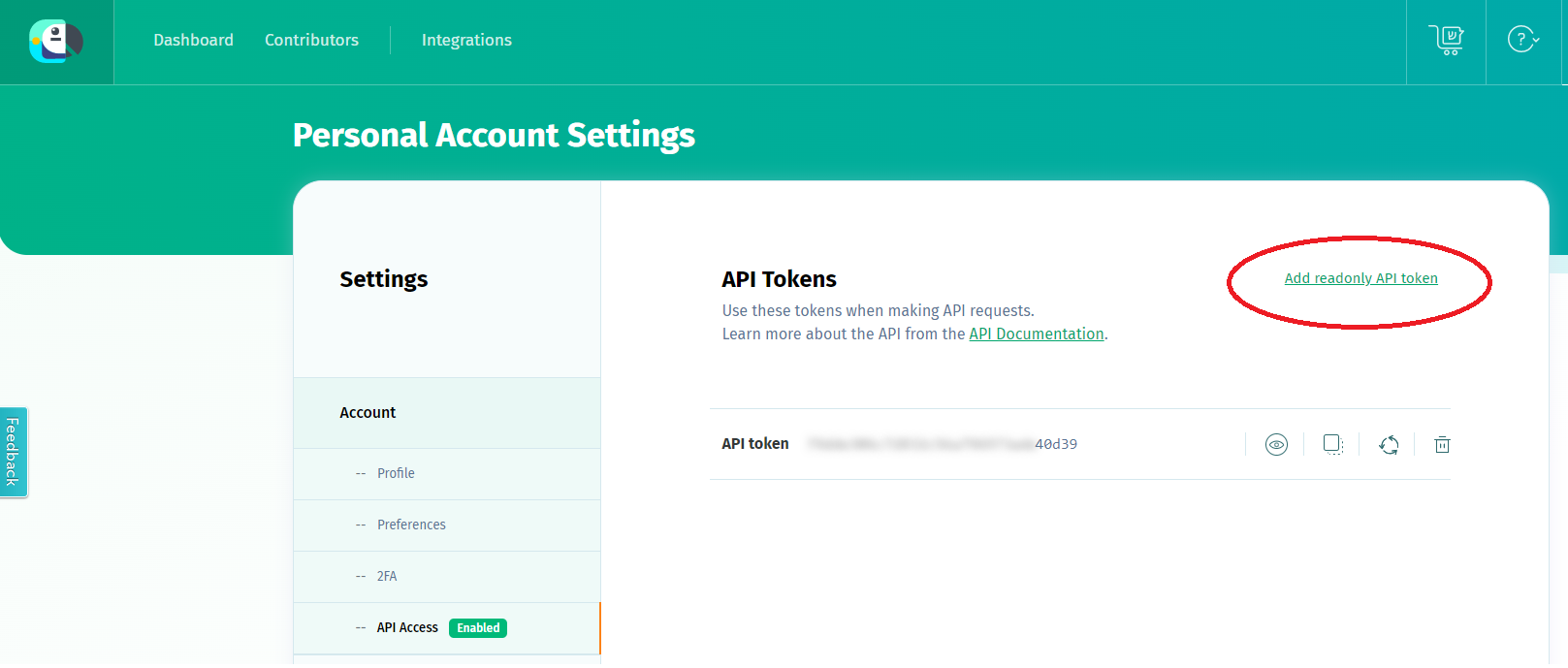
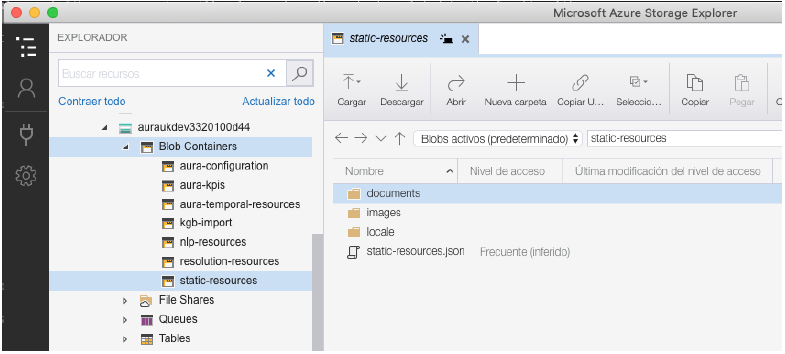
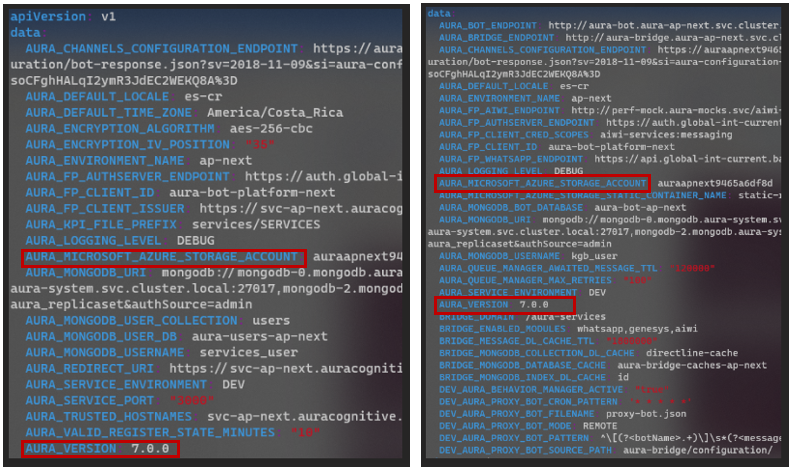

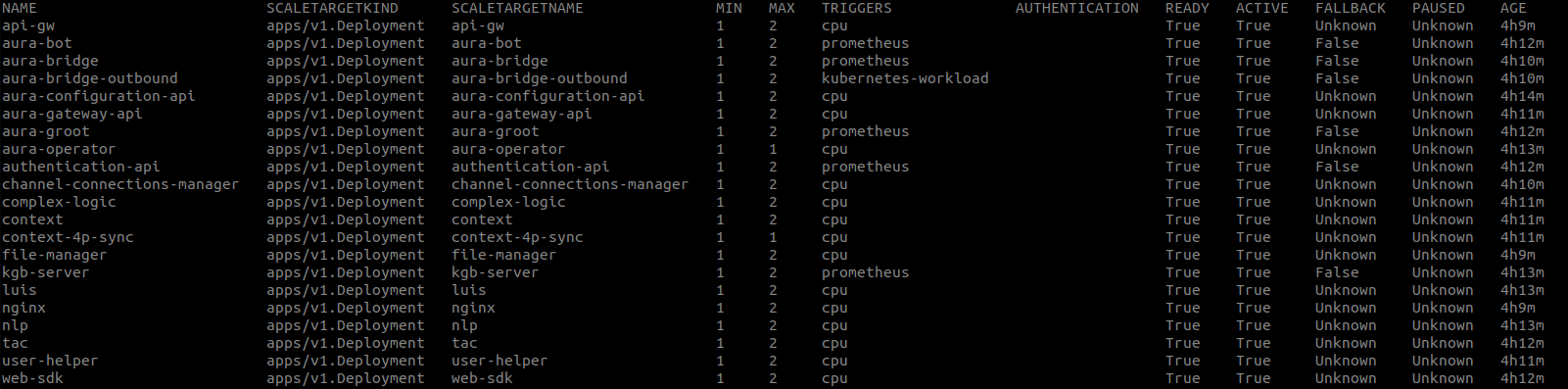
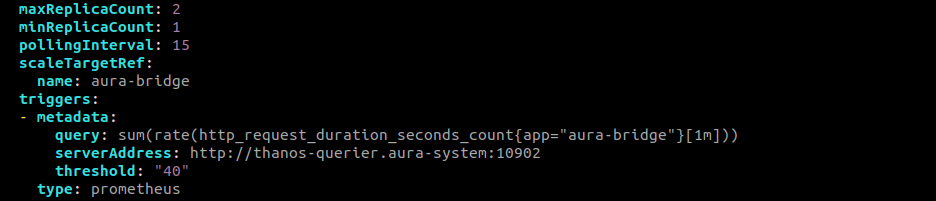
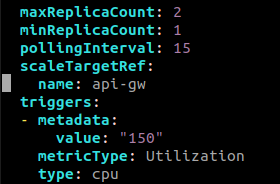
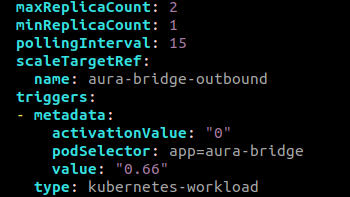
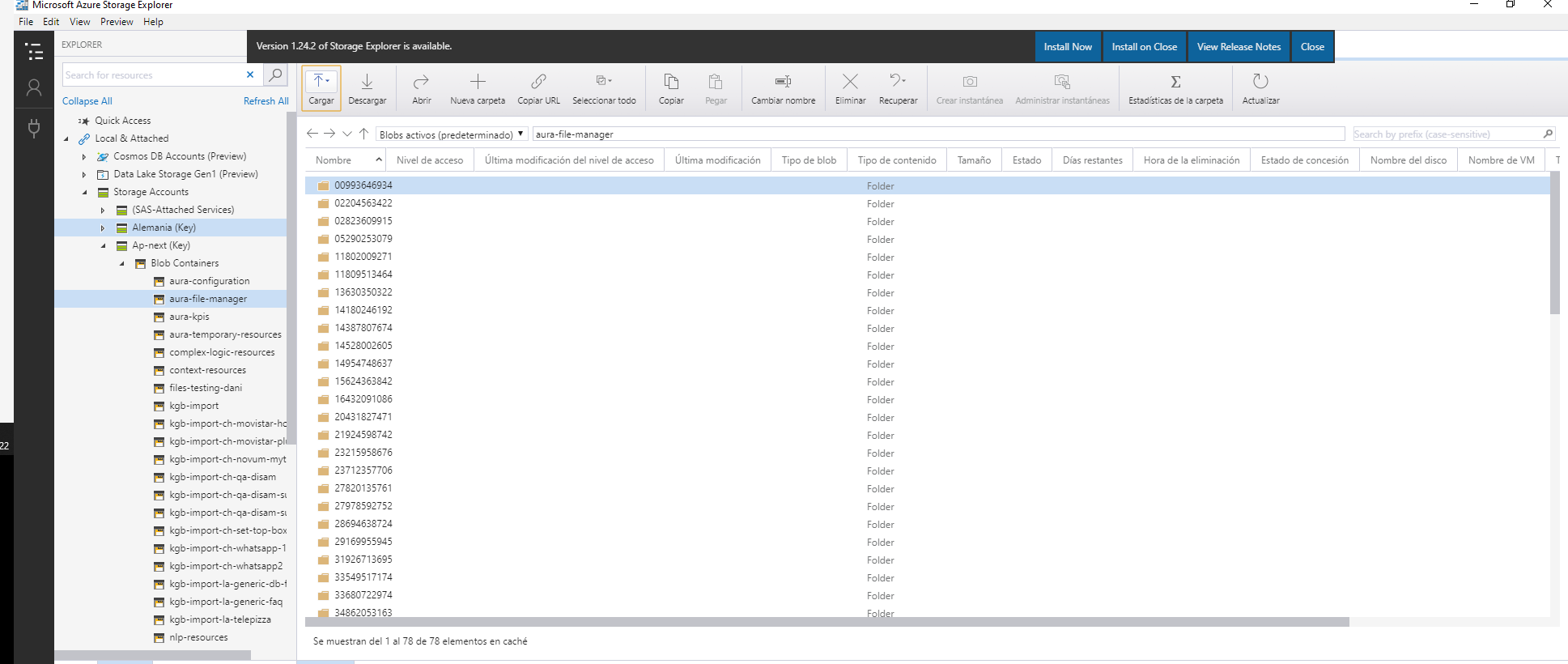
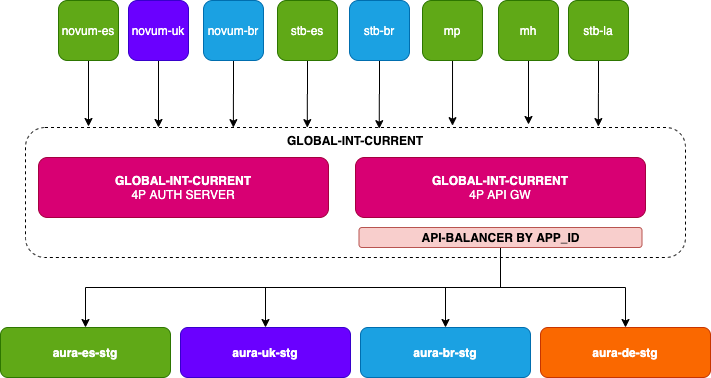
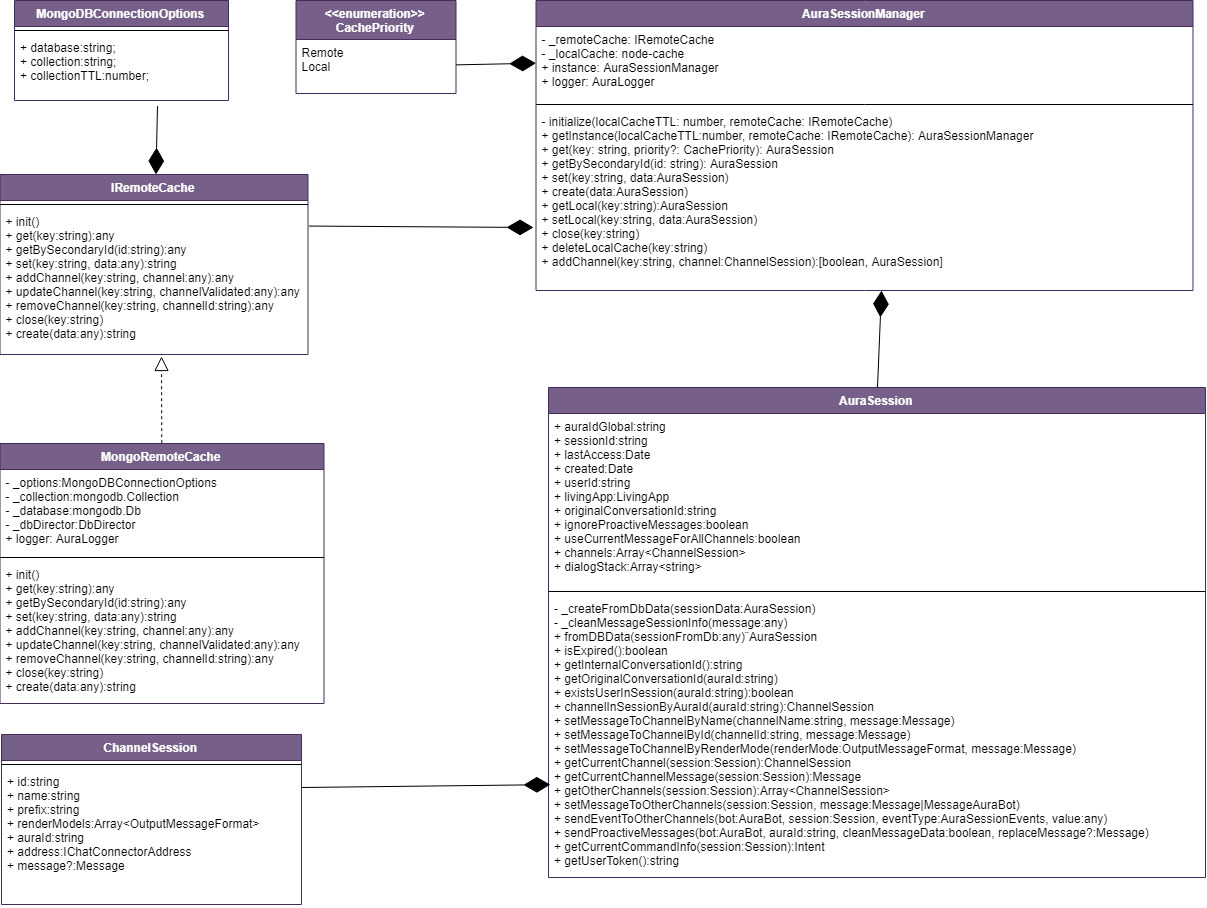

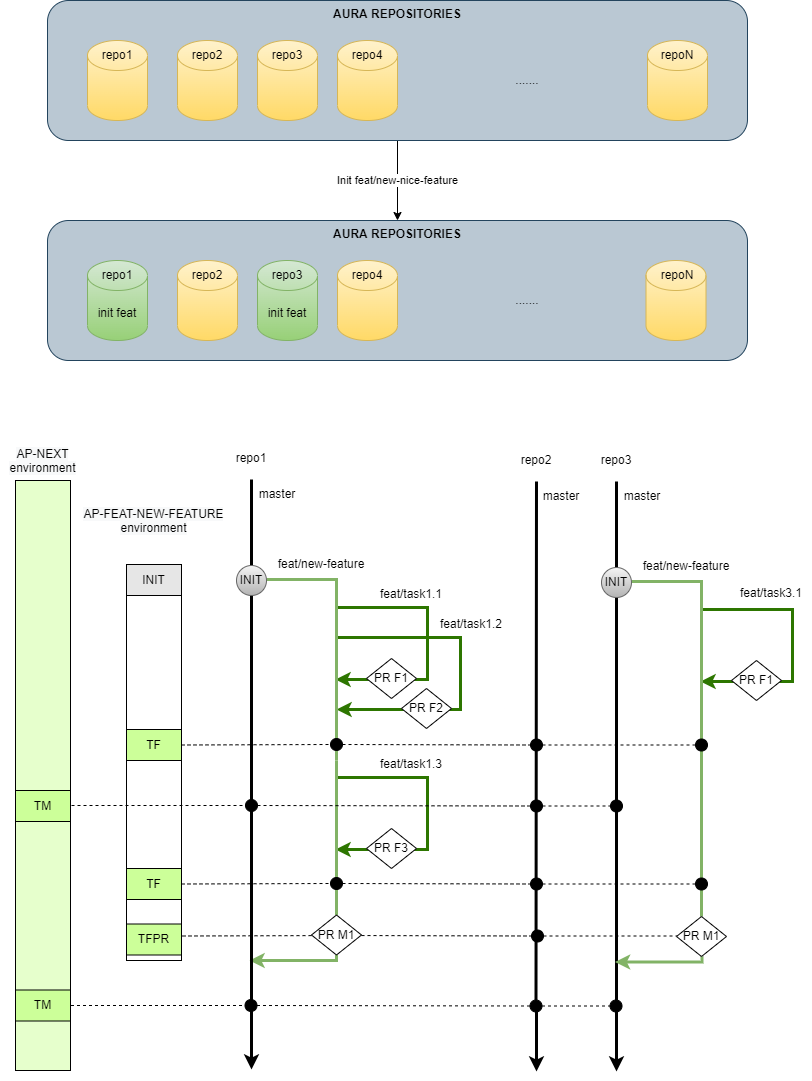
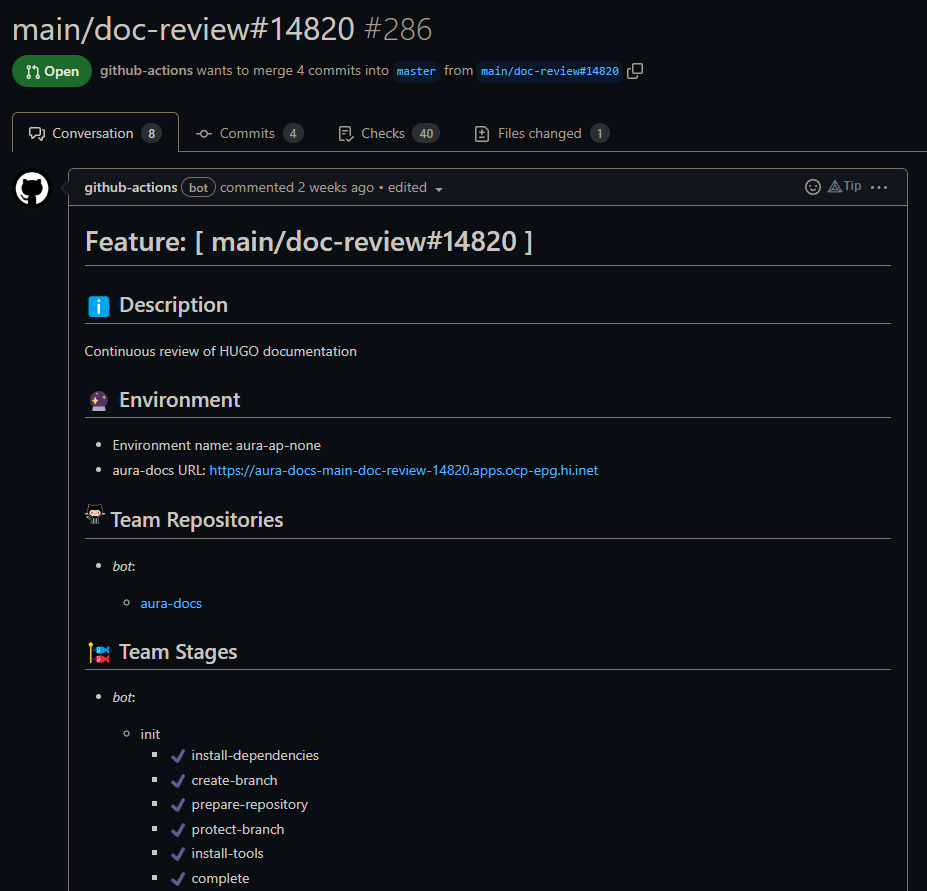
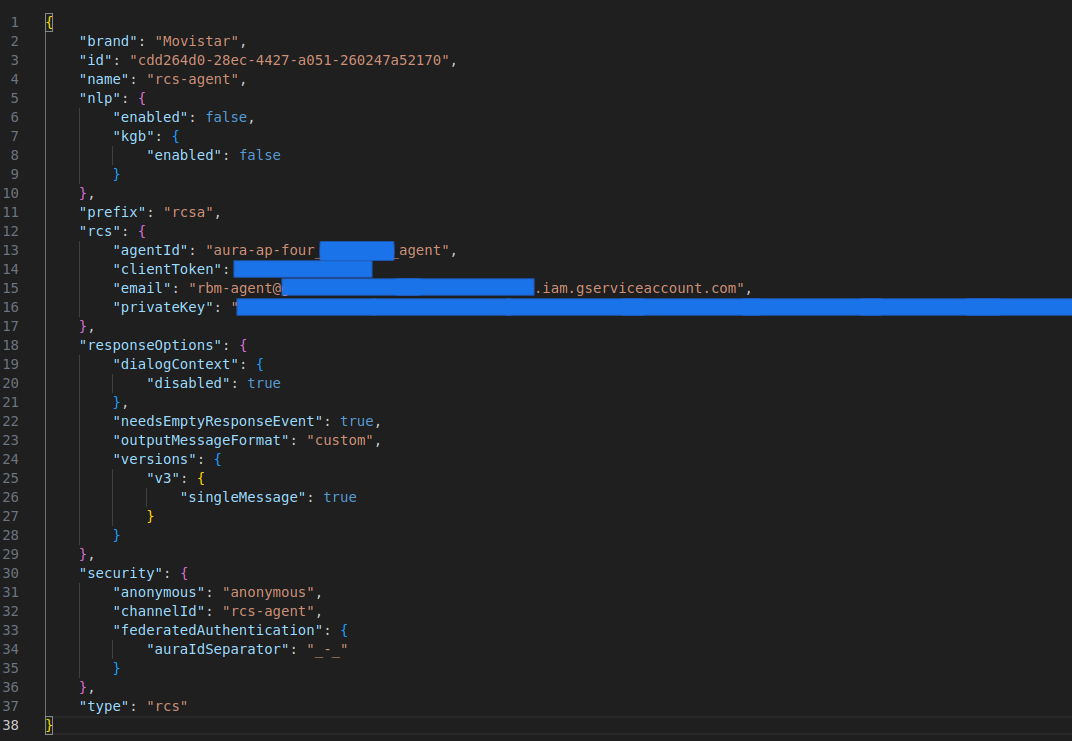
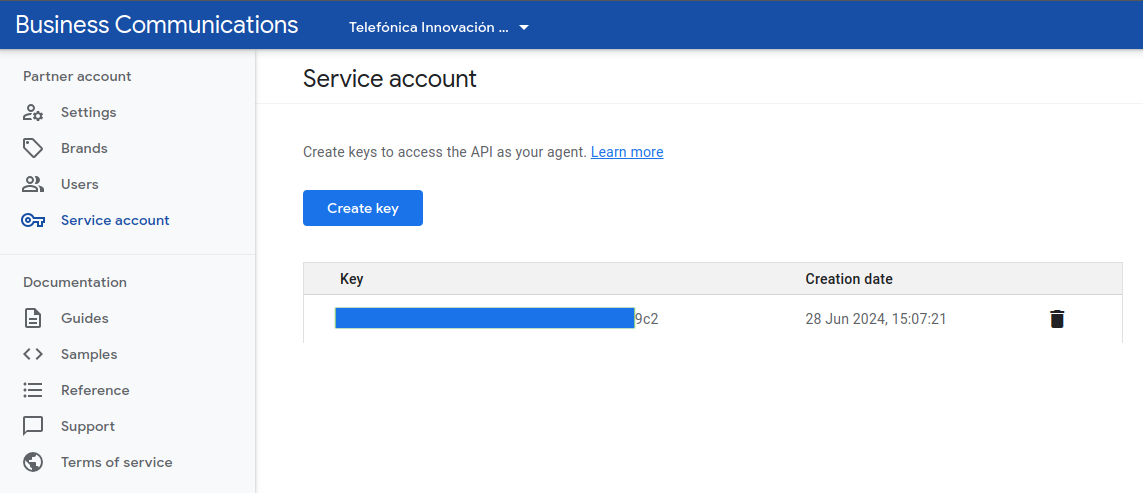
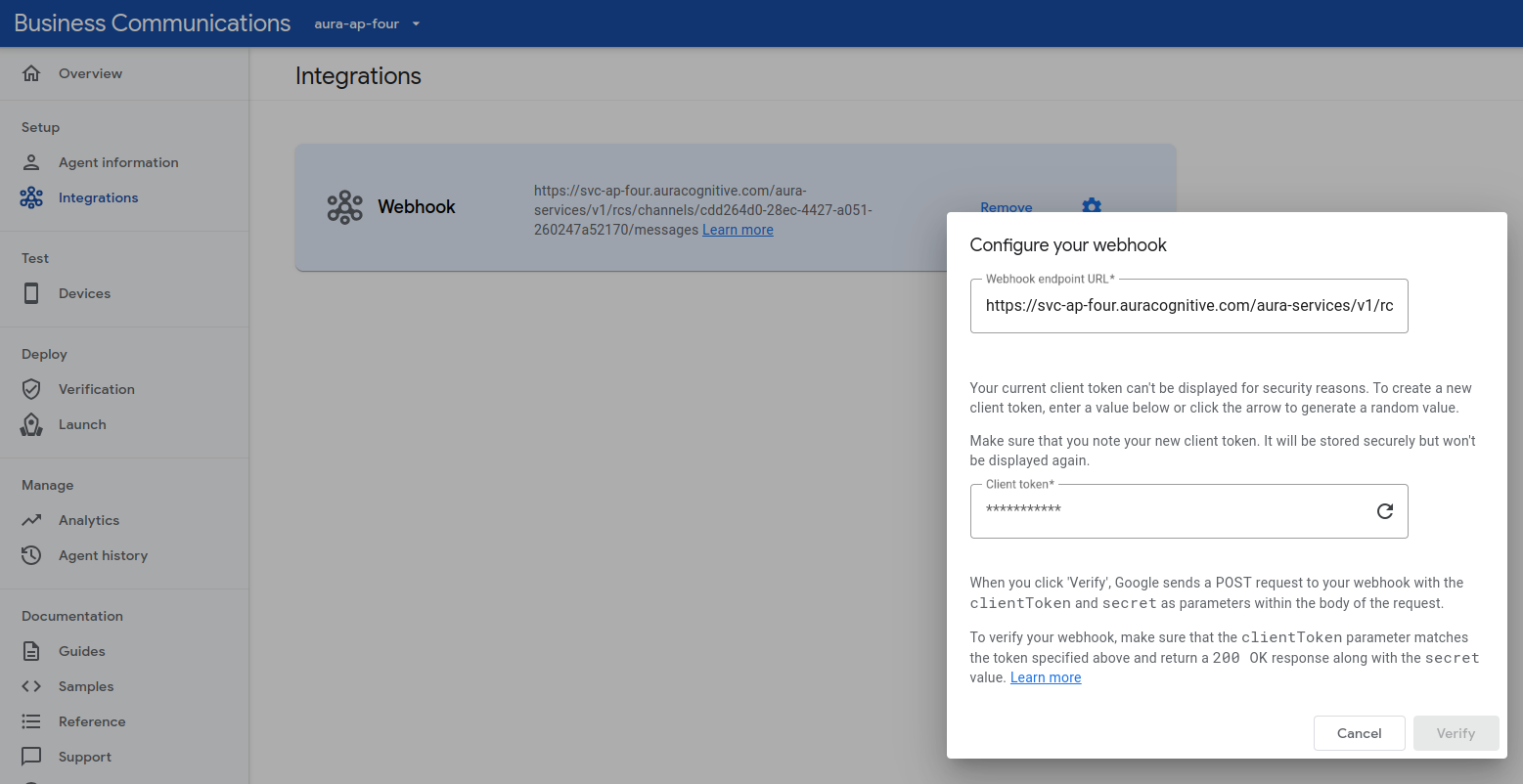
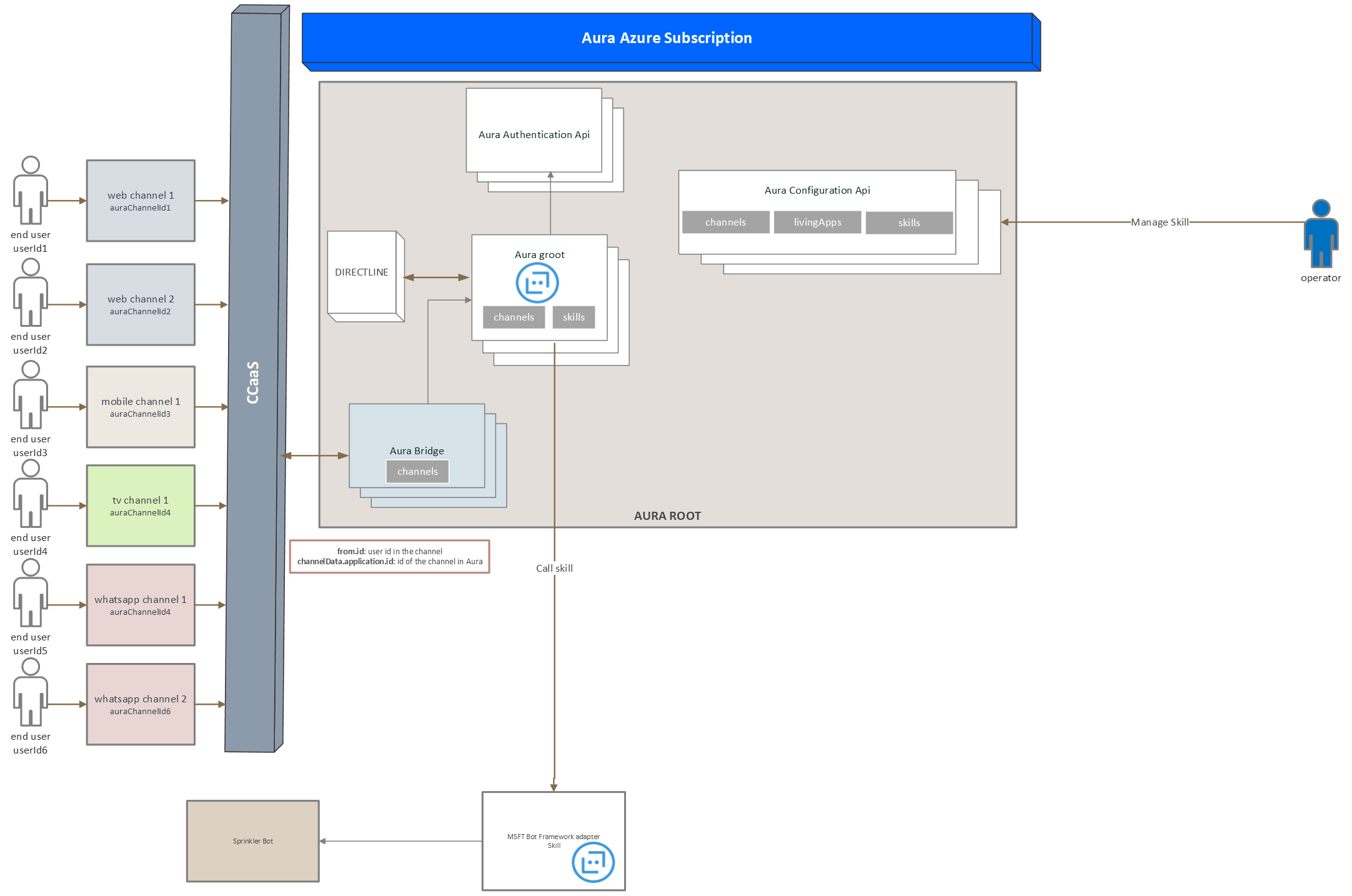
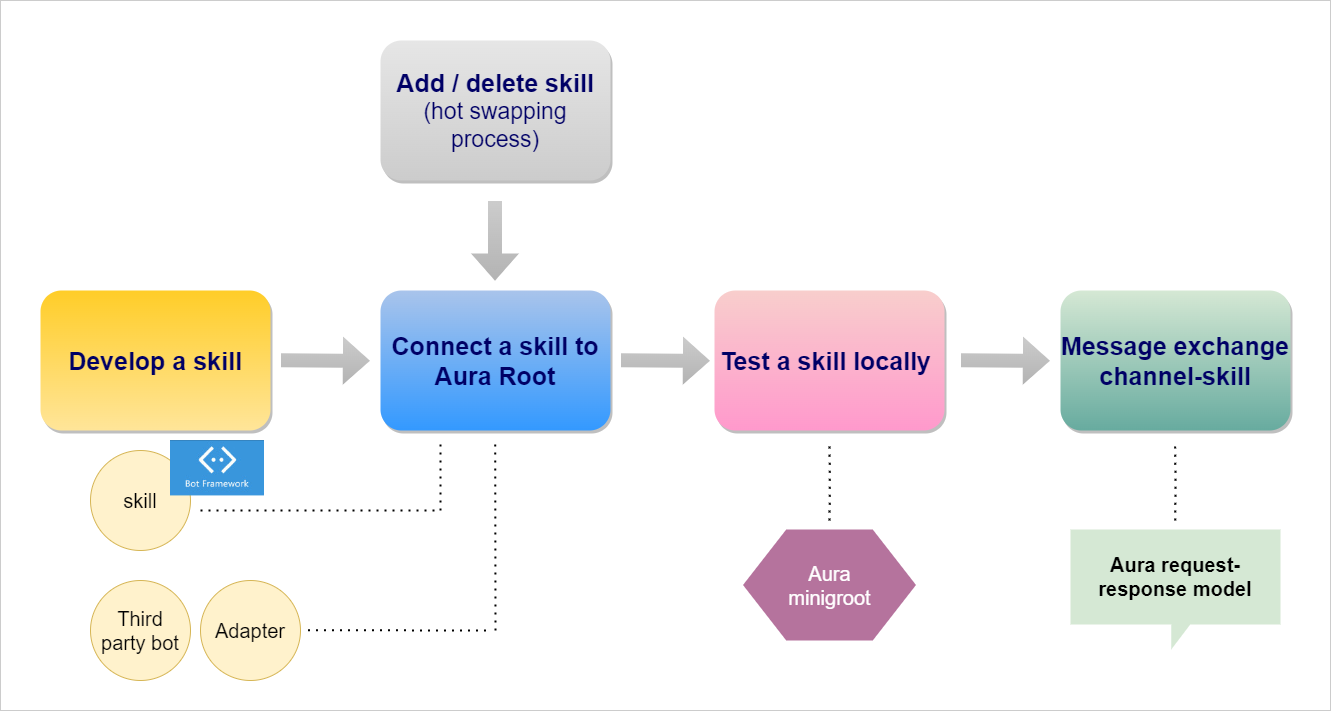
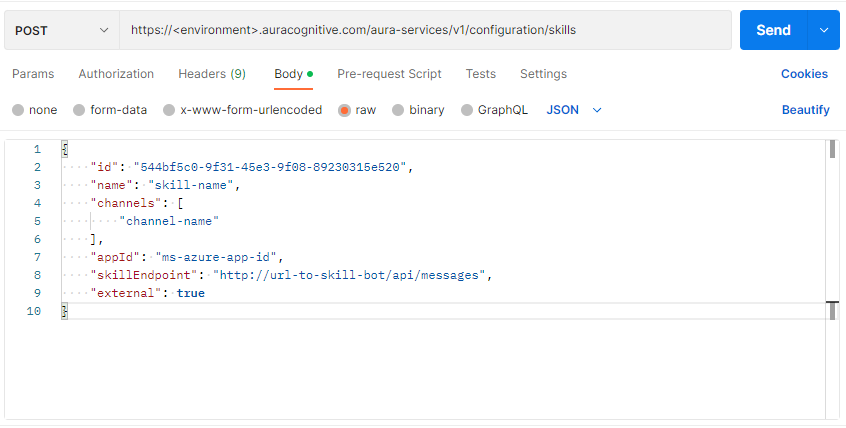
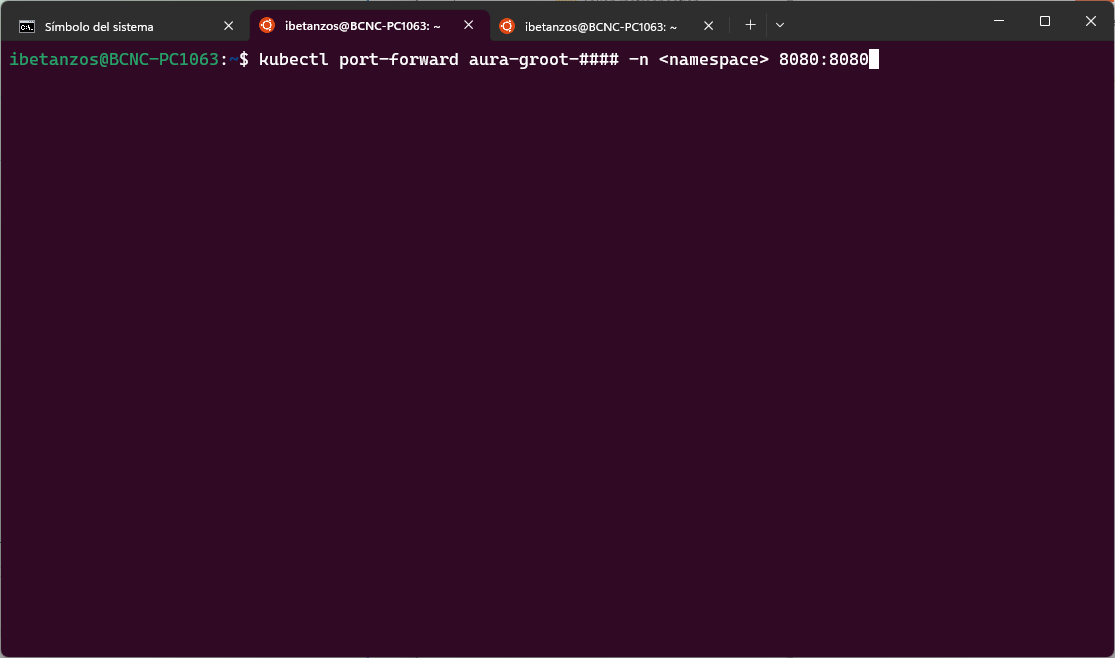
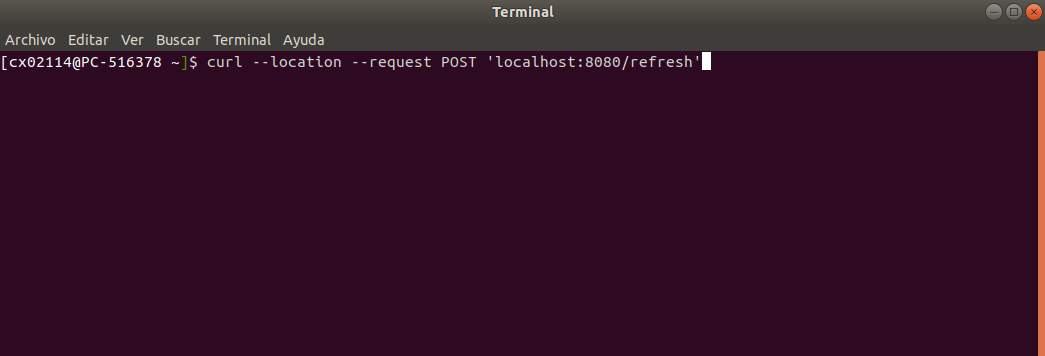
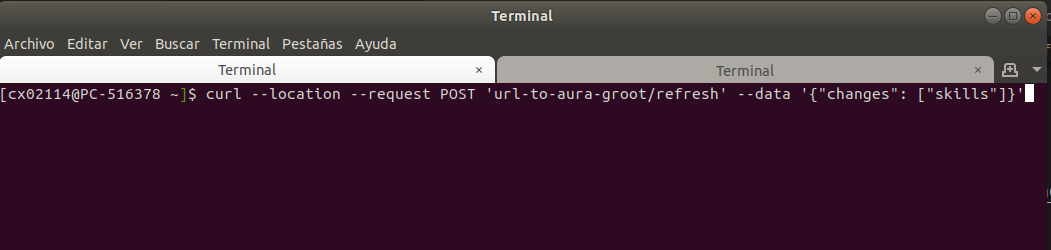
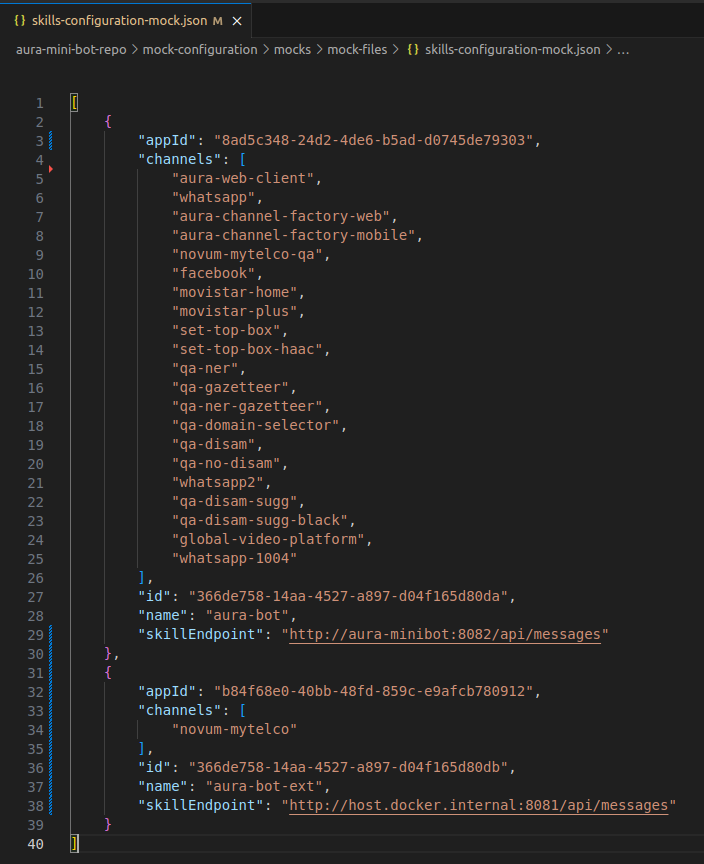
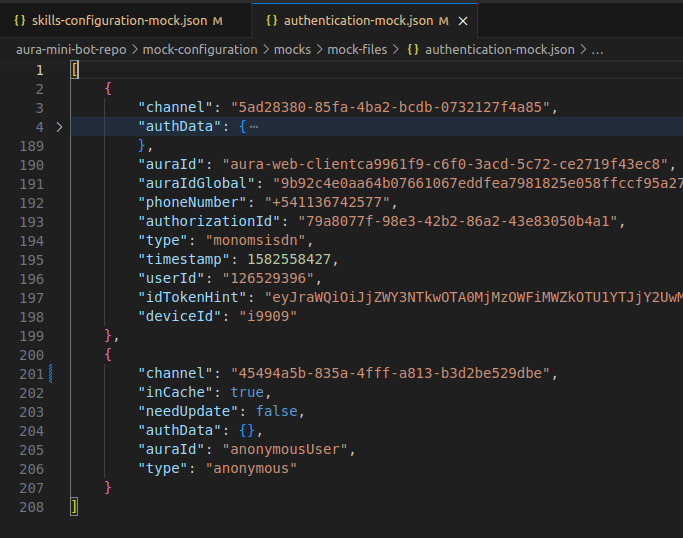
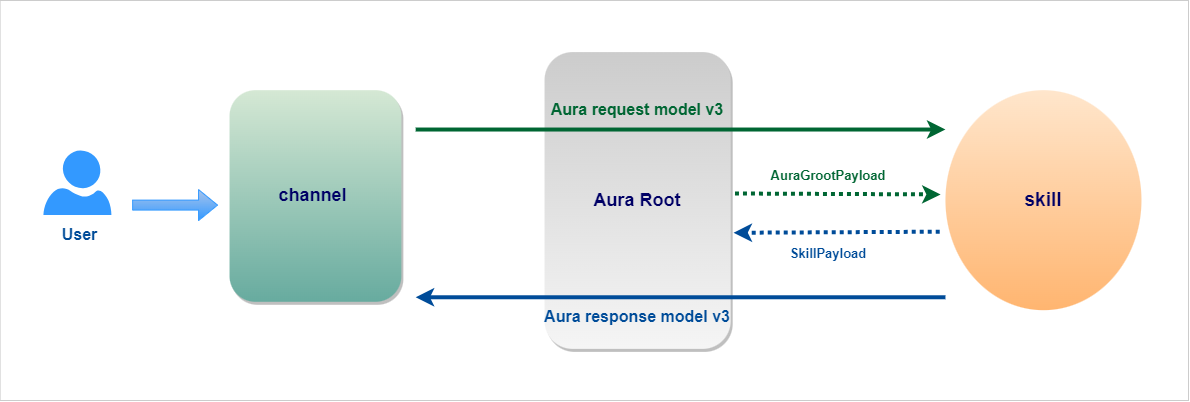
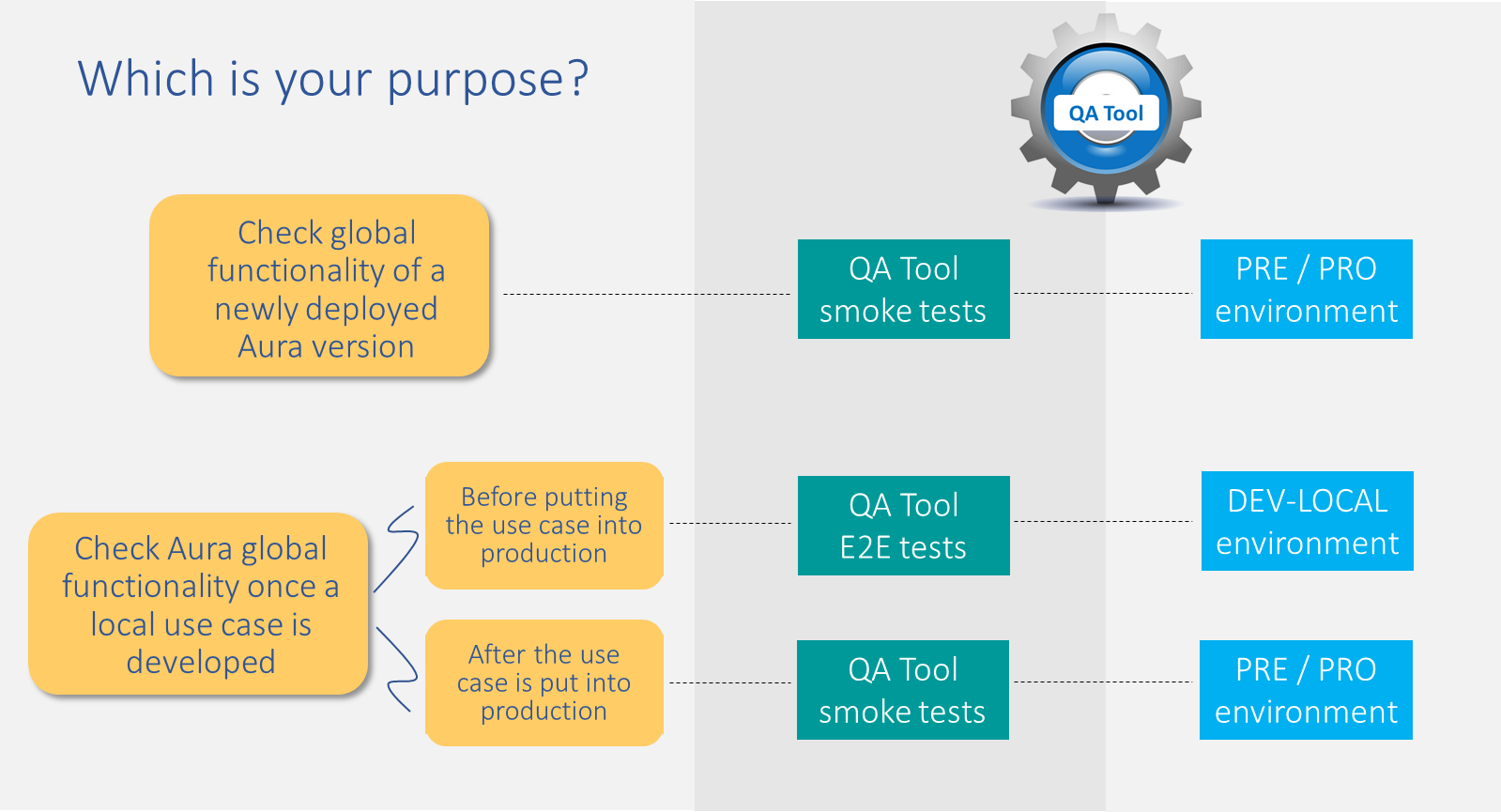
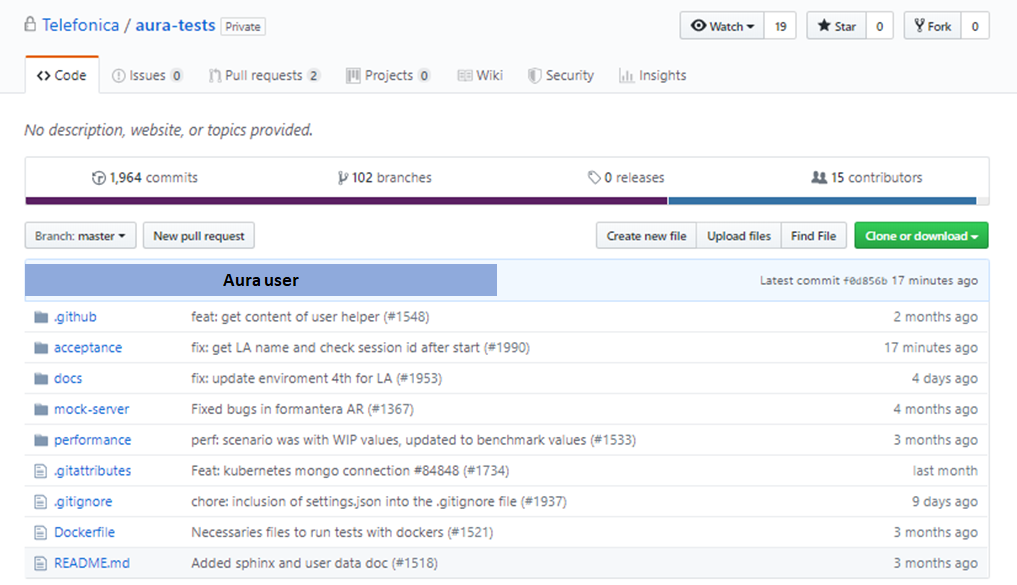
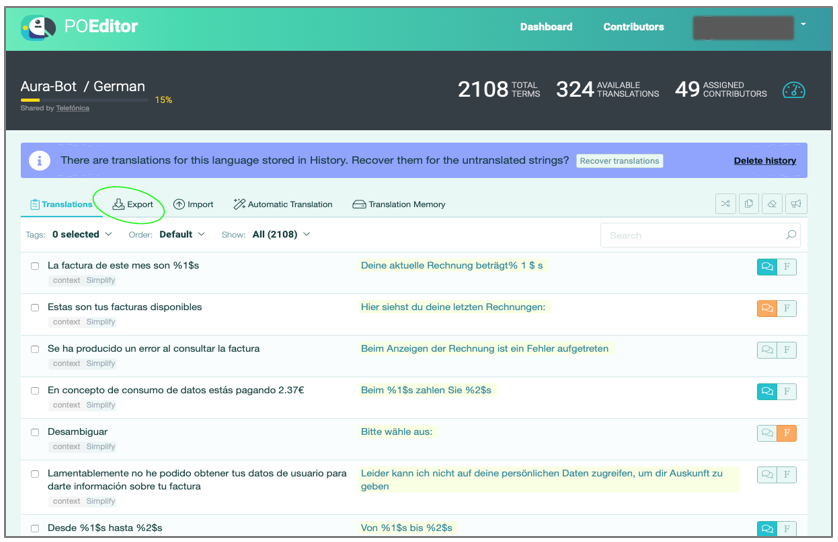
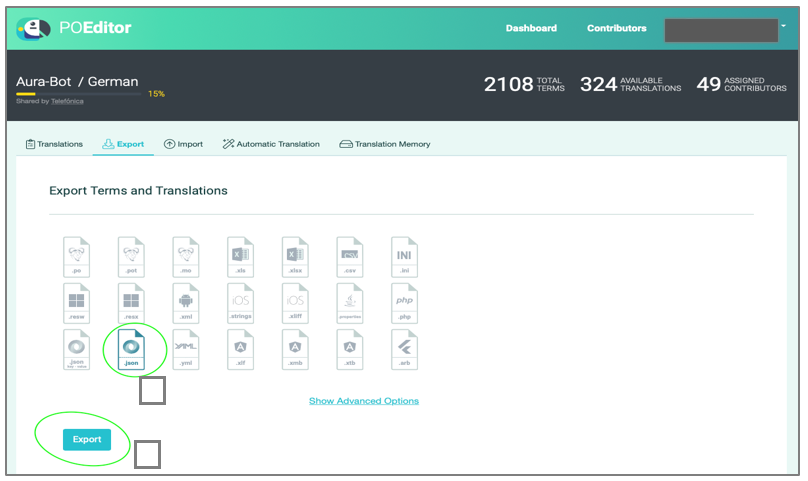
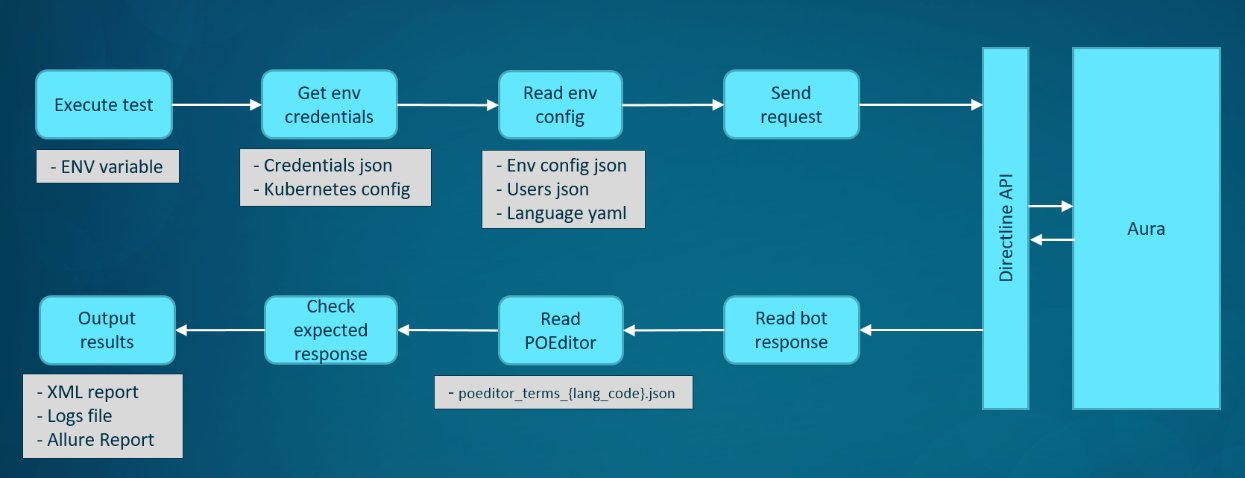
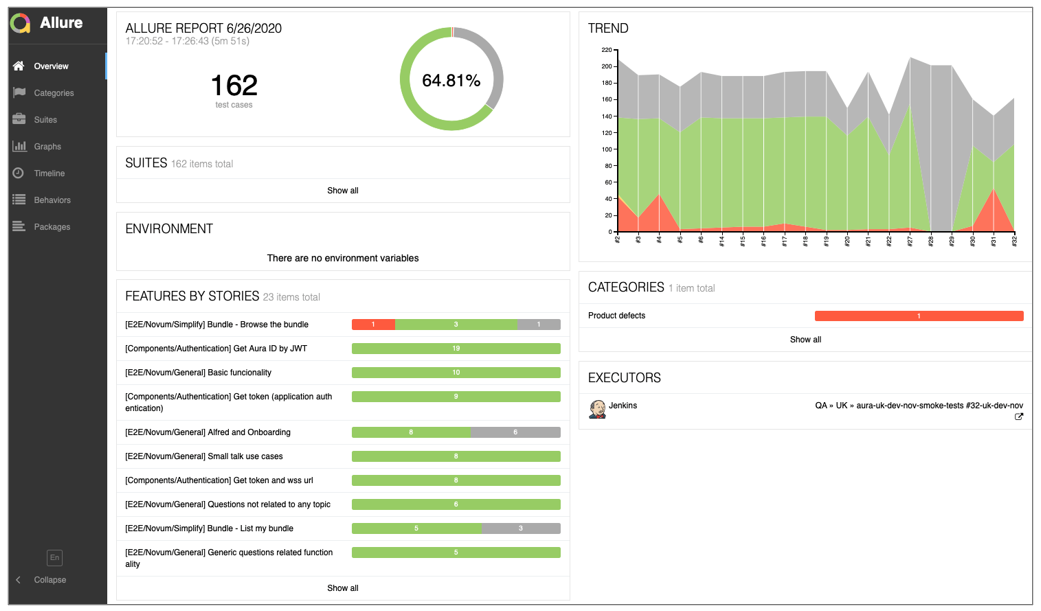
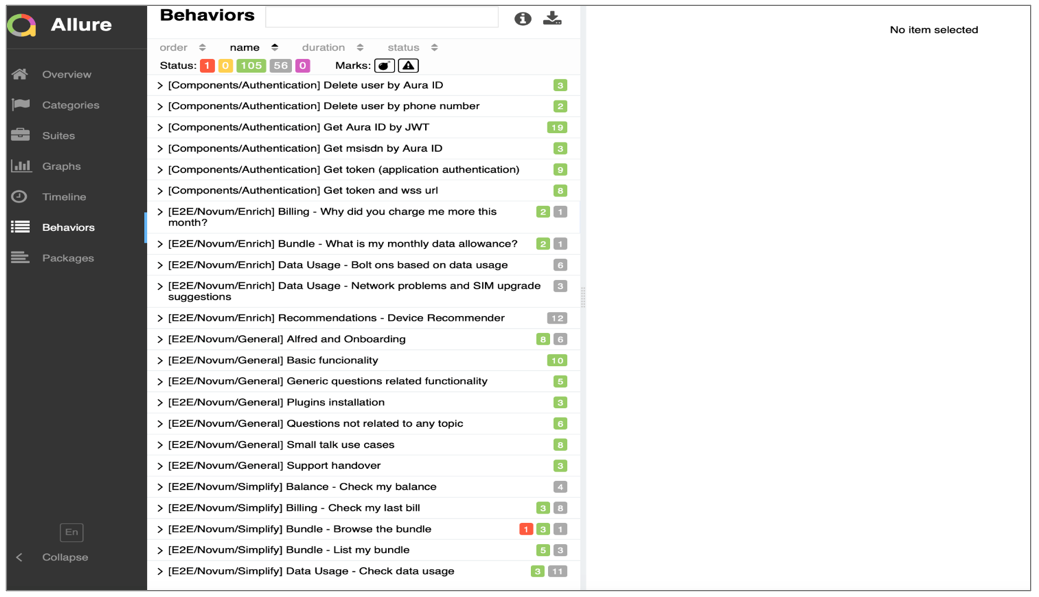
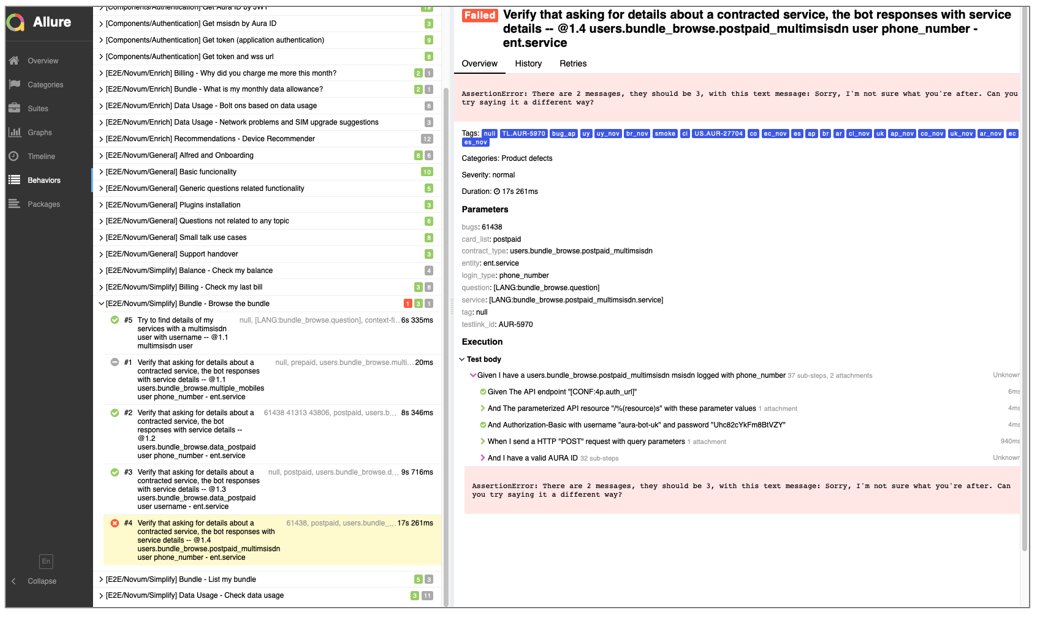

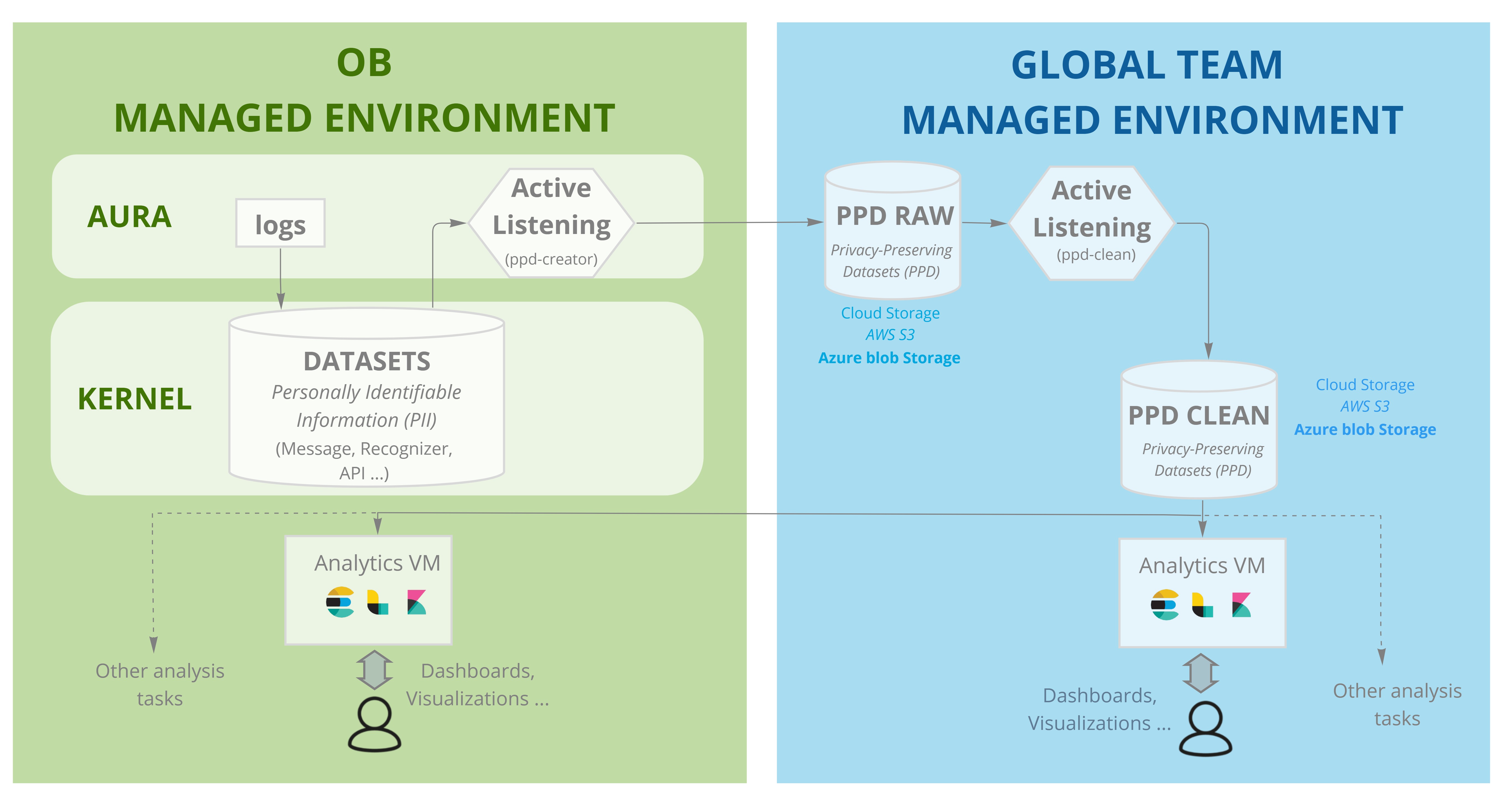
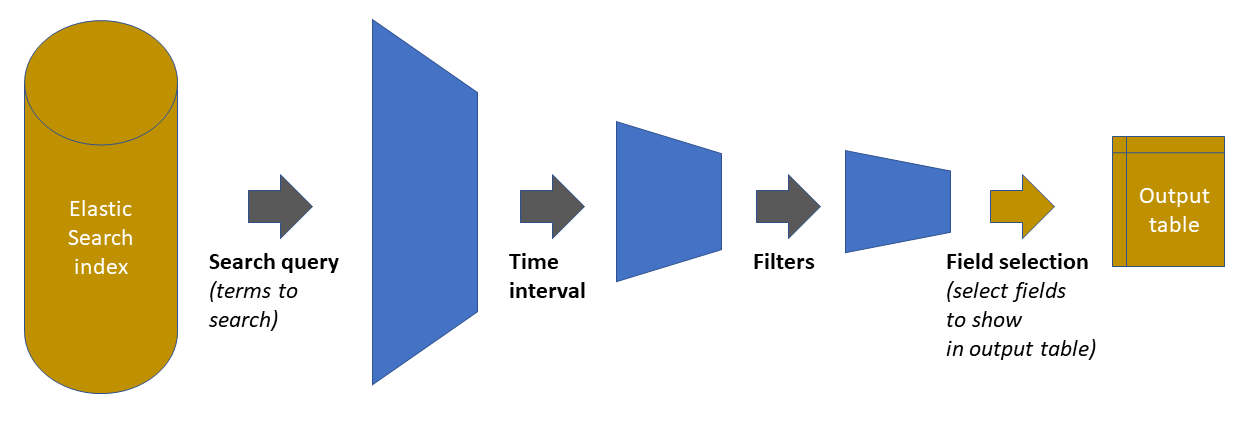
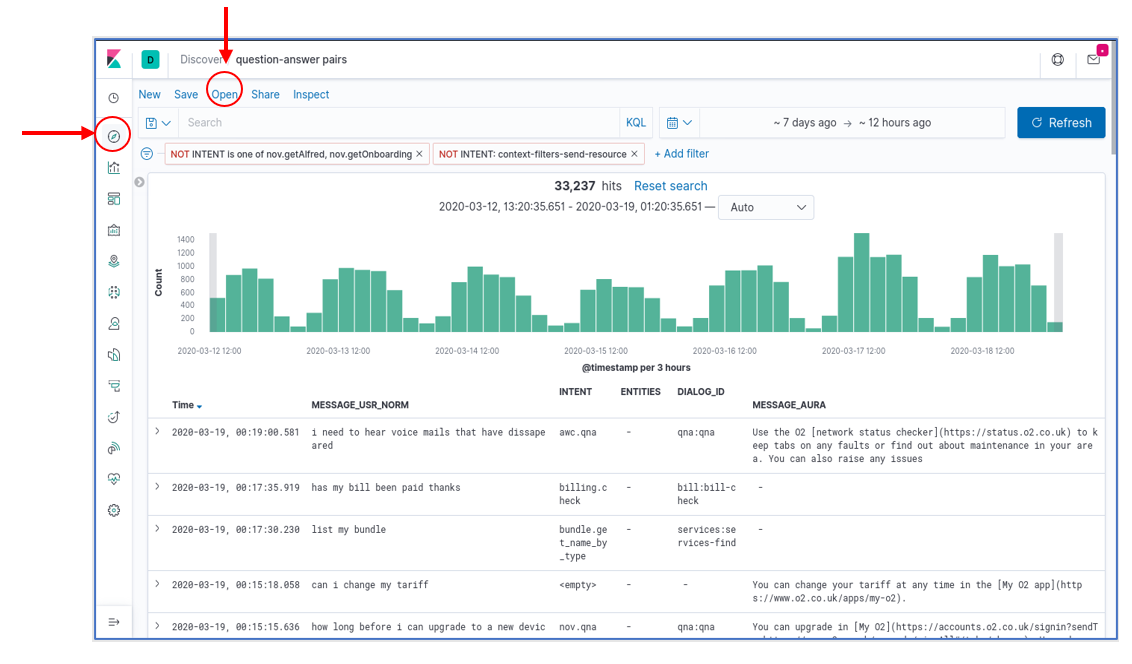
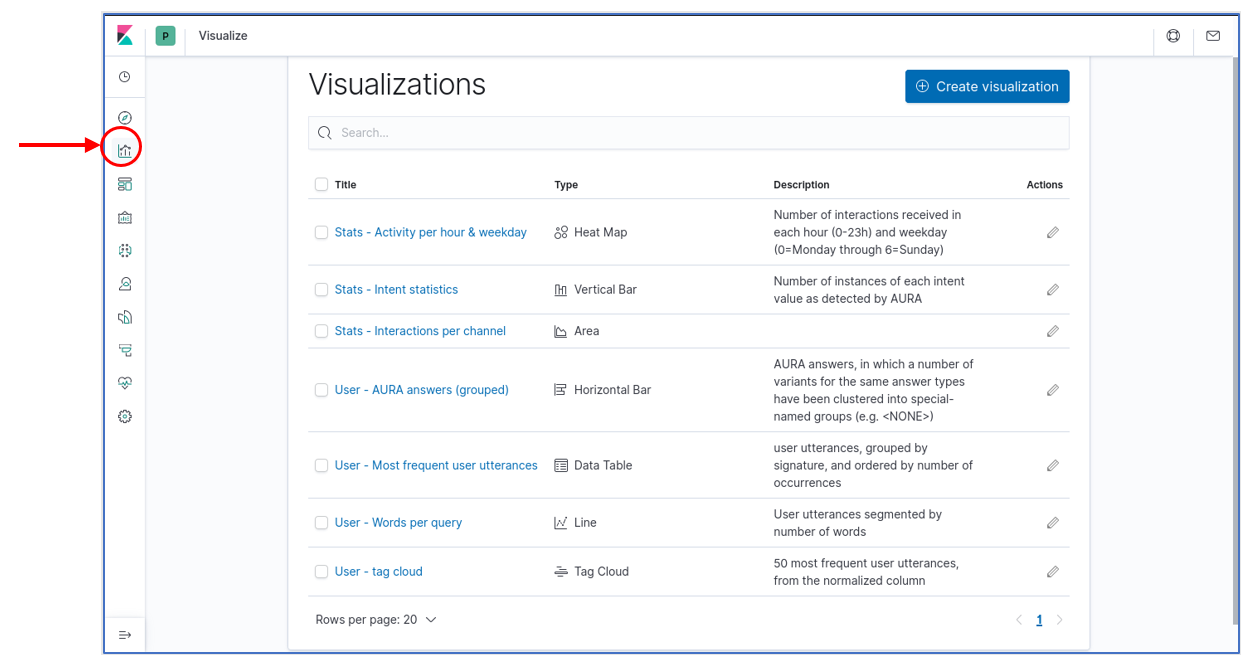
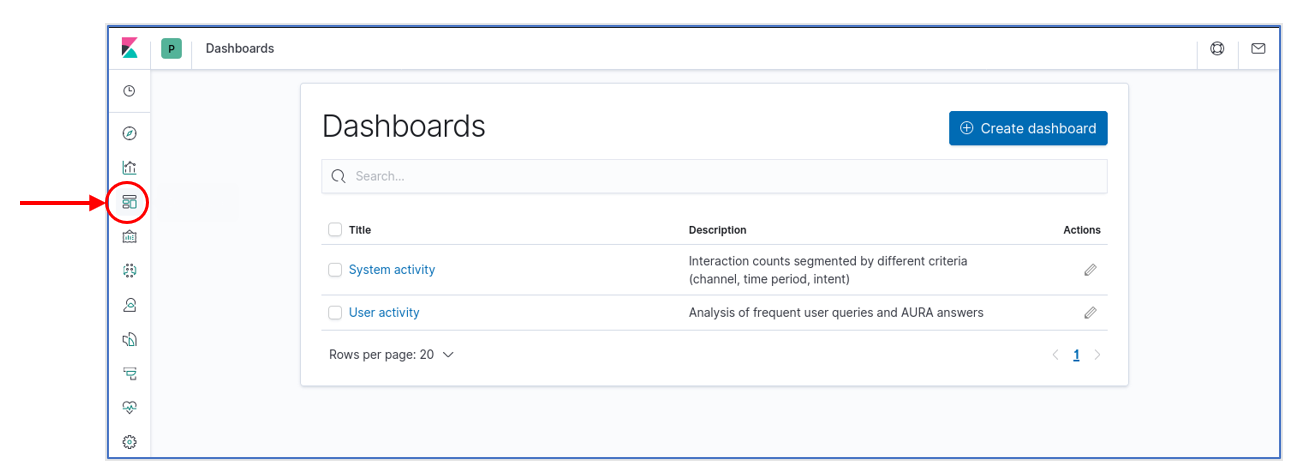
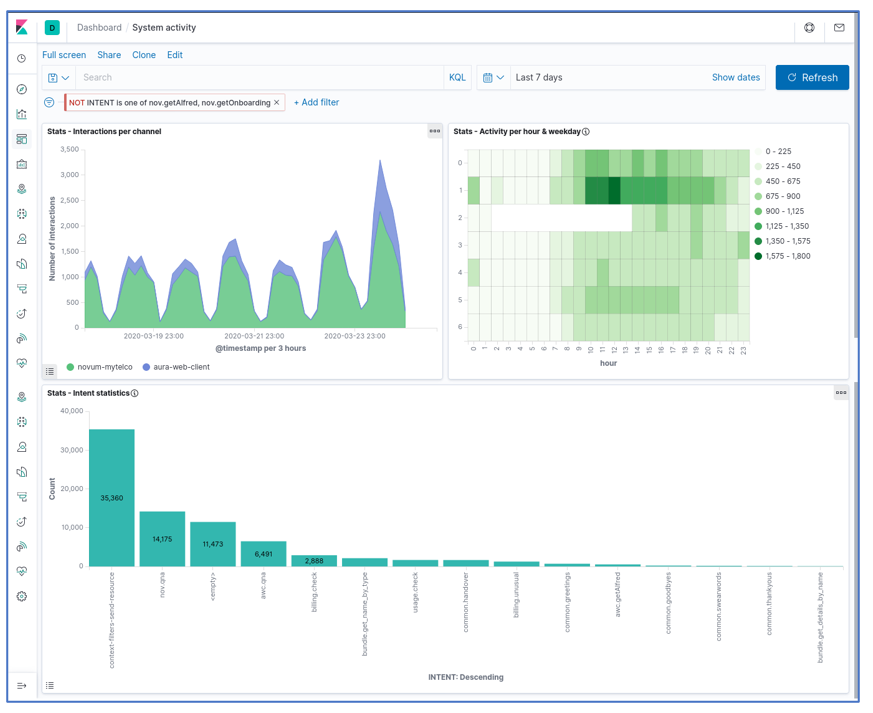
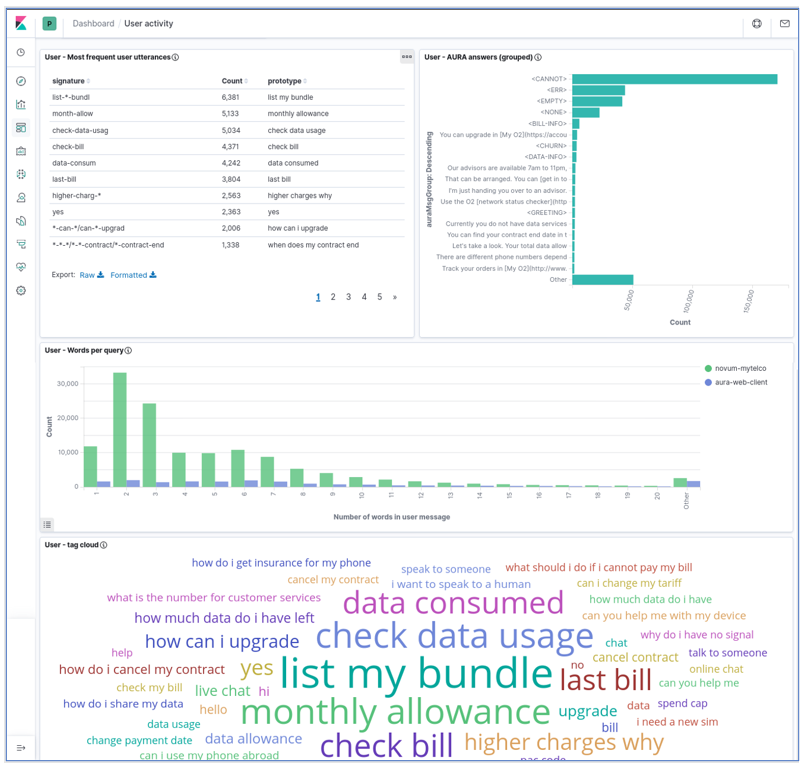
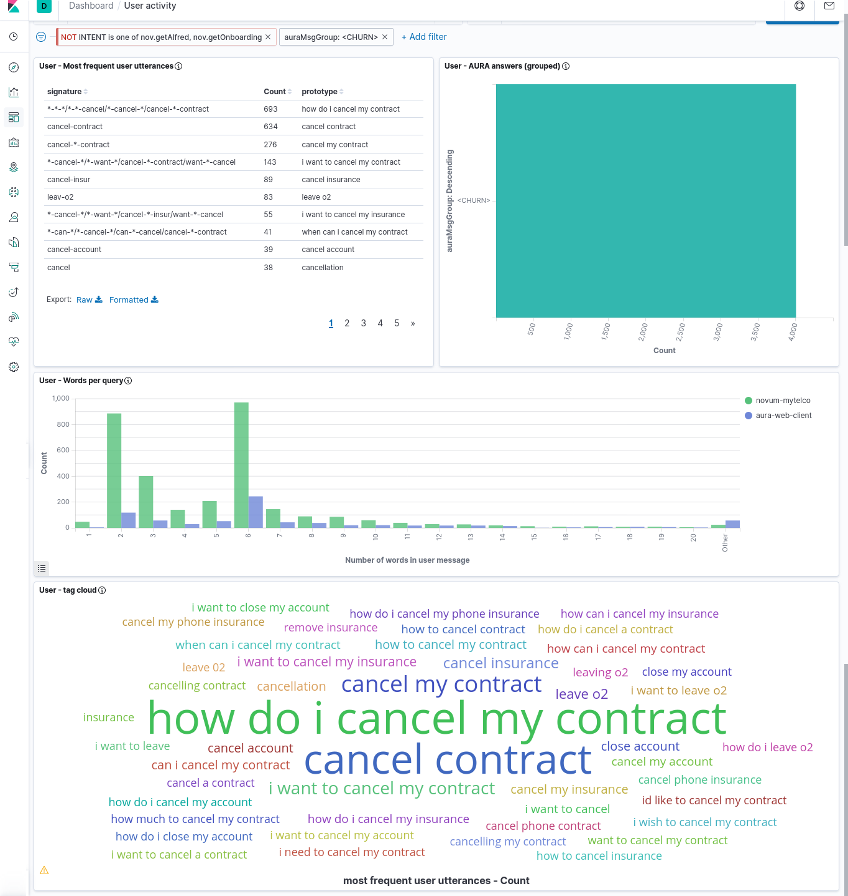
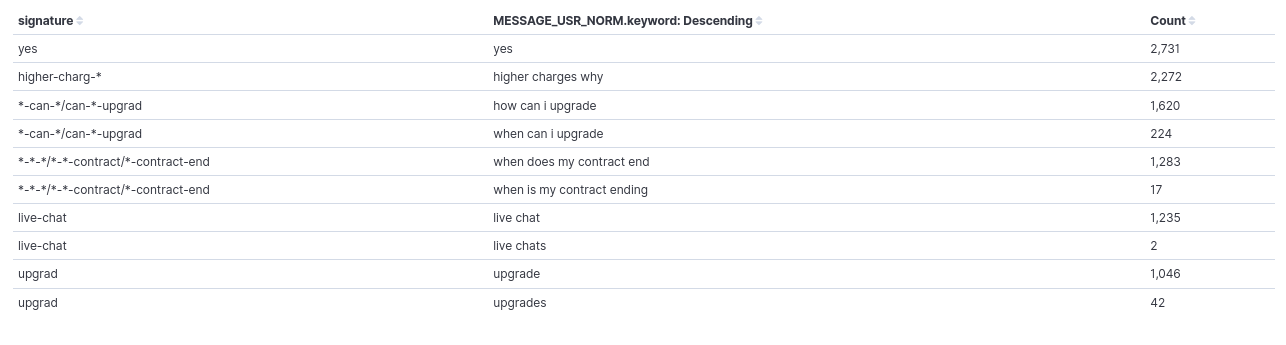
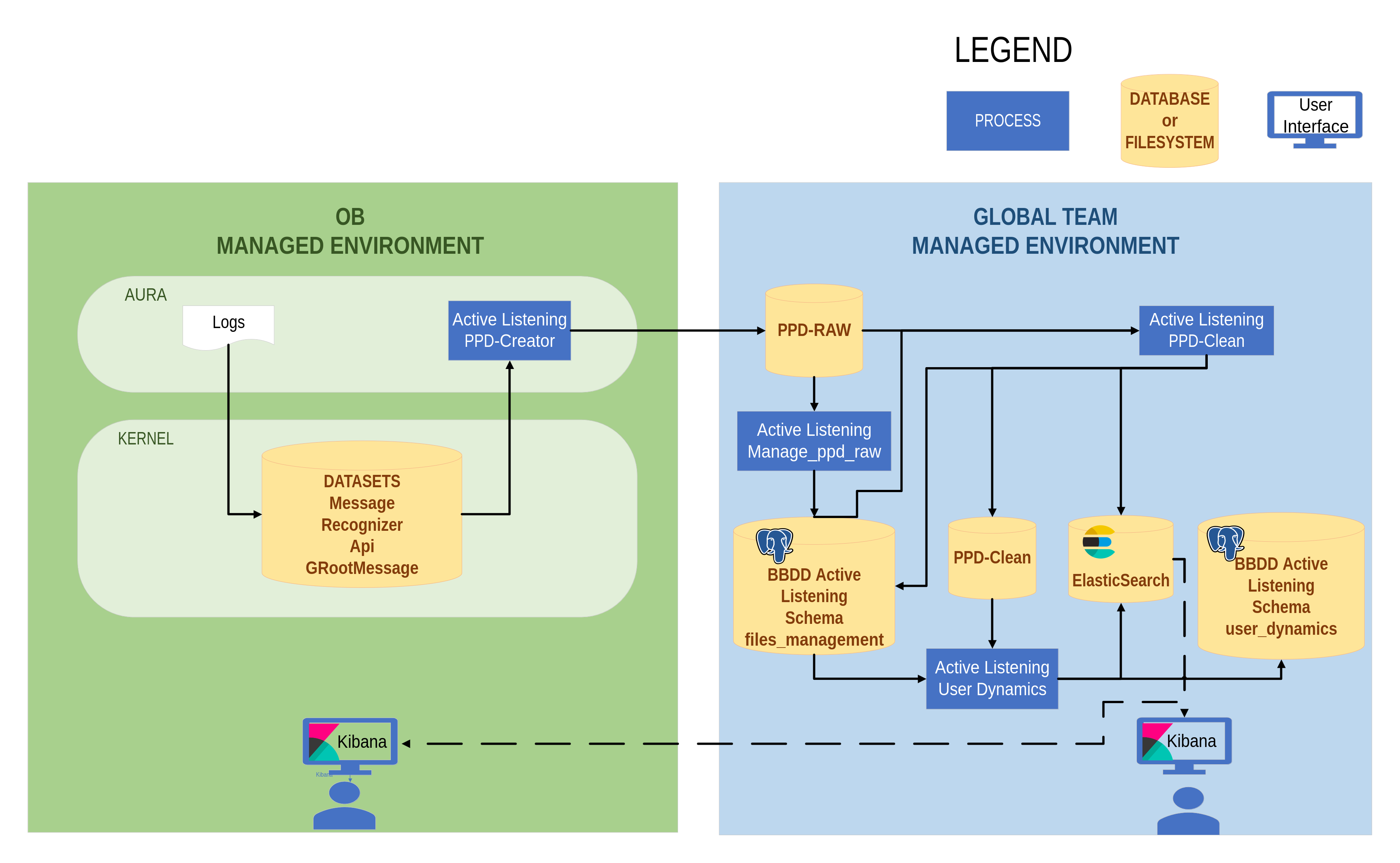 Figure 1. Aura Analytics 2.0.0 Architecture flowchart
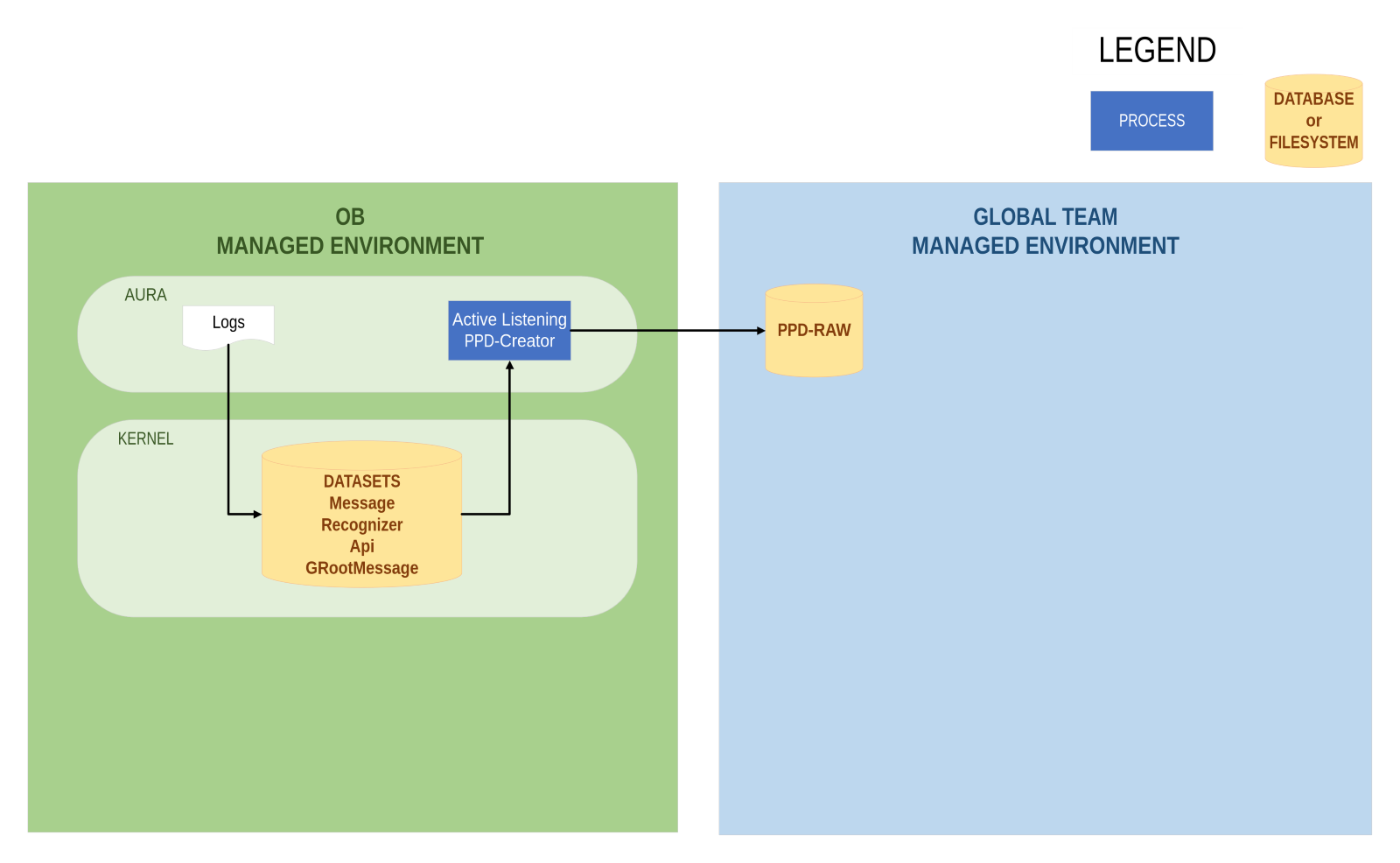 Figure 2. PPD-Creator process
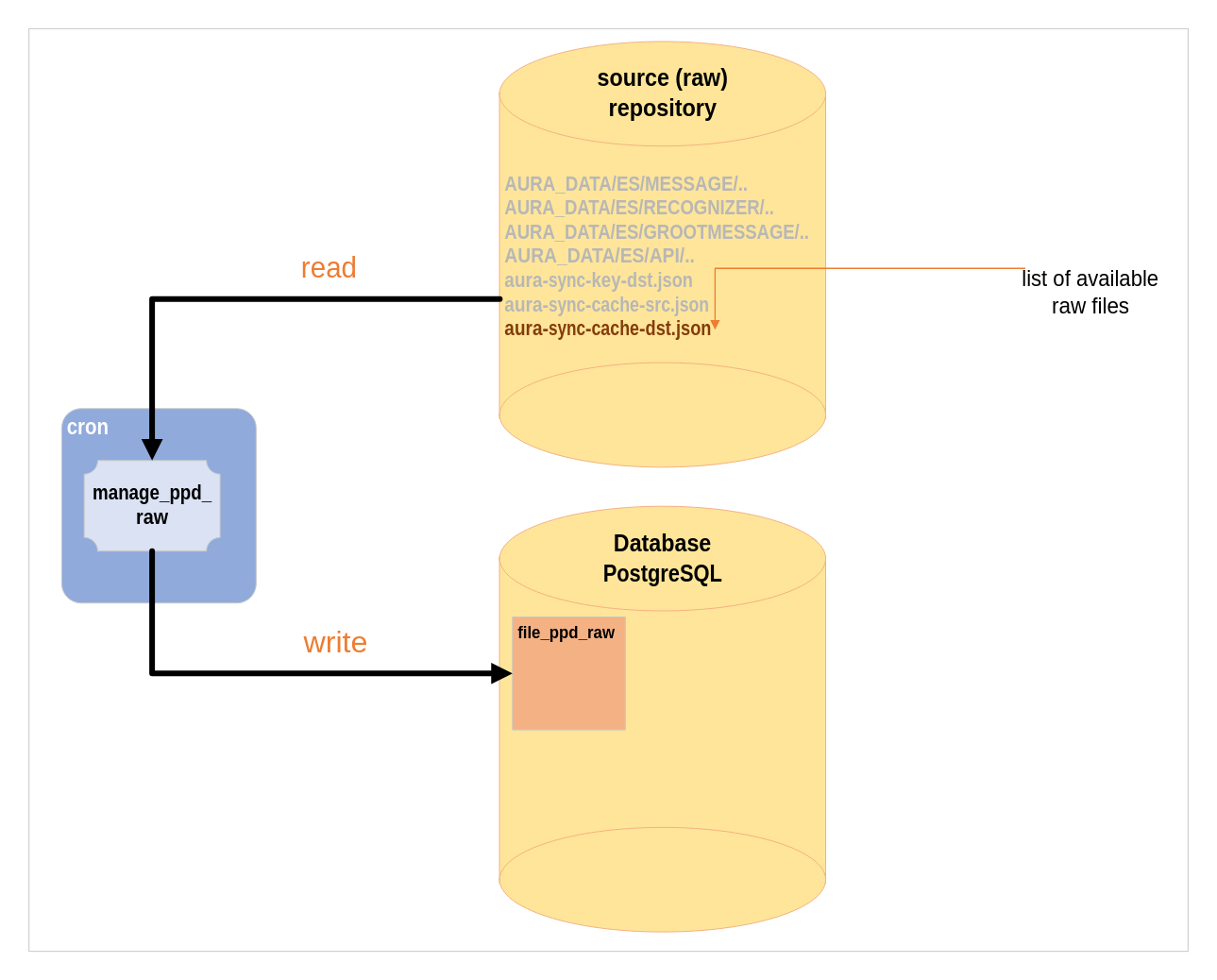 Figure 3. Manage PPD-Raw process
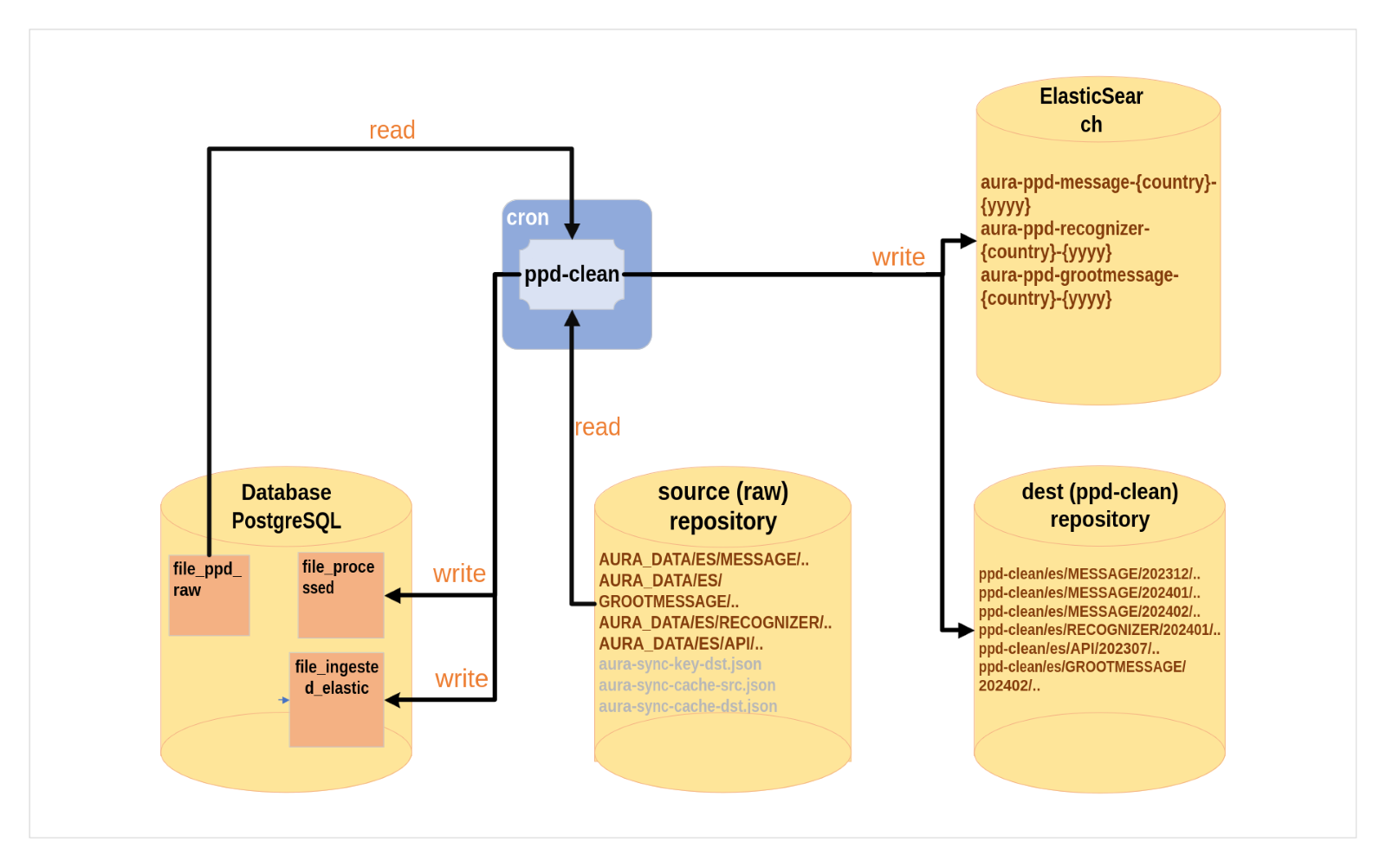 Figure 4. PPD-Clean process
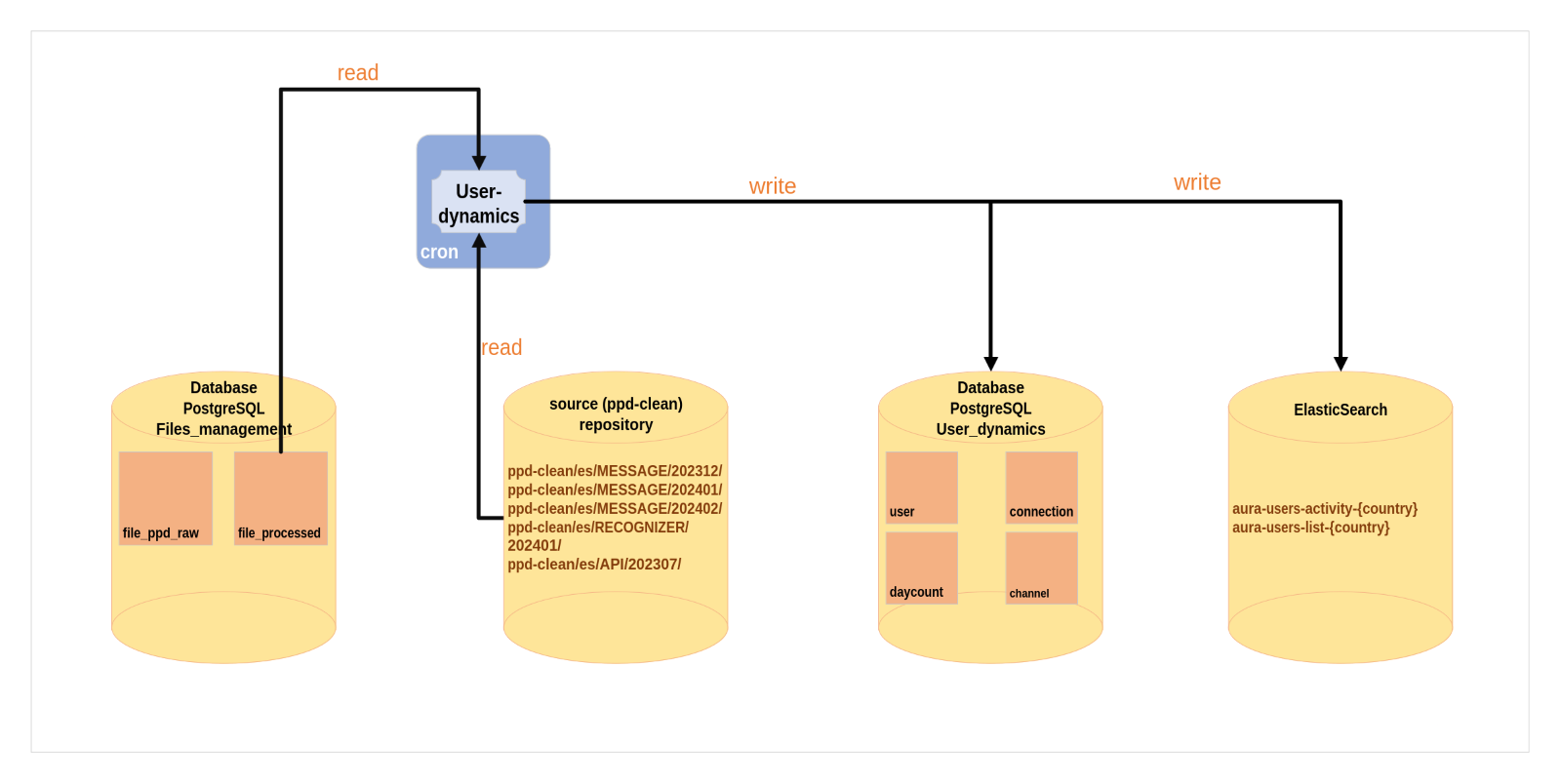 Figure 5. User Dynamics process
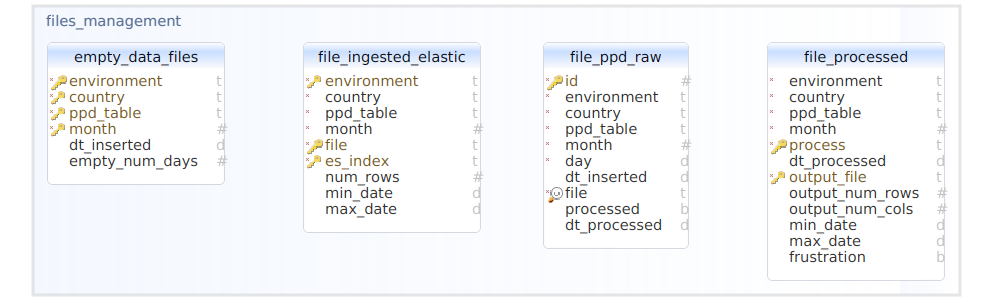 Figure 6. Files management database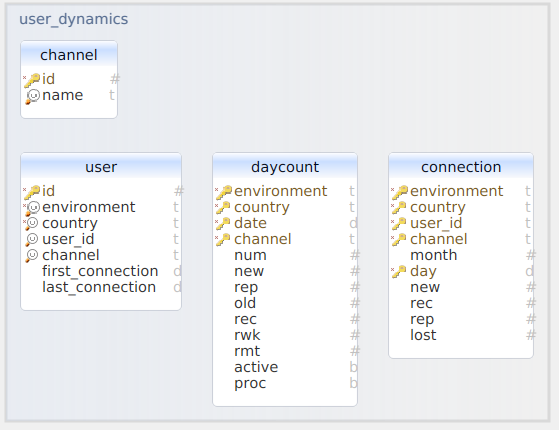
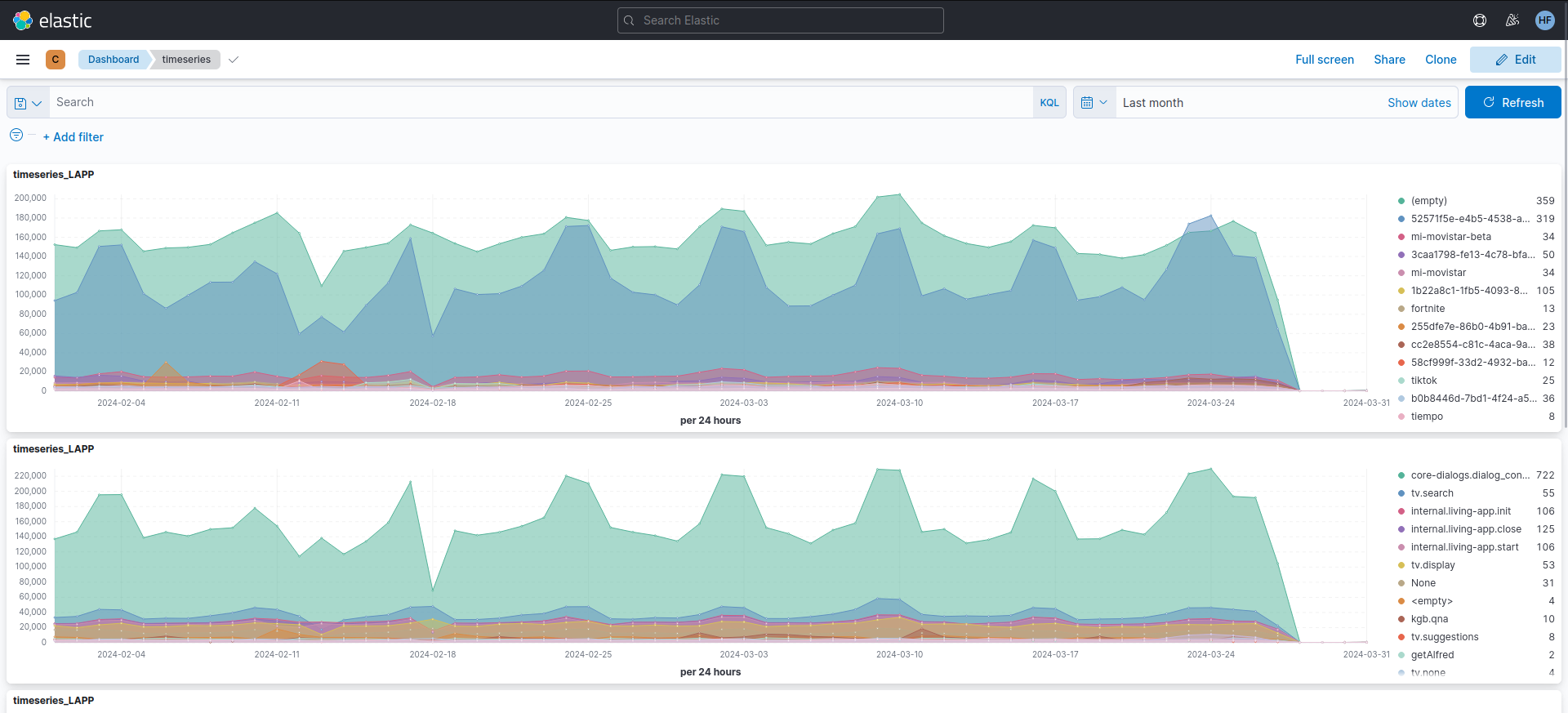 Figure 1. Users dashboard
 Figure 2. Daily users dashboard
 Figure 3. Weekly users dashboard
 Figure 4. Trends dashboards
 Figure 1. Discover panel
 Figure 2. Question-answer pairs panel
 Figure 3. Preinstalled visualizations dashboard
 Figure 4. Aura analytics default dashboards
 Figure 5. Nones dashboards
 Figure 6. System dashboard
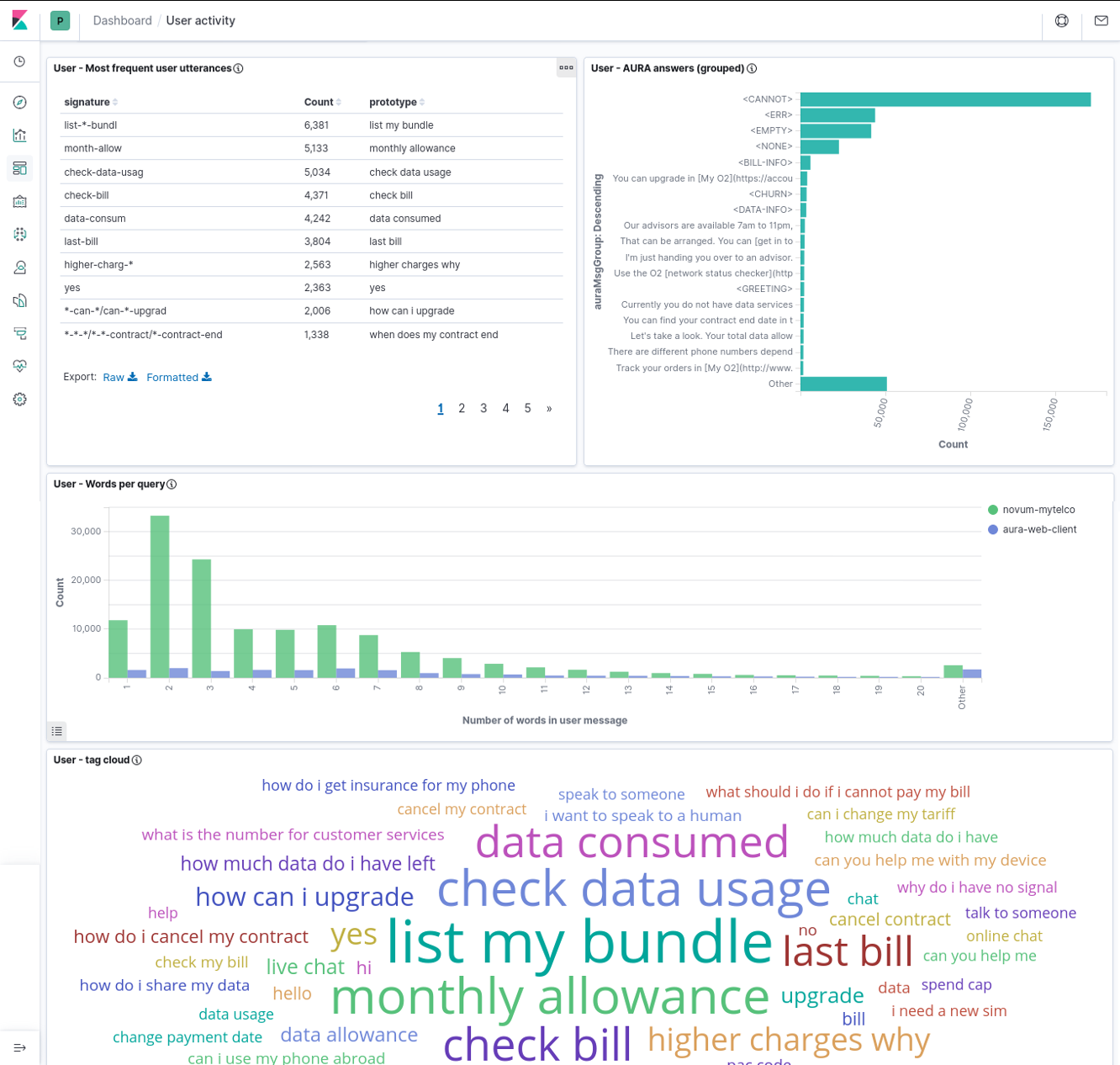 Figure 7. User dashboard
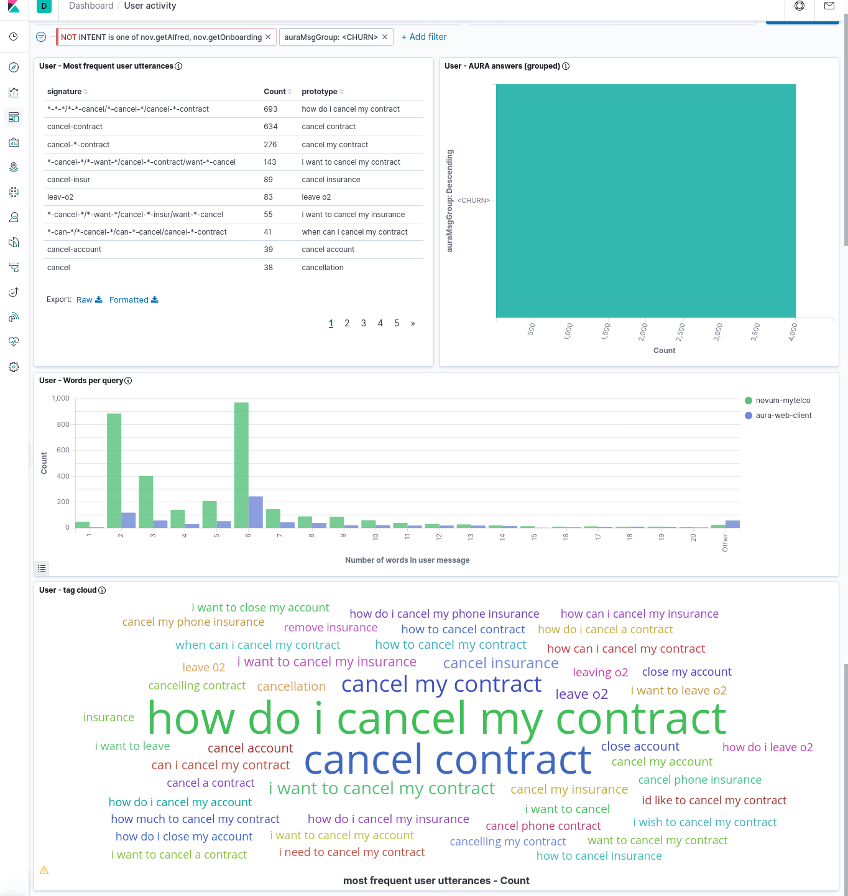 Figure 8. Example of Aura answer groups in the user dashboard
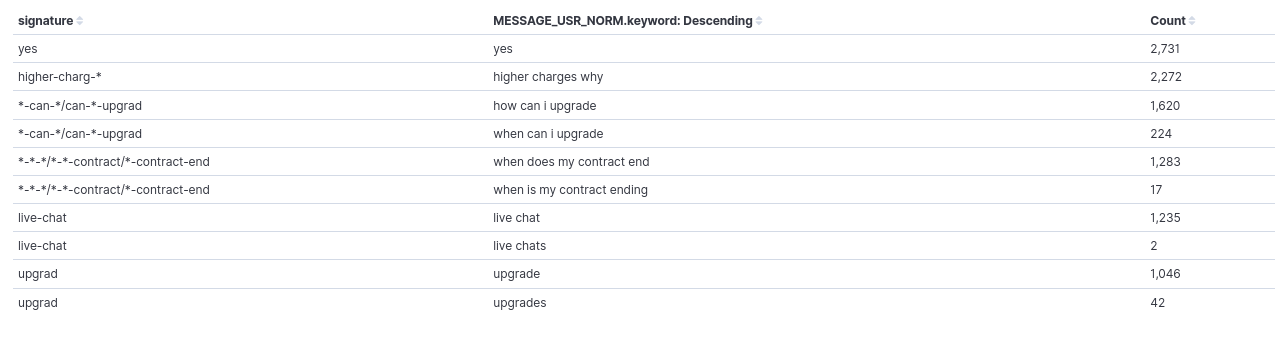 Figure 9. Message utterances generating the same signature